














You launch a referral program expecting your happy customers to bring in new ones, and at first, everything seems fine.
Then someone asks about a reward that never arrived, a coupon gets reused, and another team member wants to know which referrals actually converted.
What started as a simple word-of-mouth initiative quickly turns into a tracking and attribution headache. That’s where referral marketing software comes into play.
A good referral platform handles tracking, rewards, and attribution for you, so you don’t have to manage them manually.
Below, we break down the best referral marketing software based on where each platform fits, how it works in practice, and its pricing structure.
What Is a Referral Marketing Platform?
Referral marketing software is the system brands use to create, manage, track, and optimize customer referral programs. At a minimum, it should let you generate referral links or codes, manage the full referral process, reward both sides of the referral, attribute conversions, prevent abuse, and report on program performance.
The stronger platforms that can support a successful referral marketing program go further with A/B testing, segmentation, integrations, automated payouts, and loyalty or advocacy workflows.
Quick Overview of the Best Referral Marketing Software
To make the selection process easier, we’ve included a comparison table below so you can compare your options at a glance.
| Pricing | Best For (Industry) | Best Feature | |
| ReferralCandy | $39/month + 10.5% success fee | eCommerce and DTC brands | Unlimited referral and affiliate campaigns |
| Friendbuy | Custom quote | Mid-market and enterprise retail and eCommerce | One-click integrations with eCommerce tools |
| Talkable | Custom quote | Enterprise eCommerce and DTC | A/B testing suite with configurable reporting and preconfigured campaign templates |
| Referral Factory | $95/month | Startups, SMBs, SaaS | Template-based, no-code launch with webhooks/API and built-in rewards/payouts on higher tiers |
| Extole | Custom quote | Enterprise retail or customer-led growth | Refer-a-friend plus influencer, ambassador, loyalty, and welcome-offer programs |
| Yotpo Loyalty and Referrals | Custom quote | eCommerce brands that want referrals inside a retention stack | ROI dashboard, advanced analytics, and customer-level insights |
| Ambassador | Custom quote | B2B SaaS, eCommerce, enterprise advocacy programs | Referral, affiliate, partner, and employee program automation with advanced revenue attribution on Enterprise |
| LoyaltyLion | $199/month | Shopify brands and eCommerce retention teams | Shopify-native loyalty and referrals |
| ReferralHero | $249/month | SaaS, lead-gen businesses | Waitlists, contests, and referral campaigns |
| Referral Rock | $175/month | SMBs, B2B, professional services | Hosted member portal and referral lifecycle tracking with rewards for leads or new sales |
| Mention Me | Custom quote | Larger retail and eCommerce brands | Name Share, strategic A/B testing, predictive referral optimization |
What to Look for in Referral Marketing Software
Most referral marketing platforms look good at first. The trouble usually shows up later, when your team needs to explain results, track marketing productivity, localize the experience, prevent self-referrals, or connect referral campaign data to the rest of your stack. A strong tool should focus on the following.
Reward flexibility
You want more than one blunt instrument. A good referral marketing tool should support discounts, cash, gift cards, store credit, points, free shipping, and double-sided incentives. The more flexibility you have, the easier it is to match rewards to your margins, your audience, and your acquisition goals.
Referral tracking and fraud prevention
If the platform can’t help you distinguish a real referral from a self-referral or low-quality conversion, it isn’t helping much. Look for built-in fraud controls, referral validation rules, and approval workflows that prevent abuse without slowing down legitimate referrals.
Experimentation
The best referral programs succeed because someone keeps improving the share prompt, the incentive, the timing, the landing experience, and the approval rules. Your referral marketing software should make it easy to test and experiment, not lock you into a static setup.
Integrations
Your referral software needs to connect with your eCommerce platform, your Customer Relationship Management platform (CRM), email marketing, and analytics stack so referral data can actually inform your broader marketing and revenue reporting.
Reporting that marketers can actually use
If your dashboard only says “shares went up,” that’s not enough. Look for a referral platform that can show new customer acquisition, conversion rates, revenue contribution, reward costs, approval status, and customer-level activity, so you can tie performance back to actual business impact.
Fit by business model
Some referral platforms are built for eCommerce, while others work better for SaaS or lead generation. Some are primarily loyalty tools with referral features, and others sit closer to partner or advocacy infrastructure, extending a basic refer-a-friend program into a broader growth channel. The best platform is the one that matches how your business actually acquires customers and performs onboarding, and increases their lifetime value.
The Best Referral Marketing Software Platforms
On paper, most platforms look similar. However, once you know what to look for, choosing a referral platform becomes much easier. In practice, the differences show up in setup, integrations, reporting, and how well each one fits your use case.
Here are the best referral marketing software platforms, grouped by where they make the most sense and how they can help you track your marketing metrics and hit your KPIs.
1. ReferralCandy
Best for: eCommerce brands that want a dedicated referral tool with transparent pricing and a fast setup path.
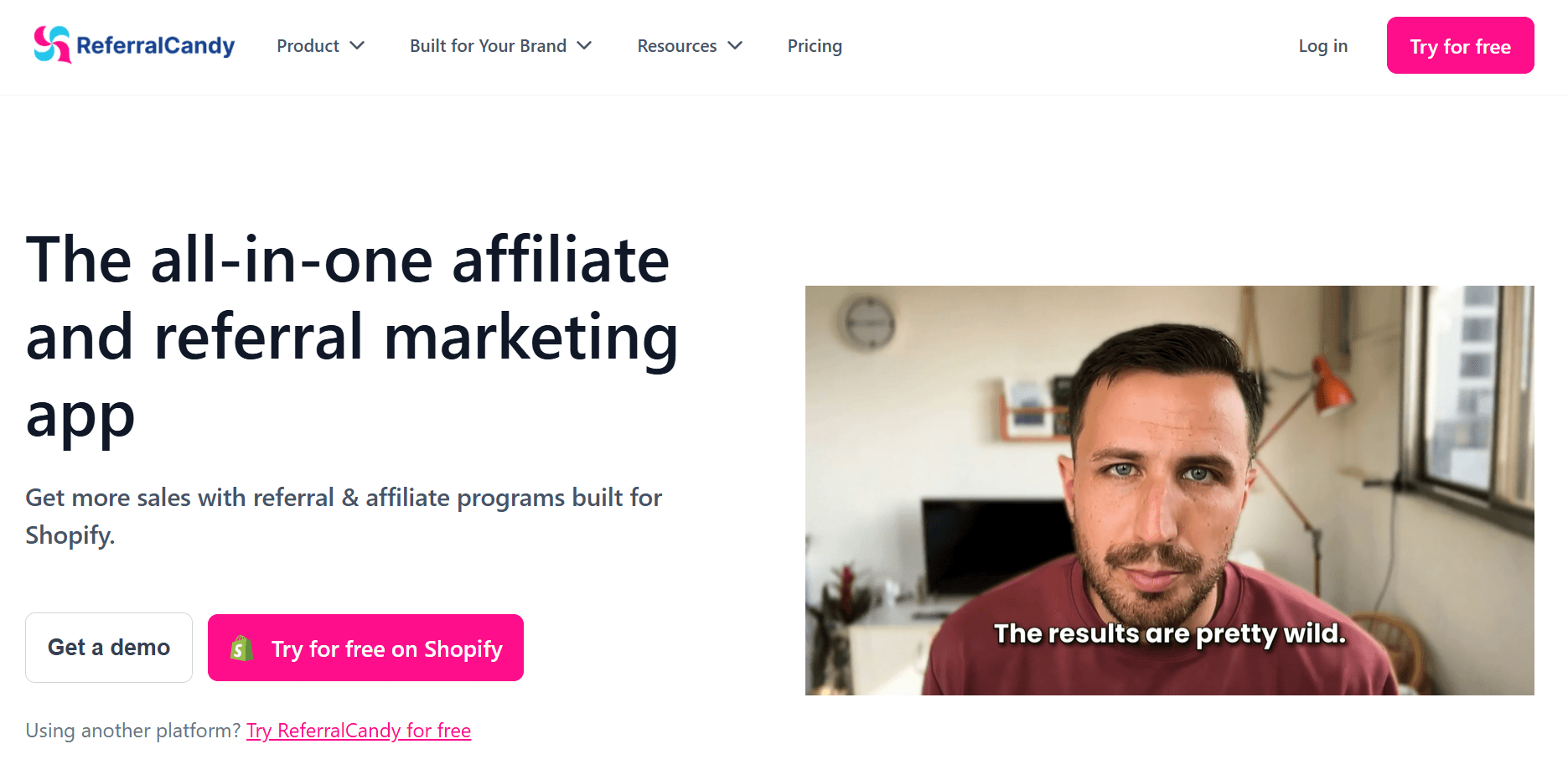
ReferralCandy is a strong fit for teams that want to get a referral program live without buying a broader loyalty or advocacy stack.
It covers the core referral workflow end-to-end, including referral and affiliate marketing campaigns, coupon-based rewards, cash or store credit incentives, fraud controls, reporting, and API access.
It also connects to a practical eCommerce stack, including ReCharge, Tremendous, Shopify, WooCommerce, BigCommerce, and Magento. User reviews consistently point to easy integrations and responsive support as strengths, which aligns with the product’s positioning as a straightforward eCommerce-first platform.
Best Features
- Unlimited affiliate and referral campaigns
- Custom coupon codes
- Cash and store credit rewards
- Fraud protection and management
- Full API access
- Integrations with core eCommerce tools (WooCommerce, Magento, Shopify)
Pros
- Easy to launch and manage for eCommerce teams
- Clear pricing compared to competitors
- Good fit for teams that want referral and affiliate campaign capabilities in one tool
- Strong support and integration experience
Cons
- Success-fee pricing may be hard to justify at higher referral volume
- Better for ecommerce than for complex B2B or offline referral flows
- Less suitable if you want loyalty, reviews, and referrals in one platform
Pricing: The Basic plan starts at $39/month plus a 10.5% success fee; Grow at $79/month plus a 3.5% success fee; Scale at $249/month plus a 1.5% success fee; and Enterprise at $799/month plus a 0.25% success fee. All plans include the same core feature set, so pricing mainly scales with referral volume and margin sensitivity rather than feature access. The vendor also offers a free trial for Shopify users.
2. Friendbuy
Best for: Mid-market and enterprise eCommerce brands that want customization and testing.
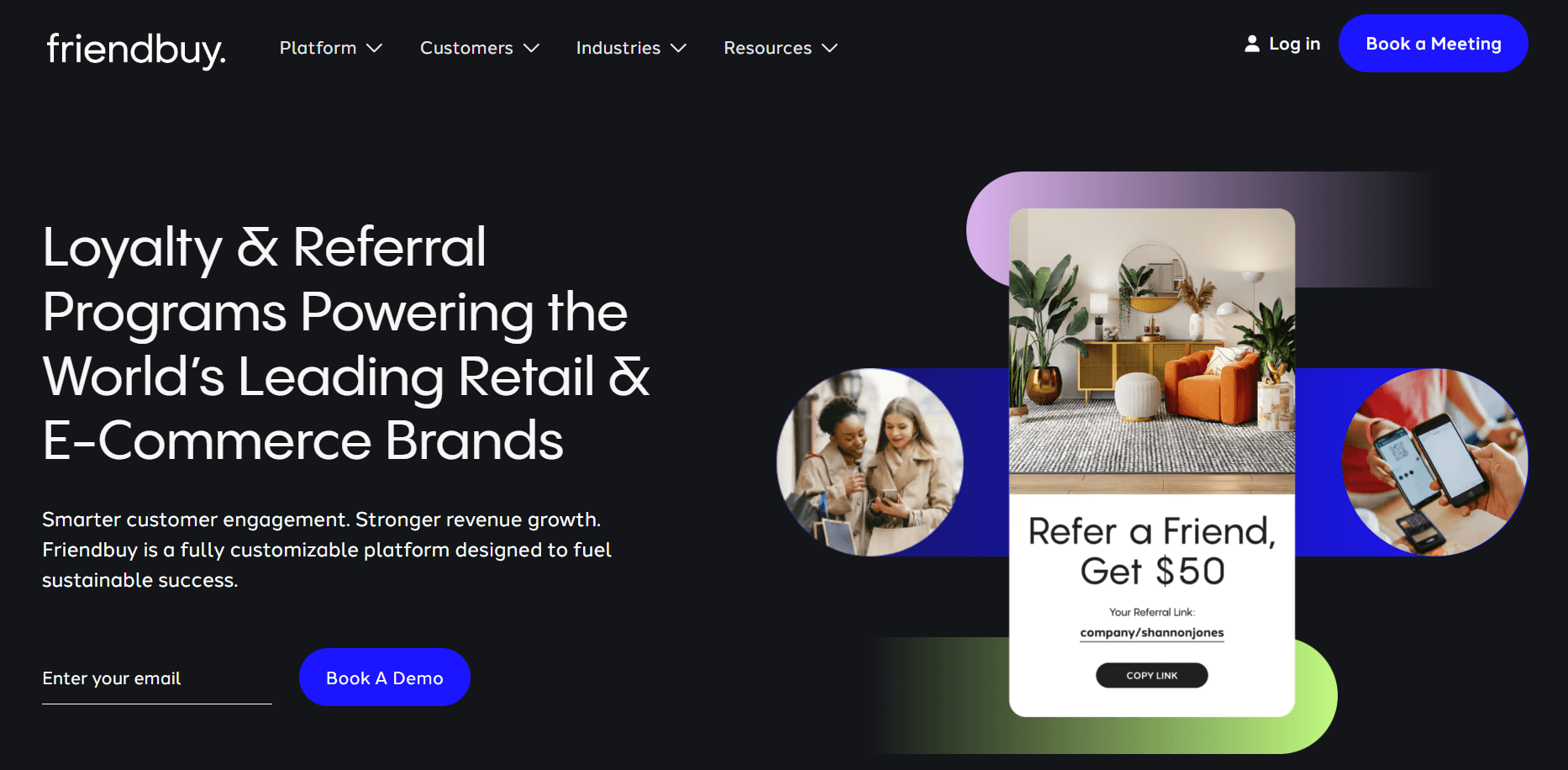
Friendbuy is better suited to teams that expect referrals to become a meaningful acquisition channel instead of a set-it-and-forget-it widget.
The platform focuses on branded referral and loyalty experiences, event-based triggers, analytics, and integrations that connect referral activity to the rest of the retention stack.
Its native ecosystem includes Shopify, Shopify Plus, Salesforce Commerce Cloud, Segment, Attentive, Braze, Iterable, and Recharge, with one-click integrations that reduce setup time. Recent user reviews are mixed but useful, as buyers consistently highlight support and ease of setup as positives, while some mention reporting limitations and integration friction depending on the use case.
Best features
- Widget builder
- Referral and loyalty program management
- Event-triggered campaigns
- Analytics and referral tracking
- API support
- Branded experiences
- Testing capabilities
Pros
- Better suited to customization than simpler plug-and-play tools
- Strong fit for eCommerce brands already using a mature retention stack
- Support team is a recurring positive in user feedback
- Easy enough to implement
Cons
- Too complex and feature-packed for smaller teams that just need a straightforward referral setup
- Public pricing is not available
- Some reviewers report limitations in reporting and data visibility
Pricing: Friendbuy doesn’t disclose its standard pricing on its main product pages, so you’ll need to request a quote and see whether it meets your business needs.
3. Talkable
Best for: Enterprise eCommerce brands that want referral marketing software built around testing, segmentation, and tighter program control.
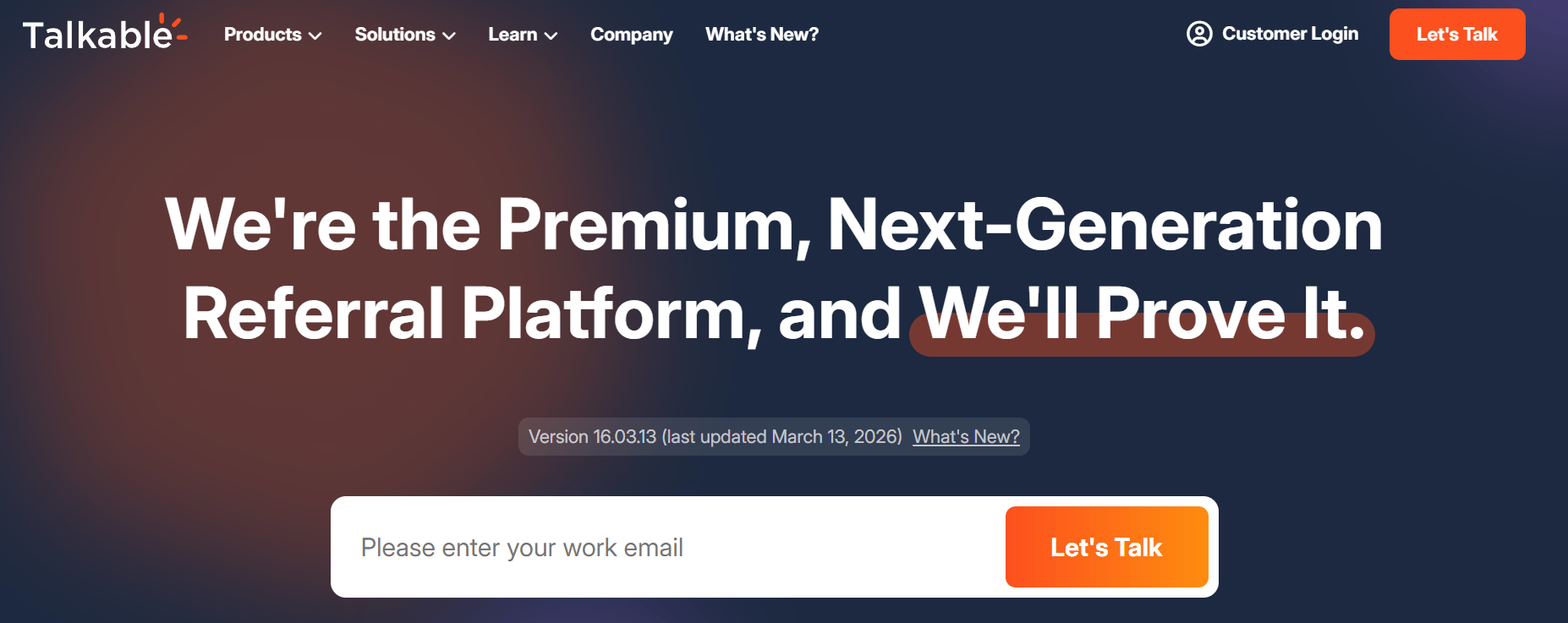
Talkable is a platform that prides itself on being a “premium, next-generation referral platform.” It’s ideal for teams that want more control over how their referral marketing program runs and plan to actively optimize it rather than launch it once and move on, with built-in A/B testing and configurable reporting designed for continuous optimization.
In addition to built-in A/B testing, the platform also supports segmentation, fraud prevention, post-purchase prompts, invite pages, floating widgets, product sharing, referral dashboards, and video referral formats.
It also integrates with platforms such as Shopify, Salesforce, Magento, Adobe Commerce, Attentive, and Tremendous. Review-platform summaries consistently position it as a better fit for brands with meaningful revenue scale and a need for hands-on optimization.
Best Features
- A/B testing
- Segmentation
- Fraud prevention
- Dashboard reporting
- Post-purchase and floating widget campaigns
- Product sharing
- Video referrals
Pros
- Strong integration ecosystem (Shopify, Salesforce, etc.)
- Broad campaign-format support
- Good option when referral and loyalty are managed together
- Designed to reduce ongoing engineering involvement for campaign changes
Cons
- Users report poor customer support
- Non-transparent pricing
Pricing: Talkable uses custom pricing. The company prices based on brand size and referral goals rather than fixed self-serve plans, so buyers should expect a demo-based sales process and plan sizing based on scale, complexity, and support requirements.
4. Referral Factory
Best for: Startups and lean marketing teams that need a referral marketing tool they can launch without engineering help.
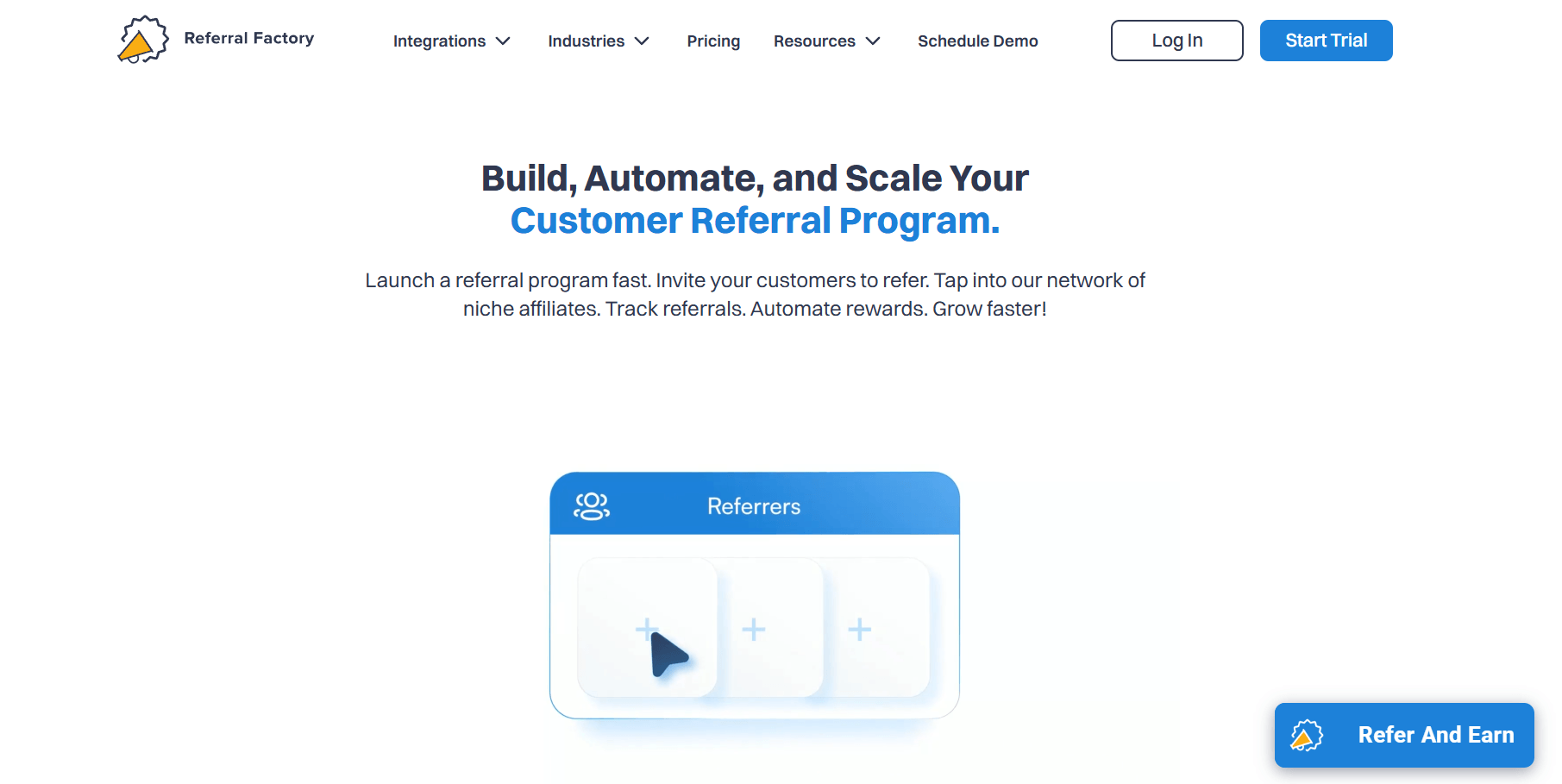
Referral Factory is a referral platform built for speed and simplicity. It lets you create and launch referral programs using pre-built templates, with minimal setup and no dependency on developers. The platform supports both referral and affiliate marketing use cases, making it flexible enough for different customer acquisition models.
You can build campaigns using a visual editor, embed referral flows into your site, and connect the platform to your existing stack through native integrations (Stripe, Zoho, Salesforce, etc.) or Zapier. Tracking, reward fulfilment and handling, and fraud detection are handled out of the box, which reduces the need for manual oversight.
It’s a practical option for teams that want to launch their referral program quickly and iterate without relying on developers.
Best Features
- Pre-built templates
- Visual campaign builder
- Embedded referral widgets
- Automated tracking
- Fraud alerts
- Wide range of reward types
Pros
- Quick to launch
- Broad integration support
- Multilingual customer support
- Easy to manage without technical resources
Cons
- Limited customization compared to enterprise platforms
- Clunky dashboard
Pricing: Referral Factory follows a tiered pricing model based on usage and feature access. The Starter plan begins at $95/month and covers 950 users and the basics for launching one referral program, including templates, referral tracking, and core integrations.
The Basic ($200/month) and Pro ($400/month) plans add more flexibility in terms of campaign volume, integrations, and reward options, while the Enterprise plan is custom and designed for higher-scale use cases, with expanded limits (100,000+ users), priority support, and more advanced capabilities. The platform also offers a 15-day free trial.
5. Extole
Best for: Enterprise brands that want referral software as part of a wider customer-led growth program.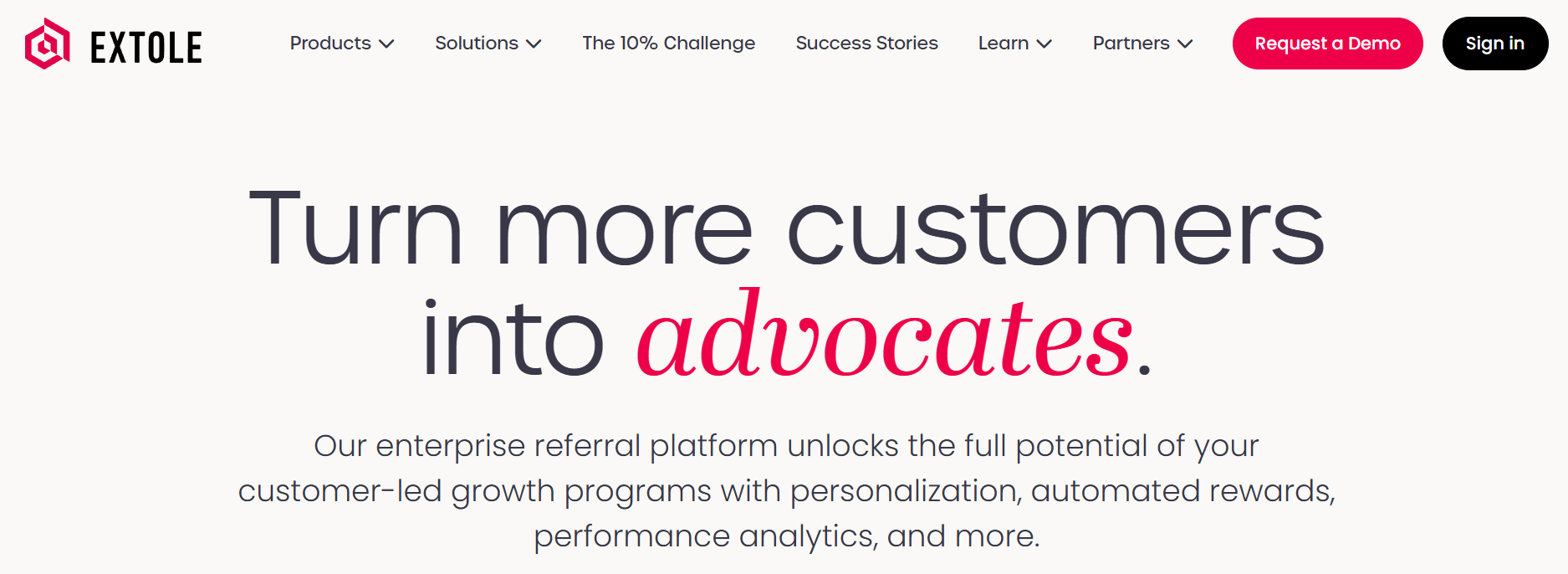 Extole goes beyond the standard refer-a-friend setup. Its platform covers referrals, engagement, loyalty, influencer, and ambassador programs, with built-in personalization, automated rewards, and performance analytics.
That makes it a stronger fit for enterprise teams that want one platform to support multiple advocacy motions. User and review-platform summaries also point to good customization, strong technical support, and a relatively seamless implementation experience for complex environments.
Best Features
- Referral, engagement, loyalty, influencer, and ambassador program support
- Personalization
- Automated rewards
- Performance analytics
- Enterprise-grade program management
- Developer-friendly implementation options
Pros
- Better fit than simpler tools for multi-program advocacy strategies
- Strong customization potential
- Good technical support according to recent review summaries
- Can support more complex enterprise use cases across channels
Cons
- No public pricing
- Likely too complicated for smaller teams
- Reporting may be complicated for new users
Pricing: Extole doesn’t disclose its pricing. For most buyers, that means the platform is best evaluated when you already know you need enterprise scope, broader customization, and support.
6. Yotpo Loyalty and Referrals
Best for: eCommerce brands that want referrals inside a broader retention stack.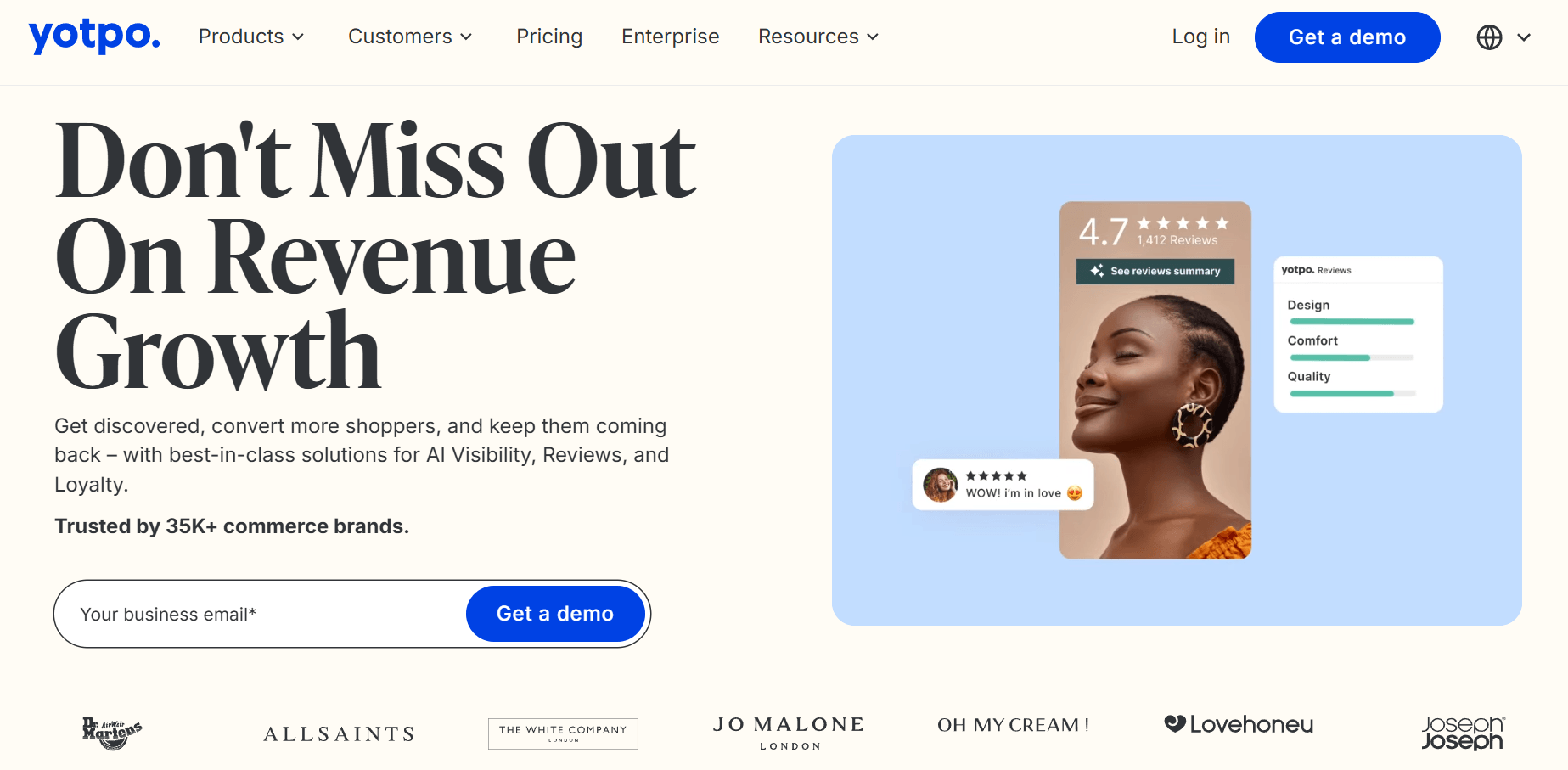 Yotpo makes the most sense when you aren’t buying referral software in isolation. Its loyalty and referral platform sits alongside reviews, SMS, email, subscriptions, and a broader eCommerce retention ecosystem.
The platform supports custom referral pages, intelligent popups, email promotion, ROI dashboards, customer-level activity tracking, and integrations with tools such as Recharge.
According to user feedback, the platform stands out for its ease of use, support, and the value of its integrated ecosystem. At the same time, though, reviews mention pricing as a concern for smaller brands.
Best Features
- Loyalty and referral program management
- Custom referral pages
- Intelligent popups
- Email-based referral promotion
- ROI and analytics dashboards
- Customer-level activity tracking
- Integrations across the wider Yotpo ecosystem, including Recharge
Pros
- Good option if you want loyalty, referrals, and retention tools connected
- Strong fit for eCommerce brands
- Generally easy to use, according to recent review summaries
- Support and integrations are recurring strengths in user feedback
Cons
- Pricing isn’t transparent
- May be more complicated than you need if referrals are your only goal
Pricing: Yotpo routes buyers through a demo-led pricing flow. That usually makes sense for brands evaluating multiple Yotpo products together, but it adds friction if you’re only trying to price a referral program.
7. Ambassador
Best for: Brands that want referral software plus partner, affiliate, influencer, or loyalty capabilities.
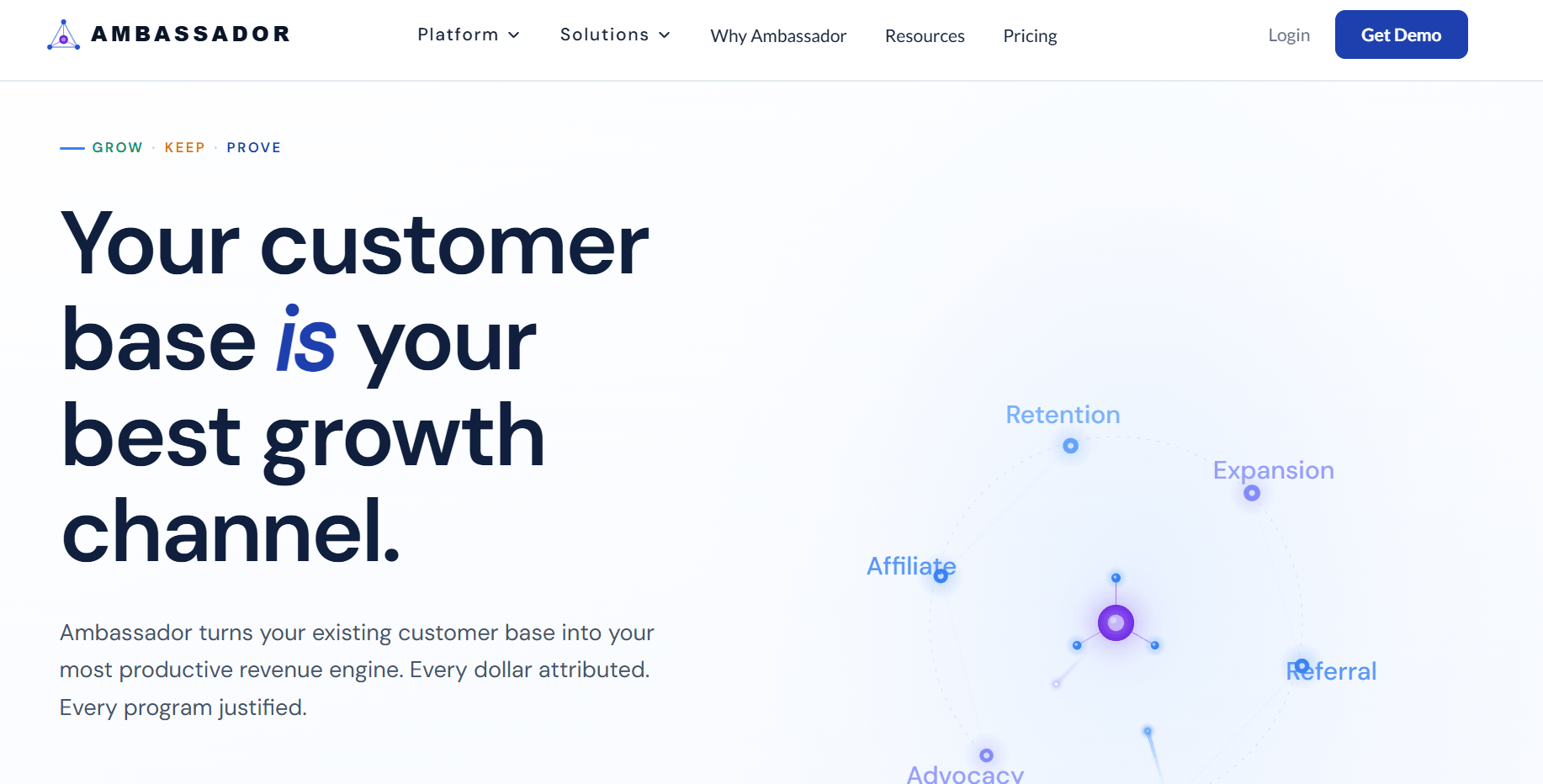
Ambassador is broader than classic referral marketing software. Its current platform positioning covers referral, affiliate, influencer, partnership, and loyalty functionality, with an emphasis on customer attribution, incentive management, reporting, and integration depth.
One of its clearest differentiators is the integration layer. The tool highlights two-way syncing across your CRM, Enterprise Resource Planning System (ERP), your Content Management System (CMS), email, SMS, product, and in-app environments, plus a Salesforce Managed Package. User reviews tend to praise ease of use, support, and customization, though onboarding can feel heavy depending on the team.
Best Features
- Referral, affiliate, influencer, partnership, and loyalty program support
- Attribution and reporting
- Incentive management
- Two-way data syncing
- Salesforce Managed Package
- Integrations across business systems and customer channels
Pros
- Better fit than referral-only tools for broader program strategies
- Strong integration story for larger organizations
- Good customization potential
- Support is a recurring strength in customer reviews
Cons
- No simple public pricing for the core platform
- Functionality can be too complicated for straightforward customer referral programs
- Onboarding may be more involved than lighter tools
Pricing: Ambassador’s referral and growth platform is sold through a custom pricing process. The company positions it for brands that need scalable infrastructure, complex data syncing, and multiple advocacy motions, so the real buying conversation is less about pricing plans and more about implementation scope.
8. LoyaltyLion
Best for: Shopify brands that want referrals tied closely to loyalty and repeat purchase strategy.
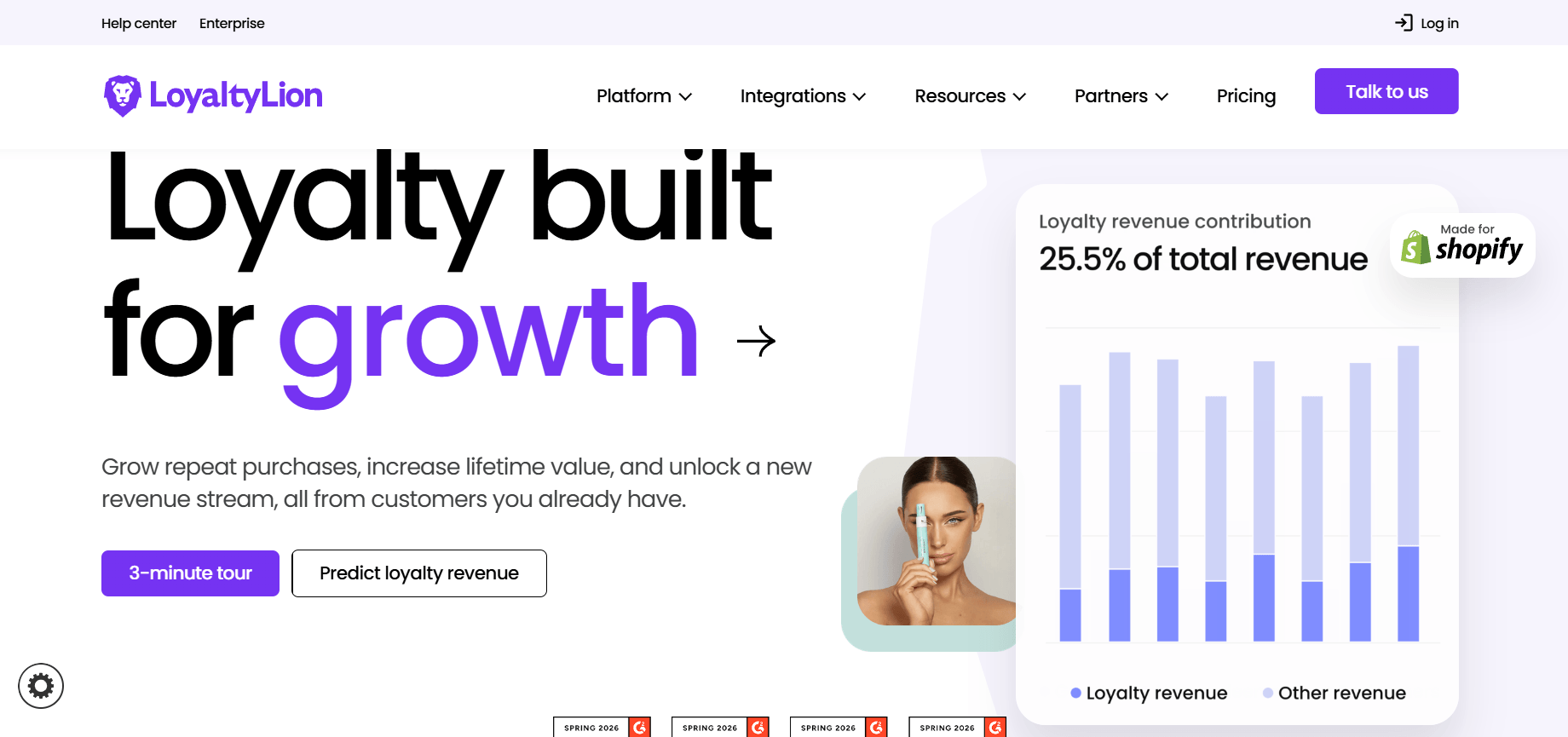
LoyaltyLion is strongest when referrals are one part of a broader loyalty program, not a standalone customer acquisition tactic.
The platform supports referral modules, shareable links, welcome experiences for referred friends, post-purchase and review-based prompts, top-referrer nurturing, and flexible rewards.
It also scales pricing by monthly order volume and is built specifically for Shopify brands. User reviews point to ease of use, strong support, and good customization. On the other hand, some users report the lack of deeper analytics or ongoing optimization help.
Best Features
- Loyalty and referral program management
- Referral modules and shareable URLs
- Post-purchase and review-triggered prompts
- Flexible rewards and a customizable reward structure with caps
- Top-referrer nurturing
- Shopify-native focus
- Integration with Klaviyo and subscription workflows on higher plans
Pros
- Strong fit for Shopify brands focused on retention
- Easy for teams to manage once implemented
- Support is widely praised in review summaries
- Good choice when you want one system for loyalty and referrals
Cons
- Limited fit outside Shopify
- Analytics depth may not satisfy every team
- Pricing scales with order volume, which can get expensive as stores grow
Pricing: LoyaltyLion uses a tiered pricing model based on monthly order volume and feature access. The platform offers three main plans:
- Classic – Starts at $199/month: covers 500 orders per month and includes core loyalty and referral functionality for smaller Shopify stores.
- Advanced – Custom pricing: adds more flexibility around customization, integrations, and program management.
- Plus – Custom pricing: designed for higher-volume brands with more complex requirements and support needs.
As you move up tiers, you get access to more advanced features, deeper integrations, and higher usage limits. Overall, pricing scales with store size and program complexity, which makes it predictable for growing eCommerce brands but potentially expensive as order volume increases.
9. ReferralHero
Best for: Startups, SaaS, waitlists, contests, and signup-driven referral campaigns.
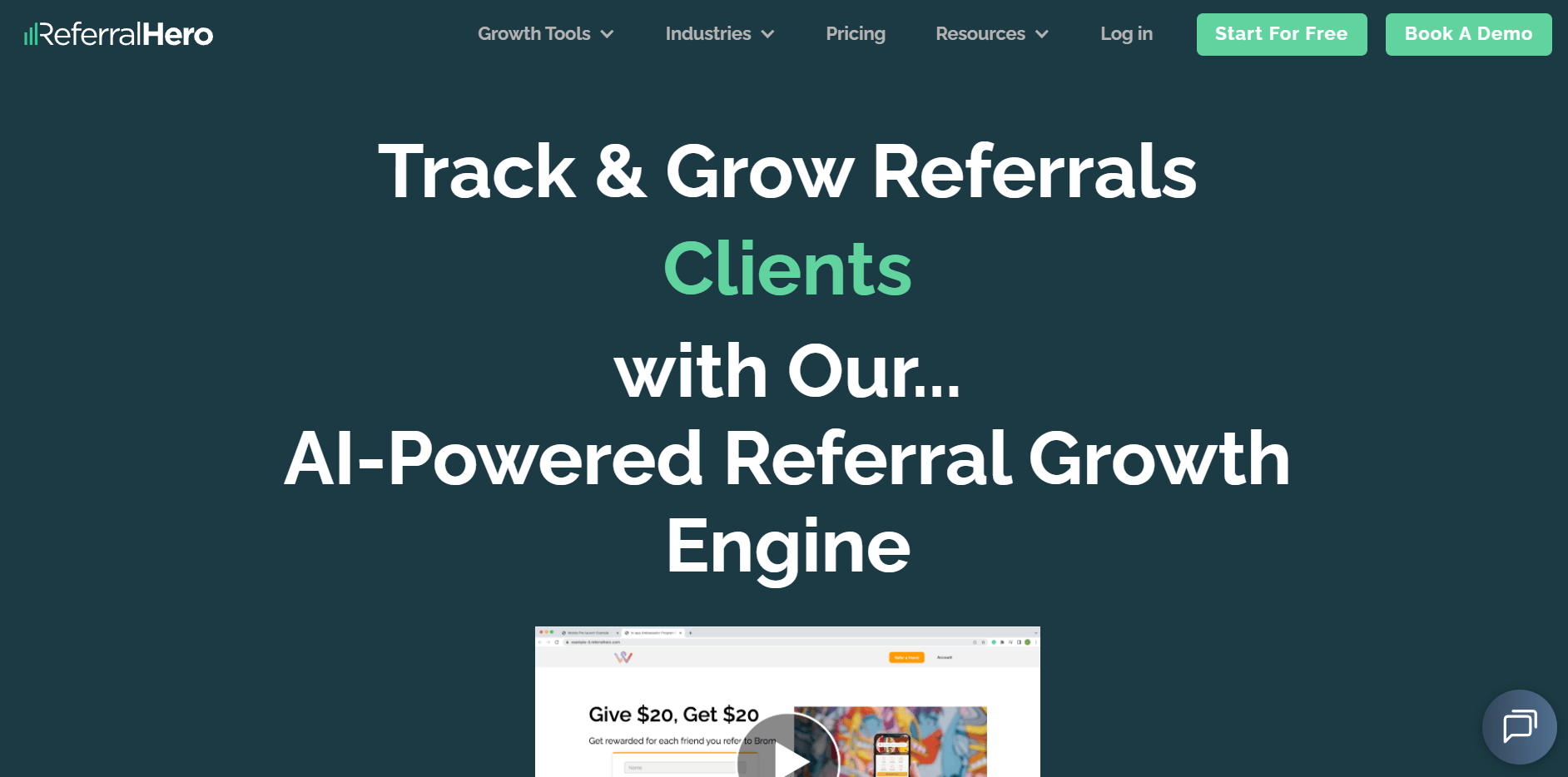
ReferralHero stands out because it isn’t locked into a typical eCommerce refer-a-friend model.
The referral marketing software supports waitlists, contests, and affiliate and referral programs, making it more useful for SaaS, product launches, newsletters, and lead-generation campaigns.
The pricing page highlights branding controls, analytics, integrations, Facebook Pixel support, anti-fraud, coupon codes, custom sender domains, API access, webhooks, and cash payouts. It also keeps the barrier to entry low with a free plan and a flat-rate structure rather than success fees.
Best Features
- Referral, affiliate, waitlist, and contest campaigns
- Analytics
- Anti-fraud controls
- Coupon codes
- Automation emails
- Email marketing integrations (Mailchimp, Moosend, ActiveCampaign, etc.)
- Cash payouts
- Facebook Pixel support
- Branding controls and custom sender domains
Pros
- Good fit for non-eCommerce referral motions
- Transparent pricing with a free plan
- Flexible enough for lean growth teams
- No developer required for standard setup
Cons
- Less naturally aligned to loyalty-heavy retail use cases
- Enterprise functionality depends on bespoke packages
- Some plan presentation on the pricing page is a little confusing
Pricing: ReferralHero’s paid plans start with Basic at $249/month, Pro at $399/month, and Pro + Done For You Service with custom pricing that includes full setup, strategy, and priority support. You can try the Basic and Pro plans for 7 days for free.
10. Referral Rock
Best for: SMBs, B2B teams, and service businesses that want a practical referral platform with transparent pricing.
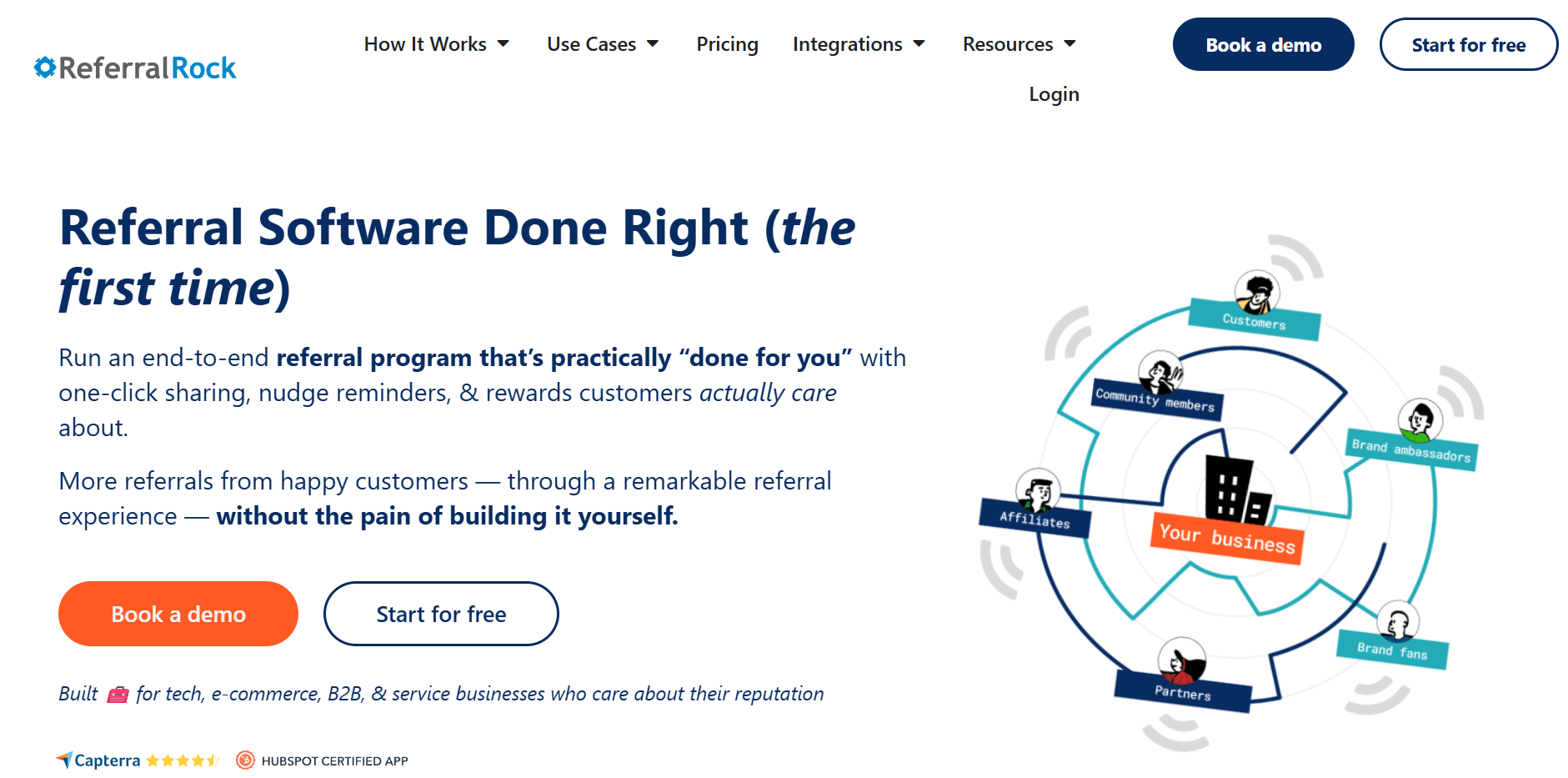
Referral Rock is a good fit for teams that want something more structured than a lightweight widget but less involved than an enterprise referral marketing software platform.
It supports end-to-end referral programs, hosted member portals, lifecycle tracking, landing pages, form tracking, CRM integrations, and payouts. Its integration library spans 50+ tools and supports both multi-step CRM-driven sales processes and more transactional flows. User reviews consistently point to ease of use, strong support, and solid integration value.
Best Features
- Hosted member portal
- Referral lifecycle tracking
- Hosted landing pages and form tracking
- Rewards for leads or new sales
- Gift card and cash payout options on higher plans
- API access
- 50+ integrations across CRM, eCommerce, email, forms, payouts, and automation tools
Pros
- Transparent pricing
- Useful for service businesses and B2B
- Strong support reputation
- Easy to connect to existing tools and workflows
Cons
- Overages can apply to referral volume
- Some add-ons are required for deeper CRM use cases
- Advanced flexibility is not as deep as more enterprise-focused platforms
Pricing: Referral Rock uses a tiered pricing model. Its Professional plan starts at $175/month, while Professional+ starts at $350/month. The lower tier covers the core program infrastructure, while the higher tier adds gift card options, cash payouts, support for custom domains, and a longer audit log.
Users should also note that overages may apply if monthly referral limits are exceeded, and guided onboarding is included with annual plans or available as a one-time paid add-on for monthly plans.
11. Influitive
Best for: B2B SaaS and enterprise brands that want referrals as part of a broader customer advocacy program.
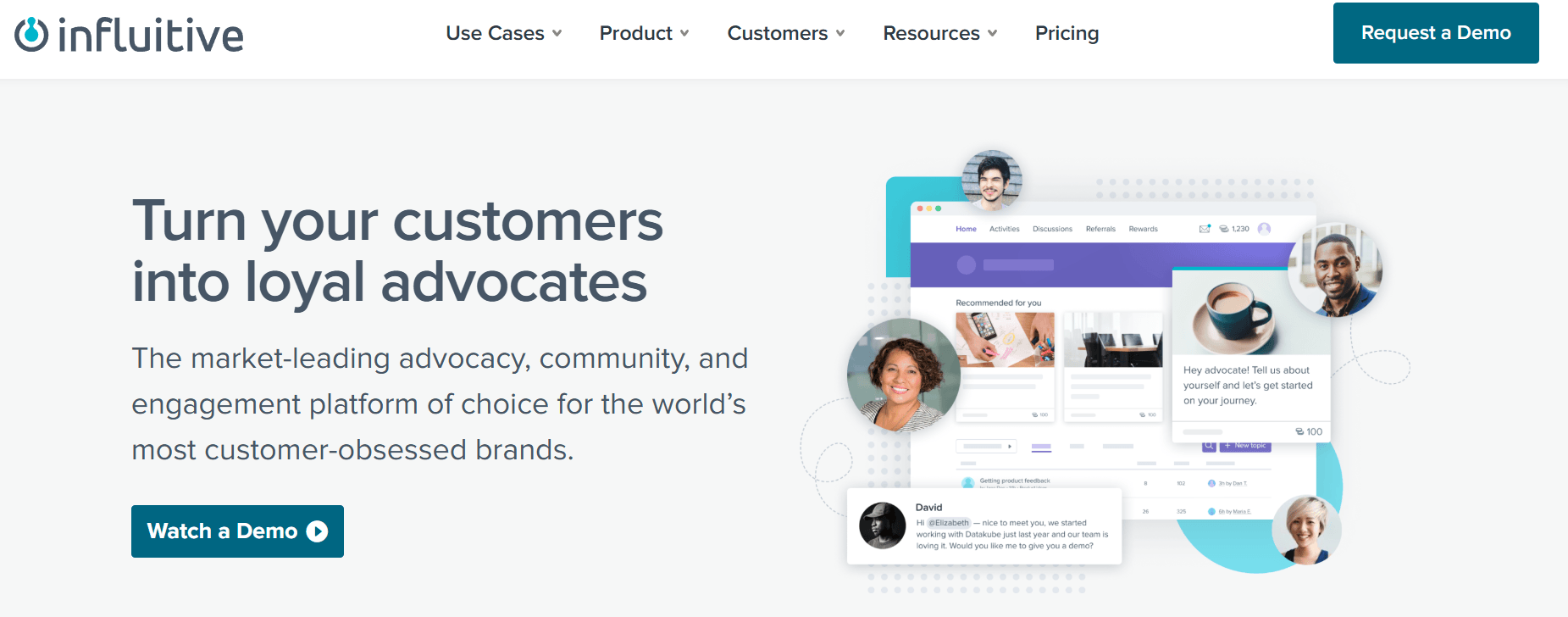
Influitive is built for companies that want to turn customer advocacy into an ongoing program covering referrals, references, reviews, feedback, onboarding, and community engagement. That makes it a better fit for B2B SaaS and larger organizations than for brands looking for a simple refer-a-friend setup.
The platform focuses on advocacy-driven engagement, with tools for personalization and targeting, loyalty and rewards, pre-built templates and campaigns, and analytics and ROI reporting.
If your team wants referral software that also supports customer marketing and advocacy at scale, Influitive is a strong option. If you only need a straightforward referral program, it is likely more complex than you need.
Best Features
- Customer advocacy and community platform
- Referral, reference, and review program support
- Loyalty and rewards
- Personalization and targeting
- Pre-built templates and campaigns
- Analytics and ROI reporting
- Community features such as discussions, moderation, knowledge base, ideation, and Q&A on the Digital Community plan
Pros
- Strong fit for B2B SaaS and enterprise advocacy programs
- Goes beyond referrals into references, reviews, and feedback
- Good option for teams that want advocacy and community in one platform
- Built to support ongoing customer engagement, not just one-off campaigns
Cons
- Not ideal for brands that only need a simple referral tool
- No public pricing
- A broader scope may add complexity for smaller teams
Pricing: Influitive uses a sales-led pricing model. Its pricing page shows two product paths, Customer Advocacy and Digital Community. Buyers need to talk with sales to get a quote based on scope, use case, and platform requirements.
12. Mention Me
Best for: Larger retail and eCommerce brands that use referral marketing as part of a broader customer advocacy strategy.
Mention Me focuses on customer advocacy, AI-powered referral optimization, personalization and omnichannel execution, including its Name Share feature, which allows referrals without links by using the customer’s name at checkout. The company also highlights that referral data can be pushed into broader automation and personalization workflows. This matters if referrals need to feed lifecycle, retention, and CRM programs.
User reviews consistently describe the platform as effective for acquisition and retention, with good support and generally easy management. However, some users mention interface complexity.
Best Features
- Referral and advocacy platform
- Personalization and omnichannel execution
- AI-powered optimization positioning
- A/B testing and performance improvement workflows
- Martech integrations for automation and segmentation
- Referral data activation across the wider customer stack
Pros
- Strong fit for brands treating referral as a real acquisition channel
- Better than simpler tools for broader advocacy strategy
- Support is a consistent strength in review summaries
- Can help connect referral performance to the wider marketing stack
Cons
- No public pricing
- More complicated than most smaller teams need
- The interface may take some getting used to for day-to-day users
Pricing: Mention Me doesn’t offer a standard subscription fee. As with other enterprise-leaning platforms, that usually means buyers should expect a consultative sales process and pricing based on scale, program design, integrations, and support requirements.
Ready to Make a Choice?
The best referral marketing software is the one that fits how your business actually acquires new customers and treats your existing customers.
Much like other marketing tools, choosing the right referral marketing software comes with nuance. Some teams need a lightweight tool they can launch quickly. Others need deeper integrations, tighter control, or a platform that connects referral experiences to loyalty, advocacy, or partner programs.
The mistake is choosing a provider that carries complexity you don’t need or skipping capabilities you’ll need six months from now. Start with your use case, your stack, and your reporting needs. The right shortlist usually gets clearer from there.
FAQs
Now, let’s answer some of the most common questions regarding referral program software.
1. What is the best referral marketing software overall?
There’s no single best referral marketing software for every business. For eCommerce-first teams, ReferralCandy is one of the strongest standalone options, while Friendbuy and Talkable make more sense for enterprise eCommerce, and Yotpo or LoyaltyLion work better when referrals are part of a larger retention system.
2. What is the best referral marketing software for eCommerce
For eCommerce, the strongest options are ReferralCandy, Friendbuy, Yotpo, LoyaltyLion, Talkable, and Mention Me, depending on brand size and whether you want standalone referral marketing software or a broader loyalty or advocacy platform.
3. Can small businesses use referral marketing software?
Yes. Referral Factory, ReferralHero, and Referral Rock are all viable options for smaller teams or simpler acquisition programs, especially when fast setup and transparent pricing matter more than enterprise complexity.
4. What features should referral marketing software include?
At minimum, look for referral links or codes, double-sided rewards, fraud prevention, integrations, reporting, and flexible reward controls. More advanced referral marketing software should also support testing, segmentation, customer-level activity tracking, and automated payouts.
5. What is the difference between referral marketing software and affiliate software?
Referral marketing software is usually built around customers becoming brand ambassadors by recommending a brand to friends, often with double-sided rewards. Affiliate software is more commonly built around leveraging an affiliate’s customer base, with ongoing promoter relationships, commissions, partner onboarding, and publisher-style tracking. Some platforms, like Ambassador and ReferralCandy, now blur that line by supporting both.
Unlike typical promotional or flash sales campaigns, some emails shift the focus from what you sell to what you stand for.
Celebrated on June 5, World Environment Day is one of the occasions on your marketing calendar where the goal isn’t just to drive conversions, but to foster a sense of belonging and change. However, scattering hollow slogans throughout your copy won’t cut it.
To help you make those campaigns meaningful, we’ve rounded up the best World Environment Day email examples from popular brands. Discover why they work and best practices you can use to follow their lead.
Restoring the planet, rebuilding trust
Ignite change with Moosend’s features from $9/month.
Start for freeWhy World Environment Day Email Marketing Benefits Businesses
World Environment Day isn’t what we’d call a “hard-sell” occasion. So, let’s see why it deserves a spot on your June email planner.
- Humanizes your business: Adopting green initiatives indicates that there’s more to your brand than “old-school” marketing. The values you share in your World Environment Day emails remind subscribers that there are real people behind the business, driven by a purpose they believe in.
- Increases brand loyalty: 64% of US respondents say they’re willing to pay more if the brand shares their values, while 84% will recommend these companies to their peers. So, identifying which environmental causes matter most to your audience is key to boosting customer loyalty.
- Raises awareness: Perhaps you think your offerings have nothing to do with the spirit of the day. Even so, there are plenty of ways to actively participate. For example, you can support an eco-conscious initiative or share tips on using your products in a sustainable way.
- Stands out from competitors: Almost every business sends an email on Black Friday or Christmas. But on World Environment Day, inboxes aren’t overflowing with promotions. That gives you a better chance to capture and retain attention with a message that feels different from what subscribers usually see on major shopping holidays.
- Drives engagement: Most consumers open a marketing email expecting a sales pitch. This day lets you flip that expectation and surprise them with educational content, planet-related facts, or stories about people protecting the environment. Such content can keep readers engaged longer, which often leads to more clicks and conversions.
Best World Environment Day Email Examples & Campaign Ideas
Before sharing your initiatives with your audience, check out our favorite World Environment Day email campaigns to get inspired.
Patagonia – Incite action
You can set an example by informing your subscribers about your environmental initiatives. But why leave them as observers when you can prompt them to join your mission?
The most common way to do this is to draw attention to the causes you support and show how your audience can be part of the change. For example, if you segment your audience by location, use your World Environment Day emails to let them know about local activities they could get involved in.
Keep in mind, though, that it doesn’t always have to be the same cause your brand champions. Also, pushing subscribers to commit to a donation shouldn’t be the only way to contribute.
Instead, offer alternative ways to make a positive impact, such as inviting them to volunteer or sign petitions.
Raising awareness also goes a long way. So, consider asking them to help spread the news about specific initiatives on their social media accounts.
Here’s how Patagonia’s email highlights the brand’s actions while inviting recipients to actively support their mission by joining their Action Works program.
Subject line: Time is never wasted defending what you love

Why it works:
- The subject line sparks curiosity while appealing to emotion, using words like “love” and “defend” to tap into subscribers’ values.
- The email copy invests in storytelling, connecting past and upcoming actions to emphasize the brand’s ongoing commitment to fight climate change.
- They leverage social proof (1,700 volunteering shifts) to prove tangible impact and persuade readers they’re joining an active, winning community.
- Although it’s a heavy-text email, the use of color contrast breaks up different sections and draws the eye to the primary CTA (subscribing to Action Works).
Cheekbone Beauty – Promote your commitment to sustainability
Keeping your World Environment emails educational is an excellent way to make them stand out from regular marketing campaigns. You can still promote sustainable products or services, as long as you keep this part secondary. Just ensure it fits the context and spirit of this special day.
This practice clicks if you sell eco-friendly products free of chemicals and made with biodegradable or organic materials. You can also use it if you invest in sustainable practices such as using recycled packaging or offering carbon-neutral shipping.
This will make your email feel less like a promotion and more like a step toward serving the planet.
What’s important is to be fully transparent about the origin of your ingredients and the impact of your practices. That way, your customers can immediately see how your brand makes a difference to the environment and their daily lives.
Like in the World Environment Day email example below, where Cheekbone Beauty focuses on the positive life change for recipients rather than the promotions.
Subject line: Clean Ingredients for a Cleaner Planet

Why it works:
- The before-and-after image is the first thing the recipient sees, visually demonstrating the product’s effectiveness.
- The CTA focuses on the benefit for the subscriber and includes a measurable percentage.
- The five-star reviews add authenticity and reinforce credibility.
- They analyze their commitment to using sustainable ingredients and lowering environmental impact in the email footer.
Outer – Donate to a cause
What if your company doesn’t fall under the previous categories? You can still show you care and ask environmentally conscious consumers to connect with you on a different level.
This connection happens when you share how you contribute to the “green” causes you support.
A common starting point is partnering with an environment-oriented nonprofit and donating part of your earnings to their mission. Your World Environment Day emails offer an excellent opportunity to spotlight these partnerships.
You shouldn’t leave it there, though. Let your subscribers know how they can take action themselves. One option is encouraging them to donate directly. Alternatively, send a promotional email, ensuring it specifies the percentage of sales you’ll donate.
If you aren’t sure which initiatives your subscribers feel strongly about, consider sending a survey email to gather input.
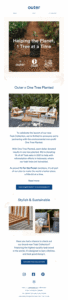
In the World Environment Day email below, Outer cleverly uses the launch of a product collection to announce their collaboration with an environmental nonprofit.
Subject line: We’re Saving the Planet, One Tree at a Time
Why it works:
- The subject line points to the problem of deforestation and the name of the collaborative brand.
- They use an “one dollar equals one tree planted” equation to help subscribers understand the impact of their contribution.
- The product itself is linked to the cause, as the affected area is where teak trees are harvested.
- The copy emphasizes that customers don’t have to sacrifice product quality or design for sustainability.
- They prioritize trust-building over the hard sell by placing the “Commitment to Sustainability” CTA first.
Want more insights about your audience’s preferences? By signing up for a Moosend account, you can build a preference center in a few steps. Subscribers can then tell you what they expect from your communications, allowing you to send more targeted emails.
Reel – Share eco-friendly habits
As the proverb says, “Rome wasn’t built in a day.” Change starts with adjusting our daily routines, and that’s another way to engage your customers through World Environment Day emails. Use your campaigns to help subscribers shift their mindset and opt for planet-positive solutions.
It might seem like this tactic only works for brands selling products that can be refilled, recycled, or reused. But even if sustainability isn’t your main selling point, you can still encourage customers to adopt more eco-conscious practices.
Here are a few examples:
- A furniture company shows its customers how to care for their products so they last longer.
- A restaurant teaches subscribers how to reduce food waste at home using the same tactics they apply in their kitchen.
- A fashion brand shares tips on extending clothes’ lifecycle, for example with cold-washing.
- A travel agency suggests tactics for environmentally-conscious traveling, like using public transportation when exploring destinations.
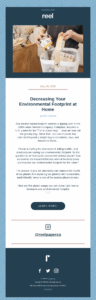
This is how Reel uses its World Environment Day campaign to motivate subscribers to replace plastic items with earth-friendly alternatives.
Subject line: How to Decrease Your Environmental Footprint at Home…
Why it works:
- The subject line offers value by promising actionable advice for a common consumer pain point.
- Storytelling and questions engage the reader and guide them naturally toward the email CTA.
- The email copy emphasizes how easy it is to apply changes immediately, making the process feel less intimidating.
WWF – Educate your audience
Sharing tips isn’t the only way to help subscribers understand environmental challenges. Find an issue relevant to your industry and go deeper with an educational email with must-know facts to raise awareness.
The most effective method here is email storytelling. While data adds credibility, stories connect.
Visual storytelling is even more powerful, making the message more digestible and engaging. So, consider using images and videos to show how environmental change affects real people, wildlife, and entire regions.
Another thought is to link to in-depth reports or case studies to add extra authority to your message. But even if you don’t have the resources to create it, you can still include key statistics to back up your claims.
If you opt for standard storytelling, avoid large text blocks and break up the content into smaller parts to improve readability. Also, you could make it more interactive with a short quiz at the end to let subscribers test what they’ve learned.
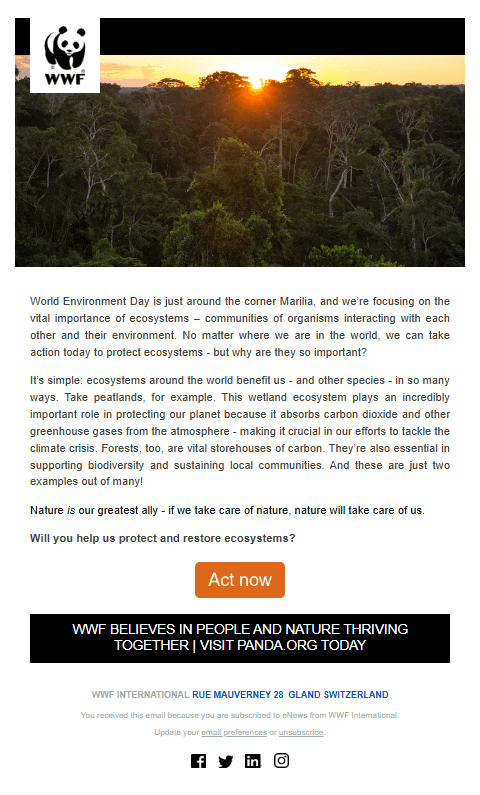
WWF keeps it simple in this World Environment Day email newsletter example prompting recipients to protect ecosystems.
Subject line: World Environment Day: help protect nature 🌍
Why it works:
- The stunning image of a forest at sunset instantly reminds readers of the beauty of nature.
- The brand adds the recipient’s name, prompting them to take the issue personally.
- They avoid complex terms, using straightforward language to explain the importance of ecosystems like peatlands in tackling climate change.
- The design uses white space and short paragraphs to ensure readability.
- The email footer leaves a lasting impression by highlighting the brand’s long-term vision.
Email Templates to Use on World Environment Day Campaigns
If you lack the experience or time to build an email from scratch, using a ready-made World Environment Day email template will save you the headache. You pick your favorite, and then tweak the design and copy to match your brand’s style and goals.
Below, you’ll find professionally-designed templates from Moosend’s library. To use them as your campaign’s starting point, just sign up for an account to access Moosend’s flexible drag-and-drop editor and built-in templates.
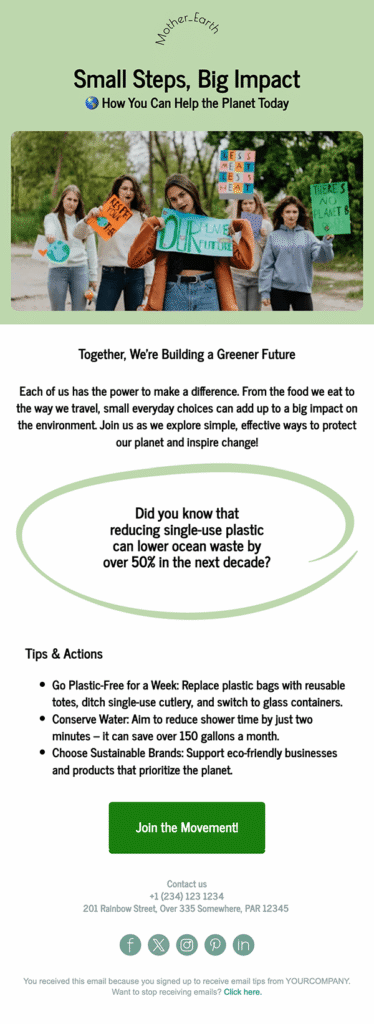
Earth Day email template
A clean email template with ample white space like the one below draws attention to your campaign’s core message and call-to-action. With it, you can showcase your sustainability mission.
For example, include videos and images from your volunteering efforts in action or highlight your initiatives to switch to renewable energy sources.
Eco-friendly promotion email template
This template is perfect for announcing a World Environment Day sale for products with organic ingredients. You can change the soft colors to match your brand’s style or use earthy tones to fit the day’s purpose.
If you offer a time-sensitive deal, consider adding a countdown timer to convince subscribers to act quickly.
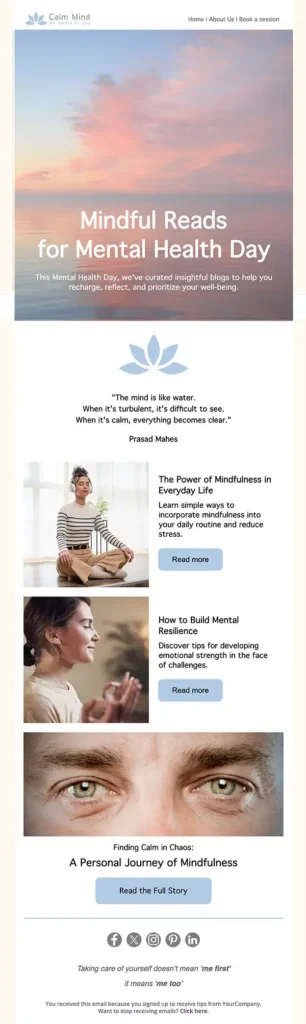
Earth awareness newsletter template
You can use Moosend’s mental health template to share resources that connect ecosystem health with personal fulfillment. Replace the images with infographics that tease key findings. Don’t forget to adjust the titles and copy and add action-driven CTAs like “Download Our New Report.”
Another option is to feature stories from people who have improved their mental health by taking action for the planet.
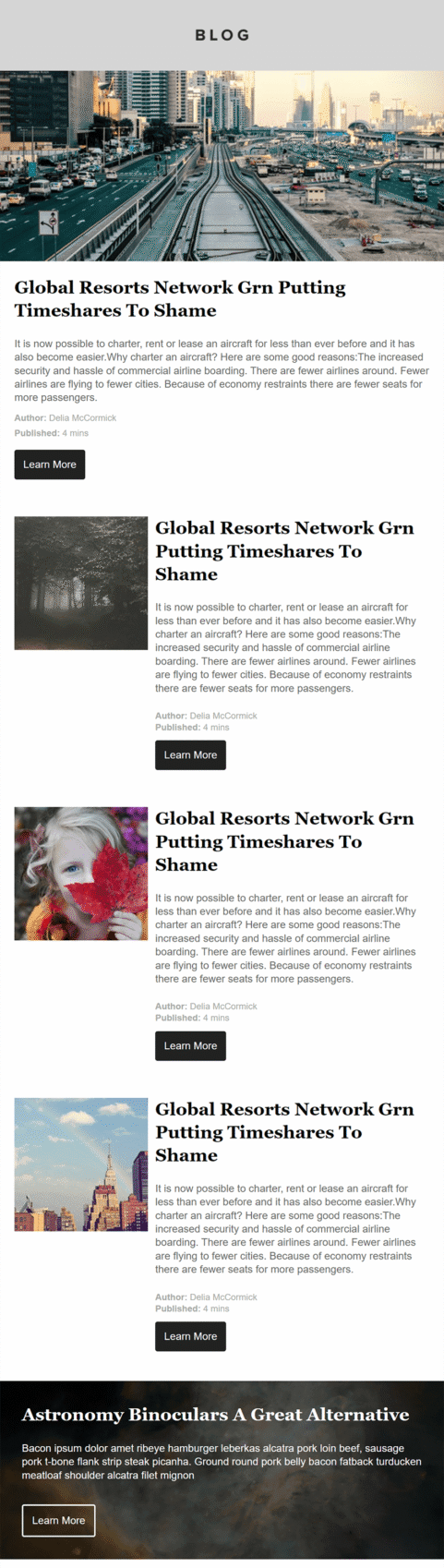
Blog newsletter template
Use this pre-designed template to deliver a curated collection of blog posts on environmental issues, sustainability practices, and volunteer stories.
Want to promote eco-friendly products? Just add high-quality images of the items and perhaps pair them with customer reviews to tap into the power of social proof.
Best Practices for Effective World Environment Day Emails
World Environment Day is an excellent occasion to engage subscribers. But that’s only if you do it right.
To help you get the most out of your campaigns, we put together a list of best practices to leverage during email creation.
Write spot-on email subject lines
Your email subject line is the first element your subscribers see, so it needs to stand out in inboxes full of promotions. The best way is to include “green” elements that signal this email serves a unique cause.
Some brands make it crystal clear by mentioning the international day in the subject line. But there’s the implicit approach, too. You can add relevant keywords, such as “environment” and “planet,” use an emoji, or reference the initiative you support.
What if there’s a promotion involved? Well, you don’t need to shout it in caps, exclamation marks, or through urgency-driven copy. Focus on value instead, letting recipients know why the product benefits both them and the planet.
Whatever approach you take, your World Environment Day subject lines should inspire action. So, make sure to lead with a verb to turn subscribers’ way of thinking from “I’d like to join” to “I’m rolling up my sleeves.”
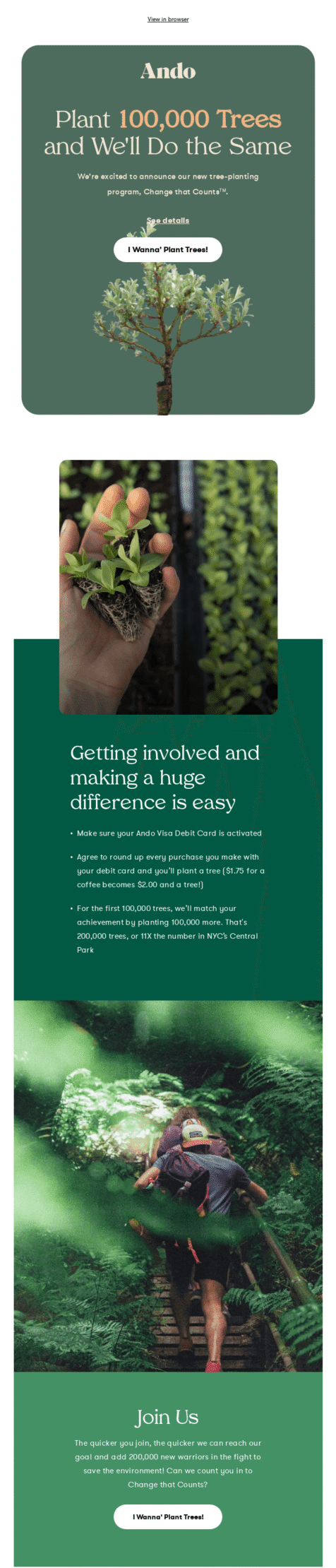
Just like Ando does with this subject line, which leaves no doubt about the email’s purpose:
Subject line: Help Us Plant 200,000 Trees
Use personalization tactics
World Environment Day gives brands a chance to cut through the noise. But this won’t happen if your email campaign sounds generic. To drive engagement and conversions, you need to reach the right people, specifically those interested in environmental issues and sustainability.
But how do you send messages that resonate with each audience group? Through segmentation. You can create segments using criteria like subscriber location, age, interests, and behavior.
Let’s say a recipient clicked a CTA to learn about the effects of drought and lives in a region suffering from it. Now you can segment them by intent and location and target them with content like water-saving tips or local relief efforts.
Similarly, if a subscriber browsed or purchased environmentally-friendly products, use conditional blocks to display different promotions based on their history.
To gain more insights and optimize your approach, send an email survey one or two months before the actual day to ask recipients about earth-related challenges that matter to them.
Alternatively, add a relevant field in your preference center so they can adjust their preferences.
Here are some topics you can include:
- Global warming
- Deforestation
- Urban pollution
- Habitat destruction
- Waste management
Using this information, you’ll deliver tailored updates that match each subscriber’s environmental priorities.
Lead with authenticity
Consumers can tell the difference between brands that take action and those that only take credit. This is why World Environment Day email campaigns can easily backfire if handled poorly.
One common mistake is lacking real-life data and results to support your claims. In this case, you fall into the trap of performative marketing. Another is using the campaigns to talk about a cause when it’s just a promotion in disguise.
If your company is environmentally active, include reports, numbers, certifications, and behind-the-scenes material that prove your efforts.
Support claims about eco-friendly products or sustainability practices with relevant visuals. For example, you can feature videos from the manufacturing process that demonstrate you’re reducing carbon-emission.
But if you haven’t engaged in similar activities so far, stay on the safe side by sharing environmental insights and guide your audience toward adopting eco-conscious habits.
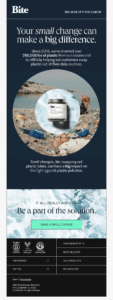
While Bite is known for its earth-friendly products, they don’t rest on their laurels. They share the numbers that demonstrate their commitment to removing plastic from the environment.
Subject line: Save 40%. Go plastic-free. Win-win.
Write purpose-driven email copy
As you can see in the email examples we shared, World Environment emails are usually non-promotional, aiming to drive engagement and raise awareness.
Your email copy should reflect that. Center your campaigns around purpose rather than the offer (even if you include one). Write in simple, natural language that informs and educates instead of finger-pointing or lecturing.
Your key objective is to provide context, highlight results, and tell real stories. This means there’s no room for vague slogans your audience has come across several times.
When it comes to overly promotional content, it’s better to wait for Black Friday to go wild with this tactic. You can throw in a promotion, but make sure it’s tied to the day, whether it’s to gather donations or encourage environmentally-conscious habits.
Lastly, it’s important to emphasize that your brand and your audience are in this together. Use an empathetic, positive tone that makes subscribers feel part of a larger community fighting the good fight.
Go green with your design
You know how Halloween is associated with orange and black? World Environment Day is green, brown, and maybe a bit floral. Adopting a natural color palette in your email design is one of the easiest ways to get subscribers into an “earthy” mood before they read the first line.
This doesn’t mean your layout should resemble the Amazon rainforest. Something as subtle as green-colored fonts or minimalist plant graphics is often enough to align the look and feel of your campaign with the day.
The goal isn’t a cluttered design that distracts readers from your message, but visual cues that complement it.
High-quality visuals also help you show tangible results. Use authentic elements, like videos of volunteers in action or before-and-after shots to prove your brand is more than just words.
On a final note, nothing says “I care about the environment” more than a clean, minimalist email design. Keeping visuals to a bare minimum reduces email weight, and, in turn, the energy needed to load and send your message.
Connect With Subscribers and the Planet
If there’s one thing the examples above have in common, it’s that they capture the spirit of World Environment Day and the need for change. This should always stay at the center of your campaign, no matter which approach you choose.
With a carefully crafted World Environment Day email and a clear goal in mind, you can build bonds that go beyond a one-off promotional campaign.
Once that connection is there, don’t let it fade until the next environment-focused holiday. Instead, make eco-centric emails an integral part of your strategy to show you take environmental responsibility seriously all year round.
To create polished “green” emails, Moosend offers tools that simplify the task. From a user-friendly email editor and pre-made templates to personalization and automation features, you can engage the right audience at the right time. Just sign up for an account and test them for free through the 30-day trial.
FAQs
Let’s review some common questions about World Environment Day emails.
1. What is World Environment Day?
It’s an international day celebrated on June 5 that aims to raise awareness about planet-related challenges. The ultimate goal is to encourage individuals and businesses to take action toward creating a healthier and more sustainable planet.
2. How often should brands send environment-focused emails?
Sending this type of campaign on World Environment Day makes perfect sense. What about the rest of the year? Ideally, brands should deliver similar campaigns throughout the year or include a dedicated section in their monthly newsletter. This approach helps maintain momentum and build credibility, compared to businesses that only show up on similar days.
3. Can B2B brands run effective World Environment Day emails?
Absolutely. The key is to focus on operational impact and highlight sustainable internal practices. B2B brands can also explain how their product helps other businesses save resources. For example, a project management platform could show how its infrastructure supports remote work, which, in turn, reduces emissions from unnecessary traveling to attend in-person meetings.
We all mess up sometimes. A missed deadline, a link leading to a 404 page, or a delayed shipment are just a few of the things that can go wrong in business. When we fail to acknowledge these errors, they can quickly turn into dealbreakers.
Thankfully, the right email campaign can help you make amends for any negative consequences you might accidentally cause. More importantly, you can maintain rapport during these moments by moving beyond a simple “I’m sorry” and toward “We’re fixing this.”
In this post, we’ll show you how to craft compelling apology emails that secure professional relationships when errors occur. We’ve also included examples and pre-made templates to help you get started.
When to Send Apology Emails
When should you consider sending an apology? Are there cases where you can skip them? Let’s start with the most common scenarios that require a sincere follow-up:
- Incorrect Information: A broken link or inaccurate details can hurt the user experience or damage your professional reputation. Sending a quick correction email can lower the stakes.
- Delays or cancellations: If you missed a project deadline or had to cancel an event due to unexpected circumstances, apologize and show that you value their time.
- Billing and invoice errors: Financial friction, such as overcharging or forgetting to send an invoice, should be corrected immediately, accompanied by a note that shows you take these issues seriously.
- Service outages: If your website or platform goes down, follow up with a brief explanation of what happened and reassure users that everything is back on track.
- Customer complaints: If you failed to support a customer effectively or in a timely manner, express regret for the inconvenience and offer a solution to rebuild trust.
- Interpersonal issues: Sometimes we unintentionally cross a line. If you’ve shared a harsh comment or overly critical feedback, a brief, sincere note can help make things right.
However, there are cases where you might feel like an apology is needed when it’s actually not. Apologizing for a minor typo, a necessary price increase, or simply setting professional boundaries can make you look “overly apologetic” for no reason.
The bottom line? If you feel guilty but no one was actually mistreated or misled, you can skip the email.
How to Create an Effective Apology Email
Let’s have a look at the apology email below:

Well, you just read an inadequate apology. Let’s see why.
First, references like “we apologize if” or “external factors” suggest that a business isn’t taking full responsibility for its mistake. Instead, they indirectly blame the reader for feeling upset or offer excuses. Not to mention, “for your own good” often comes across as passive-aggressive.
To avoid these traps, here is how to craft a professional apology email:
- Write a clear subject line: Get straight to the point with phrases like “We messed up” or “Update regarding your invoice.” A transparent subject line builds trust before the email is even opened and ensures your message isn’t ignored.
- Take responsibility: Use “I” and “we” to own your mistakes and avoid blaming others for the inconvenience. Admitting “We dropped the ball” is much more human and professional than blaming external factors, such as a third-party vendor.
- Explain what happened: Share a brief explanation of the reason behind the error without making excuses. Providing context (e.g., “Our server hit a capacity limit we didn’t expect”) helps the reader understand it was a technical error, not a lack of care.
- State your compensation: Mention what you’ll do to make things right, such as offering a refund or a discount for a future purchase. Actions always speak louder than words.
- Future-proof your process: Reassure readers that you’re taking precautions to prevent similar issues in the future. Mention a specific change, like “We’ve added an extra internal review step,” to rebuild confidence.
Another thing to consider is whether to use plain text or HTML. When these emails are sent as part of a larger email marketing initiative, marketers often prefer HTML to make them more interactive. However, when the message needs to feel personal and direct, plain text is usually preferable.
Best Apology Email Examples to Get Inspired
Ready to share your sincerest apologies without sounding fake or cringe-worthy? Check out the examples below before crafting your message.
Chocolate Alchemy miscommunication fix email
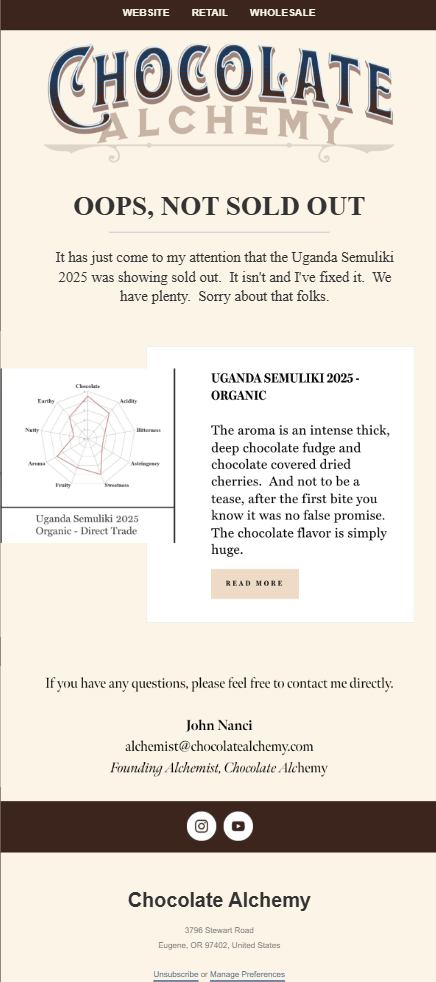
When the team at Chocolate Alchemy noticed that one of their in-stock products had been accidentally marked as sold out, they immediately notified their audience.
Subject line: Oops, not sold out
Why it works:
- The subject line grabs the reader’s attention quickly and clearly hints at the email’s purpose.
- Using the pronoun “I” and the founder’s email signature adds a layer of accountability to the message.
- They included a brief product description to help drive conversions from those who missed out.
- The founder expressed their availability to address any potential concerns or questions, further building trust.
Nordstrom’s item cancellation email
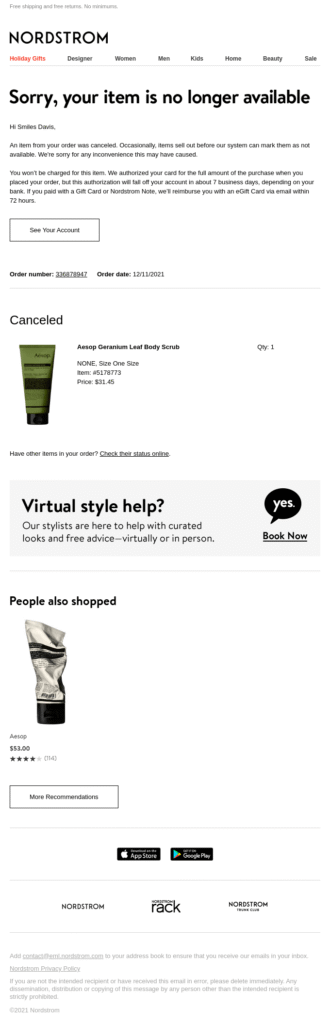
Nordstrom notifies customers who purchased an out-of-stock item that it was removed from their order with a detailed apology email. This tactic is also suitable for billing errors, as it maintains a high-quality customer experience.
Subject line: [Name], an item from your order was canceled
Why it works:
- The personalized subject line makes the message feel direct and less like a generic automated response.
- The apology is paired with a brief explanation of the system error, demonstrating the brand’s full responsibility.
- Including detailed information about the refund process immediately reassures the customer that their money is safe.
- Using a product image helps the customer identify exactly what was canceled, which is especially helpful for large orders.
MeUndies’ power outage apology campaign
MeUndies sent a sale extension email to make it up to customers and prospects who were unable to make a purchase while the site was down due to technical issues.
Subject line: Oops… You Broke the Site 😅
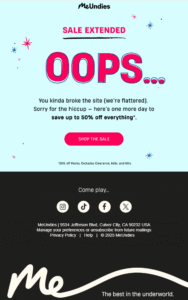
Why it works:
- The subject line is enhanced with an emoji that shows the “awkwardness” of the situation.
- The email copy reflects the brand’s signature sense of humor and a readiness to make things right, all while delivering a professional apology.
- They reassure recipients by giving them an additional 24 hours to purchase products at the discounted price.
- The CTA button invites users back to the website and directs them toward the checkout process.
Framebridge’s wrong email apology
When Framebridge accidentally sent an unsubscribe email to recipients who weren’t supposed to receive it, they reached out immediately to fix the error before users actually opted out.
Subject line: Our mistake
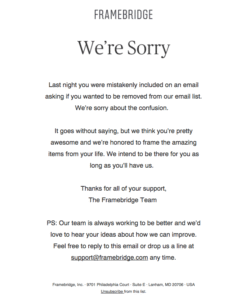
Why it works:
- The email intro leads with the apology, clearing the air, and stating the purpose of the message straight away.
- They explained exactly why the recipient received the incorrect email, followed by a sincere loyalty promise from the brand to the customer.
- They shared direct customer support contact information in case anyone needed further clarification.
Spartan’s humorous apology email
During the hectic Black Friday season, Spartan realized the coupon code they shared wasn’t working. Naturally, they had to act fast to restore lost revenue.
Subject line: Oops, We Made a Mistake (and We’ve Fixed It)
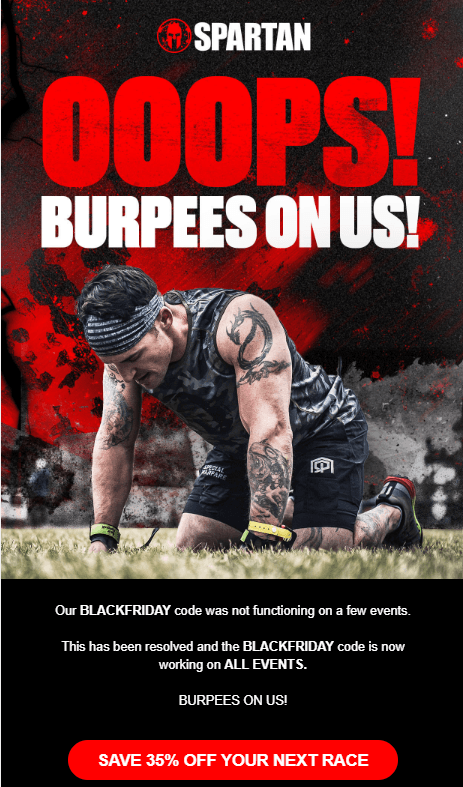
Why it works:
- The subject line doesn’t just inform recipients that a mistake was spotted; it also confirms that it has already been resolved.
- With the phrase “Burpees on us,” they take responsibility for the error in a hilarious, on-brand way that resonates with their fitness-focused audience.
- The CTA button directs readers straight back to the website to claim their deal, removing any friction.
Do you think a funnier apology approach better suits your brand and email intent? Feel free to customize this Moosend template using the elements shared in the previous section to craft your email apology without wasting time:
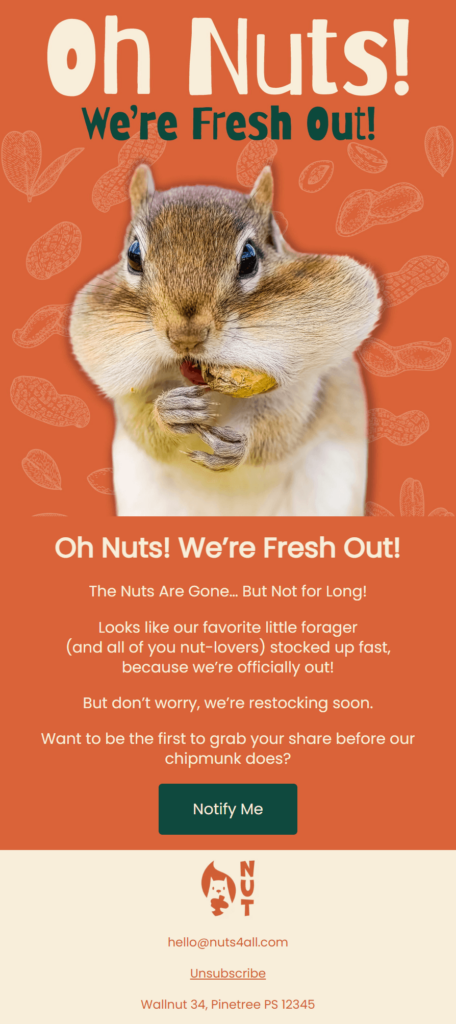
Pre-made Apology Email Templates To Save Time
Interested in making up with your customers or colleagues? Here are some ready-made apology emails you can easily customize for your needs. You can also use tools such as Moosend’s AI writer to find the right tone based on your brand guidelines:
Wrong information apology template
Subject line: Correction: The right link is inside!
Hi [Name],
I’m reaching out because I just sent you an email regarding [Topic], but I included the wrong link [or wrong date/price]. I’m sorry for any confusion this may have caused.
Here’s the correct information:
Link/Date: [Insert correct info here]
Update: [One-sentence explanation, e.g., ‘The previous link led to an expired page.’]
To make it up to you, I’ve extended the [Deadline/Offer] by an extra 24 hours to ensure you have plenty of time to check it out.
Thanks for your patience!
Best,
[Your Name]
Event cancellation email sample
Subject line: Apologies: Rescheduling [Meeting Name]
Hi [Name],
Please accept my apologies, but I need to reschedule our meeting today at [Time].
An urgent [internal issue/personal matter] has come up that requires my immediate attention.
I know you’ve set aside time for this, and I want to make sure we stay on track. Below is my calendar link, or I’m free at these times tomorrow:
[Option 1]
[Option 2]
Please let me know which works best, or feel free to book a slot that suits you. I look forward to catching up then.
Best regards,
[Your Name]
Technical issues apology email template
Subject line: Service Restored: We’re back up and running
Hi [Name],
I’m sincerely sorry for the service outage you experienced earlier today. I know how much you rely on [Product Name] to keep your business moving, and we failed to be there when you needed us.
- What happened: A power failure at one of our primary data centers took our systems offline for [Duration]. While we have backup systems in place, they didn’t trigger as quickly as they should have. That’s on us.
- How we’re making it right: Our team has fully restored all services, and your data is safe.
- Preventing this in the future: We’re currently auditing our protocols and adding [System] to ensure a single point of failure never stops your work again.
Thanks for your patience. Feel free to reach out to our team if you have any concerns.
Kind regards,
[Your Name]
[Title]
Customer service apology email template
Subject line: I’m sorry for the delay regarding your order [Order number]
Hello [Name],
I’m sincerely sorry for the late response regarding your shipment. You reached out with an urgent request, and I didn’t get you the answers you needed.
- What happened: We’ve had a higher volume of inquiries than usual this week, and your message took longer to reach my desk than it should have.
- The update on your shipment: I’ve personally looked into your order, and it’s currently [Status]. You can track it directly here: [Link].
- How I’m making it right: Because I kept you waiting, I’ve refunded your shipping costs.
I’m also working with my team to improve our “urgent” flagging system so we can respond to priority questions like yours much faster in the future.
Thanks for your patience with us,
[Your Name]
[Company Name]
In-person apology letter template
Subject line: About our conversation yesterday
Hi [Name],
I wanted to send a quick note to apologize for the comment I made during our [Meeting/Conversation] yesterday. Looking back, I realized I was too blunt, and that isn’t the way I want to communicate with you.
I let my own stress about [Project/Deadline] get the better of me, and I took it out on the conversation. That wasn’t fair to you.
I really value your input on [Topic], and I want to make sure we keep a space where you feel comfortable sharing it. I’m going to be more mindful of my tone moving forward.
If you’re up for it, I’d love to grab a quick coffee or chat for five minutes today just to clear the air and get back on the same page.
Best,
[Your Name]
Apology Email Best Practices
Here are a few more pro tips to streamline good apology emails.
1. Add empathy to your apology
Every mistake has consequences. Whether it’s a delayed deliverable with a tight deadline or incorrect information that confused your customers, partners, or teammates, don’t just apologize for the error; acknowledge the impact. Using an empathetic tone helps you craft a much more effective apology.
While some companies hide behind a collective “we,” using “I” is often better for building empathy. Having a specific person sign the email makes the message feel more human and personal. Instead of “We’re working on it,” try: “I am personally overseeing this issue to make sure you get what you need by the end of the day.”
Moreover, remember that many mistakes carry an emotional cost. Reflecting on the stress or annoyance the recipient might be feeling shows that you’re truly aware of the situation. Avoid a dismissive “sorry,” which can often do more harm than good. If you’re stuck, feel free to use an AI writing assistant to double-check your tone before you hit send.
2. Match the email length to the loss
How long should an apology be? A simple rule of thumb: the bigger the mistake, the longer the email. Over-apologizing for a minor slip-up, like sending the wrong link to a blog post, can come across as “cringe” or unprofessional.
On the flip side, for significant errors like a major service outage, it’s important to go into more detail. In these cases, you should provide a clear explanation and outline exactly what you’re doing to prevent it from happening again.
In a nutshell, respect your readers’ time by keeping your apology proportional to the trouble.
3. Send a second-day follow-up
Sometimes, a single apology email is enough. Other times, it’s best to check in the following day to ensure everything is under control. This is especially important if you work in customer service or partnerships.
For example, a quick note like, “Just checking in! Is everything working as expected on your end now?” can go a long way. In certain cases, failing to reach out again might make recipients feel that your only goal was to “close the ticket” and get back to your own workflow, rather than truly resolving their issue.
4. A/B test your subject line
To ensure recipients actually open your email and read the apology, you need a powerful subject line that gets straight to the point. Failing to do so can block the path to making amends.
Before hitting “Send,” use split testing to find the subject line that yields the best open rates. By testing variations on a small segment of your list, you can ensure the rest of your subscribers receive the version that resonates most with your audience.
5. Never use a no-reply address
Sending an apology email from a no-reply address is a massive red flag. Ensure the From field is a real person’s email address and monitor the inbox to respond quickly to follow-ups.
Nothing feels more awkward than implying to a customer, “We’re so sorry, but please don’t talk back to us.” To show accountability, keep the communication channel open.
Don’t Just Say It, Mean It
Apologies are trust-building tools. Some brands use them to end a conversation, but the best ones use them to restore a partnership. Anyone can type “I’m sorry,” but few follow up with a concrete change.
To truly mean it, stop focusing on the mistake and start focusing on the person it affected. Prioritize their time and peace of mind over your own reputation to truly connect.
Own the mess, make it right, and move forward together.
FAQs
Let’s see some frequently asked questions regarding apology emails:
1. What are the 5 R’s of apology?
The 5 R’s of a sincere apology include: expressing regret, taking responsibility for your mistake, showing rationale through excuses, committing to repentance, and repairing what you caused. Actions speak louder than words.
2. Is it okay to use humor in apology emails?
It depends on the error you’re apologizing for and your existing brand tone. If it’s a minor one you can make amends through humor, but if the consequences are bigger stick a professional tone. In any case, make sure that the apology takes more space than a joke.
3. How do I know if the apology actually worked?
Based on the email type, an apology was efficient through a timely response accepting your apologies. For marketing-related apologies, open and click-through rates can pinpoint that your relationship with the customer or prospect remains on good terms.
When subscribers stop opening emails, or customers stop buying, the usual response is to send a reminder, a discount, or a “still interested?” message.
Sometimes these emails bring a few people back. More often, though, they sit in the inbox, ignored, deleted, or even marked as spam. So why does this happen? Aren’t re-engagement emails supposed to solve disengagement?
The reason is simple. Re-engagement campaigns try to repair a relationship that has already started to fade. By the time a contact enters a win-back flow, the problem is usually weeks or even months old.
That’s why re-engagement emails fail. They rarely address the real issue. Instead, they tend to reveal that something in the customer experience has already gone wrong.
Re-engage before they drift away
Improve your re-engagement strategy with smarter targeting and timely emails.
Try MoosendWhy Re-engagement Campaigns Miss the Mark
Re-engagement emails aren’t inherently bad. In fact, they can be a powerful tool for recovery. However, issues such as late outreach and generic messaging often make it harder to truly win back lapsed customers or address the underlying problem that caused inactivity.
So why shouldn’t you solely rely on re-engagement campaigns?
1. Most win-back emails arrive too late
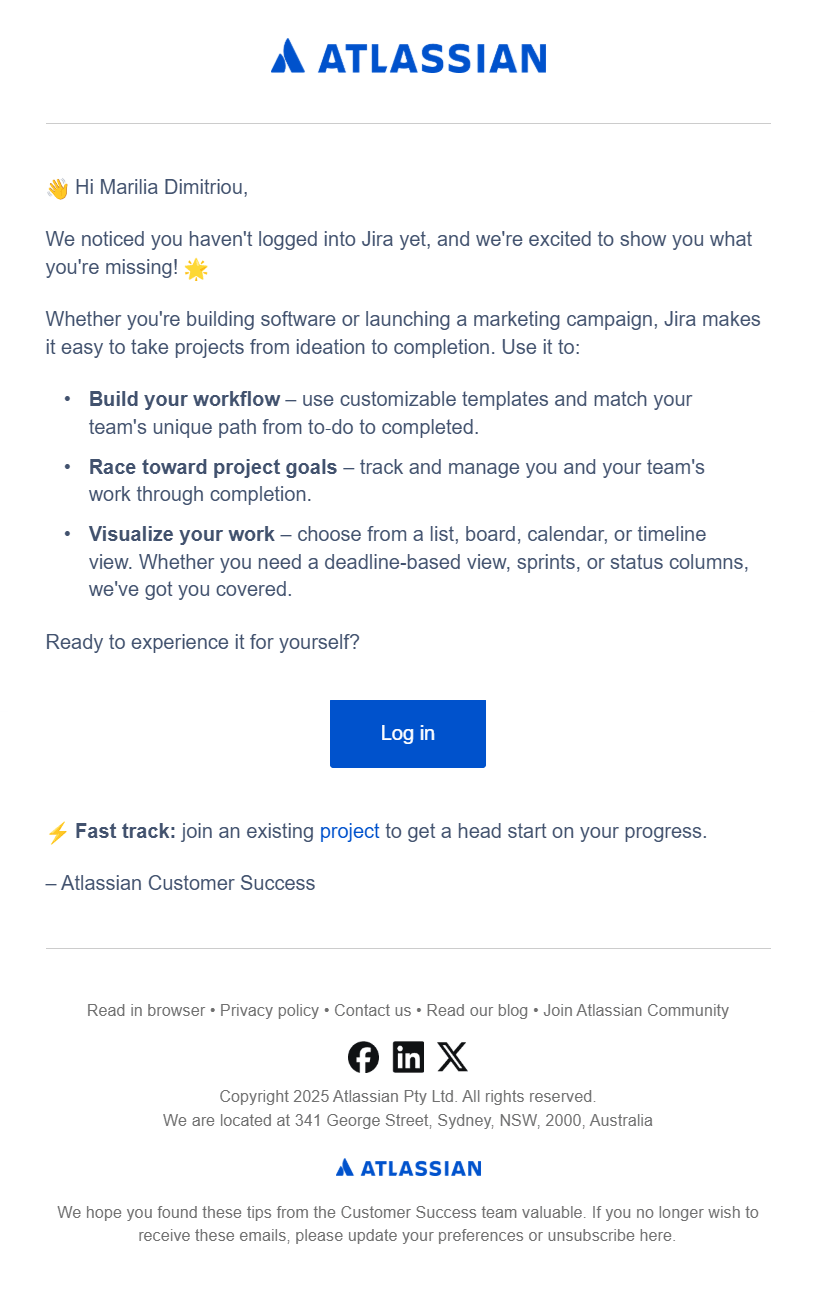
Usually, re-engagement messages start after a fixed period of inactivity. For instance, a SaaS company may trigger a workflow after 60 days without a login.
Here’s an example from Atlassian:
An eCommerce brand, on the other hand, might offer a discount to customers who haven’t purchased in the past 6 months.
On paper, this approach sounds reasonable. In practice, though, it often comes too late. By the time the email arrives, the subscriber may have already stopped seeing value in the product and moved on.
At that stage, a quick “just checking in” email or a last-minute discount, which are two of the most common re-engagement tactics, rarely change the outcome. Once disengagement has already settled in, even a well-timed incentive struggles to bring customers back.
2. Re-engagement emails assume the wrong problem
If you take a look at your inbox, you’ll see that most win-back emails follow the same formula. They open with a message like “We miss you,” offer a discount or special promotion, and end with an invitation to come back and shop again.
The assumption behind these emails is that their inactivity is a motivation problem. If customers receive a reminder or a discount, they’ll naturally return.
But disengagement rarely happens for a single reason. Beyond losing sight of the value, people may stop interacting with a brand because:
- The product didn’t solve their problem
- Emails became too frequent
- The content stopped being relevant
- Their needs or priorities changed
- They completed their goal
When the real issue isn’t motivation, a discount or reminder doesn’t really change anything. If someone was dissatisfied from the start and left, they aren’t going to come back because you gave them 20% off.
Let’s take a look at this example from American Giant.
Subject line: We Miss You—Here’s 25% Off
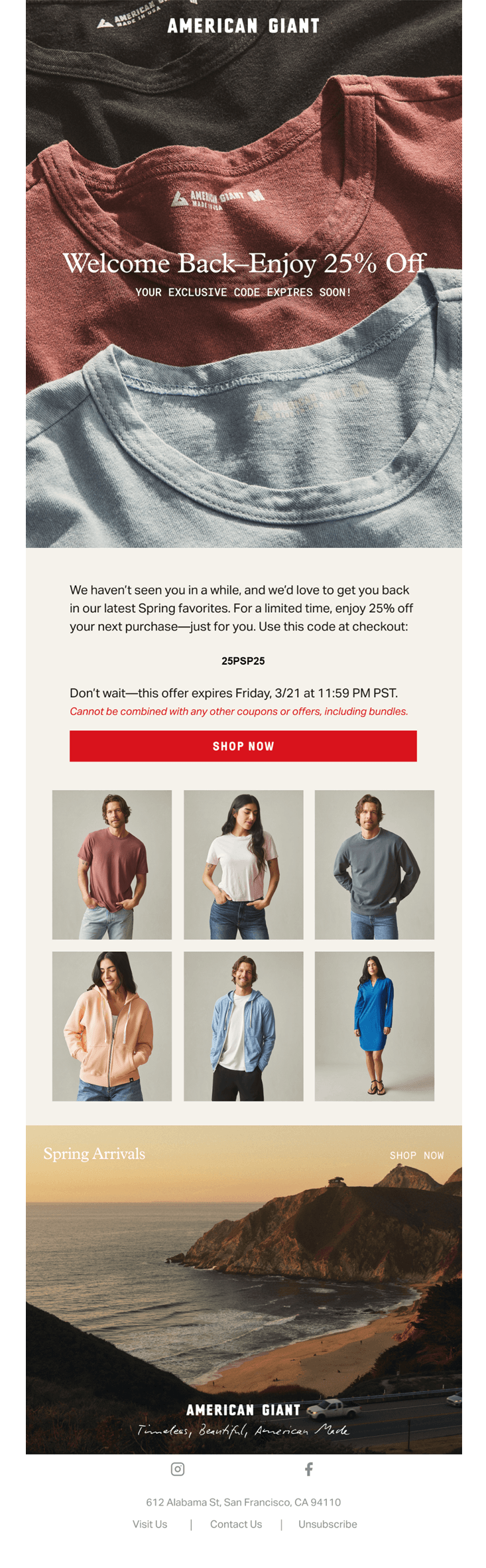
This re-engagement email offers a discount and invites the recipient to “come back,” showcasing a selection of products and seasonal items.
But imagine receiving this message after months of inactivity. The email assumes that a discount alone will bring the customer back, even though the original reason for disengagement may still exist.
In my case, I received this email without having purchased a product, taken any action, or shown interest in specific products, which made the message feel disconnected from my experience.
A more effective approach would’ve been to nurture the relationship first. For example, the brand could have added value by sharing styling tips, highlighting popular items, introducing new collections, or explaining what sets its products apart from competitors.
3. Your win-back email looks like everyone else’s
By now, you must have noticed that when re-engagement campaigns run out of ideas, they often resort to “We miss you, here’s a discount” messaging.
If you check your own inbox, you’ll find a few familiar subject lines like these:
- We’ve been missing you 🩷 Here’s 20% off
- Hey, we miss you. Here’s 20% off.
- Marilia, we miss you | 25% off
- We’ve missed you so…here’s your 20% OFF
Brands like Skechers, Fenty Beauty, and Cox & Cox all use the same approach, and they’re not the only ones.
As a result, it becomes difficult to tell which brand sent the email. In some cases, subscribers may click expecting one brand, only to realize it was another with a nearly identical subject line. Instead of standing out, the email becomes just another promotion competing for attention.
Of course, a strong incentive may still convince someone to make a purchase. But over time, this uniform messaging also changes behavior. Customers start recognizing the pattern and learn that waiting often leads to a better offer later.
In other words, re-engagement emails not only get lost in the clutter but also train customers to engage only when the price drops. And when discounts become the primary reason to return, loyalty and brand advocacy rarely follow.
If you want to stand out, keep the win-back intent, but avoid the predictable “We miss you — X% off” pattern. You can opt for something like this:
- Something new since your last visit
- Still interested? Take a look
- We picked these for you
- Come see what’s changed
4. Your re-engagement strategy often ignores context
For many brands, every subscriber and customer who stops opening emails or making purchases ends up in the same “inactive” segment.
Take a SaaS trial user who never activated the account. This person may simply need help getting started. In that case, a reminder email or discount does little to solve the problem. A short walkthrough, onboarding checklist, or product demo would likely be far more useful.
The same issue appears in eCommerce. Some customers only shop during specific seasons, such as holidays or summer sales. They may appear inactive for months, even though their buying cycle hasn’t changed.
When brands group all of these contacts into a single inactive segment, they end up sending the same message to people with very different situations. As a result, the re-engagement email often misses the mark, not because the idea is wrong, but because the segmentation behind it is too broad.
5. You try to win everyone back
Remember the saying, “If you love something, let it go”? The same idea applies to your email list. Not every subscriber will stay engaged forever, and that’s perfectly normal. In many cases, unsubscribes can even be a win.
When brands continue sending re-engagement emails to contacts who have already lost interest, the consequences become clear. And it’s no longer just about being ignored in the inbox.
Beyond the drop in open rates and clicks, inbox providers may begin moving these messages to the spam or promotions folders. Over time, this can reduce your ability to reach the inbox and ultimately affect your revenue.
In that sense, trying to win everyone back can do more harm than good. Re-engagement campaigns often fail when they focus solely on recovering subscribers rather than recognizing when a contact has already disengaged for good.
As these contacts keep receiving emails, engagement signals weaken, and the campaign ends up reinforcing inactivity rather than reversing it.
What Works Better than a Generic Re-engagement Email
Instead of relying on a last-minute win-back message, you should focus on engagement earlier in the customer lifecycle. Re-engagement works best when it’s part of an ongoing strategy rather than a reaction to months of inactivity.
With behavioral data, predictive models, and AI-driven analytics, marketers can identify signals that show when a customer’s interest is starting to drop. This allows teams to intervene before the relationship fades completely.
But technology alone isn’t the answer. The real goal is to address disengagement at its root. Customers should stay because they find value in your product or love the brand experience, not because they are waiting for the next discount.
Here are a few approaches to consider.
Detect disengagement as early as possible
Instead of waiting for fixed inactivity windows like 60 or 90 days, monitor your metrics (opens, clicks, etc.) continuously and act when engagement begins to drop.
For example, a SaaS company could trigger an onboarding reminder or a short product guide when usage declines. An eCommerce brand might highlight new arrivals or categories related to a customer’s previous browsing or purchases when clicks start to slow down.
By responding to these early signals, brands can reconnect with customers while the relationship is still warm, rather than trying to recover it months later with a generic win-back email.
Personalize the “come back” experience
Your re-engagement strategy should focus on giving customers a strong reason to come back.
Behavioral data can reveal what they previously interacted with, what they ignored, and where their interest started to decline. With this information, you can tailor re-engagement messages around something relevant to the recipient.
For example, your email might highlight:
- a new feature that solves a known pain point
- improvements in the product experience
- new content aligned with past interests
- products related to previous purchases or browsing behavior
Sometimes, relevance can also come from offering useful content.
The example below from Mayo Clinic takes this approach. Instead of relying on a discount, the email offers a free report on immune system health, providing practical information about managing stress, improving sleep, and strengthening natural defenses.
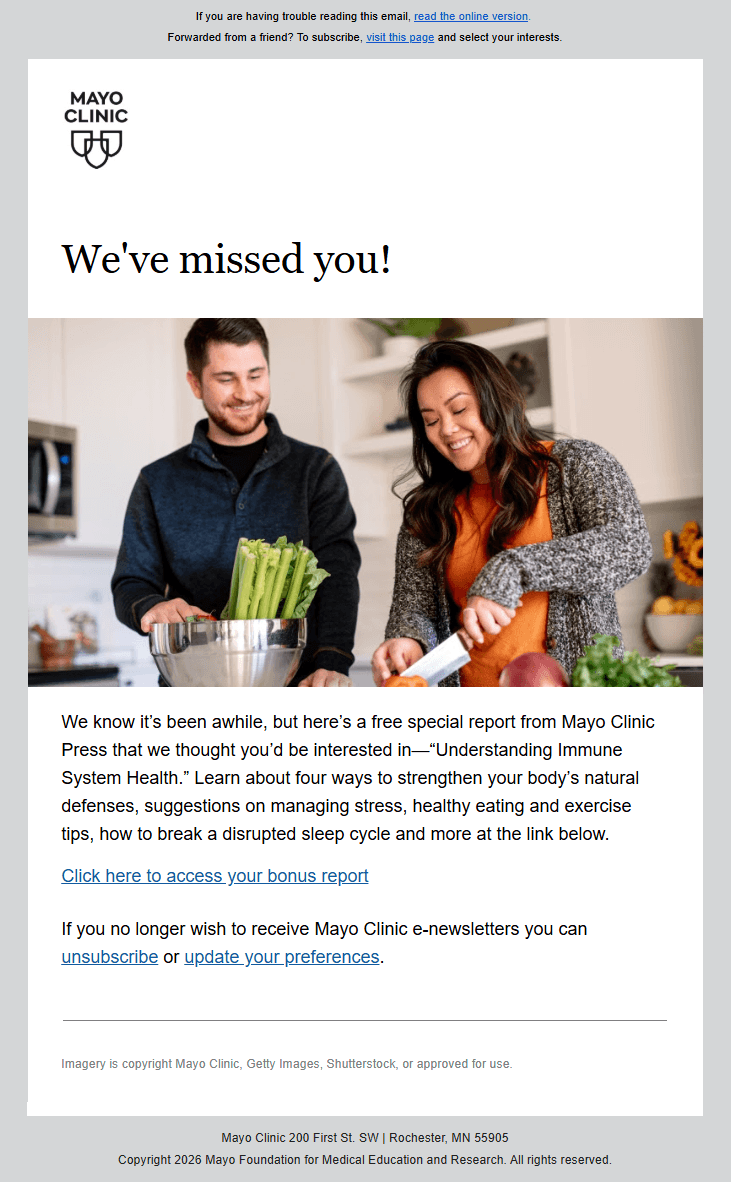
Predictive models can further support this strategy by identifying which customers are most likely to return and which types of messages resonate with them. This allows brands to focus their efforts where re-engagement is most likely to succeed.
Plus, you can use a similar email to identify who’s still interested in your brand and segment your audience based on their response.
For example, subscribers who clicked may show renewed interest and can move into a reactivated segment. Those who opened but didn’t click may need additional nurturing, while contacts who ignored the message completely may be closer to full disengagement.
Let subscribers choose their engagement preferences
Another way to prevent disengagement is to give subscribers more control over their interactions with your brand.
Instead of forcing customers to choose between receiving all emails or unsubscribing completely, you can offer preference options such as:
- Reducing email frequency
- Choosing specific topics or categories
- Pausing communications for a period of time
These small adjustments help maintain the relationship without overwhelming the subscriber.
Over time, this approach protects engagement and prevents contacts from becoming inactive in the first place.
Additional Reading
If you’d like to explore these ideas further, the following resources provide practical examples and strategies for improving engagement and deliverability:
- Case Study: How Max Stores Rebuilt Email Engagement
- Email Spam Filters: How to Use Their Rules to Craft Better Emails
- Email Retargeting 101: Benefits, Strategy & Examples
Re-engagement Emails Are Half the Solution
Despite their limitations, re-engagement emails still play an important role in email marketing. They give brands an opportunity to reconnect with subscribers who may have simply become distracted or temporarily inactive.
They also help marketers understand which contacts are still interested and which ones have moved on, allowing teams to maintain healthier lists and stronger engagement signals.
However, re-engagement emails work best as part of a broader, more “proactive” engagement strategy. On their own, they may recover a portion of inactive subscribers, but they rarely solve the reasons customers disengage in the first place.
The brands that succeed focus on engagement long before a win-back email becomes necessary. And that’s exactly where your focus should be as well.
FAQs
Below are some common questions about re-engagement emails.
1. When should you send a re-engagement email?
You should send a re-engagement email when you notice early signs of declining engagement, not after long periods of inactivity. For example, if open rates drop, clicks slow down, or product usage decreases, it’s a good time to intervene. Waiting 60 or 90 days often means the relationship has already weakened.
2. How many re-engagement emails should you send?
Most brands use a short sequence of 2–4 emails. This allows you to test different approaches, such as helpful content, product updates, or a final confirmation. Sending too many messages can further hurt engagement, especially if the subscriber has already lost interest.
3. What should you do with subscribers who don’t respond?
If subscribers don’t respond after a re-engagement sequence, consider suppressing or removing them from your list. Continuing to email disengaged contacts can lower engagement signals and affect inbox placement. In many cases, removing inactive subscribers helps improve overall performance.
4. How do you identify disengaged subscribers?
Common signs include declining open rates, reduced clicks, lower product usage, or long periods without interaction. Instead of relying only on time-based rules, monitor behavioral trends and act when engagement begins to drop.
5. Are re-engagement emails still worth sending?
Yes, but they work best as part of a broader strategy. Re-engagement emails can recover some subscribers and help identify who is still interested. However, they rarely solve disengagement on their own. Preventing disengagement earlier in the lifecycle is usually more effective.
The ‘back-to-school’ energy isn’t limited to students. For working adults, moving from out-of-office to high-productivity mode is equally challenging. Brands worldwide have noticed this trend and are starting to target consumers with emails designed to help ease that transition.
If you believe back-to-routine emails are strictly for employees returning from an extended absence, be it a sabbatical, parental, or medical leave, you’re missing out on a massive opportunity. These campaigns are powerful tools for people returning to the office, providing the universal seasonal reset that every professional experiences.
In this guide, we share back-to-work email examples along with best practices for creating resonant campaigns that boost both brand awareness and your seasonal ROI.
Boost your end-of-summer revenue
Create timely email campaigns with Moosend’s user-friendly features.
START FOR FREEWhy and When to Send Back-to-work Emails
Late August and September are the best times for eCommerce and SaaS businesses to send these messages. Everyone is seeking ways to smoothly get back to a routine, and you just need to find the right approach to grab their attention.
If you’re in eCommerce, prepare subscribers for a smooth comeback. For example, you can share recommendations for office stationery, curated apparel collections, or meal-prep kits.
If you operate in SaaS, you can invite your contacts to get ready for Q4. Adopt a narrative that suits your goals. This could range from decluttering workflows and updating CRM data to reminding prospects and existing users of your premium features.
Some brands save these emails for late September to give potential customers more time to define their needs. You can also tie “back-to-routine” messaging in with Labor Day emails, especially if you’re thinking about offering incentives, such as discounts or exclusive offers, to increase your seasonal ROI.
Keep in mind that the seasonality of these campaigns can vary by industry. For example, if you’re targeting the hospitality sector, send these emails in early March as people prepare for the summer period. The same applies to SaaS businesses that wish to target Q1 rather than Q4.
What Effective Back-to-work Email Campaigns Include
What does a great back-to-work email look like? It should sound helpful and supportive, rather than adding another task to your subscriber’s list. Begin with a hook straight from the subject line. Here are some great suggestions for different purposes:
- Clean up your workspace by Tuesday 🧹
- Ready to automate your September?
- Your routine called. It needs these.
- Upgrade your “9-to-5” uniform.
- The “I survived the first week” treat. 🍫
Great back-to-work emails deviate from a salesy or strictly professional tone. They don’t just sell a product or service, but focus on rewarding experiences. The email copy flows smoothly, offering relief for subscribers’ pain points at this time of year.
Quick wins in the form of ready-to-use content can also make a big difference. These can range from “snackable” educational content, such as templates or checklists, to coupon codes that help them save on essential back-to-work items.
Design-wise, these emails usually feature more earthy colors, such as brown and green, to visually mark the transition from OOO to routine. Just make sure to stay on-brand.
If you’re not sure how to bring these elements together, you can source pre-made email templates from email marketing services like Moosend or Constant Contact and customize them based on your needs. You can drag and drop different types of content, such as product blocks and images, to maximize performance.
Best Back-to-work Email Examples & Why They Work
Explore these back-to-work campaign examples from notable brands that stood out in our inbox and why they’re effective:
1. Happy Socks’ special offer email
Subject line: Special Offer—7 for 5!
Happy Socks shared a special offer that lets customers save on “weekend socks” by buying 7 pairs.
Why it works:
- The subject line clearly reflects the deal to attract readers with high purchase intent.
- The animated GIF at the top utilizes a weekly calendar with product recommendations for each day to visualize the special offer and the return to a weekly routine.
- The “Shop Now” and “Shop Offer” buttons invite subscribers directly to their website to complete a purchase.
2. NET-A-PORTER’s style guide campaign
Subject line: Back to work? Here’s what to wear
The apparel brand NET-A-PORTER shared its back-to-work essentials to help returning employees revamp their professional style.
Why it works:
- The email copy reads like a curated guide, focusing on the benefits of their top-featured items to drive interest and increase conversions.
- They offered a range of product categories, from suits to bags, to cater to a wide range of wardrobe needs.
- The visually appealing imagery makes the product recommendations more enticing, helping subscribers envision their new look.
3. KonMari’s educational email
Subject line: How to Organize a Home Office
The renowned organizing consultant Marie Kondo (KonMari) shared valuable tips to help subscribers tidy up their home offices before their return date.
Why it works:
- The email includes links to valuable resources, especially helpful for remote employees who need to get their home offices ready before their first day back from the holidays.
- The featured desk essentials help readers easily find exactly what they need to organize their workspace successfully.
- The visuals help readers envision a highly organized workspace, which helps them get in the right mood.
4. Moosend’s back-to-work email message
Subject line: 🏄🏽 From Beach Days to Bold Campaigns
To welcome subscribers back from their break, Moosend prepared a targeted email filled with productivity tips for marketers.
Why it works:
- The subject line perfectly captures the campaign’s purpose, inviting customers and prospects to pivot toward a bold marketing season.
- The email is written in a “zero-click” style, ensuring readers get the value they need immediately without leaving their inboxes.
- The call-to-action button uses clear, actionable language to invite readers who want to dive deeper to click and learn more.
5. Alessi’s back-to-work essentials campaign
Subject line: Back to work essentials
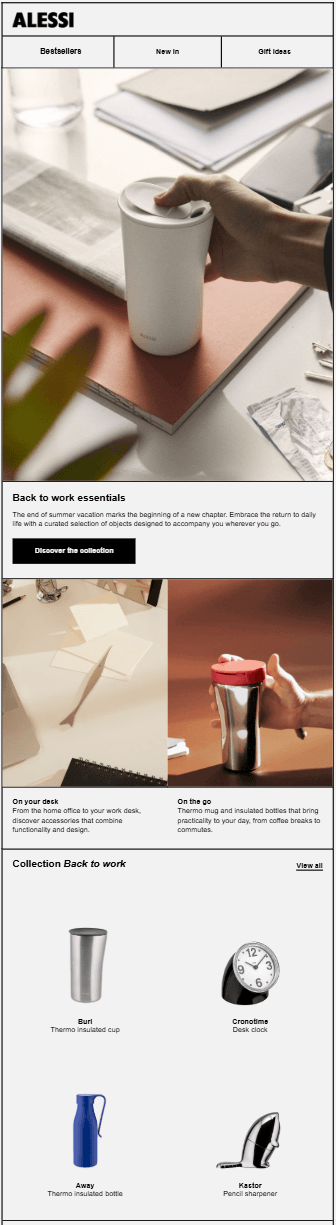
Alessi, a leader in home and kitchenware design, shared a curated back-to-work collection with their audience.
Why it works:
- The email copy is written in an empathetic tone, focusing on the product features and their specific benefits.
- The beautiful product visuals showcase the suggested items in action, helping customers visualize the experience they will have with them.
- The subject line is simple yet descriptive and powerful, helping increase open rates.
6. Ray-Ban’s exclusive collab announcement
Subject line: Get back in action with Ray-Ban Meta
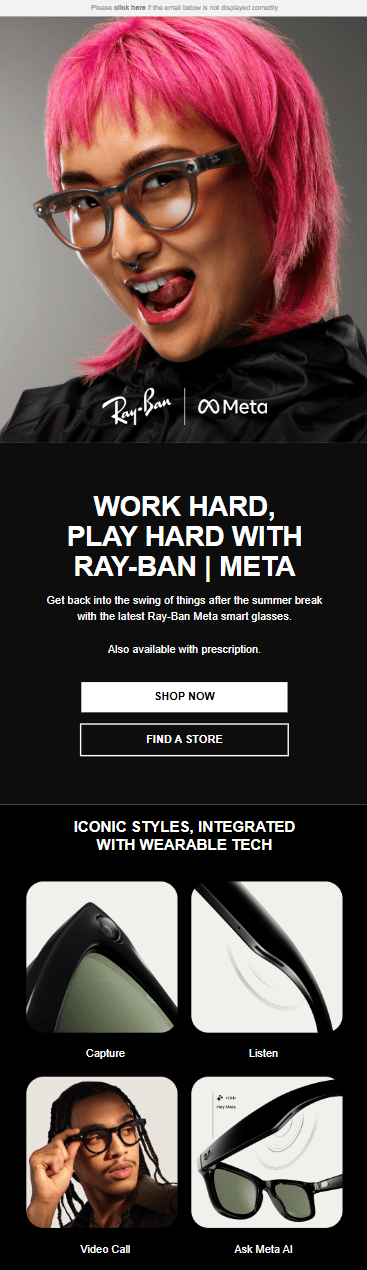
Ray-Ban collaborated with Meta to create a smart-tech eyewear collection, perfect for early adopters and tech enthusiasts.
Why it works:
- The email subject line hints at a collaboration with Meta, inviting readers to open it to learn more about this high-profile partnership.
- Two call-to-action buttons are placed prominently at the top to boost click-through and conversion rates.
- The product features are displayed through compelling images, allowing users to click through for a deeper dive into the tech specs.
7. VRBO’s unique back-to-work email
Subject line: Beat the back-to-work blues by planning your next getaway!
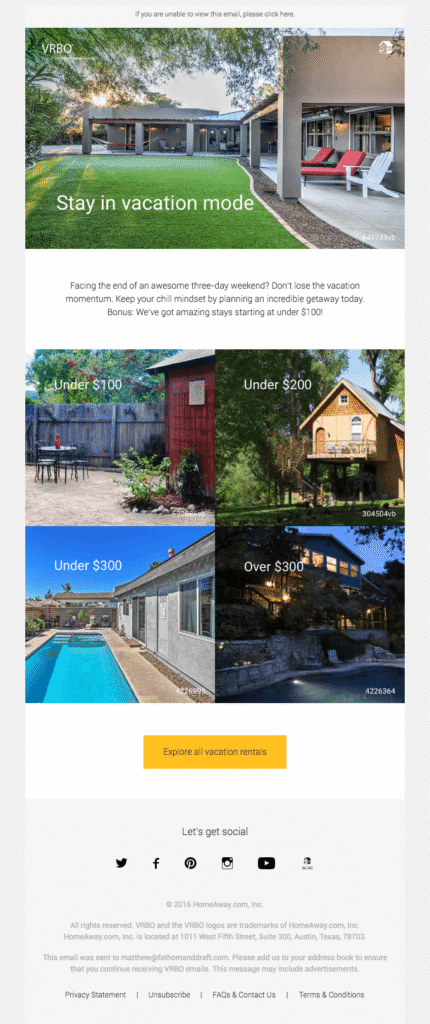
The travel website VRBO delivered an email inviting customers and prospects to tackle the “back-to-work” transition by booking their next vacation.
Why it works:
- The email subject line is hard to skip, especially for people experiencing the “post-vacation blues” or negative feelings about returning to a routine.
- They shared affordable vacation destinations, acknowledging that people are often on tighter budgets at this time of year.
- The CTA button stands out in bright yellow, inviting users to explore a variety of destinations tailored to different tastes.
Quick Tips for Compelling Back-to-Work Marketing Emails
Ready to build unique emails that give a “pat on the back” to your subscribers heading back to work? Follow these practices to increase your conversion rates.
Send tailored content through segmentation
While a bulk email sent to your entire list can bring good results, targeting specific customer segments with tailored messaging and recommendations can make a big difference. You can divide subscribers into groups based on factors such as gender, location, or their customer journey stage.
For example, you can target inactive customers with a “Welcome back” re-engagement hook and consider sharing an incentive, such as free shipping, to bring them back. As for active users, you can go straight to curated recommendations to keep them engaged.
Create an automated workflow
Instead of sending a single back-to-work email that may get lost in a crowded inbox, create an email sequence to increase your conversion potential. For example, you can start with a late-August email featuring product recommendations and follow up on Labor Day to boost seasonal sales.
You can also update your existing welcome emails with “back-to-work” starter kits to nurture prospects who are already warmed up. To craft these drip emails, you can use email automation services like Moosend or Constant Contact, offering visual workflow editors. You can even choose from pre-made recipes and customize your flow following “if/then/else” logic.
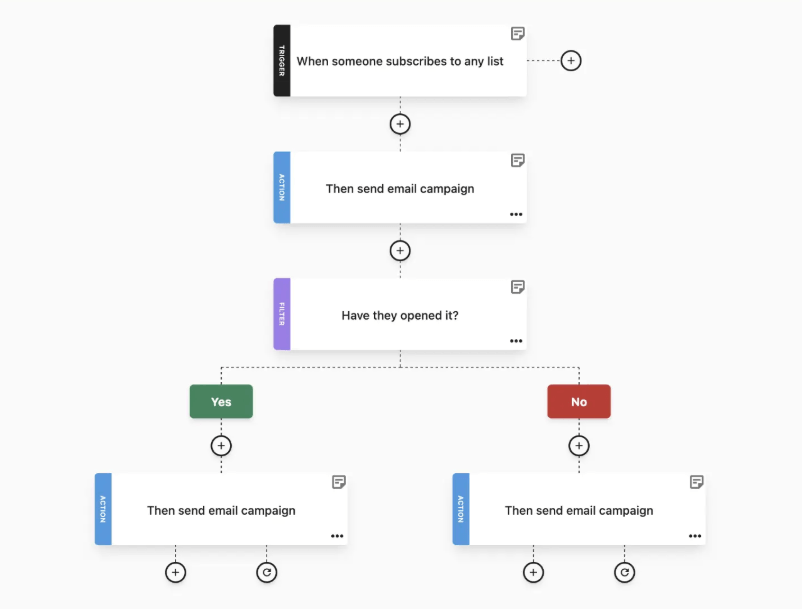
Optimize campaigns for mobile users
Many employees catch up on their emails on their mobile devices during their commute or while waiting for that first coffee to kick in. To maintain a great experience for them, ensure your emails are mobile-optimized.
Most email platforms offer ready-made, mobile-friendly HTML templates to save you the extra trouble. There are also dedicated tools for running rendering tests across different service providers. Overall, emails with a single column, readable fonts, and plenty of white space to separate different sections usually perform well.
Use customer testimonials to build trust
Since back-to-routine campaigns have gained significant popularity over the last few years, it’s easier for your email to get lost in the noise. Earning trust through social proof can help you stand out. You can start with customer testimonials or review ratings that highlight the benefits peers have gained from your services.
Best-seller emails can also have a similar impact. They serve as indirect social proof, hinting to customers that you want them to have the best of what you offer to start the working season strong.
Focus on value, not sales
It’s common for employees to get the “blues” before their start date. You don’t want to exacerbate that feeling with a pushy email campaign full of urgency elements like countdown timers. Instead of just pushing products or services, promote rewards and experiences.
Your messaging will play a key role. Be compassionate and understanding, and explain how what you offer can benefit them in their daily professional lives. Also, consider that budgets are usually tight after people return from vacation, so make mindful recommendations that emphasize savings. You can also include simple wellbeing tips to make your content more inspiring.
Additional Resources
- Back-To-School Emails: Subject Lines, Examples & Tips
- Monthly Email Planner: September Edition
- Empathetic Email Examples To Build Authentic Connections
Give Customers a Smooth Transition Back to Their Routine
Undoubtedly, the back-to-work season is a powerful reset for professionals. For SaaS, eCommerce, and other industries, this is a prime opportunity to re-engage high-intent audiences by positioning products as essential tools for a successful routine.
Success lies in empathy-led content and value that solves the struggles of professional transition. By timing your message to the post-Labor Day rush and offering “quick wins,” you do more than drive seasonal ROI; you transform your brand into a reliable partner for the final stretch of the year.
FAQs
Explore some frequently asked questions about back-to-work emails.
1. How do back-to-work emails differ from a New Year’s campaign?
New Year’s emails usually focus on resolutions and radical changes, while back-to-work emails are more about efficiency. At the end of August, people are typically looking for the motivation to get back into the groove and finish the year strong, without necessarily reinventing themselves.
2. Should I offer a discount for a back-to-routine campaign?
It depends on your goals. If you want to increase seasonal sales, a discount is a great incentive for those looking to upgrade their gear, especially in eCommerce. For SaaS, educational content and promotions for premium services may be a better fit to demonstrate long-term value.
3. How do I avoid sounding “pushy” to people who are mourning the end of summer?
Write empathy-led copy that acknowledges the difficulty of returning to “productivity mode.” Position your product or service as a supportive tool to make the transition easier, or as a way to help them “keep the vacation glow” by highlighting how your solution reduces work-related stress.
Ever wondered if your out-of-office reply could do more than just tell people you’re gone?
OOO messages aren’t just “nice-to-have” autoresponders. They’re essential tools to keep your inbox organized while you’re away without risking important business opportunities. These messages act as temporary gatekeepers, managing expectations and even relationships in real time so you don’t have to.
In this guide, you’ll find out-of-office email examples and templates for different occasions to keep recipients happy and engaged. You’ll also find best practices for what to include and what to avoid.
When to Use an OOO Email and Why
While many professionals only associate out-of-office emails with extended periods of absence, you should actually set them up whenever you’re unable to reply within your usual response time. Common scenarios include:
- Vacation or seasonal leave
- Parental leave (maternity/paternity)
- Sick or medical absence
- Offsite meetings or conference travel
- Workdays with limited or no email access
But why should you be so deliberate about these automatic replies? Failing to set an OOO can lead to professional misconceptions or operational bottlenecks. When used correctly, these messages help you:
- Manage expectations: Customers, partners, and colleagues often reach out with specific needs and expect a timely response. An OOO message eliminates the disappointment or frustration that arises from silence.
- Prevent bottlenecks: By providing alternative contacts or helpful resources (like an FAQ page), you ensure that projects keep moving in your absence. Even if a task must wait, you offer reassurance that it’ll be addressed upon your return.
- Reduce inbox clutter: Out-of-office emails discourage recipients from sending multiple follow-ups that only add noise to your inbox. This ensures that when you’re back, you can focus on high-priority matters rather than “just checking in” threads.
The next time you consider skipping an automated OOO email, take the few minutes needed to set it up. Your “future self” will thank you for the organized inbox you return to.
What to Include in an Out-of-Office Message
What should an out-of-office message include to inform and reassure recipients? Here are the key elements to consider:
- A clear subject line: Inform readers of your absence immediately. Including your return date in the subject line can save them from even needing to open the email.
- Return date: Clearly state when you’re leaving and when you’ll return to help recipients decide on their next steps.
- Alternative contact information: Provide the details of a colleague who can assist in your absence. Ensure they’re prepared to handle incoming requests.
- Response expectations: Explicitly mention that the sender can expect a response upon your return to maintain a positive professional rapport.
- Professional signature: Close your message with a standard email signature to add a personal, professional touch to the automated communication.
Optional additions
Reason for absence: You may choose to mention why you’re away if it feels relevant. This is common for extended leaves, such as a sabbatical or parental leave.
Strategic links: Boost traffic and lead generation by including links to your website, recent marketing resources, or a brief FAQ document.
Keep in mind that most out-of-office messages use a simple plain-text format. You may occasionally see HTML-based OOO emails, often used for marketing initiatives to feature products or services during peak holiday seasons. However, plain-text remains the standard for individual professional use.
Common Mistakes to Avoid When Crafting Your OOO Emails
There are certain things you should avoid including in your out-of-office auto-responses. First, think twice before disclosing your personal phone number for “urgent” matters. Since everyone has a different definition of what’s urgent, it’s best to protect your peace and privacy by sharing a colleague’s name and contact details to handle these requests instead.
While it’s tempting to provide context for your absence, avoid oversharing personal details. For example, instead of mentioning a specific doctor’s appointment, simply state that you’re away for personal reasons. This keeps the focus on the most critical information, such as your return date.
Additionally, while adding a sense of humor can be on-brand for some, it’s usually safer to stick to a professional tone that caters to all types of recipients. Whatever style you choose, proofread the message a few times to ensure it flows well and is free of typos.
Finally, don’t promise something you might not be able to deliver. Avoid claiming you’ll respond “immediately” upon your return, as it’s hard to predict your workload or the volume of emails awaiting you. A more sincere and realistic choice is: “I will respond as soon as possible once I’m back.”
Out-of-Office Email Templates and Examples to Get Inspired
Explore real-life out-of-office email examples from our inbox and ready-made templates for different scenarios to save time.
1. Professional out-of-office message
A professional OOO example should be both simple and effective. Provide the essential start and end dates of your absence, include a brief thank-you note, and clearly identify a point of contact for urgent matters. It’s the perfect ‘all-rounder’ for maintaining a polished image while you’re away.
Here’s a similar pre-made template to customize:
Template
Hello,
Thank you for your email. I’m currently out of the office and will have no access to my inbox until my return on [Date].
I’ll be responding to all messages in the order they were received as soon as I’m back.
If you need immediate assistance, please reach out to [Colleague’s Name] at [Colleague’s Email Address].
Best regards,
[Your name]
2. Vacation OOO email
A vacation auto-reply is perhaps the most common type of out-of-office message. While many prefer a buttoned-up, professional style, others take the opportunity to be more creative when their brand voice allows.

Check out these two pre-made templates and choose the one that best reflects your company culture:
Template 1
Hello,
Thank you for reaching out. I’m currently out of the office for vacation and will have no access to my email until [Date].
I’ll be catching up on all emails in the order I received them once I return. If you need an immediate response, please contact [Colleague’s Name] at [Colleague’s Email Address].
Otherwise, I look forward to connecting with you when I’m back at my desk.
Kind regards,
[Your Name]
Template 2
Hi there,
Thanks for reaching out! I’m currently taking some time away from my screen to ride on some beach waves.
I’ll be back in the office at [Date]. I want to make sure I give your email the attention it deserves, so I’ll be tackling my inbox chronologically as soon as I’m back.
Need help right away?
No problem. [Colleague’s Name] is holding down the fort while I’m gone and can be reached at [Colleague’s Email].
Talk to you soon!
Best,
[Your Name]
3. Business trip OOO emails
Whether you’re traveling for a conference or visiting a client, an automated response is a great way to inform recipients of your absence. This not only manages their expectations but also indirectly showcases your professional development and industry engagement.
Here’s a template you can customize to craft your own out-of-office message:
Template
Hello,
Thank you for your email. I’m currently away from the office on a business trip until [Date].
While I’m working, I’ll have limited access to my inbox and may respond more slowly than usual. If you have an urgent matter that cannot wait until my return, please contact [Colleague’s Name] at [Colleague’s Email Address], as they’re assisting with my projects in the meantime.
Otherwise, I’ll do my best to get back to you as soon as I’m back at my desk.
Best regards,
[Your Name]
4. Holiday out-of-office emails
Setting an OOO message during popular holiday seasons is highly important. During these times, recipients are often looking for urgent assistance or end-of-year support, so it’s essential to provide alternative points of contact or a helpful FAQ section.
Don’t forget to include a “Happy Holidays” or seasonal greeting to give your message a warm, festive touch.
Feel free to customize this sample:
Template
Hello,
Thank you for your message. Our office is currently closed for the holiday break, and I’ll be away from my desk until [Date].
I’ll be spending this time with my family, so I’ll respond to all messages once I return to the office. If you have an urgent request, please contact our general support team at [Support Email].
Wishing you a wonderful holiday season!
Kind regards,
[Your Name]
5. Parental leave OOO message
Whether you’re away on extended parental leave or just stepping out for a few hours to meet with your child’s teacher, it’s important to let people know about your unavailability. There’s no need to dive into personal details; just ensure that the essential information we covered earlier is included.
Here’s an example followed by a ready-made sample for these occasions:
Template
Hello,
I’m currently away on parental leave and expect to be out of the office until [Expected Return Month/Year].
To ensure your needs are met while I’m away, the following team members are stepping in to help with my typical responsibilities:
- For [Department/Task Name]: Please contact [Colleague Name] at [Email].
- For all other urgent matters: Please reach out to [Manager Name] at [Email].
I look forward to catching up with you when I return.
Best regards,
[Your Name]
6. Lead generation OOO email
Why not turn your out-of-office email into a growth opportunity? If it aligns with your brand, you can use your auto-responder to promote a new feature, a resource, or a flash sale.
The key is to ensure the announcement flows organically. If a direct promotion feels too pushy for your specific role, you can simply include the link or offer in your email signature instead.
Use this template to create your own email:
Template
Hello,
Thanks for your email! I’m currently out of the office and will be offline until [Date].
While I’m away, I didn’t want to leave you empty-handed. If you’re looking to [Solve a pain point], you might find our latest [Guide/Whitepaper/Webinar] valuable.
Download it for free here: [Link]
I’ll be responding to all messages in the order they were received once I’m back at my desk on [Return Date]. If your request is urgent, please contact [Colleague’s Name] at [Email Address].
Best regards,
[Your Name]
7. Sick leave out-of-office email
Medical leave is a unique case because it’s often unplanned, making it difficult to provide a definitive return date. In these instances, it’s best to maintain a professional, helpful tone while being firm about your absence so you can focus entirely on your recovery.
In the example below, the email recipient can find alternative contacts to reach out based on the nature of the request and a WhatsApp number in the footer for urgent matters.

Here’s a helpful sick leave out-of-office message template to save time:
Template
Hi there,
Thank you for your email. I’m currently out of the office on medical leave. I expect to be back at my desk by [Date], and I’ll respond to all messages in the order they were received.
If you have an urgent request, please reach out to [Colleague’s Name] at [Colleague’s Email Address]. For all other inquiries, I appreciate your patience.
Kind regards,
[Your Name]
8. Humorous OOO email
Many startups and creative agencies embrace a more lighthearted brand voice. If yours is one of them, you can turn your OOO message into a well-orchestrated joke that gives recipients a good laugh. Just be sure to double-check that the humor aligns with your specific company culture.
Check out this sample for a bit of inspiration:
Template
Hello!
Since you’re reading this, you’ve hit my autoresponder. I’m officially on vacation and couldn’t be happier!
I’m out of the office until [Date] and will have no access to my inbox. I’ll be back and ready to work once I’ve finished [mentioning a fun goal, like “tasting every taco in the city”].
If you need help immediately, please reach out to [Colleague’s Name] at [Email Address]. They’re much better at work than I am right now.
Talk to you when I’m back!
[Your Name]
9. Internal-only out-of-office message
Beyond informing partners or customers, it’s just as important to notify your teammates. Since internal communication often happens on platforms like Slack or Teams, your autoresponder should be quick and direct. Sharing your return date and a link to documentation allows for “self-service” while you’re away.
Feel free to tweak this sample:
Template
Hi there 🙂
I’m out of the office starting today and will be back on [Return Date].
I won’t be checking email or Slack while I’m away, so if something urgent comes up regarding [Project Name], please check the [Link to Shared Folder/Documentation] first. [Colleague’s Name] is the point of contact for my tasks.
Otherwise, I’ll catch up with you when I’m back!
Best,
[Your Name]
Out-of-Office Email Subject Lines for Different Intents
Most people simply write “OOO” in the subject line to let recipients know they are away straight away. Others prefer to enhance them with a return date or an emoji. For example, 🏝️ and 🏖️ are great additions to vacation responders.
Here’s a list of subject lines categorized by style and intent:
Professional & direct
- Out of Office: [Your Name] | Returning [Date]
- Traveling for Business: [Your Name] Out of Office
- Extended Absence: [Your Name] – Please see details
Creative & engaging
- Away on vacation! Back on [Date]
- Currently recharging. I’ll be back on [Date]! 🏖️
- I’m OOO, but our [Resource Name] isn’t!
- Knock, knock! (I’m not home…)
Holiday & internal
- OOO for the [Holiday Name] festivities! 🎄
- Internal OOO: [Your Name] is off the grid
Try to keep your subject line under 40 characters. This ensures it’s optimized for mobile devices, where longer titles often get cut off. If you’re unsure which style to use, always default to a professional, direct approach to stay on the safe side.
Is Your Next OOO Email Getting Closer?
If so, you now have the tips and inspiration needed to craft your next out-of-office message. Simply choose a tone that fits your brand and clearly communicate your return date, whether you’re stepping away for a few hours or an extended period.
If you’re ready to explore other types of automation to power up your marketing initiatives, sign up for a Moosend account and explore all our features with a 30-day free trial.
FAQs
Here are a few quick answers to frequently asked questions regarding out-of-office emails.
1. How long should an effective out-of-office email be?
An effective OOO message should be brief and digestible, ideally under 100 words. Ensure that all essential information, such as your return date and alternative contact details, is easy to spot. If recipients encounter a wall of text, they may skip the message entirely and miss the most important details.
2. When should I turn my OOO on?
It’s a good practice to schedule your OOO email about 30 minutes before you actually leave. This gives you a buffer to finish those last few tasks and head out without the stress of leaving an email unanswered.
3. Do I need a different OOO for internal vs. external recipients?
If your email provider allows it, it’s highly recommended to create two versions. You can use a more casual or fun tone for colleagues while ensuring they have the specific resources they need to keep projects moving. For external contacts, use a more polished, professional tone.
4. What if I don’t have a “back-up” person to cover for me?
If no one’s covering your tasks, focus on setting clear expectations. State clearly that you won’t be checking your email and will respond to all inquiries upon your return. This prevents recipients from expecting a follow-up before you’re back at your desk.
You can configure SPF, DKIM, and DMARC, align your domain, and still watch your campaigns land in spam.
While technical setup is essential, it doesn’t guarantee inbox placement. Inbox providers (ISPs) now assess how people react to your emails. Do subscribers open them? Click? Ignore them? Mark them as spam? Over time, these behaviors shape your sender reputation.
This is where deliverability becomes both a technical and a brand issue. When subscribers recognize and value your emails, engagement stays strong. When they forget you or feel overwhelmed, placement suffers.
In this post, we’ll cover the email deliverability best practices your brand should follow to keep your messages in the inbox. We’ll also provide a technical checklist to ensure your setup supports consistent placement.
Better deliverability starts here
Boost engagement, protect reputation, and improve inbox placement.
Try MoosendEmail Deliverability Vs Email Delivery Rate
Email deliverability refers to your ability to land in the inbox, not just reach the recipient’s mail server. It measures whether your emails are delivered to the intended recipients, read, and acted on.
On the other hand, your delivery rate is the percentage of emails accepted by the receiving server. If you send 10,000 emails and 9,900 don’t bounce, your delivery rate is 99%. However, this only means your emails were accepted, not that they reached the inbox.
Mailbox providers still decide where your message goes next. Even with a high delivery rate, a large share of your emails can end up in spam or in secondary tabs like promotions, limiting visibility and engagement.
The Two Factors Behind Email Deliverability
Email deliverability is shaped by two core forces: technical setup and sender behavior.
On the behavioral side, inbox providers analyze how subscribers respond to your emails. Engagement trends, spam complaints, list quality, and sending consistency influence whether your messages earn inbox placement over time. These signals gradually shape your sender’s reputation.
On the technical side, your emails must be properly authenticated and transmitted. This includes implementing Sender Policy Framework (SPF), DomainKeys Identified Mail (DKIM) as a digital signature, and DMARC policies, along with correct IP configuration and domain alignment. Without these authentication protocols in place, messages may be rejected, flagged as spoofed, or treated as potential phishing attempts by spam filters before engagement is even evaluated.
The aftermath? Technical compliance ensures your emails are accepted. Consistent, positive engagement determines whether they stay in the inbox.
Why Email Deliverability Matters More Than You Think
Email deliverability directly affects how much revenue your list can generate. But the impact goes beyond immediate sales.
When inbox placement improves, brands benefit in multiple ways:
- Stronger sender and domain reputation: Mailbox providers such as Gmail, Yahoo, and Microsoft Outlook evaluate how recipients interact with your emails over time. Consistent engagement strengthens your reputation and improves your inbox placement rate.
- Better overall email performance: Higher inbox visibility drives stronger open rates, higher CTR, and more conversions. These engagement signals create a positive feedback loop that reduces recurring deliverability issues.
- Lower risk of filtering and blocklisting: Maintaining a healthy spam rate and stable sending patterns helps protect your campaigns from filtering or blocklisting.
- Reduced long-term recovery costs: Repairing reputational damage can take months and may require suppressing large portions of your list. Preventing the issue is far easier and less costly than rebuilding trust.
Behavioral Email Deliverability Best Practices
Now that we’ve covered why email deliverability matters, here are some best practices to help you build positive engagement signals and protect your sender reputation.
1. Launch re-engagement campaigns for inactive subscribers
Inactive contacts lower your average open and click rates, even if they don’t complain. Over time, mailbox providers interpret this sustained lack of engagement as a signal that your emails aren’t relevant.
Before removing these contacts, give them one clear opportunity to confirm their interest. A focused re-engagement email campaign helps recover subscribers who still value your brand while protecting your overall sender reputation.
Start by identifying subscribers with no opens or clicks within your defined inactivity window, such as 90 to 180 days. Then:
- Create a dynamic segment: “Opened or clicked in the last 30–60 days.”
- Exclude subscribers with no activity in the last 90+ days.
- Send the re-engagement campaign.
- Monitor open rate, click rate, and complaint rate.
Effective re-engagement emails should include a simple subject line, a reminder of the value they signed up for, and an incentive, such as a limited-time discount or exclusive content. If needed, you can add a preference update option to adjust frequency, along with a clear “Stay subscribed” confirmation button.
You can automate this process with a simple workflow:
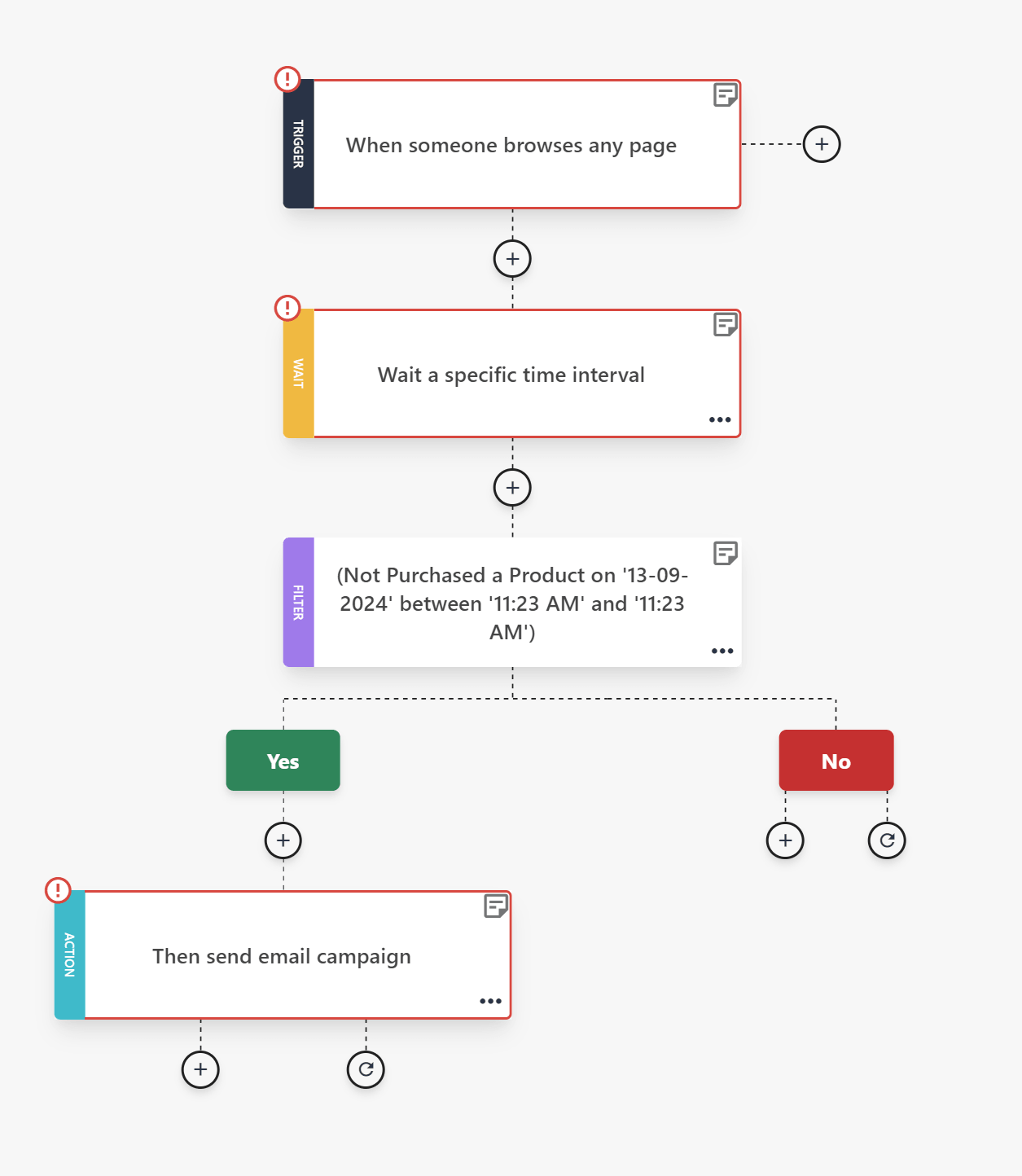
Keep the sequence short. Two or three emails over one to two weeks is enough. If they engage, move them back into your active segments. If they don’t respond, suppress or remove them.
Most email service providers (ESPs), like Moosend and Constant Contact, allow you to build this type of automation using behavioral triggers and conditional steps, so list hygiene runs in the background without manual work.
2. Maintain a consistent sending schedule
Did you know that inconsistent sending patterns also create uncertainty for inbox providers?
Long gaps followed by aggressive campaigns often trigger filtering or throttling, even if your content is legitimate.
Set a realistic cadence based on your resources and audience expectations. For most brands, a weekly or biweekly schedule works well. The key is predictability.
Also, keep your volume stable. Avoid going silent for months and then oversending to your full list. If you don’t have a major launch planned, send something small and useful. Share a short founder update, a curated industry resource, or a simple “What we’re working on this month” note. It doesn’t need to be heavily designed or promotional. Just focus on maintaining engagement.
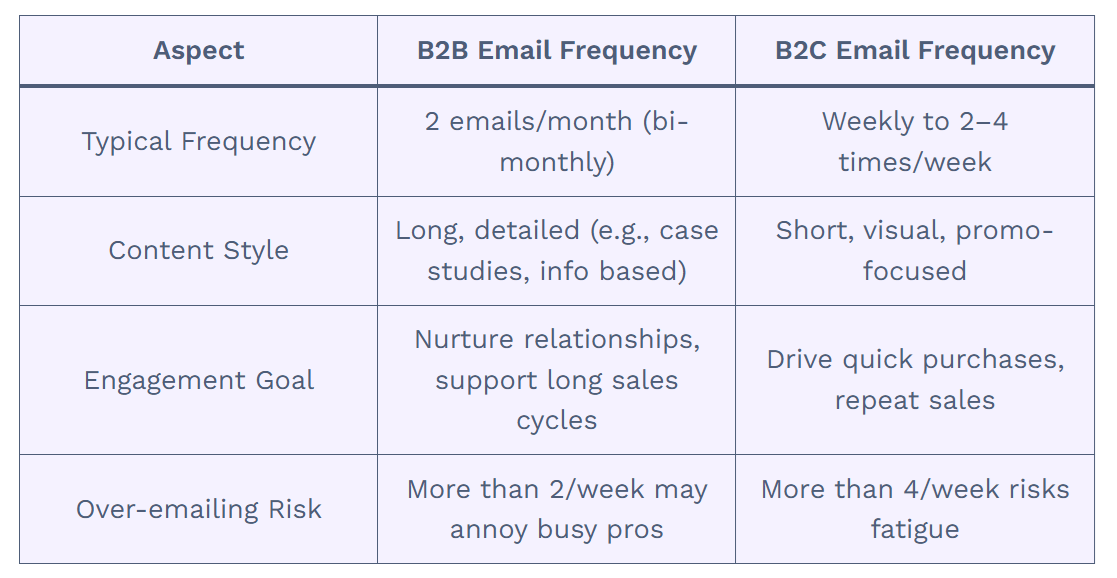
Lastly, before major promotions, increase frequency gradually rather than jumping from 2 emails per month to 5 in a single week. Aim for controlled volume growth and avoid doubling or tripling sends overnight.
Consistency builds a sending history, and that helps mailbox providers recognize your patterns and treat your campaigns as expected behavior rather than potential spam.
3. Align email content with signup expectations
Subscribers decide whether to open, ignore, or report your emails based on what they expected when they signed up. If there is a mismatch, engagement drops quickly.
Start by reviewing your opt-in value proposition. What did you mention they would receive? A weekly newsletter? Product updates? Educational content? Discounts? Now compare that promise to what you are actually sending.
For example, imagine someone signs up through a form that says, “Learn how to become a better entrepreneur,” like this one below from Copyblogger:
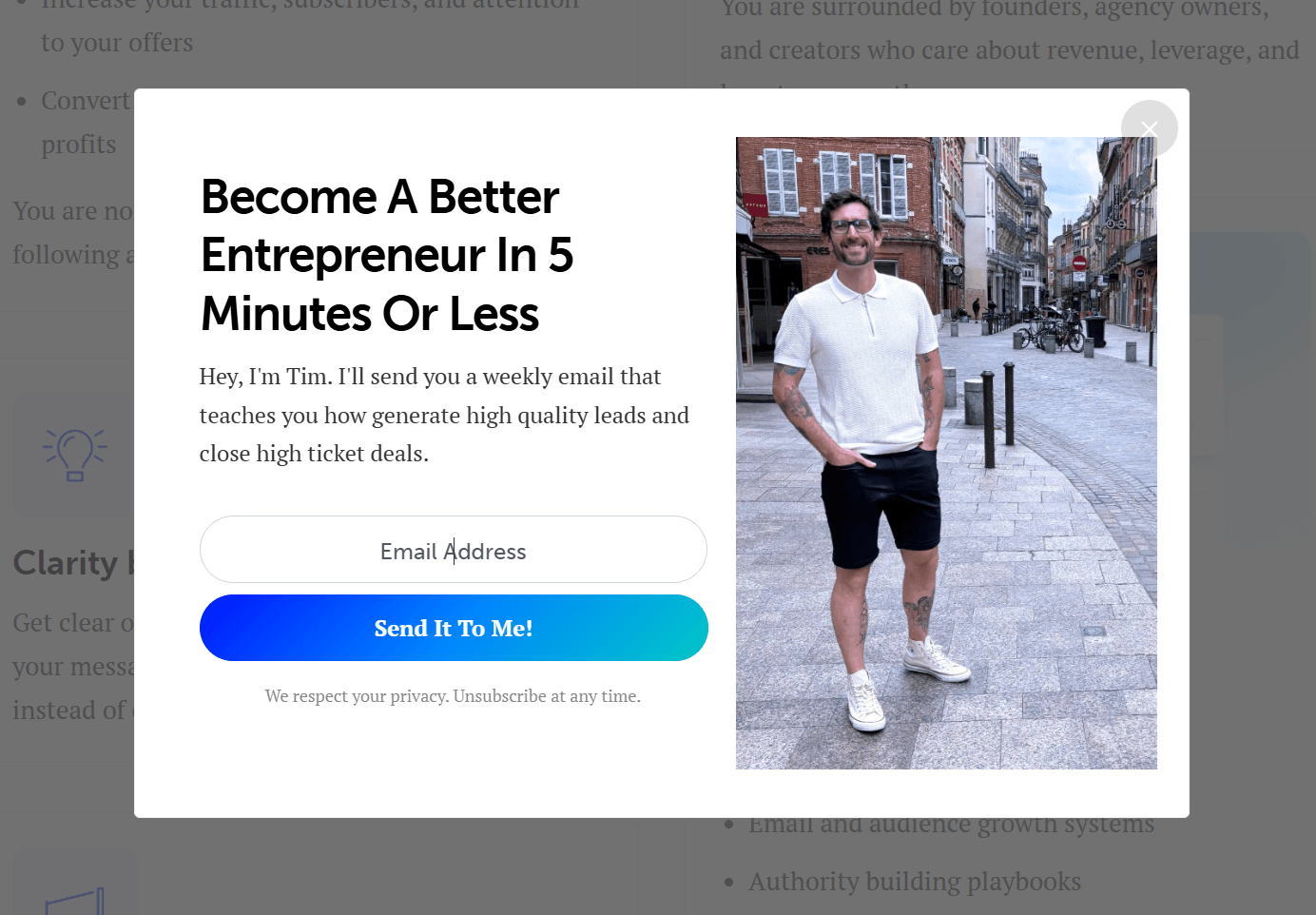
Now, it’s pretty straightforward what one expects to get. However, instead of weekly educational content, they begin receiving three promotional emails per week that push product upgrades.
Even if the offers are relevant, the shift in frequency and tone can feel misleading. The result is lower opens and a higher risk of spam complaints.
To avoid this:
- Keep email content consistent with the promises made.
- Separate educational and promotional streams if needed.
- Reconfirm preferences if you change your content strategy.
Here’s an example from Copyblogger’s email. See how it sets the tone for what’s about to follow?
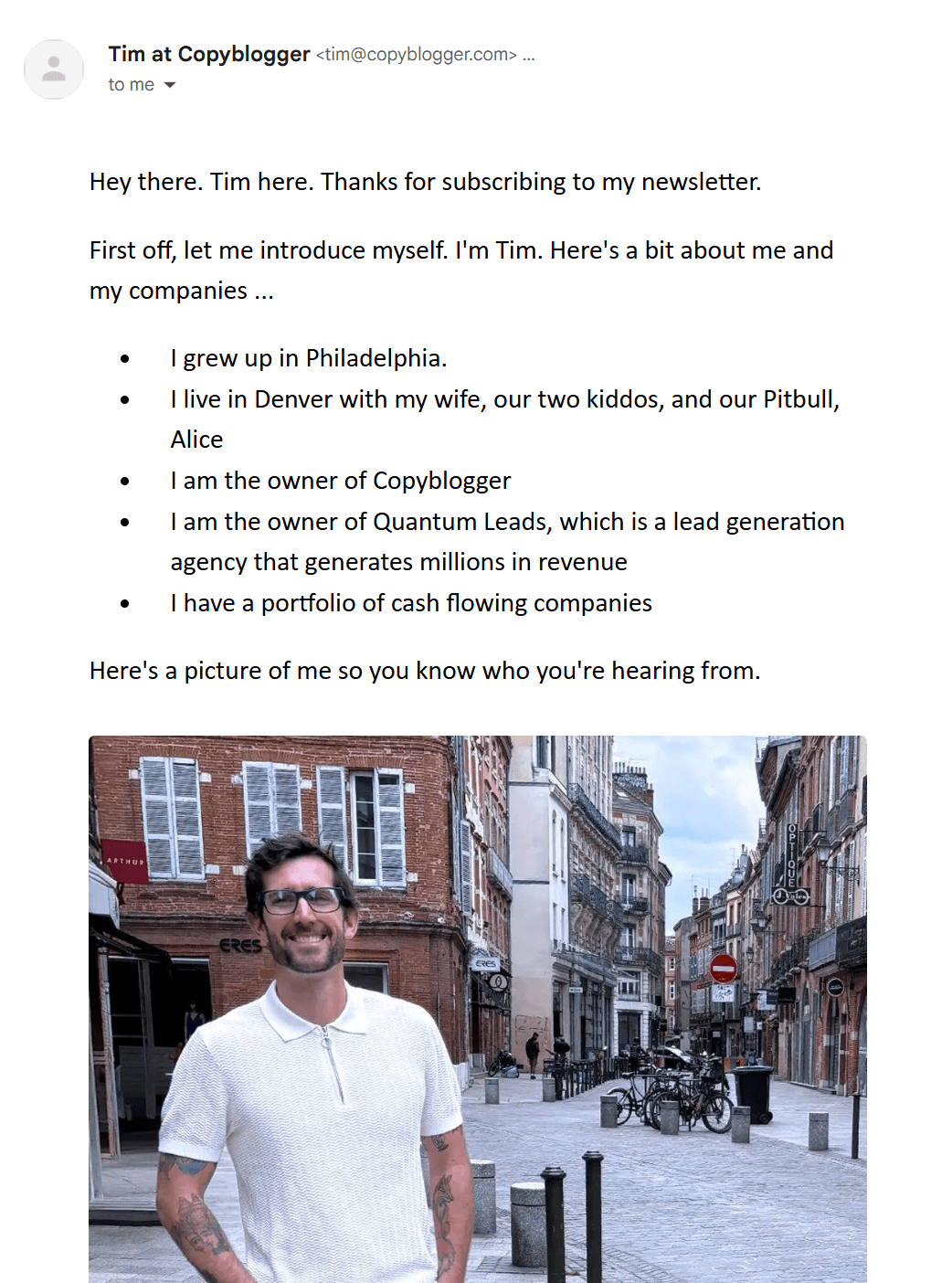
4. Keep your sender name and domain consistent
Subscribers are more likely to open emails from a sender they recognize. Frequent changes to your “From” name or domain create confusion and lower trust, even if your content remains the same.
Choose a clear, easily recognizable sender identity (e.g., @yourbusiness.com) and stick to it. For example, “Maria from Brand” or “Brand Team” are some of the most popular formats. Also, avoid switching between personal names and generic company labels.
Subdomains can help you stay organized without sacrificing recognition. When configured properly, they allow you to separate traffic while maintaining a strong connection to your main domain name.
Depending on your industry and needs, you might use:
- news.yourbrand.com for newsletters
- offers.yourbrand.com for promotions
- orders.yourbrand.com for transactional emails
This structure allows you to separate traffic types, protect your reputation, and keep everything clearly connected to your primary domain. It also helps isolate potential issues tied to a specific sending stream or IP address.
Avoid introducing entirely new domains for campaigns unless absolutely necessary. A new or unfamiliar domain resets recognition and may require IP warming and careful monitoring of the number of emails sent during the warm-up period.
5. Make unsubscribing simple
There’s nothing more frustrating than wanting to leave an email list and not being able to find the unsubscribe link. When subscribers feel trapped, they report the email as spam.
Always include a clear and easy-to-find unsubscribe link to prevent that. Don’t hide it in tiny text, require a login, or add unnecessary steps to remove someone from your list. In many regions, failing to include a clear opt-out option also violates regulations such as CAN-SPAM and similar compliance laws.
While it may sound counterintuitive, unsubscribing can help you. When someone leaves, they remove themselves from your list, helping your engagement metrics stay strong. A smaller, interested audience consistently delivers better open and click rates than a larger, frustrated one.
Of course, don’t forget to watch your unsubscribe rate. A stable number is normal, but a sudden increase usually means you’re sending too often, missing expectations, or pushing content that isn’t relevant.
If that happens, review your frequency and consider adding a short feedback option or a preference center like this one from KonMari:
6. Monitor spam complaint rates weekly
Along with your unsubscribe rate, don’t forget to track your spam complaint rate every week, not just after large campaigns. Keep it below 0.1%. If it rises above that threshold, treat it as an early warning sign.
Start by checking complaint metrics inside your ESP dashboard and, if possible, through Postmaster Tools. Look at trends and patterns. A sudden spike often indicates a specific segment, campaign, or a change in frequency.
If complaints increase, you should act promptly:
- Identify which audience segment received the campaign.
- Review the subject line and content for misleading or aggressive messaging.
- Check whether the campaign was sent to inactive subscribers.
- Pause or reduce sends to that segment until engagement stabilizes.
Don’t ignore small increases, as reputation damage can accumulate over time. A few poorly targeted campaigns can affect future inbox placement.
7. Segment instead of blasting your entire list
Another email deliverability best practice is to segment your target audience based on behavior, interests, and recent activity before you hit send.
You can start by grouping subscribers by:
- Recent engagement
- Product category interest
- Purchase history
- Signup source
For example, if you run an eCommerce store and launch a new summer collection, send the announcement first to customers who have previously purchased similar items or recently browsed that category. Don’t send it to subscribers who haven’t opened an email in six months or who have only signed up for a one-time discount.
The engaged shoppers are far more likely to open and click. That early activity strengthens your engagement signals and improves inbox placement before you expand the campaign to a broader audience.
Technical Email Deliverability Checklist
Whether you’re building your sending foundation or fixing declining inbox placement, use the following email deliverability checklist to strengthen your technical setup and protect your reputation.
- Authenticate your domain: Configure SPF, enable DKIM, publish a DMARC policy, and ensure your “From” domain aligns with your authenticated sending domain.
- Separate transactional and marketing traffic: Use different subdomains or a dedicated IP address so order confirmations and account-related emails aren’t affected by marketing performance issues.
- Use double opt-in for higher-risk sources: Require subscribers to confirm their email address for lead magnets, giveaways, or paid ads. This reduces fake signups and prevents you from sending to invalid contacts.
- Avoid purchased or scraped lists: Only send emails to people who have explicitly opted in. Buying or importing contacts without consent increases spam complaints, hits spam traps, and damages your reputation.
- Review campaign structure: Test your HTML templates for formatting issues, broken links, or overly aggressive promotional language that may appear spammy to filtering systems.
- Write clear subject lines: Avoid excessive urgency, all-caps, or misleading hooks, which are common spammer tactics.
- A/B test your messaging: Use A/B testing to evaluate subject lines or offers with a smaller, more engaged segment before rolling the campaign out more broadly.
- Optimize for readability and accessibility: Use short paragraphs, clear CTAs, and mobile-first layouts. Higher readability improves engagement, which strengthens deliverability. Email accessibility also matters, so take a moment to optimize your email accordingly.
- Monitor soft and hard bounces: Remove hard bounces immediately, and suppress addresses that soft-bounce repeatedly to protect your IP reputation and prevent deliverability issues.
- Use real-time email validation at signup: Implement tools to verify email addresses, catch typos, disposable domains, and malformed addresses before they enter your database.
Additional Email Deliverability Resources
For more technical setup details, expert insights, and tips, take a look at our dedicated guides:
- Email Deliverability: Avoiding The Spam Folder
- How Important Are Authentication, Reputation & Content for Google’s Email Filtering?
- The Invisible Deliverability Killers Marketers Ignore
- Expert Insights: How To Boost Your Email Marketing Engagement
Improve Your Email Deliverability the Easy Way
You can have perfect email authentication and still struggle if people ignore your messages.
The best thing to do is to pay attention to patterns. Are open rates declining? Are complaints increasing after certain campaigns? Are subscribers engaging less frequently than before? These reactions tell you how your emails are being perceived.
Of course, don’t forget to review your technical setup regularly to fix issues early and ensure smooth delivery.
Deliverability improves when your brand acts intentionally, and your audience responds positively. So, monitor both sides and optimize accordingly. That’s how you stay in the inbox long term.
FAQs
Here are some questions regarding email deliverability.
1. What is a good email deliverability rate?
A good email deliverability rate typically means an inbox placement rate of 95% or higher. Keep in mind that delivery rate and deliverability are different. A 99% delivery rate only means the receiving server accepted the emails and doesn’t confirm they landed in the primary inbox.
2. Does a 99% “delivery” guarantee success?
While a 99% delivery rate sounds ideal, it can hide serious problems. For instance, if 9,900 emails are accepted by the server but 3,000 land in spam and 4,000 land in promotions, your real visibility is much lower than you think. Consequently, your open rate drops, and so do your click-through rate and revenue.
3. Why are my emails going to spam even with SPF and DKIM setup?
SPF and DKIM are essential authentication protocols, but they only confirm that your emails are legitimate. Emails may still go to spam if you have low engagement rates, high complaint rates, inconsistent sending patterns, or poor list quality. ISPs evaluate email sender reputation, recent engagement signals, content patterns, and sending history. If subscribers ignore or report your emails, filtering will increase even with proper authentication.
4. How long does it take to improve sender reputation?
It typically takes several weeks to a few months, depending on the severity of the issue. If damage is minor, cleaning your list and improving engagement can stabilize performance within a few campaigns. More serious reputation damage, such as high spam complaints or blocklisting, may require gradual reductions in sending volume, a re-engagement strategy, and consistent email sending patterns over time.
5. Does engagement affect email deliverability?
Engagement is one of the strongest signals mailbox providers use. Opens, clicks, replies, and forwards indicate that subscribers value your emails. Low engagement, deletes without reading, and spam complaints signal the opposite. Consistently sending to engaged segments improves inbox placement, while repeatedly sending to inactive contacts weakens your reputation.
6. Is double opt-in better for deliverability?
In most cases, yes. Double opt-in improves list quality by confirming that the email address is valid and that the subscriber genuinely wants your content. While it may slightly reduce list growth, it lowers bounce rates, reduces spam complaints, and strengthens long-term deliverability. For high-risk acquisition sources such as giveaways or paid ads, double opt-in is especially beneficial.
Email marketing is at a turning point. With AI content flooding every inbox, genuine human-to-human interaction is more valuable than ever. Maintaining that human element is what makes a brand truly stand out.
Founder-led content is a great way to achieve this. While it’s often associated with cold emails, it can also pivot your broader email marketing efforts. From celebrating milestones to announcing new products, adding personal touches, like the founder’s story or mission, can revamp your strategy.
In this post, we’ll share compelling founder-led email examples for different use cases and best practices for sharing your personal story and capturing your subscribers’ attention.
Lead with value and vision
Use pre-made templates and AI capabilities to build memorable email campaigns.
TRY MOOSENDWhat Are Founder-led Emails?
Founder-led emails include messages from the founder, owner, or CEO of a business. They move beyond generic marketing templates to offer a more personal connection. Depending on the intent, these can range from sharing a personal story or value proposition to discussing specific pain points and solutions.
Here are some email types that can be enhanced with founder-led content:
- Welcome and onboarding emails
- Exclusive incentives, such as discounts
- Company announcements
- New product launches
- Apologetic emails (e.g., for out-of-stock items)
- Milestone emails
You can send these in HTML or plain text, depending on your audience and the purpose of the email.
For example, welcome emails and new product launches often include visuals and work better in HTML format. On the flip side, exclusive emails sent to shorter, segmented lists, such as loyal members, often perform better in plain text because they feel like a 1-on-1 message.
Why Founder-led Emails Have a Real Impact on Subscribers
Let’s explore some of the benefits of sharing founder-led email content instead of faceless messages:
- Build trust: A message from a CEO or a founder carries more weight than a generic email. Readers feel they get access to the “real story” rather than a polished marketing version aiming to sell.
- Promote human connection: Consumers want to buy from real people. “Business-to-consumer” emails often miss the genuine element of human-to-human conversation, which is a prerequisite for brand loyalty.
- Boost engagement rates: Since these emails look like direct messages, they often lead to higher reply and click-through rates. People are more likely to take action when they sense that someone is addressing them specifically.
- Optimize storytelling: Sharing the founder’s story or the “behind the scenes” of product development can resonate more with your target audience. Connecting with your mission is more powerful than connecting with your brand alone.
In a nutshell, by putting a face to your brand, you’re not just selling. You’re building relationships that flourish through emotional connection.
Founder-led Email Examples & Why They Work
If you want to turn standard notifications into high-converting touchpoints, this strategy should be part of your marketing playbook. Have a look at these compelling examples and why they stand out to find inspiration for your own campaigns.
1. Ettitude final sale email
Subject line: Our final sale of the season
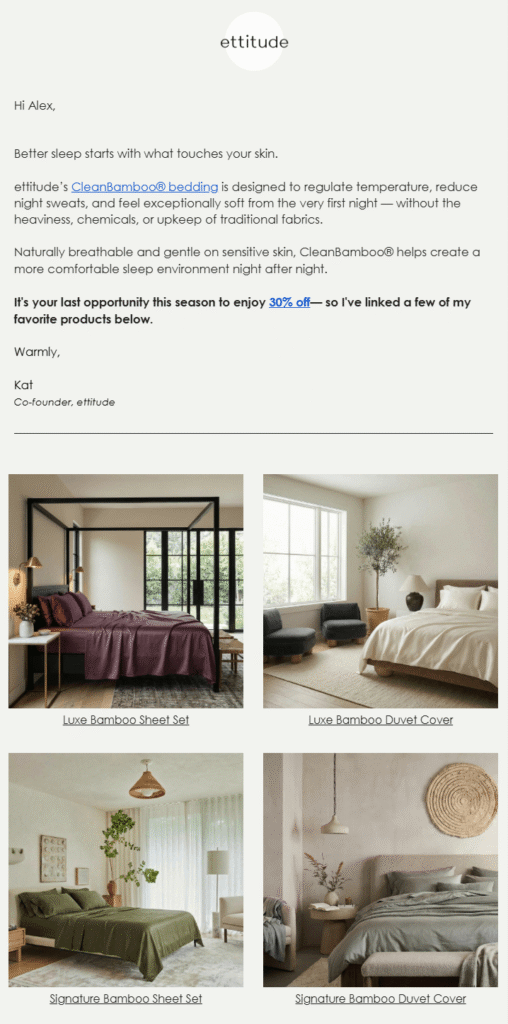
Ettitude shared a targeted email sent from their co-founder to invite subscribers to their final sale and boost conversion rates.
Why it works:
- The subject line informs subscribers immediately about the email’s intent, attracting highly interested consumers.
- The co-founder’s message is placed at the top and includes a personalized greeting with the recipient’s name.
- Highlighting the specific benefits of the products on sale helps convince readers of the quality before they claim the discount.
- The co-founder’s personal product recommendations act as a form of high-authority social proof, making the sale feel hand-picked.
2. HelloFresh New Year message
Subject line: What’s new? A message from our CEO
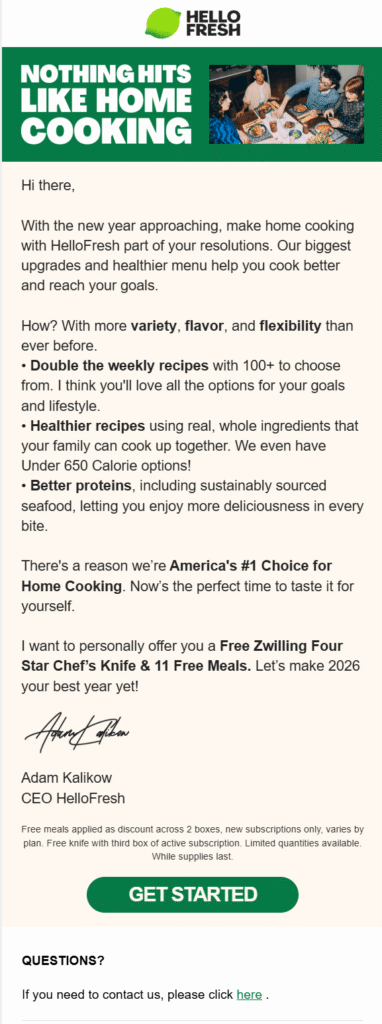
HelloFresh finished the year with a message from the CEO to set expectations for what’s coming next and a unique gift.
Why it works:
- The subject line hints at the purpose of the email and clearly states who it is from to add authority and boost open rates.
- The email copy focuses on upcoming services and improvements to set expectations and intrigue recipients about the brand’s future.
- The “Get started” call-to-action is positioned to boost brand awareness and drive potential late-year ROI.
- Including a specific gift encourages recipients to take action instantly and start purchasing again.
3. Becker’s Healthcare welcome email
Subject line: Welcome to Becker’s Healthcare!
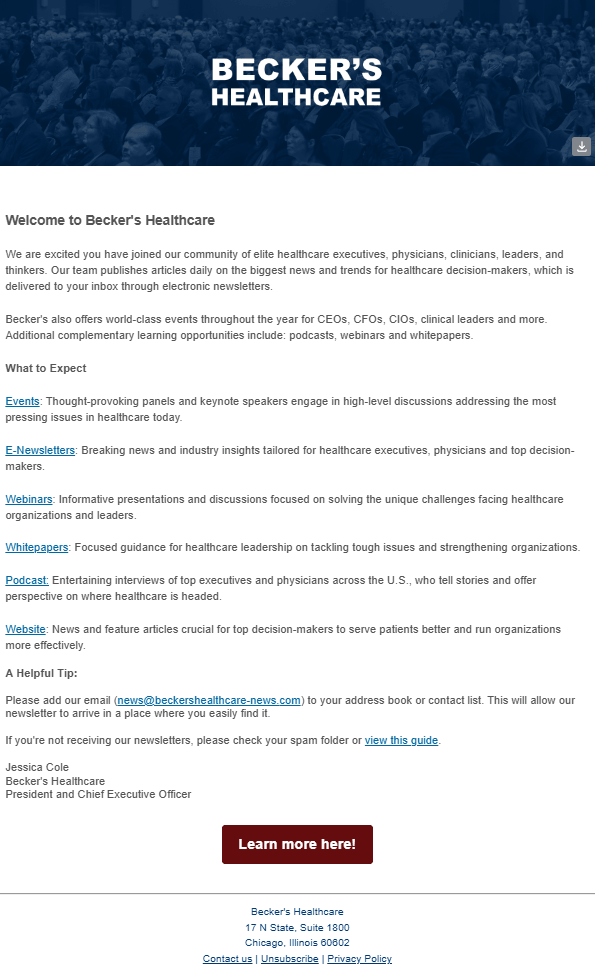
With a simple yet powerful welcome email, Becker’s Healthcare introduces new subscribers to their newsletter.
Why it works:
- Considering the target audience, healthcare professionals, a message from the President is a great choice to earn trust quickly.
- The copy outlines exactly what new recipients can expect, including whitepapers and event invitations.
- The email uses allowlisting tactics to ensure messages land safely in the inbox rather than the spam folder.
- By sticking to a single, neutral hero image, they ensure the brand stays professional, and the message captures attention fast.
4. American Giant milestone email
Subject line: A Hoodie Sale, From Our Founder
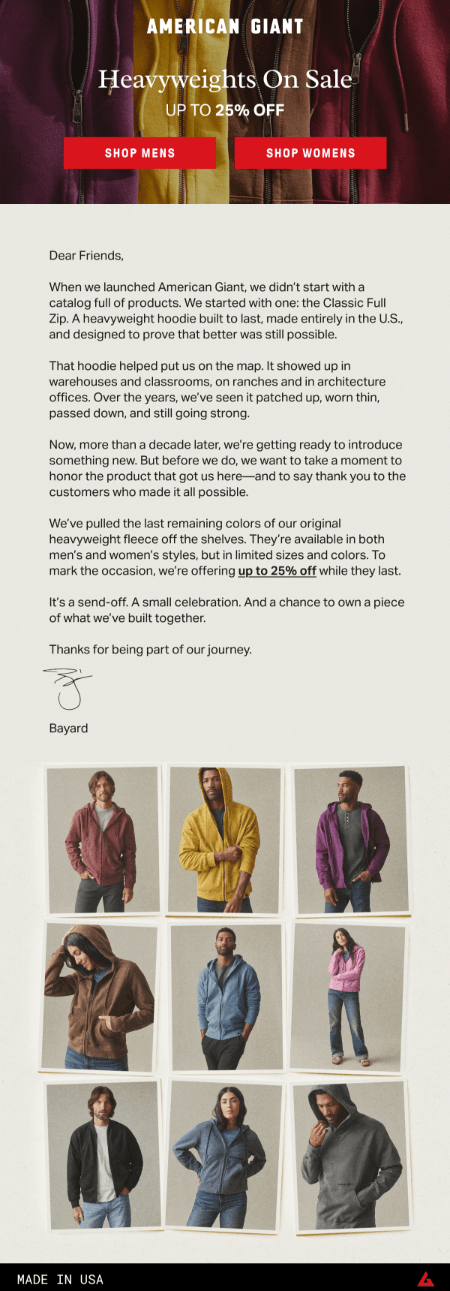
This unique sales email from American Giant shares the founder’s story, celebrating a decade of success.
Why it works:
- Sharing the early stages of the brand and how it developed adds a genuine personal touch to the message.
- The discount is offered on heavyweight hoodies, the product that helped the business first penetrate the market.
- The thank-you note shows the brand’s appreciation for its customers, framing the discount as a reward for their loyalty.
- By announcing an upcoming release within the same email, the founder builds anticipation for a new product launch.
5. Ugmonk thank you message
Subject line: Here’s what our warehouse looks like right now 😅
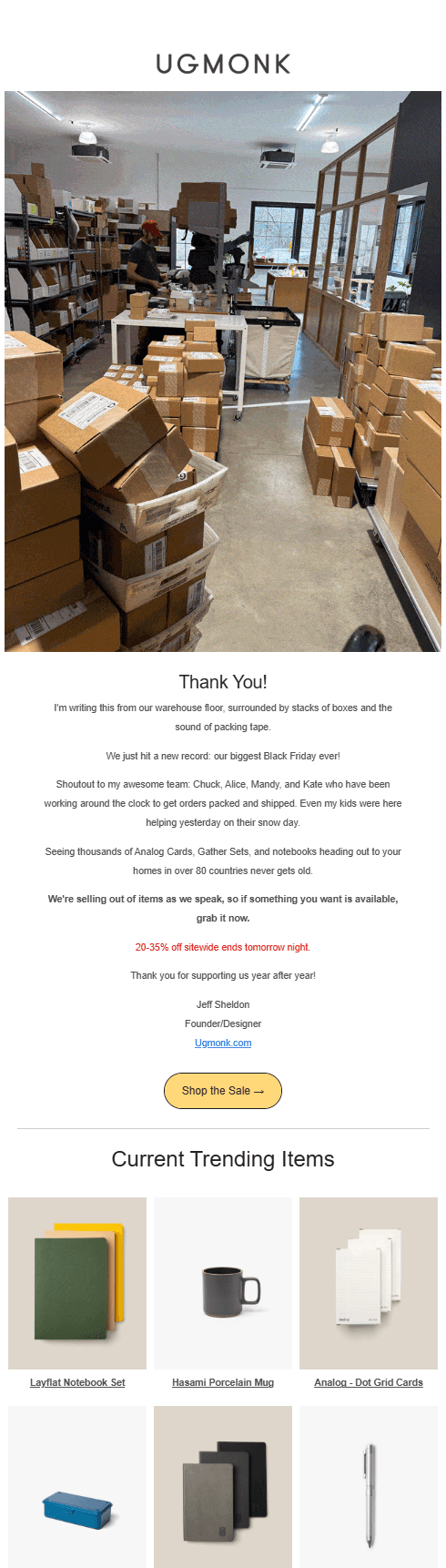
Ugmonk sent a high-impact Black Friday last-call email from the founder to thank customers for their support.
Why it works:
- The “behind the scenes” GIF shows the headquarters and the team preparing hundreds of orders in real time, demonstrating the brand’s scale and dedication.
- The founder gave a shout-out to his team and a thank-you to customers, humanizing the busy holiday season.
- The last-call notice helps boost ROI during a high-spending season, supported by a clear and prominent CTA button.
- Highlighting best-selling items triggers “fear of missing out” (FOMO) and serves as social proof, showing what other customers are buying.
6. Saatchi Art holiday campaign
Subject line: Happy Holidays from Saatchi Art
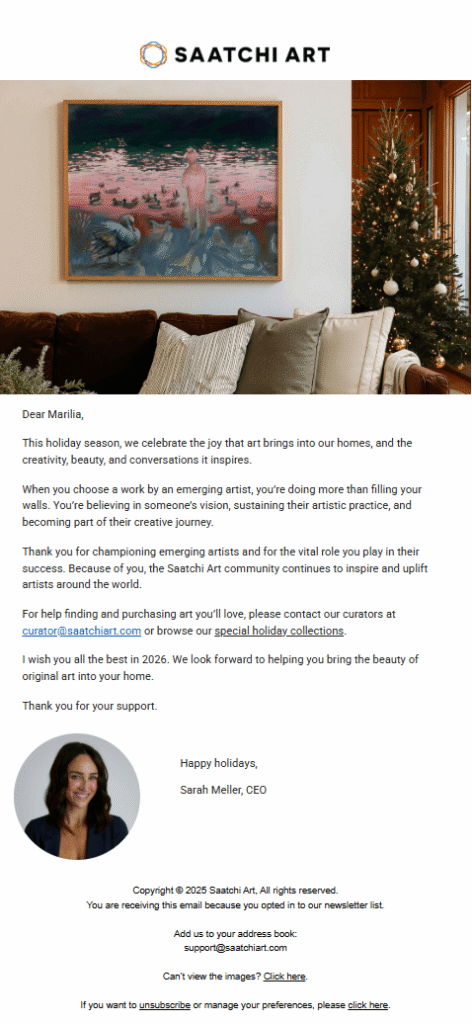
A few days before Christmas, Saatchi Art’s CEO, Sarah Meller, sent a beautiful campaign to their subscribers.
Why it works:
- The Christmassy hero image, featuring high-quality art, immediately sets the festive tone of the email.
- The CEO briefly shared her mission and thanked recipients for supporting the artistic community.
- She promoted special holiday collections to boost last-minute sales and increase artist visibility.
7. Chocolate Alchemy informational email
Subject line: Oops, not sold out
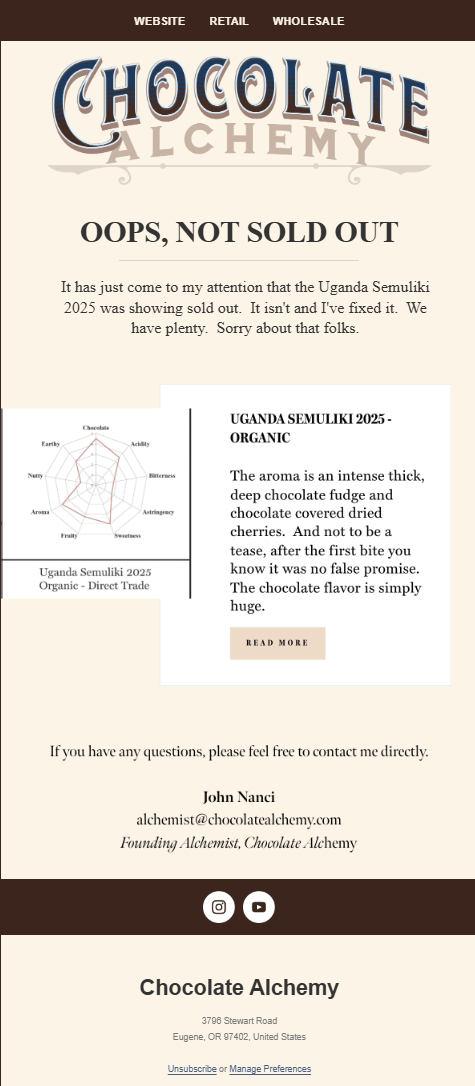
When Chocolate Alchemy accidentally marked a product as sold out, the founder sent a “reversed out-of-stock” email to inform prospects that the item was actually available.
Why it works:
- The subject line reflects the email’s purpose and uses a calm, apologetic tone.
- The product description focuses on unique traits and benefits, aiming to recover sales lost when the product was mislabeled.
- The founder included her personal email address in case anyone had specific questions about the product, reinforcing the human connection.
8. Bite’s plain text promotional email
Subject line: Just between us…
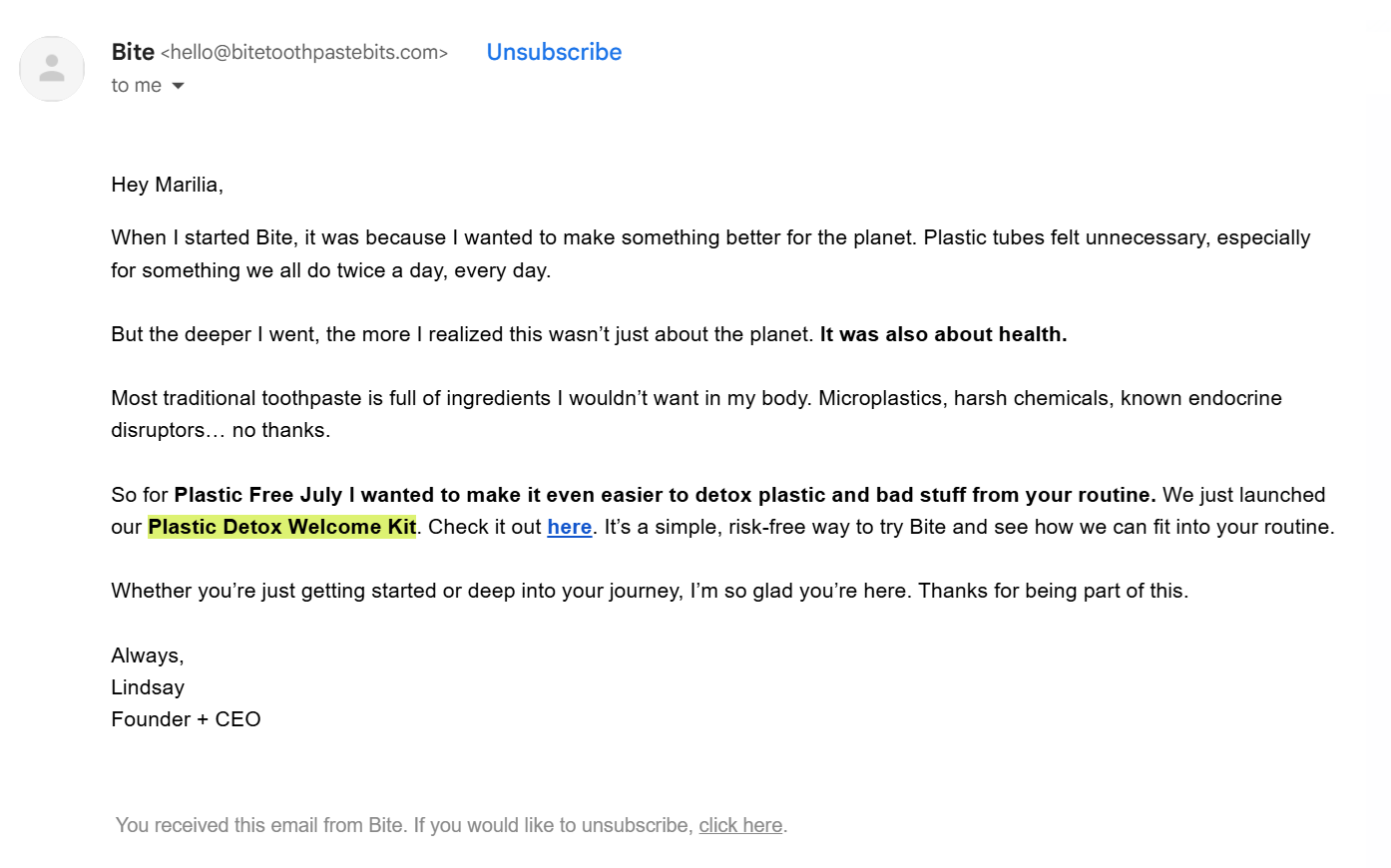
Bite created a personalized product-launch email written by the CEO and founder, delivering an exclusive experience to its subscribers.
Why it works:
- The subject line sparks the readers’ curiosity and makes them feel they are accessing something unique before they even open the email.
- The email copy is split into two distinct parts: the founder’s vision and the new product that brings that vision to life.
- They bolded key parts of the promo to capture attention without adding heavy HTML elements that could make the message feel too salesy.
Founder-led Email Best Practices
How can you apply founder-led marketing strategies to your email channel without sounding authoritative or fake? Here are some best practices to nail this tactic.
Write like you talk
To help recipients resonate with your message, you should remove corporate jargon. Being accessible and human is key, even when you’re addressing SaaS companies with case studies.
Use a conversational and warm tone that aligns with your brand guidelines. Remember, you’re connecting with people who have already supported your business and potential customers. They deserve to receive something authentic from you.
Here’s an example where it’s easy to tell which version resonates better:
- The corporate version: “We are delighted to announce the implementation of our new cross-platform integration to internalize workflow efficiency.”
- The founder version: “I’ll be honest, our old integration was clunky. It frustrated me, and I knew it frustrated you. So, we rebuilt it from scratch to actually save you time, not just claim to.”
If you find it difficult to find the right words, you can use an AI writer tool to experiment with different tones and wordplay.
Focus on your vision
Whether you’re announcing a new product, inviting subscribers to a fundraising event, or sharing a flash sale, emphasize why you’re doing so. Don’t spend too much time on the “what.”
Why? Because people expect to hear from the thought leader behind those messages. Instead of just describing a new feature, explain the pain point you’re trying to solve or the “aha” moment behind your new initiative.
If you don’t follow this approach, you risk sounding dull or, worse, salesy. This can hurt your campaigns’ engagement metrics. Instead, use your founder story as a bridge to make your message more accessible and resonant.
Segment your email list
You don’t need to send founder-led emails to all your subscribers. Often, it’s better to save this personal format for specific segments to add more value to the connection.
Take, for example, milestone and loyalty emails. By targeting subscribers who have already proven their support for your business, you can strengthen that relationship.
Most email marketing services, like Moosend or Constant Contact, make automating these emails easier than it sounds. For instance, you can set up milestone emails using “if/then” conditional logic or create a dedicated workflow with follow-ups to ensure your loyalty members receive an exclusive experience.
Use a personal sign-off
Instead of a generic sign-off that highlights your company, use a personal one. Including a version of your actual signature or a headshot near the sign-off adds a great touch of authenticity.
You can make your email signature as interactive as you want. For example, you can add links to your LinkedIn profile or your business social media accounts to drive traffic there.
However, if you use a plain-text format, it’s better to keep your signature simple. An over-designed signature following a raw-looking message can break the human element and make the email feel less personal.
Opt for a simple design
You don’t want your founder-led email to look like every other marketing campaign; otherwise, how will it stand out? If you aren’t choosing a plain-text format, opt for a simple HTML layout that puts the message at the center of attention, even when product recommendations or similar promotional information follow.
To save time, you can choose a simple, ready-made email template from your email marketing platform and customize it based on your needs. Check out this great example from Moosend’s library:
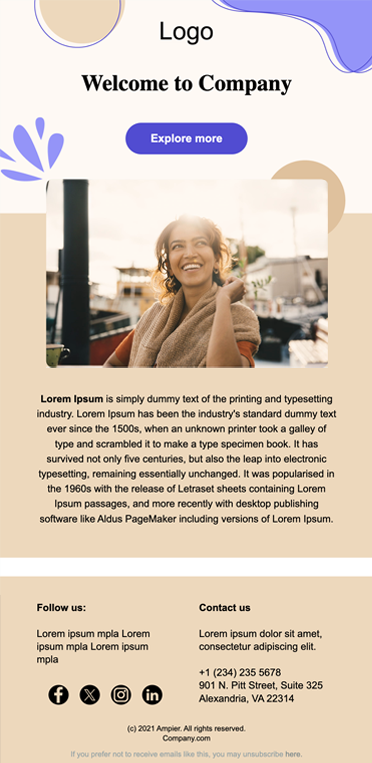
Founder-led Email Marketing Do’s & Don’ts
Here’s a quick, final run of do’s and don’ts to keep in mind when creating these emails:
Do:
- Use “I” and “We”: This makes your email feel human, not like it was crafted by a marketing department.
- Invite a reply: Especially if you’re seeking feedback. This boosts both your engagement and your deliverability metrics.
- Be vulnerable: Instead of just sticking to the wins, be open about the struggles you’ve been through to reach a certain milestone.
- Add a P.S.: Use it to reiterate your main point, as many people skim through the body of an email and jump to the bottom.
Don’t:
- Hide the founder: Don’t consider an email “founder-led” if it includes only a small quote hidden among promotional content. You need a stronger presence to have a real impact.
- Be salesy too quickly: Avoid aggressive “Buy now” calls to action. Stick to value and vision, and customers will ultimately come your way.
- Ghost your replies: If you’ve requested feedback, don’t ignore the responses. This can make your brand seem inauthentic.
- Use a no-reply address: You want subscribers to feel like they’re interacting with you, so keep the door open.
Lead with Founder-led Content
If it’s your first time sending a founder-led email, we promise that if you follow the tips above, you won’t regret it. Share your mission with your customers; if they resonate with it, retention becomes much easier.
Most importantly, remember to be authentic. Your customers don’t need another glossy, over-polished story in their inbox. They need genuine messages that drive them to get on board because your mission truly touches them.
FAQs
Check out these frequently asked questions regarding founder-led emails:
1. What is founder-led marketing?
Founder-led marketing is a strategy in which the business founder is actively involved in the marketing process. It’s a way to connect with the audience on a more human level across different channels, from email to social media, depending on the business’s goals.
2. Are founder-led emails only for cold outreach?
No, they are incredibly valuable for marketing to your existing list. For example, you can use them to announce a new product, celebrate a milestone, or share an exclusive offer. These are all occasions where adding a face to the message makes the content feel more personal and resonant.
3. Should I use my actual “[email protected]” address?
Yes. Sending these emails from your own address doesn’t just add a personal touch; it also helps bypass the “Promotions” filter and helps your message land straight in the primary inbox.
Everyone says, “trust the data.” So you do. You track opens, clicks, conversions, revenue, and every possible metric in between.
But somewhere between the nth dashboard refresh and just one more report, progress stalls, decisions slow down, and you even start questioning your own sanity.
That’s analysis paralysis, and marketing teams know it all too well. So, how do you stop wavering and start making decisions that actually move the needle?
In this post, we’ll look at what analysis paralysis really means, why it happens so often, and how to find a better balance between data, creativity, and confident decision-making.
What Does Analysis Paralysis Mean?
Analysis paralysis happens when you overanalyze information to the point that decisions are delayed or avoided.
Research by Sian Beilock suggests that under pressure, the prefrontal cortex, the part of the brain responsible for reasoning and decision-making, can become overloaded. When this happens, clear thinking declines and second-guessing increases.
Also, studies show that 78% of people feel overwhelmed by the growing number of data sources, and 70% have abandoned a decision because the information felt too complex.
However, analysis paralysis doesn’t only slow down performance. Over time, it can drain marketers as well. Constantly reviewing data, second-guessing decisions, and trying to find the “perfect” answer can lead to mental fatigue. Instead of feeling confident, teams feel stuck. And when every decision feels heavy, burnout isn’t far behind.
Who Is Most Prone to Analysis Paralysis?
Analysis paralysis tends to affect people who stress about making good decisions and feel the weight of getting them right.
You’re more likely to experience it if you are:
- A perfectionist, always looking for the perfect solution and afraid of making the wrong choice.
- Working in a high-pressure environment, where results are visible, and stakeholders expect constant justification.
- Responsible for big or important decisions, where the impact feels too large to risk a misstep.
- Managing many decisions at once, which leads to decision fatigue and drained mental energy.
- Surrounded by too much data, dashboards, reports, and opinions that make it harder to choose a clear course of action.
This combination of pressure, overthinking, and constant information creates the “ideal” conditions for analysis paralysis, especially in roles where decision-making never really stops.
The True Causes of Analysis Paralysis
Once you recognize who is most prone to analysis paralysis, it becomes easier to see what’s actually causing it.
1. Perfectionism disguised as caution
Perfectionism is often the root cause of analysis paralysis, even when it does not look like it on the surface. It presents itself as being thorough, responsible, and data-driven, but deep down, it desperately craves control.
When the goal is to make the best possible decision, every choice starts to feel risky. There is always another variable to consider and another scenario to account for. Instead of clarifying the decision, the constant search for certainty drains mental energy and slows progress.
Consequently, perfectionism turns overthinking into a habit. Progress is postponed not because information is missing, but because no option ever feels safe enough.
In reality, most good decisions aren’t perfect but iterative, meaning they improve through small adjustments over time rather than getting everything right from the start.
2. The pressure to prove performance
In many roles, decisions are expected to be supported by evidence. Results need to be measurable, defensible, and easy to explain, especially in high-pressure environments where performance is closely monitored. This constant scrutiny can slow the decision-making process and make it more cautious.
In email marketing, for instance, this pressure is even stronger. Every campaign, automation, and subject line is tied to open rates, click-through rates, and conversions. When performance is visible and immediately quantified, decisions feel exposed, and teams may hesitate longer before taking action.
This pressure becomes even harder when the impact isn’t easy to measure. Elements like creativity, tone, or brand awareness don’t always translate into immediate metrics. You might know something works, but proving it takes time. And in environments that favor quick, visible results, this makes decisions feel even riskier and easier to delay.
3. Too many options and the paradox of choice
In theory, more options should lead to better decisions. In practice, though, they often do the opposite.
Psychologist Barry Schwartz, in “The Paradox Of Choice: Why More Is Less,” explains how an abundance of choice can increase anxiety and reduce satisfaction. When faced with too many options, people are more likely to overthink big decisions, procrastinate, or avoid making a decision altogether.
Modern marketing tools are a perfect example of this paradox. Teams can choose from endless segments, channels, targeting options, creatives, formats, and optimization rules.
What’s meant to provide flexibility can easily become overwhelming. As a result, you start searching for the perfect combination, convinced that the ideal strategy is “hidden somewhere in the data.”
4. Imposter syndrome and external validation
Imposter syndrome (also impostor phenomenon or impostorism) is the ongoing feeling that your success is due to luck and that one mistake will reveal you as unqualified, even when your experience and results prove otherwise.
Especially when performance drops, this mindset shifts focus inward. Instead of considering external factors or the broader context, people begin to doubt their own judgment and skills.
In business, this often shows up in environments where stakeholders closely monitor performance. When expectations are high and results are visible, people may hesitate to make decisions. Asking for another report or reviewing projections again can feel safer than committing to a choice.
5. The illusion of perfect attribution
Modern analytics make performance look straightforward. Dashboards are full of charts, timelines, and metrics that promise clear answers about what worked and why.
In reality, attribution is rarely that straightforward. Blog posts, email campaigns, ads, and social media often influence results together. A conversion usually happens after several touchpoints, not just one.
Because each channel measures performance differently, the full picture is rarely clear. Instead of gaining certainty, teams can spend too much time piecing everything together, leading to decision paralysis.
6. AI burnout and cognitive overload
AI tools are designed to make work easier, but they can also contribute to analysis paralysis. Suggestions, predictions, new versions, and performance insights appear constantly, and each one requires attention.
Instead of simplifying decisions, the steady stream of recommendations adds another layer of evaluation. Teams feel the need to review every suggestion before moving forward.
Eventually, this leads to AI burnout. Mental energy drops, confidence weakens, and decisions are delayed. What begins as helpful automation can end up slowing action when input volume becomes overwhelming.
How to Overcome Analysis Paralysis When You Feel Stuck
Breaking free from analysis paralysis is less about thinking harder and more about changing how decisions are made. Here’s a simple step-by-step process to help you move forward.
Define the decision before you look for answers
Overanalysis thrives when the decision itself is unclear. If you do not know what you are deciding, no amount of data will help.
Before opening a dashboard, reading reports, or asking for opinions, write the decision down in one sentence. Make it concrete and time-bound. Vague questions invite endless analysis, while clear ones narrow your focus.
For example, instead of asking, “Is this campaign performing well?” define the decision as, “Should we send this campaign to the full list next week or revise it?” The second question immediately limits which data matter and which can be ignored.
Another useful tip is to ask yourself what information would actually change your course of action. If a metric won’t influence the choice you’re about to make, don’t include it. This prevents overanalysis and keeps your attention on what moves the decision forward.
Once the decision is defined, set a clear next step and act. Clarity at the start often removes indecision faster than collecting more data ever could.
Limit external input
As mentioned, too many inputs drain mental energy and make decision-making harder than it needs to be.
Start by deciding which signals are allowed to influence the decision and which ones are not. Limit yourself to the few indicators that genuinely affect the outcome. Everything else becomes background noise.
For example, when deciding whether to move forward with a campaign, one or two core metrics are usually sufficient. Tracking every secondary metric simultaneously only adds friction.
External input can also contribute to overload. Feedback from multiple people is valuable, but not all at once. If opinions are pulling you in different directions, pause them temporarily until a direction is clear. You can always bring people in after you have narrowed the options.
Ask yourself, “If this signal disappeared today, would it change my decision?” If the answer is no, remove it from the process.
Use deadlines
Analysis is productive, but without boundaries, it quickly becomes the opposite.
Decide in advance how much time a decision deserves based on its impact. Important decisions may require careful consideration, but small decisions should not receive the same level of attention. Treat the amount of time you need as a resource you intentionally allocate, not something you react to.
A simple approach is to set a clear deadline before you start analyzing. For example, give yourself 30 minutes to review information, then make the call. When the time window closes, commit to a course of action and move forward, even if the answer does not feel perfect.
If it helps, create a to-do list and write down the decision, the deadline, and the next step. This makes the commitment visible and harder to postpone.
Here’s a simple example:
Trust patterns over isolated outcomes
One outcome rarely tells you what actually happened, especially when timing, context, or external factors are involved.
Instead of reacting to one result, look for trends across similar situations. Ask what keeps repeating, what consistently works, and what fails under the same conditions. These patterns are often more reliable than any single metric.
Also, a practical tip is to review outcomes in groups rather than in isolation. For example, compare several similar decisions instead of dissecting one in detail. This helps you spot recurring signals and reduces the urge to overcorrect when information is limited.
Healthy Analysis Over Paralysis
Analysis paralysis is a signal that your mental energy is being stretched too thin. And when overthinking becomes the default, both judgment and well-being suffer.
Setting boundaries, accepting imperfection, and allowing yourself to move forward protect your focus, confidence, and mental health.
When you create space to think clearly and act with intention, better decisions follow. That’s why you need to take steps to overcome and prevent cognitive overload as soon as possible.
Remember, a healthy decision-maker helps maintain a healthy business. So, take care of your well-being first, and your work will reflect it.
FAQs
Below, you’ll find answers to common questions regarding analysis paralysis.
1. Is analysis paralysis a data issue or a decision-making problem?
Analysis paralysis is usually a decision-making problem, driven by mental overload, pressure, and fear of making the wrong choice. Data often becomes the excuse to delay action, especially when decisions feel high-stakes or visible. In those cases, more information does not create clarity. It creates indecision.
2. How can you tell the difference between healthy analysis and overanalysis?
Healthy analysis helps you move toward a clear course of action. Overanalysis keeps you stuck in comparison mode. A simple test is to ask whether new information is still changing your decision. If you keep analyzing without narrowing options or committing to next steps, you are likely in analysis paralysis rather than thoughtful decision-making mode.
3. Does analysis paralysis affect mental health and well-being?
Prolonged indecision and constant overthinking can drain mental energy and negatively affect well-being. Research and workplace studies consistently show that decision fatigue increases stress, anxiety, and burnout. When people feel unable to move forward, even on small decisions, the psychological cost often outweighs the risk of making an imperfect choice.
4. Who are Barry Schwartz and Sian Beilock?
Barry Schwartz is a psychologist best known for “The Paradox of Choice: Why More Is Less,” which explains how too many options can increase anxiety and reduce satisfaction, making decisions harder instead of easier. His work helps understand why modern tools and endless possibilities can fuel analysis paralysis.
Sian Beilock is a cognitive scientist whose research focuses on performance under pressure. Her work shows that stress and evaluation overload the prefrontal cortex, disrupting cognition and causing people to second-guess decisions they would normally make confidently. Together, their research explains both the emotional and cognitive sides of overthinking.
5. What is the fastest way to break out of analysis paralysis next time it happens?
The fastest way is to define the decision clearly and limit the factors that can influence it. Write the decision in one sentence, set a time limit for analysis, and decide what information actually matters. Once those boundaries are in place, commit to a course of action. Progress, even imperfect progress, is often what restores clarity.