9 Best iContact Alternatives For 2026 [Comparison]
Published By Marilia Dimitriou
December 9, 2022

09/12/22
For small businesses and entry-level marketers, iContact is a decent option to manage email campaigns and audience relationships. Down the line, some of them face issues while using the tool, and decide to switch to a new platform.
Some of the most common reasons behind this choice include the limited design capabilities, the basic automation, and the outdated user interface, among others.
To help you get the most of your email marketing, we reviewed the best iContact alternatives, with advanced tools and customization options.
Let’s break them down, checking top features, pros, cons, and pricing so you can find the best fit for your business.
Ditch extra costs with code MAKETHEMOOVE
Get 25% off for 3 months and enjoy advanced features.
Switch to MoosendHow We Selected The Tools
All of the tools in this list have been tested by our team to provide an unbiased description of its features and capabilities.
We spent hours setting up new accounts and trying each software to provide an accurate experience and show users exactly what they will come across when they sign up. Find more information about our software selection methodology on how we choose tools to feature on the Moosend Blog.
Why You Should Consider an iContact Alternative
iContact is an email solution that’s easy to set up, offering key features for running effective campaigns. However, certain limitations lead some users to consider an iContact alternative. These are the most common pain points that iContact customers face:
- Limited automation: iContact falls behind competitors in advanced automation capabilities, making users who need complex workflows and laser-focused customer journeys turn to other tools.
- Basic design customization: While iContact offers ready-made email templates, the customization options seem limited for marketers who want greater control over their designs.
- Customer support concerns: Some users report canceling their accounts because iContact’s customer service representatives were unable to provide a solution to their issue, while a few even describe interactions as dismissive.
- Small integration list: Although iContact allows users to connect with more than 100 third-party tools, this can still feel restrictive compared to other platforms on the market.
Top iContact Competitors: Compared for 500 Contacts
Based on reviews, iContact has a few weaknesses that other competitors can cover.
Below, we collected some of the best email marketing solutions to help you, focusing on functionality, user-friendliness, and intuitiveness. Let’s take a look at them:
| Free plan/Trial | Pricing | Unique Feature | |
| iContact | Yes (30-day trial) | $9/month | Simple autoresponders |
| Constant Contact | Yes (30-day trial) | $12/month | Event management tool |
| Moosend | Yes (30-day free trial) | $9/month | Easy-to-use email builder |
| HubSpot | Yes | $20/month | Powerful CRM system |
| GetResponse | Yes (limited) | $19/month | Spam testing features |
| Mailchimp | Yes (limited) | $13/month | Advanced A/B Testing options |
| ActiveCampaign | Yes (14-day trial) | $19/month | Complex automated workflows |
| Campaign Monitor | Yes (30-day trial) | $12/month | Audience segmentation |
| AWeber | Yes (limited) | $15/month | Cross-device email testing |
| Benchmark Email | Yes | $19/month | Email audit checklist |
1. Constant Contact – Top Event Planning Alternative
Pricing: Paid plans start at $12/month, 14-day free trial
Best for: Small businesses, Event organizers, Startups, Nonprofits
Unique Feature: Event management tool
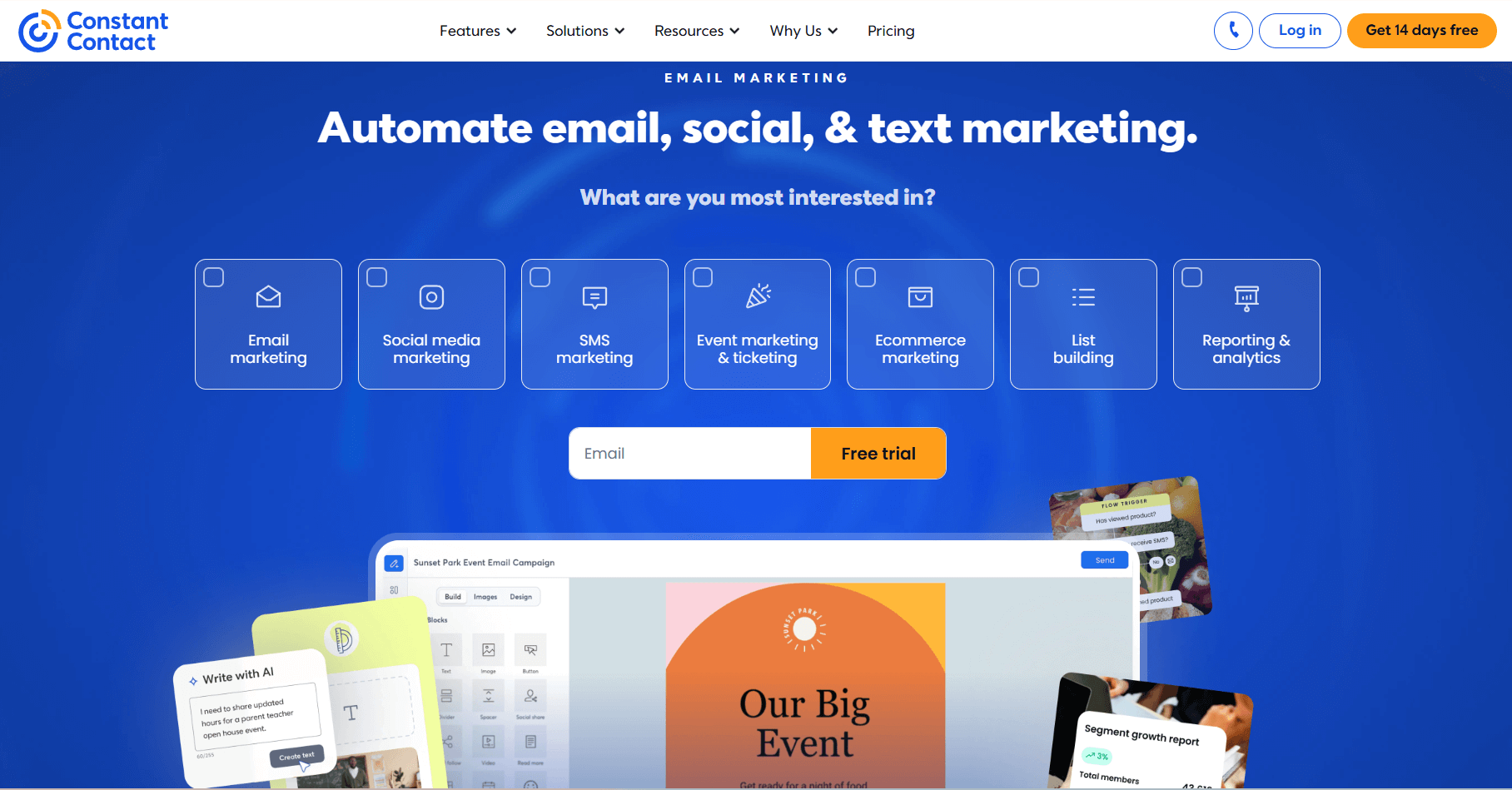
Constant Contact is a versatile email solution that gives you access to multiple features to power up your marketing strategy. Geared towards SMBs, event organizers, and startups, this iContact alternative offers a flexible drag-and-drop email editor to craft your messages. Your work gets simpler with 600+ readily-designed email templates that you can tweak as you please.
Moreover, it equips you with list-growth tools, such as signup forms and landing pages, to expand your reach effortlessly. The Lead Magnet tool comes in handy for learning more about your audience through survey-based forms embedded on your site and social media, or shared in person via QR codes.
Among the features, you’ll also find Google Ads and an essential social media marketing tool that helps you boost website traffic. Then, you can use signup forms to capture email addresses and turn them into customers.
Constant Contact also lets you divide contacts into detailed segments based on their location, interests, demographics, email and SMS activity, and more. Dynamic content personalization is another useful feature to make every email relevant to the recipient.
While marketing automation isn’t the software’s strongest point, you can set up simple flows and autoresponders through the visual builder to target your audience with the right message at the right time.
Lastly, this alternative is popular for its event management, including promotion and reporting options. You can leverage these features to collect leads, nurture, and engage them further with follow-up resources and offers.
Constant Contact Best Features
- Pre-made email templates
- Autoresponders
- Dynamic content personalization
- List segmentation and management
- Event management (invites, promotions, ticket-selling, and tracking)
- SMS marketing functionality
- Integration with a variety of apps and tools
Pros
- Expanded email template library
- AI content generation for emails, landing pages, social media posts, and text messages
- Great email deliverability
- Mobile app to perform tasks on the go
Cons
- A/B testing limited to email subject lines
- Inbox preview offered as an add-on (on all plans)
Pricing
Constant Contact has a starting price of $12/month for the Lite plan, where you get access to the email editor and templates, social media tools, and event management. This email marketing solution has a 14-day trial you can use to test the waters. After its expiration, you need to upgrade to a paid subscription.
2. Moosend – Most User-Friendly iContact Alternative
Pricing: Paid plans start at $9/month, 30-day free trial (Sign up here)
Best for: eCommerce, SaaS, Small businesses, Startups, Enterprises
Unique feature: User-friendly email builder
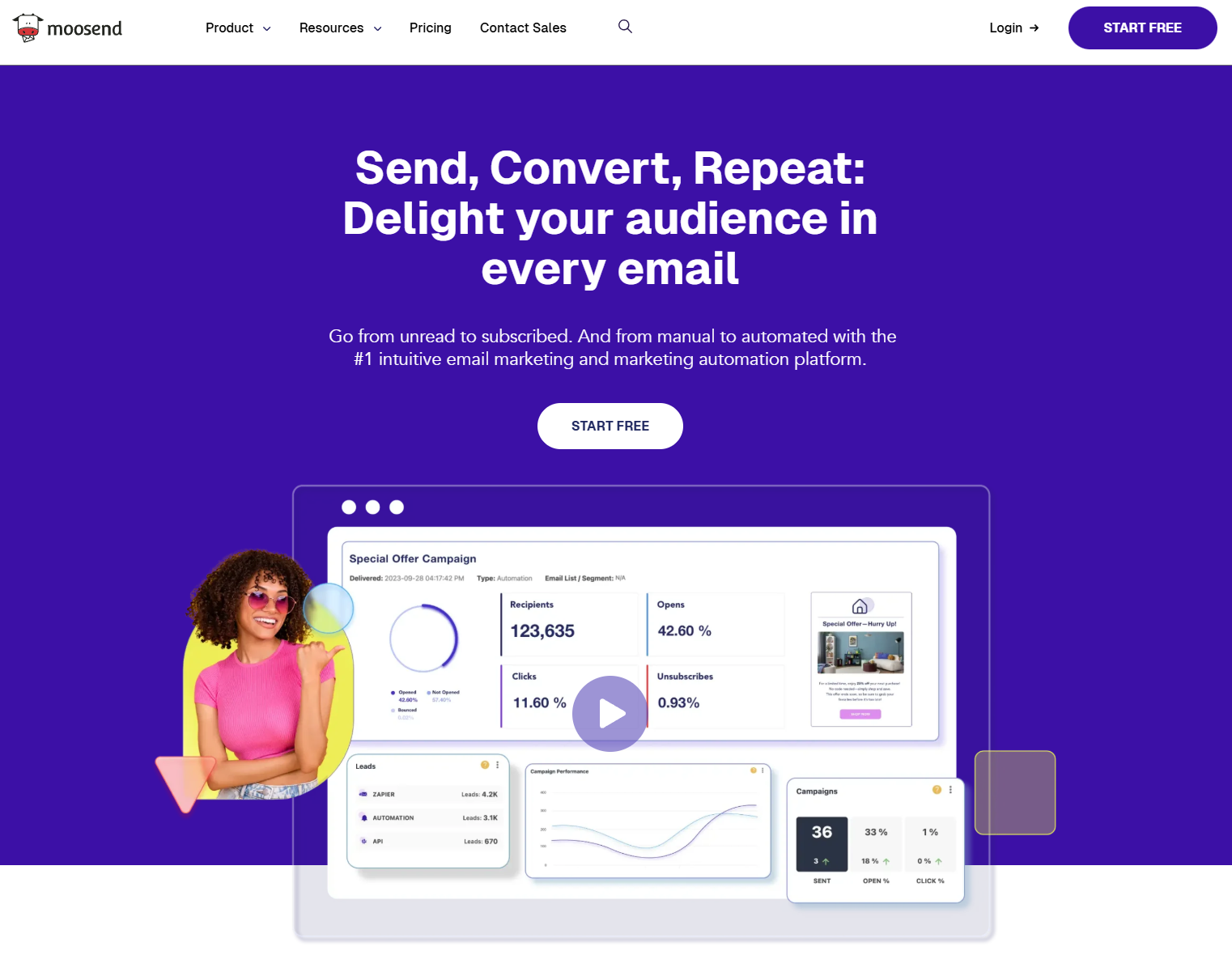
Moosend is an intuitive and affordable email marketing platform that helps businesses of all sizes and industries build and deliver engaging campaigns.
The powerful drag-and-drop editor is easy to use, so even beginners can create stunning designs without the help of a designer. Apart from using advanced elements like product and dynamic blocks, you’ll gain access to responsive, fully customizable email templates to save time and simplify creation.
There’s more to it since Moosend offers an AI Writer that helps marketers write, optimize, and refresh copy for emails, landing pages, and forms.
The signup forms and landing pages help you expand your subscriber base, while Moosend’s list management features allow you to keep your subscribers organized and your email lists clean.
You can group contacts based on shared characteristics, such as demographics, interests, activity, and more. Also, Audience Discovery uses the platform’s AI to build segments automatically using your customers’ actions so you’ll target them with precision.
This iContact competitor comes with a robust set of marketing automation tools. The visual editor lets you set up automated sequences triggered by subscriber activity and engagement. There are built-in recipes for different scenarios, ranging from cart abandonment to weather-based upsell/ cross-sell campaigns.
Moosend offers integration with CRM systems, eCommerce platforms, social media networks, email verification tools, and more. The real-time email reporting help you keep track of your performance, while you can use the platform’s A/B testing features to optimize your strategy for better results.
Moosend Best Features
- Intuitive drag-and-drop email editor
- Customizable newsletter templates
- Audience management tools
- Dynamic content for personalized campaigns
- Ready-made workflows
- Transactional emails
- Popup and landing page builders
- Integrations with CRM tools, eCommerce platforms, etc.
Pros
- Beginner-friendly interface
- Easy-to-implement marketing automation
- 98% deliverability score
- Email API
- Unlimited email sends
Cons
- No free plan
- Limited form customization options
Pricing
Moosend’s pricing starts at $9/month for 500 subscribers, offering all the features you need to thrive, including the email, online form, and landing page builders, an SMTP server, list management, and unlimited emails.
To give this iContact alternative a try, you can sign up for the 30-day trial, no credit card required.
3. HubSpot – Best For Email List Management
Pricing: Paid plans start at $20/month, free plan
Best for: Startups, SaaS, Enterprises
Unique Feature: Powerful CRM tool
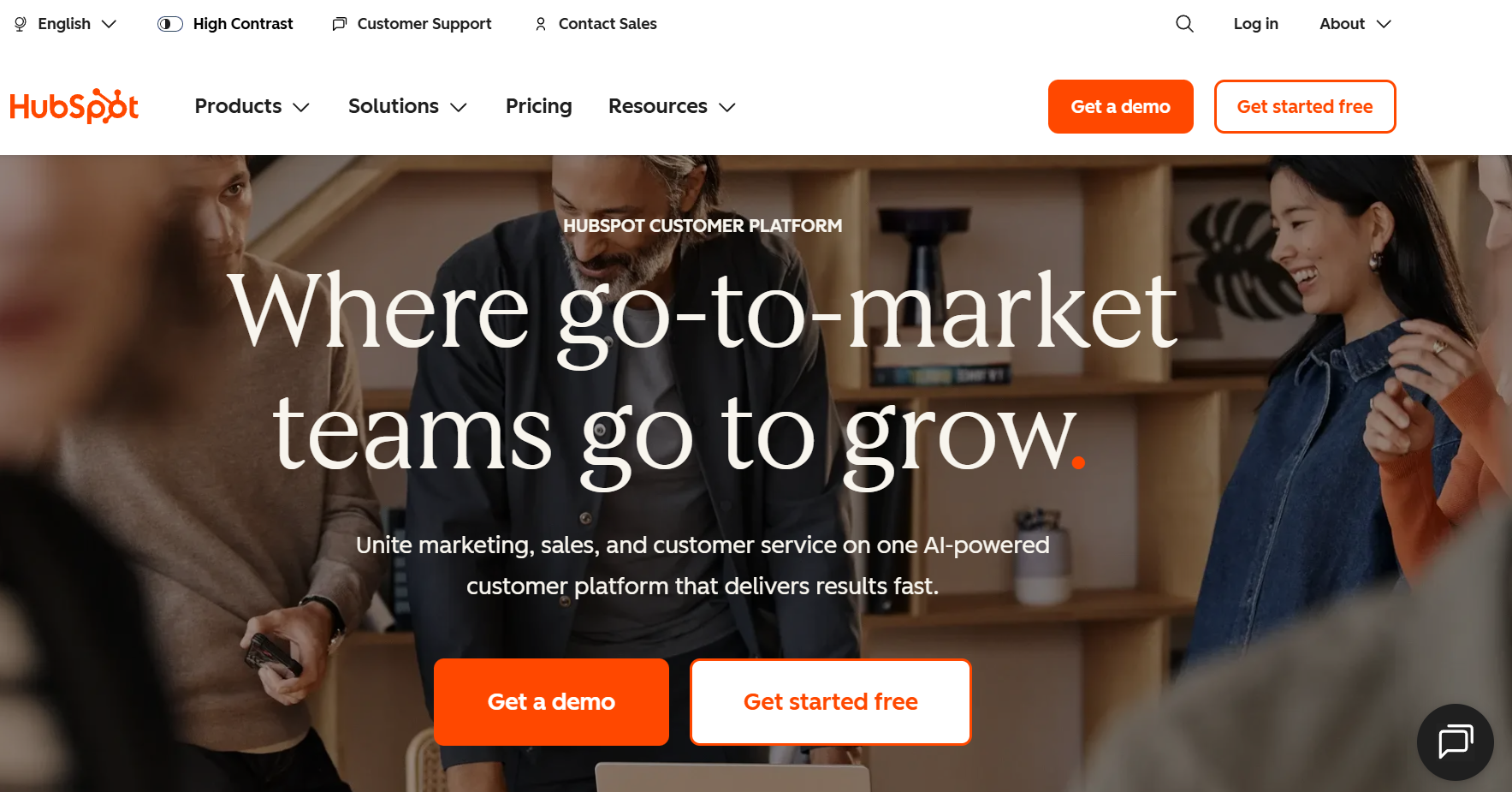
HubSpot is another email marketing service with powerful features, such as segmentation and personalization, automation, and a customer relationship management system.
HubSpot is a great solution to help your sales and marketing teams build converting campaigns, manage contacts, track deals, identify qualified leads, and more.
The platform’s CRM allows you to collect audience information and get a comprehensive overview to understand customers in depth. Then, you can use the drag-and-drop editor and design customization options to target each subscriber with unique messages that respond to their needs. If you don’t want to start from scratch, the platform’s pre-designed email templates will serve as a starting point.
Moreover, HubSpot’s email automation software lets you automate drip campaigns, using several actions and triggers. You can choose to target recipients based on their email and website engagement, customer service or ad interactions, and then move them down your marketing and sales funnel.
Last but not least, users on the Starter plan gain access to the software’s reporting dashboards, forms and landing pages, as well as limited ad retargeting.
HubSpot Best Features
- Powerful CRM feature
- List segmentation, inluding AI-driven segment suggestions
- Ad management
- Email health reporting
- Email and form automation
- AI Breeze customer agent for marketing, sales, and customer service (higher-tiers)
- Integration with third-party apps
Pros
- Comprehensive marketing suite, including email, SMS, and social media
- Range of templates for emails, social media posts, segments, and more
- SMS and social media marketing tools
Cons
- Email templates feel basic compared to competitive tools
- Expensive if you want advanced functionality
Pricing
HubSpot is an expensive alternative to iContact. For 1,000 contacts, email marketing, CRM, and basic marketing automation, you’ll need to pay $20/month. To lift limitations, you need to get the Professional plan, starting at $890/month for 2K subscribers. If you want to check things out, there’s a free version with basic marketing, sales, and content tools.
4. GetResponse – Best For Email Tracking
Pricing: Paid plans start at $19/month, limited free plan
Best for: eCommerce, Small Businesses, Publishers, Creators
Unique Feature: Spam testing capabilities
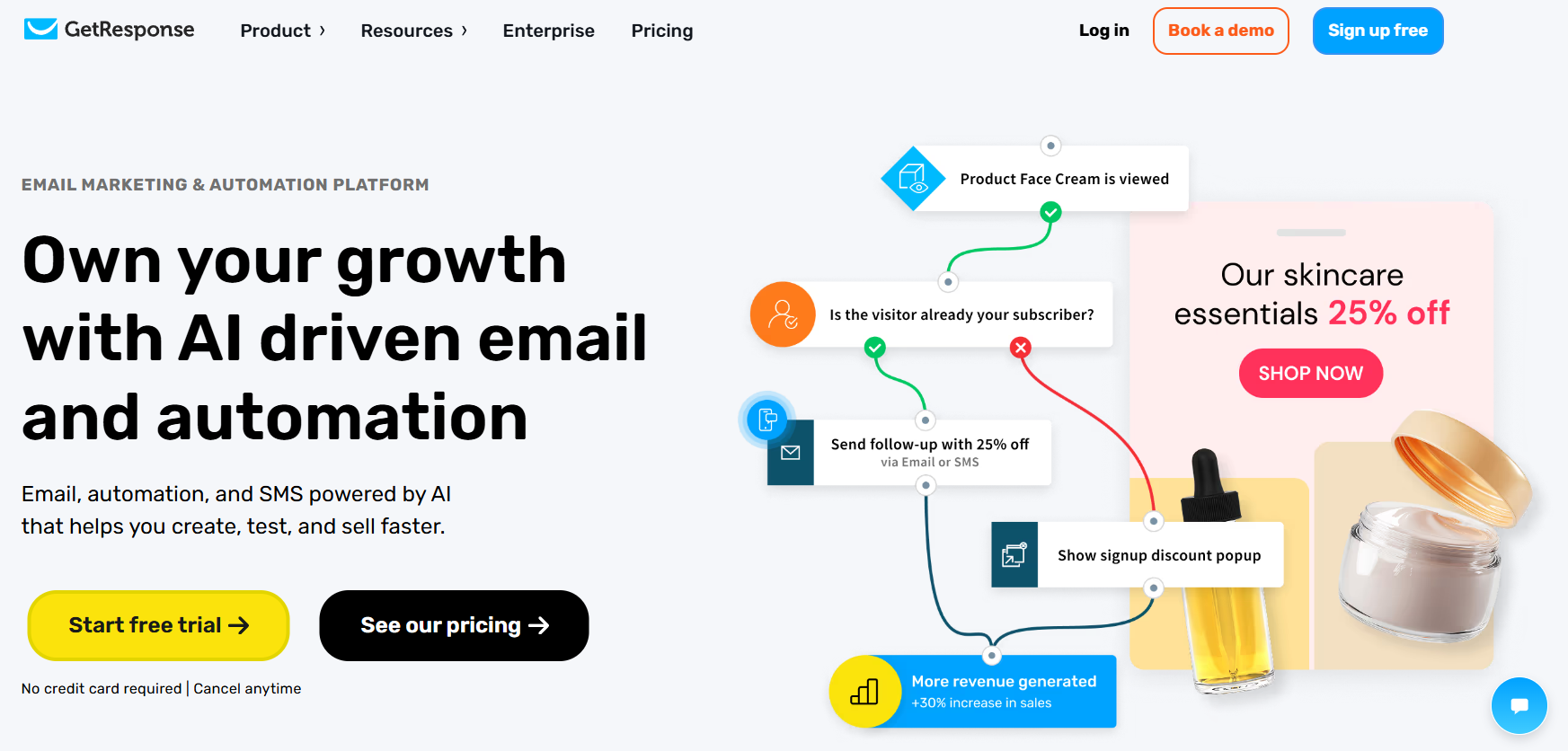
GetResponse is a feature-rich email marketing automation solution tailored to small businesses, creators, and online stores. This iContact alternative simplifies creating converting emails with a straightforward email editor and a wide array of pre-made email templates to customize to your liking.
The platform’s marketing automation offers tools for triggered emails and autoresponders for improved efficiency with less effort. You can set up workflows based on customer behavior to welcome, nurture, and re-engage them with personalized messages.
To reach new audiences, GetResponse provides landing pages, signup forms, and popups. Audience segmentation is another standout feature, allowing you to create targeted groups based on each subscriber’s engagement level and past behavior.
What’s interesting about this email software is its email testing options, providing spam check tools that help you review your emails for spam before sending them. That way, your email campaigns end up in subscribers’ inboxes and your deliverability remains high. You can also run A/B tests on subject lines and content to identify the best-performing email variants.
Finally, this email marketing service offers robust email analytics, geo-tracking, click maps, and custom reports. You’ll also find integrations with popular services (eCommerce, CRM, etc.) and options to make money online through paid newsletters and online courses.
GetResponse Best Features
- User-friendly email newsletter editor
- Autoresponder tools
- Customizable workflows
- Spam checker
- Signup forms and landing pages
- AI-powered website builder
- Paid ads
Pros
- Clean interface
- Great 24/7 customer support
- Content monetization options
Cons
- Substantial learning curve
- Only one custom workflow on the starter plan
Pricing
For 1,000 contacts, paid pricing of GetResponse is $19/month, with ready-made templates, lead capturing tools, drip campaigns, and unlimited emails.
You can test the platform through the available free plan, which is up to 500 contacts, signup forms, and one landing page. Also, there’s a 14-day free trial to try all premium features.
5. Mailchimp – Best For A/B Testing
Pricing: Paid plans start at $13/month, limited free plan
Best for: SMBs, Publishers, Agencies
Unique Feature: Advanced A/B testing tools
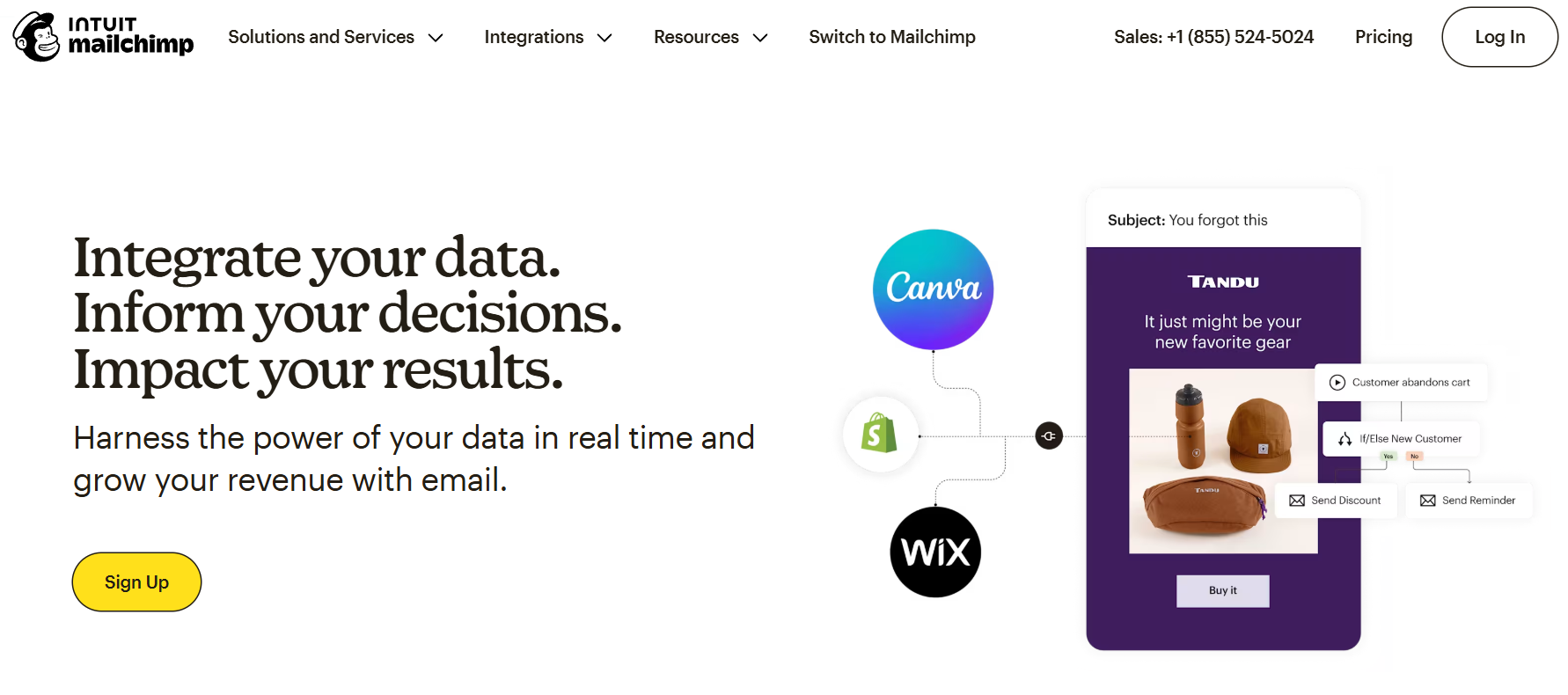
Next on our iContact competitor list comes Mailchimp. This popular email marketing automation software provides you with two email builders to craft your messages. The new one is a user-friendly email builder that helps you customize any ready-made template as you like. The legacy builder, on the other hand, is your go-to tool if you prefer HTML coding.
You get a variety of elements to build professionally-looking campaigns for your target audience. Then, you can use the platform’s personalization and segmentation features to make your messages more relevant and increase conversions. You’ll also find pre-built segments to group contacts based on their behavior and engagement.
For lead generation, you get subscription forms, landing pages, popups, and retargeting ads. Beyond emails, you can target your audience with SMS and social media marketing.
Mailchimp’s advanced multi-step workflows are perfect for targeting prospects and customers regardless of their stage in your sales funnel. More specifically, the automated Customer Journeys feature helps you set up adaptable journeys for any scenario to be one step ahead.
Lastly, this email service provider is famous for its multivariate and A/B testing capabilities. With them, you can discover what changes have the most significant impact on your engagement and find solutions to improve results. However, this isn’t available on the cheapest plan.
Mailchimp Best Features
- Two email builders
- Professional-looking email templates
- Multi-step automated workflows
- Transactional emails (add-on)
- Forms, landing pages, and popups
- Social media and SMS tools
- Send time optimization
Pros
- Wide integration list with eCommerce platforms, analytics tools, survey apps, and more
- Free website builder
- Mobile app
Cons
- Unfavorable pricing as your list grows
- Limited customer support on free plan
Pricing
Mailchimp’s pricing starts at $13/month for 500 contacts, 5K monthly email sends, and limited automation. A free plan is also available, but it comes with limitations, allowing for 250 subscribers, 500 email sends, basic email templates, and email support for 30 days.
6. ActiveCampaign – Best For Complex Automated Workflows
Pricing: Paid plans start at $19/month, 14-day trial
Best for: SMBs, Publishers, Agencies, eCommerce
Unique Feature: Advanced automated workflows
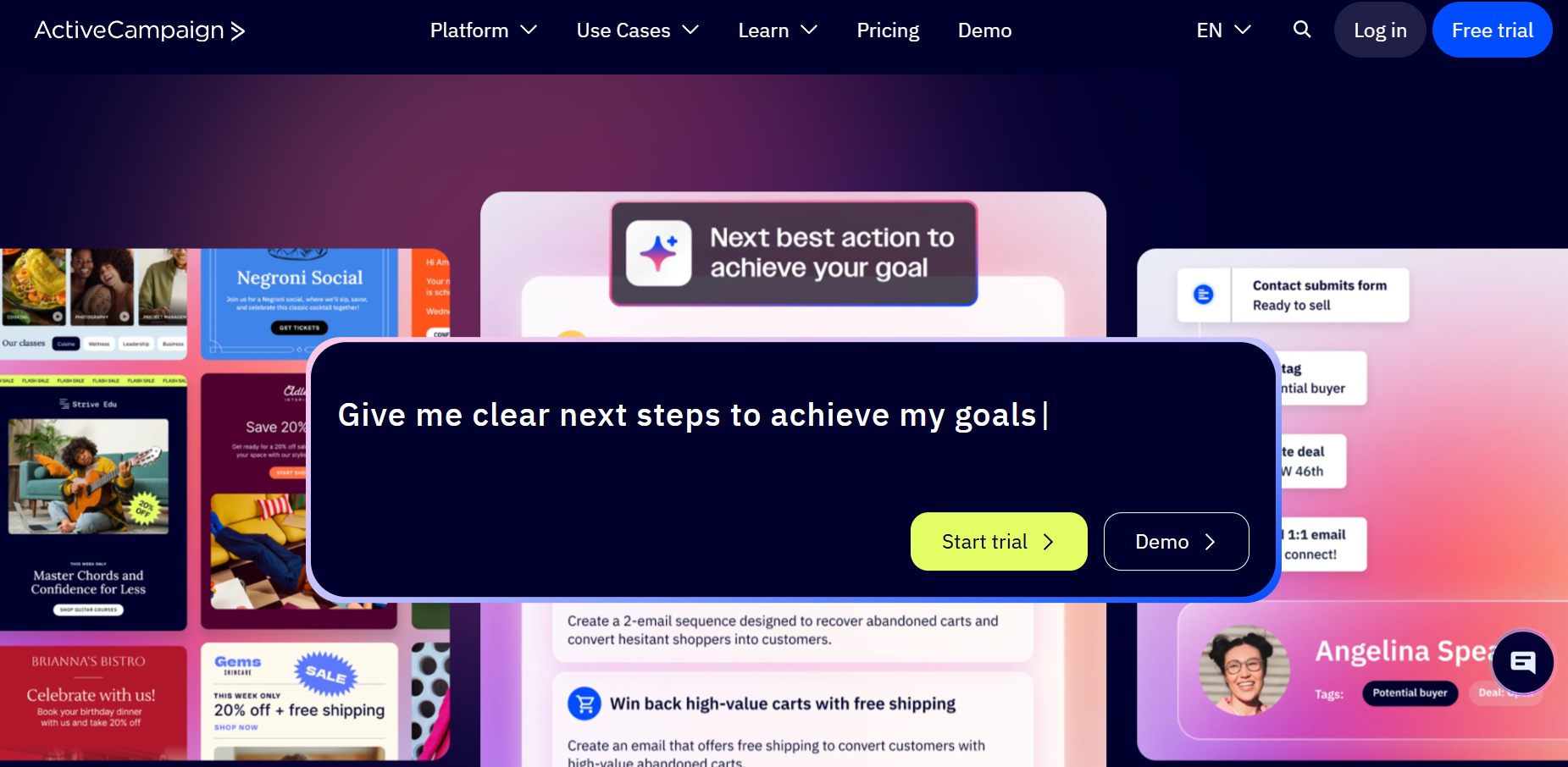
So far, we took a look at some iContact alternatives with a small learning curve. However, if you’re an advanced user who knows their way through automated workflows, then ActiveCampaign is a good fit for you.
This email marketing tool is perfect for targeting your audience with tailored, multi-step sequences that deliver personalized content at the optimal time. You can choose between 1,000+ pre-built recipes for use cases in marketing and sales automation, as well as customer support and project management.
Regarding engagement tracking and segmentation, you can do so through tags and custom fields. On top of that, the platform’s CRM and sales software allows you to centralize data across channels, including email, SMS, and social media.
To simplify content creation for these channels, plus your forms and landing pages, all you need to do is use the platform’s AI Content Generator. If you operate globally, the AI-powered translation feature simplifies connecting with multi-lingual audiences.
Besides marketing emails, you can also send transactional emails through a flexible API. To get it, though, you’ll have to pay extra, like Mailchimp. If you want an all-in-one solution that’s also more intuitive, consider some affordable ActiveCampaign alternatives.
ActiveCampaign Best Software Features
- Email, SMS, and WhatsApp marketing tools
- Advanced performance reporting
- Lead generation options, such as landing pages and forms
- Mobile app to manage and track deals from your phone
- Lead scoring
- AI-based segment suggestions
Pros
- Powerful CRM capabilities
- Flexible automation builder
- Top-notch email deliverability
Cons
- Less intuitive interface and challenging feature set
- Transactional emails and WhatsApp campaigns cost extra
Pricing
ActiveCampaign’s pricing starts at 19/month for up to 1K contacts for the Starter plan. With it, you get email marketing, automation, and limited segmentation. This tool also offers a 14-day trial to try it out. After that, you need to get a paid subscription to keep using it.
Read our ActiveCampaign review
7. Campaign Monitor – Best For Design & Spam Testing
Pricing: Paid plans start at $12/month, 30-day free trial
Best for: Startups, Publishers, Agencies
Unique Feature: Solid list segmentation
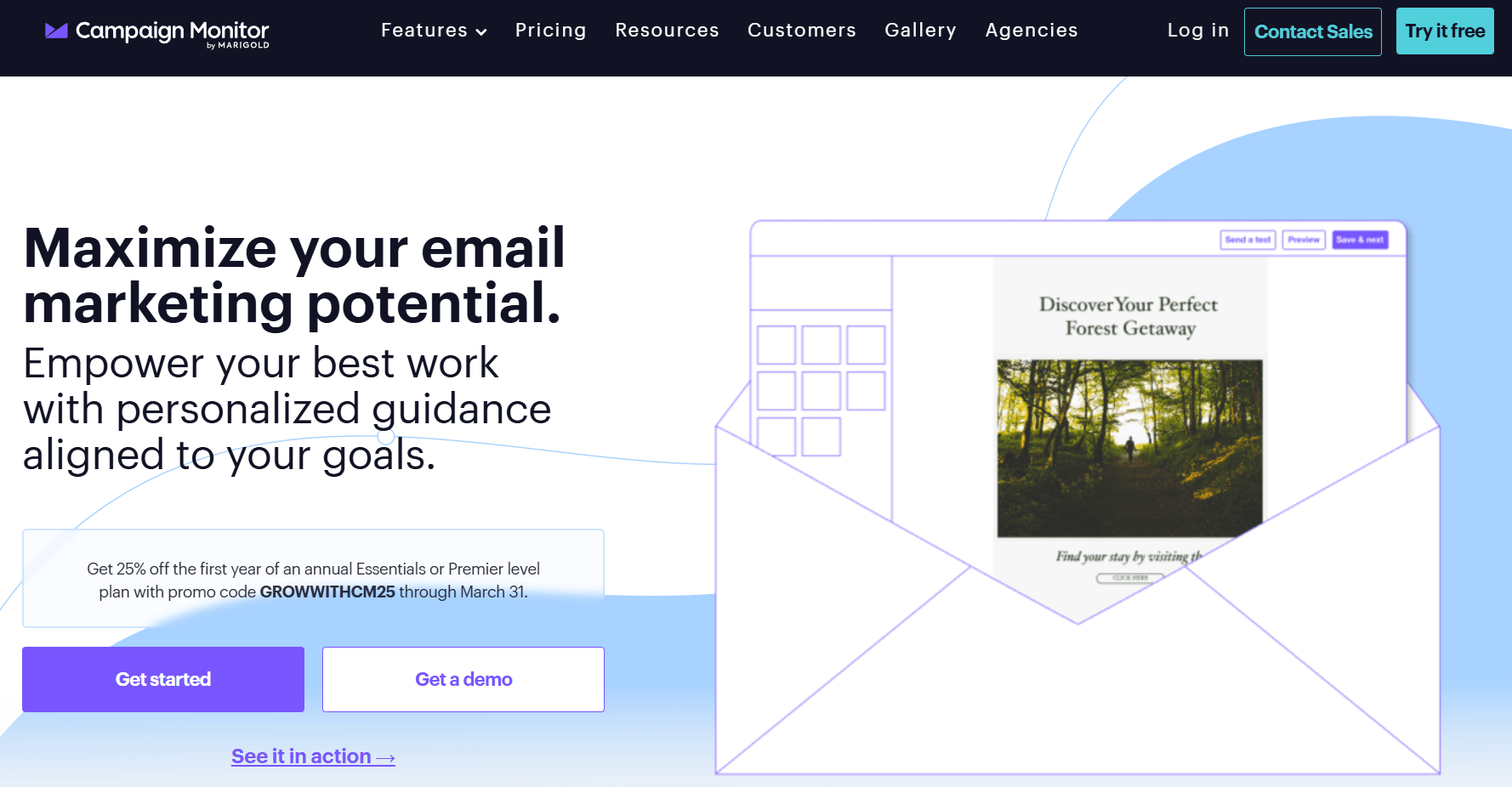
Campaign Monitor is another email marketing automation solution you can consider to build and send effective campaigns. This tool gives you access to a flexible drag-and-drop builder and a large library of ready-made templates for special deals, announcements, events, and any occasion you can think of.
To avoid writer’s block, you have an AI Writer that helps you rewrite and refine your email copy. There’s also an Email Booster analyzing your campaigns and providing suggestions for optimal engagement. Alternatively, you have the option to code your own emails if you’re confident about your HTML skills.
To boost your lead generation, Campaign Monitor comes with signup forms and landing pages. Regarding segmentation, you can easily build detailed and dynamic segments to keep customer data up to date, while the Segment Mapper lets you create smart audience groups with minimal effort.
You can also use the platform’s integrations with email verification tools to keep your email lists clean.
Design and spam testing are available to check how your emails render across popular email clients and devices, ensuring that your messages go through spam filters while looking flawless. For the same reason, the platform has a Link Review tool so no broken link reaches your subscribers.
We couldn’t leave automation out as Campaign Monitor offers the tools to build personalized customer journeys without spending time on manual email creation and sending.
Campaign Monitor Best Service Features
- Easy-to-use email editor
- Wide email template selection
- AI writing assistant
- List management tools
- Transactional emails
- Website builder
- In-depth analytics, including campaign scoring
Pros
- User-friendly setup
- 99% delivery rate
- Email collaboration tools like the option to lock template sections
Cons
- Insufficient customer support based on reviews
- Limited core features on the cheapest plan
Pricing
For 500 contacts and 2,5K email sends, pricing starts at $12/month. You get some core features like the email editor, template library, and segmentation tools. There’s a 30-day free trial but it limits you to 500 emails/month and basic functionality.
Read our Campaign Monitor review
8. AWeber – Best For Pre-Designed Templates
Pricing: Paid plans start at $15/month, limited free plan
Best for: Online creators, Small businesses, Agencies
Unique Feature: Cross-device email testing
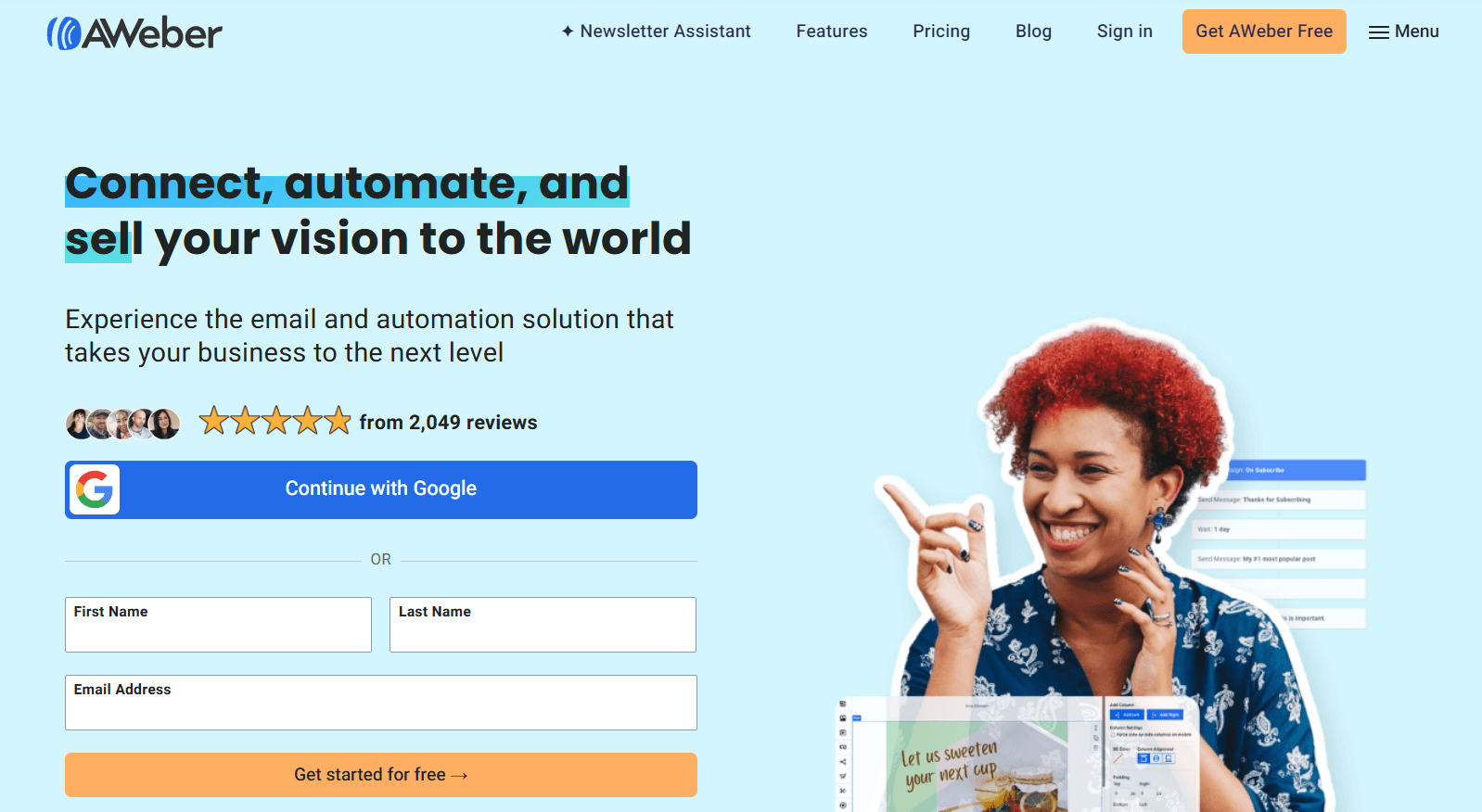
AWeber is an email marketing and marketing automation platform that helps businesses and online creators grow and engage their audience. Despite its somewhat outdated UI, the platform has an extensive email template library with professionally-looking designs to use as your campaign foundation.
The drag-and-drop email builder makes campaign creation effortless, while you can also design your email using Canva without leaving the editor. Moreover, the platform’s AI features help you create converting subject lines and emails in a few clicks.
Audience segmentation is straightforward, letting you automatically group subscribers based on their behavior. You can also personalize your marketing campaigns by using custom fields and display relevant offers with dynamic blocks.
Regarding automation, AWeber offers a visual builder and pre-written automated campaigns so you can send trigger emails based on audience actions for maximum impact.
You also get custom forms and landing pages to grow your audience and web push notifications on every plan to draw attention to time-sensitive promotions.
AWeber Best Email Tool Features
- Professionally-designed email newsletter templates
- Cross-device A/B testing
- Dynamic content
- Web push notifications
- RSS feed campaigns to promote new content
- Custom signup forms and landing pages
- Integrations with services like Facebook, PayPal, WordPress, and Shopify
Pros
- Huge variety of pre-built email templates
- Ease of use
- Live chat, email, and phone support on all paid plans
Cons
- Very limited free and starter plan
- Basic automation
Pricing
For 500 contacts, the starting price is at $15/month for 5K emails and access to the email builder and template library. However, it comes with serious limitations as you can only build one email list and 3 automations.
There’s a free plan available, giving you 500 contacts and 3K email sends/month with basic features and one workflow automation. If you want to test advanced tools, the platform also offers a 14-day free trial.
9. Benchmark Email – Best For Inbox Testing
Pricing: Paid plans start at $19/month, free plan
Best for: Startups, SaaS, Enterprises, eCommerce
Unique Feature: Email audit checklist
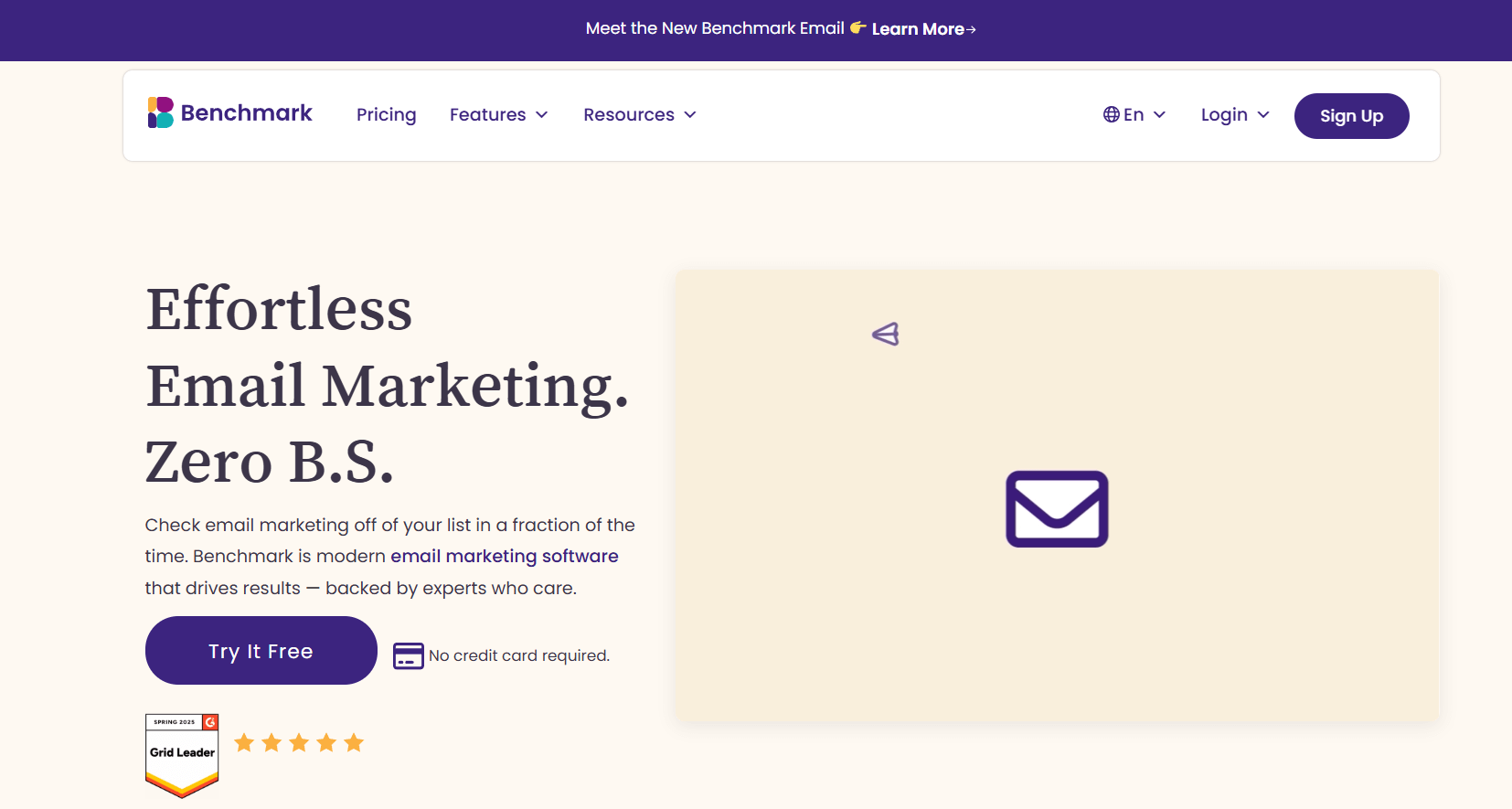
Benchmark Email is a simple and effective solution for marketers who want to create and send emails to their audience. You can use this iContact alternative to craft and automate your campaigns, segment your subscribers, and track essential metrics through easy-to-read reports.
Email creation is made easy through a user-friendly editor that lets you drag and drop content blocks, such as videos or countdown timers, to create visually appealing and branded campaigns. Regarding images, you can access and use free stock images from the photo library.
On top of that, the Smart Text tool adjusts the tone, refines your copy, and detects grammar or spelling errors. The platform also gives you an email audit checklist so you can spot missing links and other issues before sending the campaign.
Apart from email creation, you can segment your lists using audience behavior, preferences, and tags. Also, importing and exporting your contacts is only a few-click process.
The platform offers detailed reporting focusing on real-time subscriber engagement to perfect your targeting and timing.
Lastly, users can benefit from Benchmark Email’s Inbox Checker, which lets you test your campaigns across different email clients, screen sizes, and operating systems for better delivery.
Benchmark Email Best Platform Features
- Flexible email editor
- Smart Text tool to optimize your emails
- Audience management features
- Email performance tracking
- Email audit checklist
- Free CRM if you signup for BenchmarkONE
Pros
- Email-focused solution
- Easy to implement
Cons
- Limited customization options
- Lack of lead generation tools
- Rigid pricing structure
Pricing
A free plan is available for 500 contacts and 2,500 email sends. However, you only get one user, one domain, and limited features. Regarding paid plans, Benchmark Email’s Pro plan starts at $19/month for 1,000 subscribers, but still lacks certain must-have features.
So, if you want automation and list growth, you’ll have to sign up for BenchmarkONE or look for a Benchmark Email alternative that offers advanced tools in one space at a low price.
Getting The Best iContact Alternative
iContact had its moment, and you may have created some great campaigns with it. However, many iContact customers are looking for a more intuitive, user-friendly, and powerful tool, so it’s time to consider your options.
With the right tool, email marketing is one of the easiest ways to engage your audience and turn them into loyal customers. Before choosing your next email ally, try free trials and plans to experience each platform’s strong points firsthand.
If you’re ready to embrace change and give Moosend a try, sign up for an account and benefit from the 30-day free trial to test all the features available.
Best iContact Alternatives FAQs
Now let’s answer some frequently asked questions about iContact alternatives:
1. Are there free alternatives to iContact?
Some free iContact alternatives are HubSpot, AWeber, and Benchmark Email. However, most of these free versions are restrictive, limiting users in email sends, subscriber count, and features. So, make sure to also check for cost-effective tools with flexible pricing and test them through their free trials to find the best fit for your business.
2. Which iContact competitors are best for beginners?
To make the most of your resources, look for email platforms with intuitive features, clean interfaces, and ease of use. Tools like Moosend, Constant Contact, and GetResponse are ideal for small businesses, startups, and marketing beginners who need to set things up quickly and effortlessly.
3. How do you choose the best alternative for your business?
Before choosing your email solution, it’s important to prioritize the features and characteristics you need the most. For example, Moosend is known for combining affordability with advanced features, ActiveCampaign excels in complex automation, and HubSpot is ideal for effective list management.
Similar Posts

 Published by
 Published by