8 Benchmark Email Alternatives For 2026
Published By John Desyllas
March 12, 2024

12/03/24
Benchmark Email is a popular choice for businesses that want to invest in email marketing due to its easy-to-use email editor and straightforward functionality.
But are these characteristics enough to get the most out of your email campaigns? Down the line, you’ll need advanced features, robust marketing automation, and high email deliverability, areas where this solution seems to fall short.
Whether you’re just starting out or want to switch, you should explore top Benchmark Email alternatives that check these boxes, plus a few more.
To help you out, we’ll list our top picks, comparing features, strengths, weaknesses, and pricing so you can find the best fit for your brand.
Disclaimer: The information below is accurate as of February 2026.
Ditch extra costs with code MAKETHEMOOVE
Get 25% off for 3 months and enjoy advanced features.
Switch to MoosendHow We Selected The Tools
All of the tools in this list have been tested by our team to provide an unbiased description of its features and capabilities.
We spent hours setting up new accounts and trying each software to provide an accurate experience and show users exactly what they will come across when they sign up. Find more information about our software selection methodology on how we choose tools to feature on the Moosend Blog.
Why Consider a Benchmark Email Alternative
Benchmark Email is an easy-to-use free email marketing service with a decent feature set. Despite that, it has a few shortcomings that users highlight in their reviews.
Here are the most notable ones:
- Clunky and outdated interface: Users seem to find navigating through the platform hard, coming across glitches while working with it. Also, they mention outdated design as a pain point, especially in email components like social share buttons.
- Expensive pricing: The low tier comes at a higher cost ($19/month) than most of its competing tools on this list. Also, the pricing structure jumps from 1,000 to 2,500 contacts, which may be unfavorable if you have a smaller list. While the platform has a free tier, it’s very limited, allowing only for 500 contacts, one user, and one domain.
- Limited customization options: Some customers mention that Benchmark Email’s customization options for email templates aren’t as flexible as those offered by most tools. As a result, they have fewer options to create on-brand and professional designs.
- Low deliverability: Benchmark Email doesn’t score highly in deliverability, with users highlighting that a significant number of emails end up in spam, which can hurt their sender reputation and revenue.
- Lack of lead generation: Although Benchmark Email offers solid contact management tools like segments and custom fields, there are no list growth features. The only option is to sign up for BenchmarkONE, a separate all-in-one product. While it does offer some tools for free, using multiple solutions may disrupt your workflow.
Best Benchmark Email Competitors: Comparison Table
Here’s a quick overview of the best alternative solutions.
| Price/month | Free Plan/Trial | Best Feature | |
| Benchmark Email | $19/month | Yes | User-friendly email builder |
| Moosend | $9/month | Yes (30-day free trial) | Easy-to-implement marketing automation |
| Constant Contact | $12/month | Yes (30-day free trial) | List management tools |
| Mailchimp | $13/month | Yes (limited) | Creative Assistant |
| MailerLite | $10/month | Yes | Email verification tool |
| GetResponse | $19/month | Yes | Conversion funnels |
| Campaign Monitor | $12/month | Yes (30-day free trial) | Time zone sending |
| ActiveCampaign | $19/month | Yes (14-day free trial) | Advanced marketing automation |
| Zoho Campaigns | $4/month | Yes (limited) | Send time optimization |
Let’s see these email marketing services in more detail.
1. Moosend
Pricing: Paid plans start at $9/month, 30-day Free trial (Sign up here)
Best for: Small businesses, Startups, SaaS, Enterprises
Standout feature: Easy-to-implement marketing automation
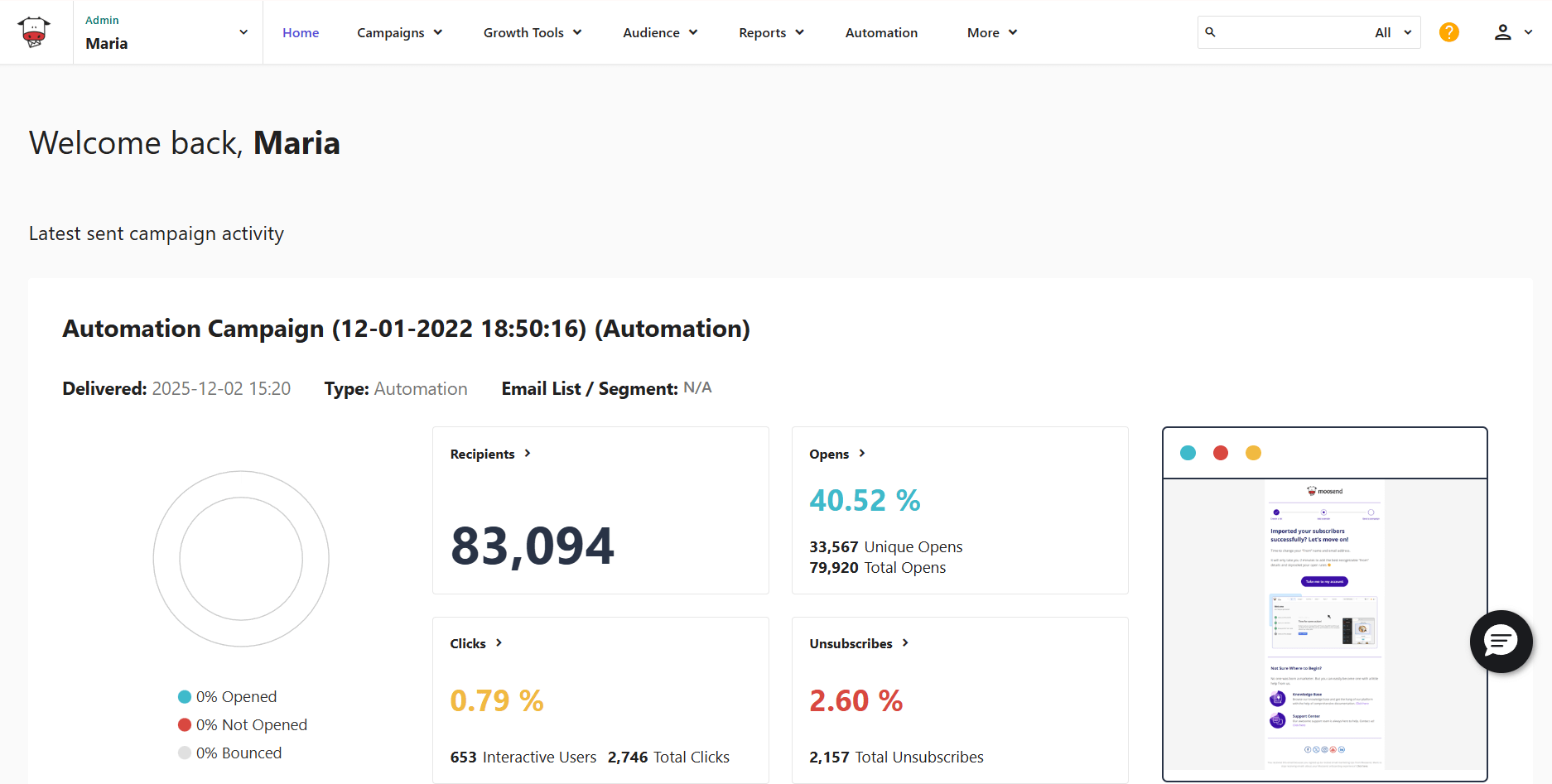
Moosend is one of the top Benchmark Email alternatives offering advanced functionality, an intuitive interface, and excellent email deliverability. Compared to Benchmark Email, Moosend has more affordable pricing plans with more features included. This makes it an ideal option for all businesses, but especially those that want to scale without sharp cost increases.
Another reason why Moosend is popular with small and new businesses is its minimal learning curve, allowing users to benefit from its full functionality with minimal effort.
Moosend has an intuitive drag-and-drop email builder that includes advanced features like eCommerce product blocks, countdown timers, and an AI Writer that speeds up email copy generation. What’s more, you get 130+ designer-made newsletter templates that are fully customizable and mobile-responsive.
Before hitting send, you can send a test email to certain inboxes to ensure everything looks good. With the platform’s spam testing, your emails avoid spam filters and reach subscriber inboxes.
This email solution also shines with its automation capabilities. It has a visual workflow builder that lets you create both simple and complex journeys using a variety of triggers, conditions, and actions you won’t find in Benchmark. If you don’t want to spend too much time building a workflow from scratch, you can use pre-built automation recipes like abandoned cart sequences, welcome emails, customer loyalty campaigns, and more.
To manage your email list, Moosend provides various filters to segment your audience into smaller, targeted groups to increase conversions. You can also select a pre-built segment template or let Audience Discovery create automated segments using customer interests and likelihood to buy.
What’s also great is that you can set up an automated process to clean your email list, ensuring you spend your resources reaching real and engaged subscribers.
For lead generation, Moosend provides a signup form and a landing page builder, along with ready-made templates to customize to your liking.
Last but not least, Moosend has a stellar customer support team available 24/5 via live chat and email that addresses any concern or issue in a few minutes. You’ll also find detailed documentation that covers all questions and user needs.
Moosend Features
- Intuitive drag-and-drop email editor
- Visual workflow editor with pre-built templates
- Advanced segmentation options
- Transactional emails
- Inbox and spam testing
- Real-time reporting and analytics
- Integration with eCommerce, lead generation, CRM, and more
Pros
- Clean and modern interface
- Unlimited email sending
- Great deliverability
Cons
- Small selection of subscription form templates
- No free forever plan
Pricing
Moosend’s affordable pricing starts at $9/month for up to 500 subscribers and unlimited email campaigns. You get full access to most features like forms and landing pages, automation, spam and A/B testing, and the AI Writer.
If you want to try the tool, you can sign up for a free account and check the benefits over Benchmark Email for yourself.
2. Constant Contact
Pricing: Paid plans start at $12/month, 30-day free trial
Best for: Agencies, Small businesses, Event organizers
Standout feature: Straightforward list management
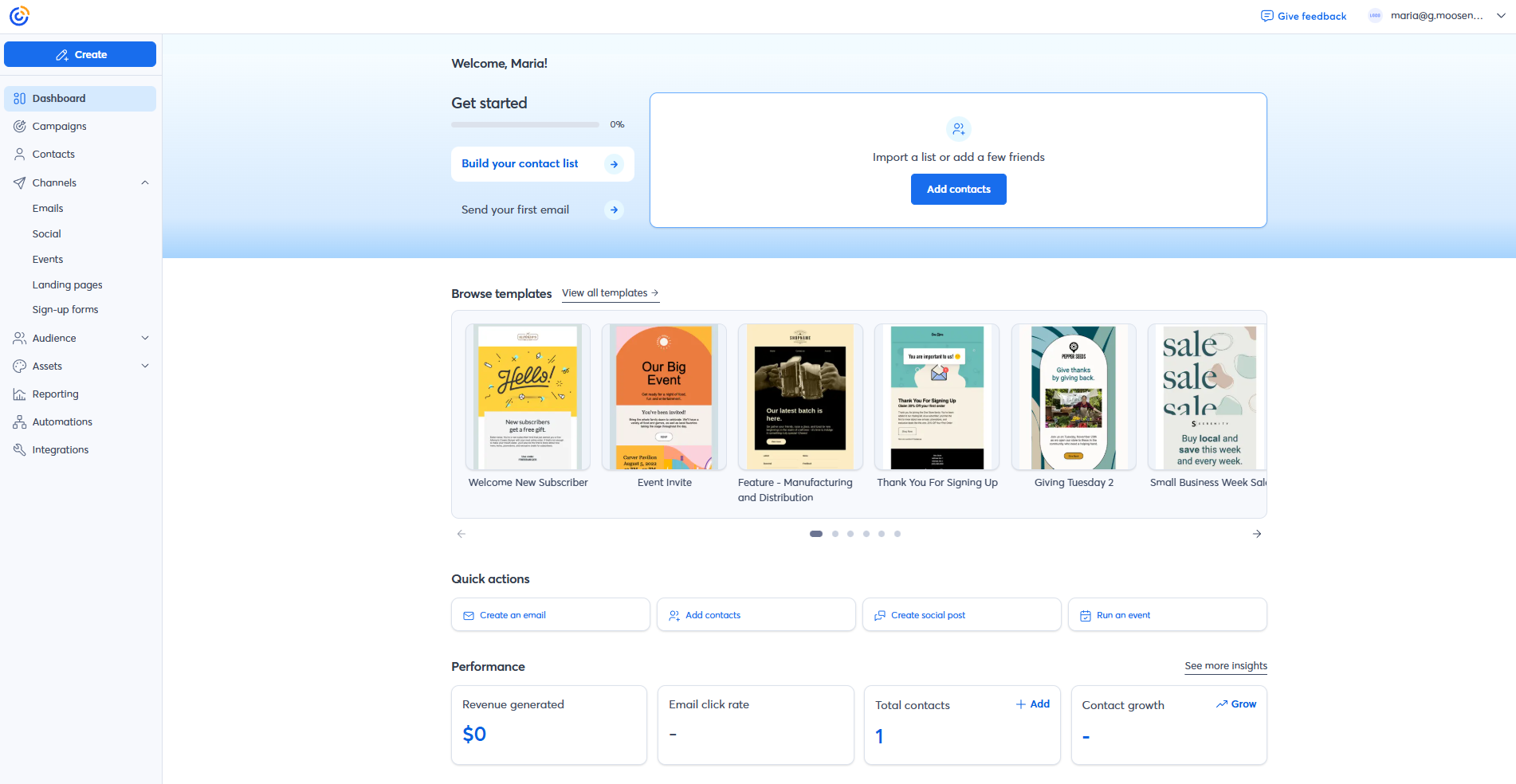
The next Benchmark Email alternative on our list is Constant Contact. This well-established email marketing service includes SMS, social media marketing, and several list-building tools to help your business grow.
Constant Contact’s email builder is user-friendly with various blocks like products, data tables, and RSVP for events. You also have the option to gather audience feedback directly through your emails by using the feedback block.
The platform offers email personalization tools to create laser-focused campaigns based on subscriber demographics, location, preferences, and behavior. For branded emails, just let the platform import your logo, colors, fonts, and visuals. After that, you’ll have a ready-to-use BrandKit to include in every design.
Constant Contact’s AI Content Generator helps you manage various tasks, from producing content for emails, landing pages, and more to repurposing emails into social media posts.
This software has an intuitive marketing CRM that helps marketers manage and segment contacts through the use of tags and custom fields. You also get in-depth list growth reports to detect bottlenecks and opportunities.
To automate your marketing, you get simple workflows for lead nurturing, re-engagement, and cart abandonment, among others. Finally, the platform lets you schedule posts on Facebook, Instagram, and LinkedIn, and run paid ads.
Besides landing pages and signup forms, you can use the Lead Magnet feature to collect leads and key audience insights through fun quizzes.
Where the platform could get better is A/B testing since it allows you to test only email subject lines, unlike other Constant Contact alternative solutions with more testing options.
Constant Contact Features
- Drag-and-drop email editor
- Autoresponders
- Signup forms and landing pages
- Event management and promotion tools
- Email subject line A/B testing
- Integration with Salesforce, Shopify, Etsy, and more
Pros
- Impressive email template variety with 600+ customizable designs
- Usability
- SMS and social media marketing
Cons
- Limited automation options
- No advanced reporting on the cheapest plan
Pricing
Constant Contact’s pricing starts with the Lite plan at $12/month for 500 contacts. To unlock more advanced functionality like the AI campaign builder and more automation options, you’ll need the Standard plan.
While Constant Contact doesn’t have a free plan, they have a 30-day free trial to test the platform’s tools.
3. Mailchimp
Pricing: Paid plans start at $13/month, limited free plan
Best for: Publishers, eCommerce, Nonprofits
Standout feature: Creative Assistant
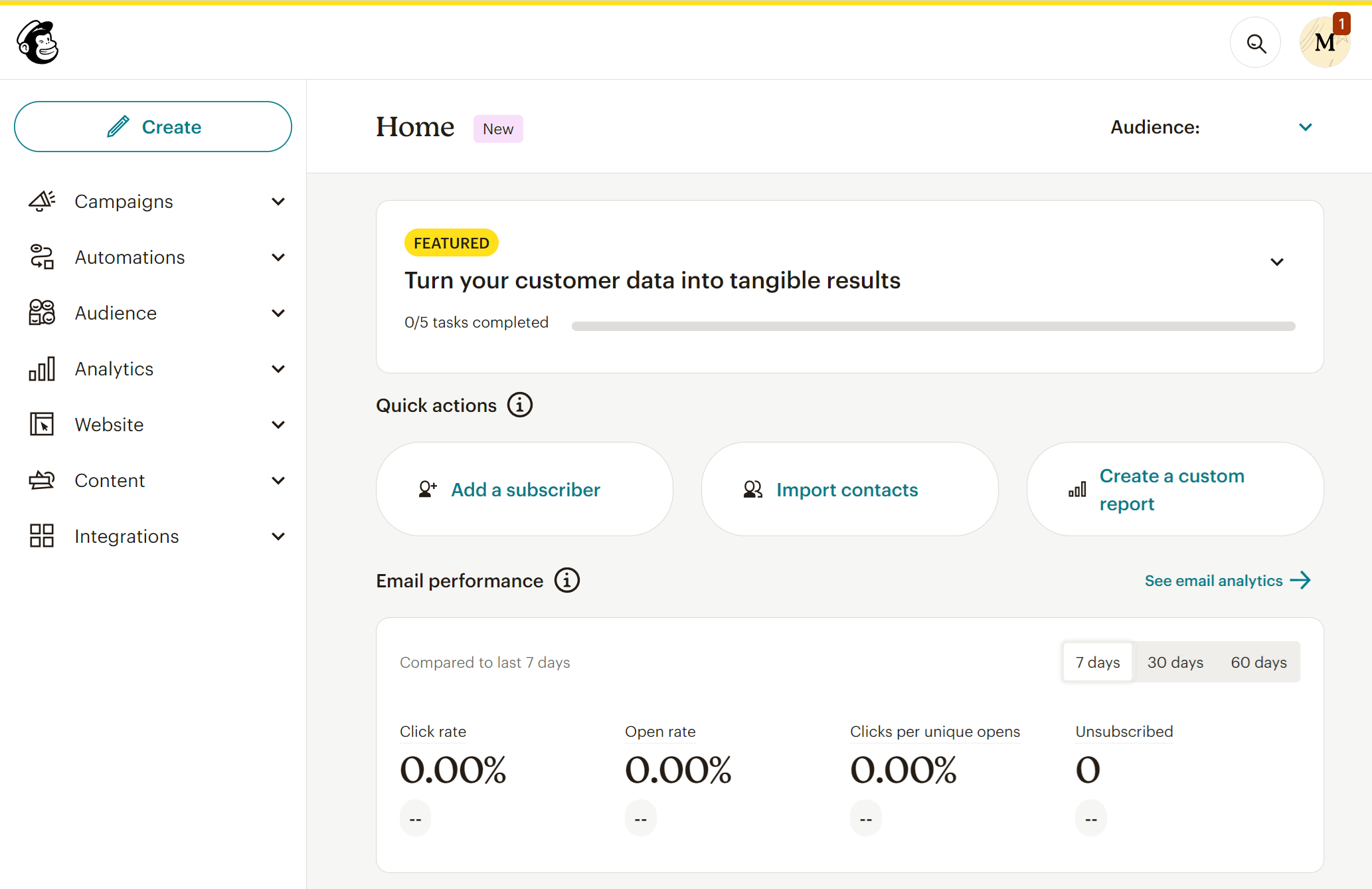
Another top-ranking Benchmark Email competitor is Mailchimp, an email marketing platform known for the variety of features it offers, starting with a great drag-and-drop email editor and visually pleasing newsletter templates for several use cases.
What’s more, you get A/B and multivariate testing and a Creative Assistant, a handy feature that takes logos, visuals, and fonts from your site and lets you use them in your campaigns for a cohesive look. Moreover, the software’s AI tools create SMS and social media posts by using your emails as inspiration.
Mailchimp also comes with a built-in CRM. While it’s not as advanced as other standalone solutions, it can help you handle and target your audience effectively. To segment your audience, you get tags, groups, and segments, while you can expand your reach with pop-ups, landing pages, and ads.
What sets this solution apart is its Customer Journey Builder that helps users build advanced multi-step workflows. There are various triggers to choose from, including SMS interactions, and you also get a range of pre-built templates to kickstart your strategy.
To keep track of your campaign performance, the platform provides rich, real-time analytics. Apart from essential email marketing metrics, you get geolocation tracking, click maps, and social media reporting.
The main downside is that Mailchimp’s lists are siloed. This means that if a subscriber exists on more than one list, you pay for that subscriber as many times as they appear. This can easily increase costs compared to the other Mailchimp alternatives.
Mailchimp Features
- Responsive email campaign editor
- Advanced marketing automation
- Built-in CRM
- Social media posts and ads
- Multivariate testing
- Real-time analytics
Pros
- Range of marketing tools, including SMS, social media, and content creation
- Modern email template design
- Free version (limited)
Cons
- Duplicate contact charges across lists
- Advanced features like dynamic content and multivariate testing aren’t available on the low tier
Pricing
Mailchimp’s pricing starts at $13/month with the Essentials plan for up to 500 subscribers and some of the platform’s basic tools.
The email marketing platform has a free plan that you can use for 250 contacts, 500 monthly emails, and limited access to email templates.
4. MailerLite
Pricing: Paid plans start at $10/month, free plan
Best for: Creators, eCommerce, SMBs
Standout feature: Email verification tool
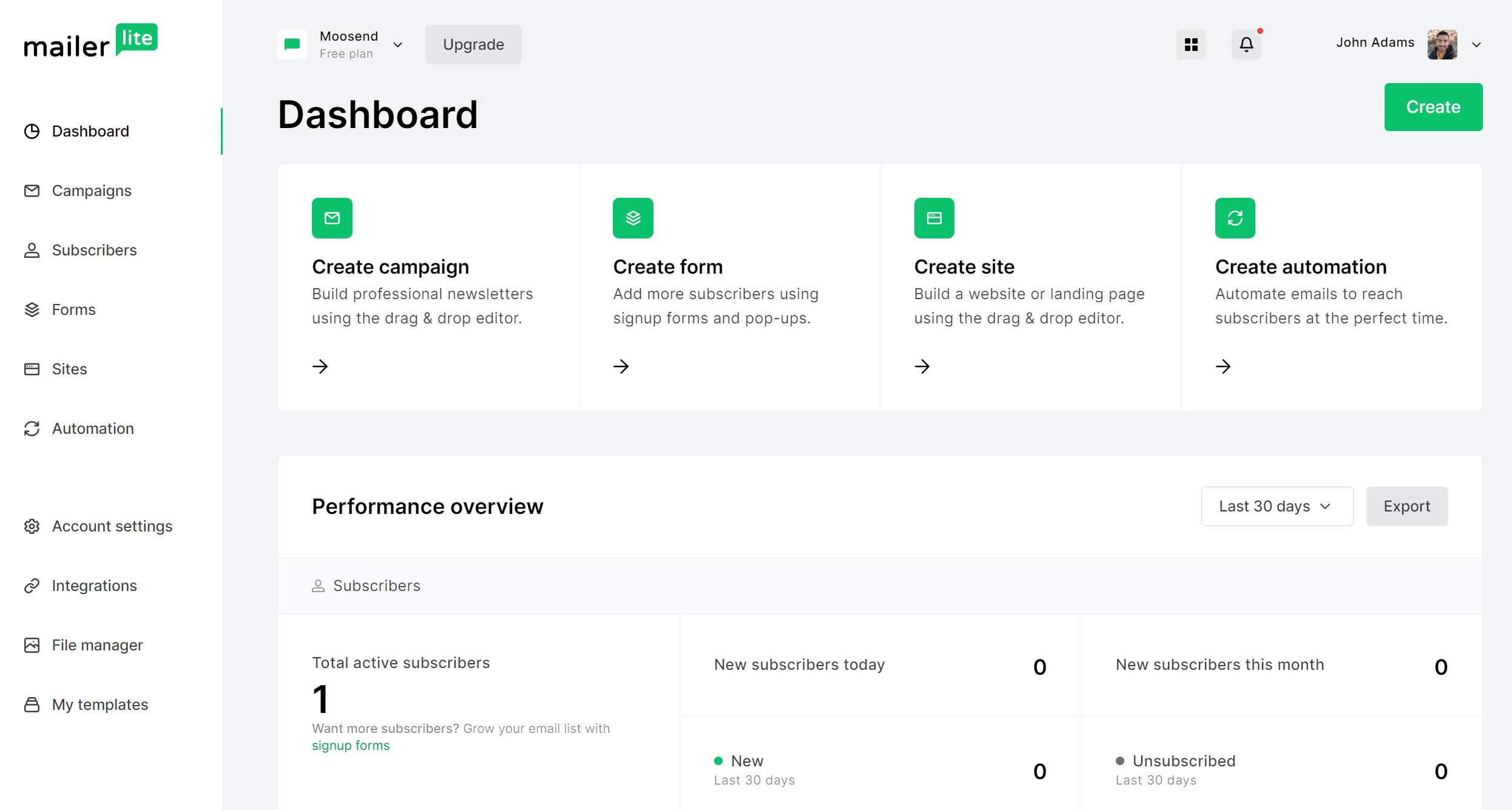
MailerLite is an email marketing service that’s great for both beginners and seasoned marketers. The user interface is clean, investing in modern design and simplicity.
As for the email editor, it’s easy to use with drag-and-drop functionality, making campaign creation effortless no matter your prior experience. The platform offers 100+ pre-designed email templates to customize, while the top-tier plan gives you access to a custom HTML editor if you want to code your emails.
If you need advanced targeting and multi-trigger automation, MailerLite has you covered. This alternative to Benchmark Email lets you set up trigger emails for various subscriber behaviors like clicking on a link, completing a form, or purchasing a specific product. Moreover, you have the option to automate list segmentation using ready-made segments or your own criteria.
This email solution also helps you collect more leads through customizable signup forms and pop-ups. For example, you can draw attention to time-sensitive promotions with countdown timers or manage RSVPs for your events.
Additionally, you get a landing page builder with drag-and-drop functionality that allows you to create stunning pages to grow your list and sell digital products.
Another notable feature is the website builder which enables you to create your website yourself. This platform also offers an email verification tool to keep your email list clean of bad addresses.
MailerLite Features
- User-friendly email editor
- Intuitive workflow editor
- Transactional emails and SMS
- Multiple lead generation options, including an iPad Subscribe App to collect contacts in person
- Landing page builder
- Native and API integrations
Pros
- No sending limits (only for paying customers)
- Easy-to-navigate interface
- 24/7 customer support on paid plans
Cons
- Limited automation flexibility
- Issues during email and automation creation, according to reviewers
Pricing
Paid plans of MailerLite start at $10/month for 500 subscribers. You get unlimited emails, multivariate testing, websites and landing pages.
The platform’s free plan, on the other hand, allows you to have 500 subscribers and send 12,000 monthly emails.
5. GetResponse
Pricing: Paid plans start at $19/month, free plan
Best for: eCommerce, Creators, Agencies
Standout feature: Conversion funnels
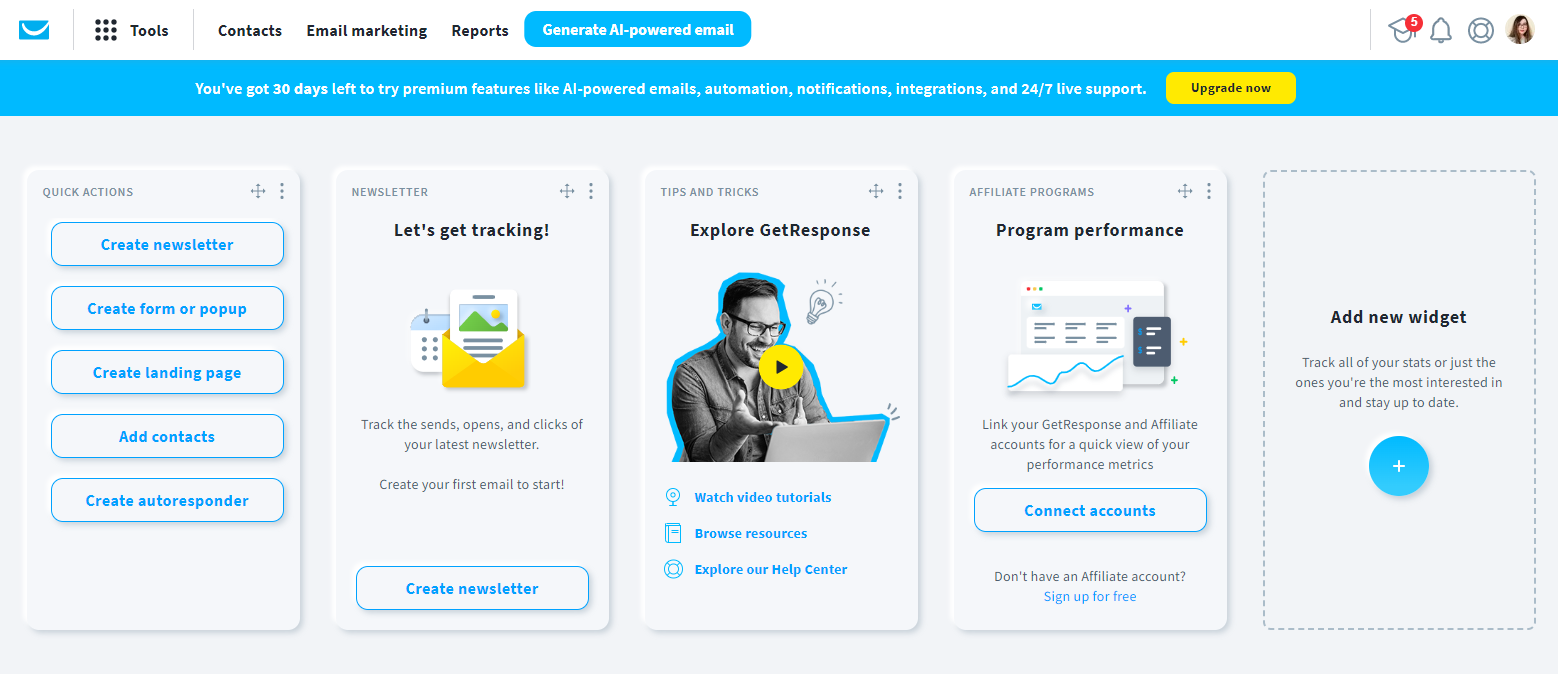
GetResponse is an easy-to-use email marketing platform, designed for businesses that want to send emails, grow and organize lists, and automate marketing messages. On top of email, this Benchmark Email competitor allows you to target your audience with SMS, push notifications, and paid ads.
It has a beginner-friendly email editor that doesn’t require prior knowledge to create stunning newsletters. You just choose any of the 200+ readily-designed email templates and customize them to match your style and campaign goal. You’ll also find handy tools to perfect your design and message, such a built-in image editor and an AI-powered writing assistant.
A standout feature of GetResponse is its conversion funnels. These are ready-made funnels for scenarios that help you nurture leads, sell products, and recover lost sales. To automate your customers’ journey, you can trigger workflows based on their behavior and certain conditions for precise targeting. The platform also lets you include SMS in your automations and set up a multichannel strategy.
GetResponse also shines in landing page creation, with a drag-and-drop builder and a range of templates used for lead generation, plus sales, product, or event promotions. For list growth, you also get subscription forms and pop-ups to catch your visitors’ attention.
What’s more, you can A/B test your messages for maximum impact and engagement. Finally, the platform has various integrations with popular marketing apps and tools so you can connect your existing stack with your email marketing service.
GetResponse Features
- Drag-and-drop email editor
- SMS marketing and web push notifications
- Autoresponders and complex workflows
- AI email tools to write effective subject lines and content
- Web forms and popups
- Website builder
Pros
- Multi-channel targeting
- Monetization options, such as courses and webinars
- Ready-made funnel templates
Cons
- Overwhelming interface
- Limited automation on the low tier
Pricing
The platform’s pricing starts at $19/month, including unlimited email campaigns, list-building tools, and AI content generation.
GetResponse also offers a free plan for up to 500 contacts. With it, you can build and publish one landing page and collect more leads with signup forms.
6. Campaign Monitor
Pricing: Paid plans start at $12/month, 30-day free trial
Best for: Agencies, Online stores, Nonprofits
Standout feature: Time zone sending
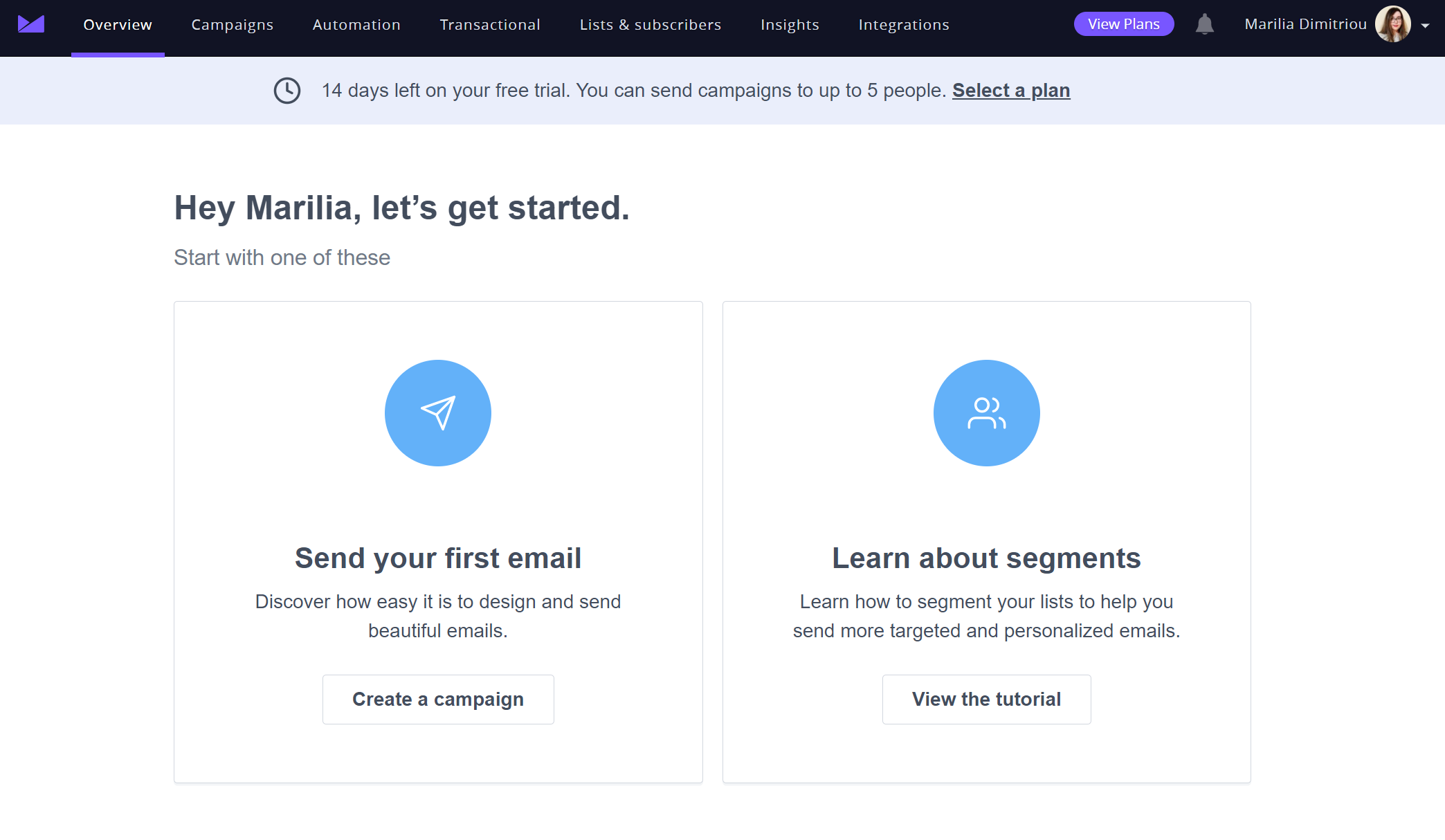
Campaign Monitor is a modern email marketing and automation platform focused on helping businesses build, personalize, and schedule their email campaigns. It comes with a drag-and-drop editor and a library of responsive email newsletter templates.
You can easily incorporate elements like images and countdown timers or even use RSS feeds to inform subscribers about new content on your website. The platform’s section locking feature comes in handy if you want to keep all team members aligned and your designs consistent (Premier plan and above).
Campaign Monitor invests in AI tools to speed up email content creation and proofreading, while providing targeted recommendations based on each campaign’s unique goal.
For your automated email journeys, Campaign Monitor offers a visual automation builder. It has straightforward triggers and conditions that help you craft effective, multi-step workflows even as a novice. You can set up triggered emails for VIP offers, welcome series, birthday offers, and re-engagement campaigns.
This email solution lets you create segments based on custom data your contacts share with you and their interactions to send targeted content to the right audience at the right time. You can also use time zone sending to align your delivery to the subscriber’s location. Plus, the Segment Mapper helps users create high-quality audience groups in minutes.
Finally, Campaign Monitor gives you real-time reporting and analytics, including a Campaign Score metric that compares your performance against industry benchmarks.
Campaign Monitor Features
- User-friendly email editor
- Segmentation and personalization tools
- SMS marketing
- Real-time reporting and analytics
- Transactional emails
- Website builder
Pros
- Polished email templates
- Email design and spam testing
- Controlled email template editing for multi-user accounts
Cons
- Issues with list management based on reviews
- Transactional email reporting lacks depth
Pricing
Campaign Monitor’s paid pricing starts at $12/month for 500 subscribers and 2,500 monthly emails, giving you the option to select core features like unlimited forms.
There is also a 30-day free trial of the service, letting you store 500 contacts and use some basic features, such as the email editor and segmentation.
Read our Campaign Monitor review
7. ActiveCampaign
Pricing: Paid plans start at $19/month, 14-day free trial
Best for: Agencies, Enterprises, eCommerce
Standout feature: Advanced marketing automation
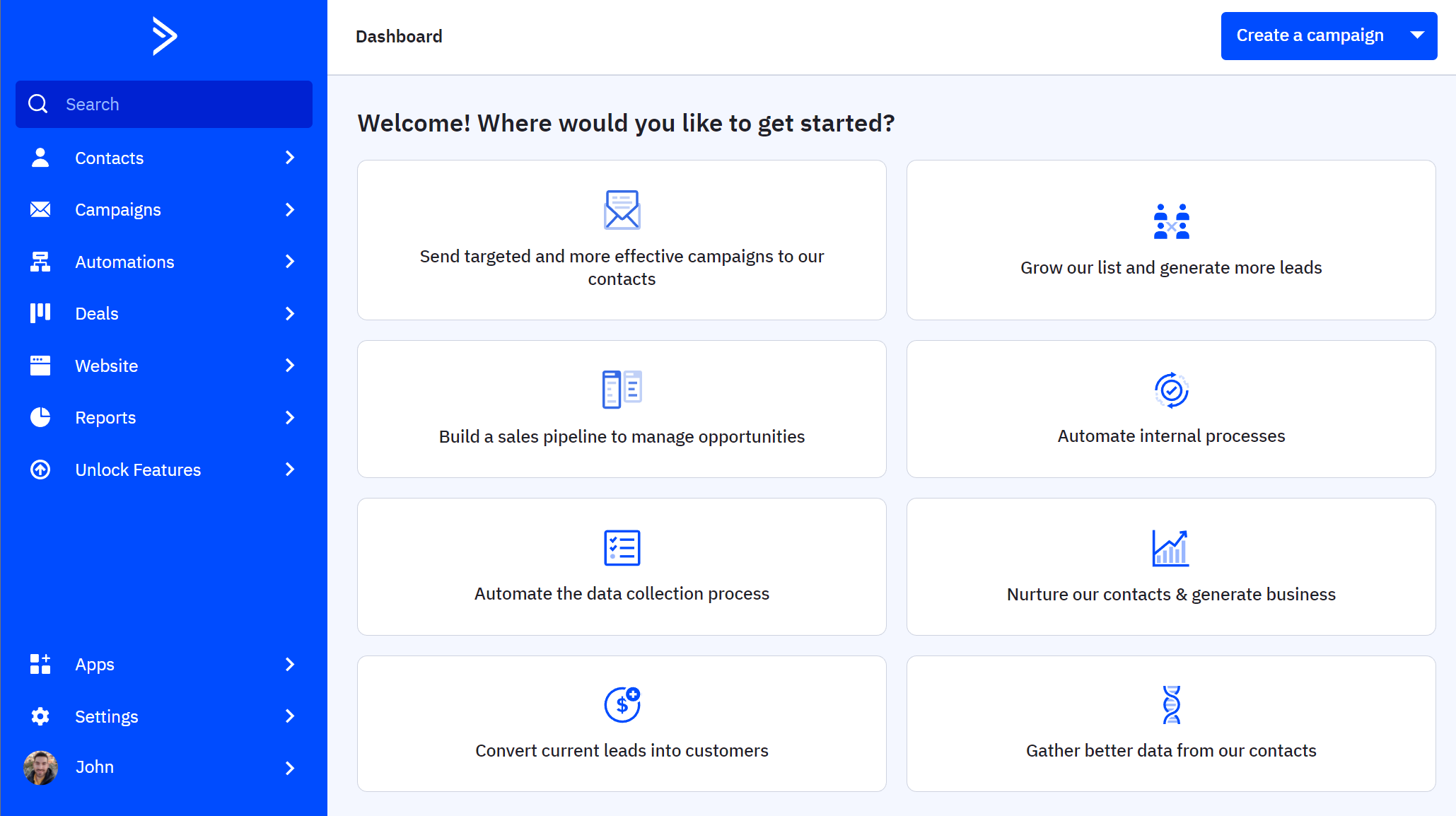
ActiveCampaign is an all-in-one email marketing automation platform with a built-in CRM system. This sophisticated Benchmark Email alternative has a drag-and-drop email editor with advanced functionality to create stunning marketing campaigns.
You get a wide selection of professional email templates to use as a starting point, while the platform even allows you to pull in your logo, fonts, and colors from your website so you can craft branded designs.
The platform delivers significant value with its automation options. The visual workflow editor is equipped with numerous pre-built journey templates for a range of industries and use cases. You also get several triggers based on website activity and CRM events.
To segment users for proper targeting, ActiveCampaign offers robust segmentation features, including custom fields, automatic tagging, and lead scoring. Also, the platform’s CRM helps users personalize their communication across many touchpoints, whether it’s email marketing newsletters, SMS, WhatsApp, and social media.
When it comes to lead generation, you can use signup forms, landing pages, and retargeting ads to broaden your reach.
If you want a powerful platform and you’re willing to invest considerable time (and money), this email automation solution will do the trick. Otherwise, you should opt for a more beginner-friendly ActiveCampaign alternative that you can master quickly.
ActiveCampaign Features
- Drag-and-drop email builder
- Pre-built, advanced automation journeys
- AI content generation for emails, forms, and landing pages
- Predictive sending
- Site & event tracking
- API for transactional messaging
Pros
- Advanced segmentation with the built-in CRM
- More than 1,000 automation recipes
- Excellent deliverability
Cons
- Time-consuming setup
- Expensive as you add features
Pricing
ActiveCampaign’s marketing plans start at $19/month for 1,000 marketing contacts, email marketing, and limited segmentation. Keep in mind that SMS, WhatsApp, and transactional emails are offered as add-ons.
The software provides a 14-day free trial for users to test its functionality.
Read full ActiveCampaign review
8. Zoho Campaigns
Pricing: Paid plans start at $4/month, free plan
Best for: Small businesses, Agencies, Freelancers
Standout feature: Send time optimization
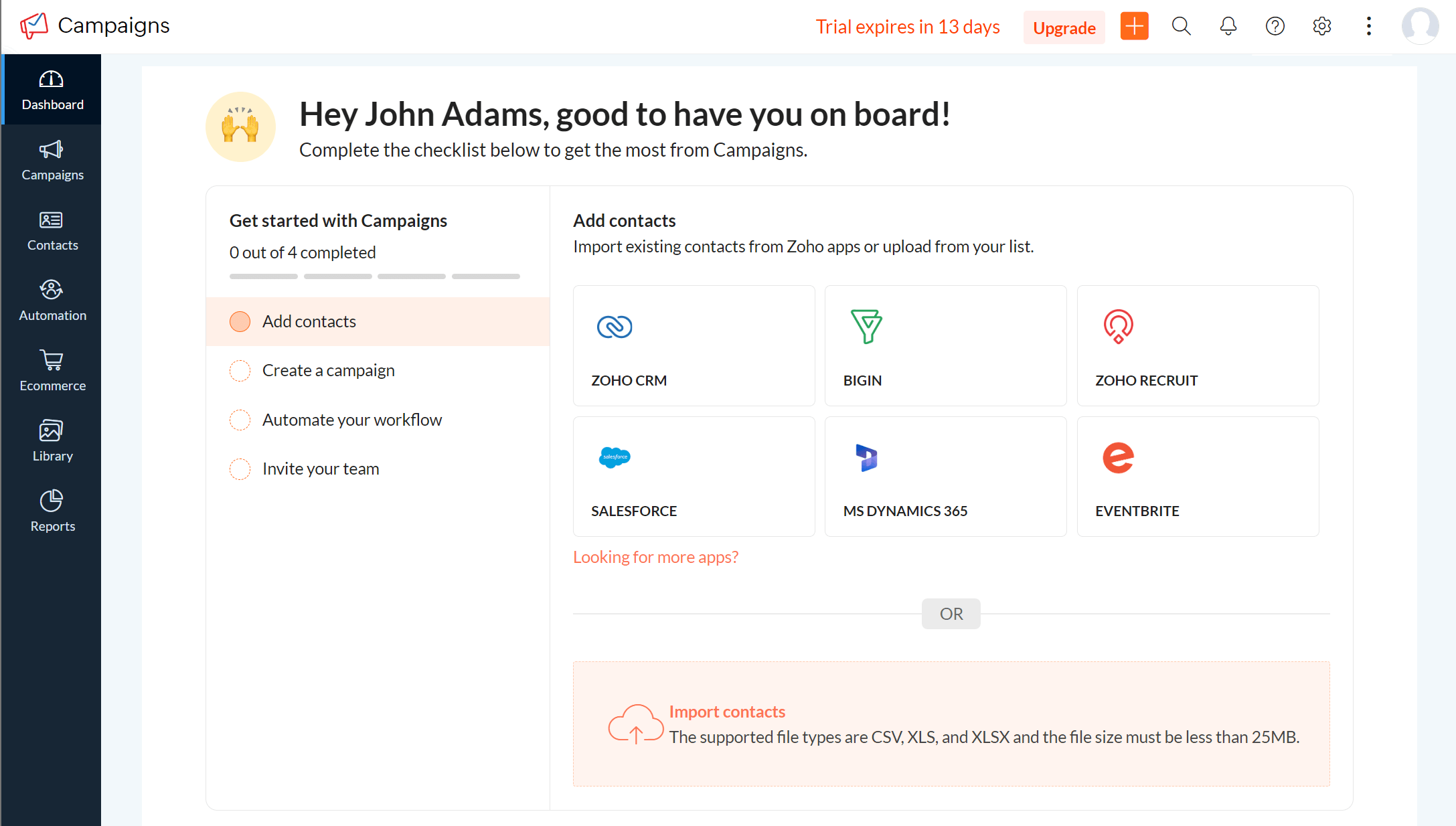
Zoho Campaigns is the last Benchmark Email alternative on our list, a simple email tool that lets you create responsive designs and deliver them right into subscribers’ inboxes at an attractive price.
Using its drag-and-drop builder and 240+ pre-designed email templates you can tweak the design by rearranging content blocks, such as text, images, and CTAs. What’s more, you get interactive elements like surveys, GIFs, and videos. The platform also lets you enable Reply Tracking so you can easily track and filter replies.
Zoho Campaigns comes with a drag-and-drop builder to set up automated workflows based on a range of user actions, including their email responses. Besides email, you get to include SMS campaigns into your automations and engage your customers on more touchpoints. Moreover, the send time optimization tool helps you send your campaigns at the optimal time based on the recipient’s past behavior.
You can also use automated actions to assign tags and scores to each recipient, so you can prioritize your sales efforts. To get more people into your list, this software offers readily-designed signup form templates that you can edit to some extent, for example, by changing the colors.
The platform provides real-time analytics to keep track of important email metrics, as well as geolocation reports. Finally, it integrates with various popular solutions including eCommerce, CRM, SMS marketing, and event management software.
Zoho Campaigns Features
- Pre-made newsletter templates
- Drag-and-drop automation editor and built-in journey templates
- Straightforward segmentation, including contact scoring
- Send time optimization
- Real-time reporting
- SMS marketing
Pros
- Easy integration with Zoho ecosystem
- Mobile app to run campaigns from everywhere
- Cost-effective and simple solution
Cons
- Limited design flexibility during email creation
- Outdated interface
- Lack of in-depth email reporting
Pricing
Paid plans of Zoho Campaigns start at $4/month for 500 subscribers, unlimited emails, plus basic segmentation and workflows.
The platform also offers a free plan for up to 2,000 contacts and 6,000 emails/month. Its main drawback is that it includes only basic features and templates, so you’d better explore Zoho Campaigns alternatives for advanced functionality.
Additional Resources
Looking for more information? Here are a few articles to help you choose the best email marketing service for your business:
The Best Benchmark Email Alternatives For Your Business
Benchmark Email offers an appealing package for beginners due to its ease of use. But it’s usually not the best fit for businesses in need of advanced automation, personalization, and reporting.
If you’re switching from Benchmark or looking for an affordable email marketing platform to connect with your audience, you should consider the alternative tools on this list. Check for must-have features, explore their pricing structures, and go through user reviews to understand their potential.
Last but not least, use each tool’s free trial or plan to see how it performs in action.
To check whether Moosend could be that affordable yet powerful ally you’re searching for, you can create a free account and test its functionality to the fullest.
Frequently Asked Questions (FAQs)
Here are some common questions and their answers.
1. What is the best Benchmark Email alternative for drag-and-drop email design?
If ease of design is your priority, Moosend is a standout alternative to Benchmark Email. It offers a fast and flexible drag-and-drop editor, equipped with ready-made templates and dynamic content blocks. With them, you can effortlessly create professional, responsive emails even if you don’t have any coding skills.
2. Is there a more affordable alternative to Benchmark Email for small businesses?
Some of the top affordable Benchmark Email alternatives for small businesses include MailerLite, Moosend, and ConstantContact. These services offer low entry-level pricing (below $10/month), while providing a wide range of marketing tools to grow, engage, and convert your audience.
3. Which Benchmark Email competitor is a good fit for agencies or teams with multiple clients?
Campaign Monitor is a great choice for agencies and teams managing several clients. It supports sub-accounts, branded templates, and client-level permissions, making it easy to handle multiple projects in one place. It also offers detailed analytics and white-labeling options for streamlined client reporting.
Similar Posts



 Published by