















10 Best Email Marketing Software For Agencies [2026]
Published By Marilia Dimitriou
November 27, 2023

27/11/23
Agencies manage multiple clients, team members, and tasks. This is why they need an email solution that simplifies operations, such as building custom email designs and monitoring campaign performance. In short, it should let them handle different accounts with a single, straightforward tool.
But you probably don’t want to add another task to your workload. So, we did the work for you, hunting for the best email marketing software for agencies that can save you time as you focus on scaling both your clients’ businesses and yours.
In this guide, you’ll find a complete comparison between these platforms, analyzing features, pros, cons, and pricing to help you pick the best fit for you.
Disclaimer: The information below is accurate as of April, 2026.
Manage multi-client email marketing from a single dashboard
Design and send email campaigns with full control and precision.
Try MoosendHow We Selected The Tools
All of the tools in this list have been tested by our team to provide an unbiased description of its features and capabilities.
We spent hours setting up new accounts and trying each software to provide an accurate experience and show users exactly what they will come across when they sign up. Find more information about our software selection methodology on how we choose tools to feature on the Moosend Blog.
What Features to Look For in An Email Marketing Platform
Just because a platform is popular or feature-packed, it doesn’t mean it can serve your day-to-day operations or cater to your specific needs as an agency.
Here are the characteristics you should prioritize:
- Multi-account management: Agencies work with several clients at once. Therefore, the right email software should allow you to handle separate accounts, campaigns, and lists to keep workflows streamlined.
- Easy navigation and clean dashboard: Some of your clients might want to be involved and access their accounts and campaign insights. An intuitive interface and an organized dashboard make it easy to find information, even for non-tech-savvy users.
- Email builder and pre-made templates: A user-friendly email editor with drag-and-drop functionality lets you create beautiful, on-brand emails with ease. Also, you’ll need ready-made templates that you can customize, share with stakeholders, and reuse in future designs to simplify campaign creation.
- Team collaboration tools: These ensure that all clients or your own team members can access and share data, as well as apply or ask for changes. That way, everyone stays aligned with guidelines, reducing the risk of mistakes and confusion. Such features include shareable templates and reports, custom permissions, and collaborative tools.
- Deep personalization: To boost client satisfaction and retention, you need to send personalized campaigns that address each subscriber’s needs and pain points. Tools like dynamic content, tailored product recommendations, and conditional logic ensure content relevance and drive conversions.
- Advanced automation: Powerful automation allows agencies to build targeted workflows using built-in recipes, multiple triggers, and conditions. These help them deliver the right message to the right person based on their actions and behaviors, without manual follow-ups.
- White-labeling or branding options: White-label features allow agencies to use their own or each client’s branding. Maintaining a consistent and tailored look and feel across campaigns showcases a professional approach, enhancing customer experience and trust in your agency.
Best Email Marketing Software for Agencies: Comparison Table (Features & Pricing)
Below, we created a comparison table with user-friendly solutions for all kinds of budgets so you can find what works best for you.
| Best Feature | Pricing | Free Plan/Trial | |
| Moosend | Drag-and-drop email builder | $9/month | 30-day free trial |
| Campaign Monitor | Lockable email sections | $12/month | 30-day trial |
| Mailchimp | Creative Assistant | $13/month | Yes (limited) |
| Benchmark Email | Contact management | $19/month | Yes |
| ActiveCampaign | Multi-step automation recipes | $19/month | 14-day trial |
| Klaviyo | Built-in CDP | $20/month | Yes |
| Constant Contact | List-building features | $12/month | 14-day trial |
| HubSpot | Lead scoring | $20/month | Yes |
| Omnisend | Segment recommendations | $16/month | Yes (limited) |
| MailerLite | Transactional emails and SMS | $10/month | Yes |
Best Email Marketing Software for Agencies by Use Case
We’ll start with why these particular names caught our attention.
Let’s explore the reasons, breaking down each solution by use case:
- Moosend — Best all-in-one email marketing automation tool for agencies.
- Campaign Monitor — Best for customization options and autoresponders.
- Mailchimp — Best for pre-made templates and complex workflows.
- Benchmark Email — Best for real-time contact activity tracking.
- ActiveCampaign — Best for advanced marketing automation capabilities.
- Klaviyo — Best for granular customer profiles.
- Constant Contact — Best for event management tools.
- HubSpot — Best for customer relationship management (CRM) tools.
- Omnisend — Best for in-depth reporting.
- MailerLite — Best for simple marketing automation.
Also, if you want to see the best marketing agency software solutions, check this article out.
Now let’s get into the nitty-gritty of each tool.
1. Moosend
Pricing: Paid plans start at $9/month, 30-day free trial (Sign up here)
Best feature: Drag-and-drop email builder
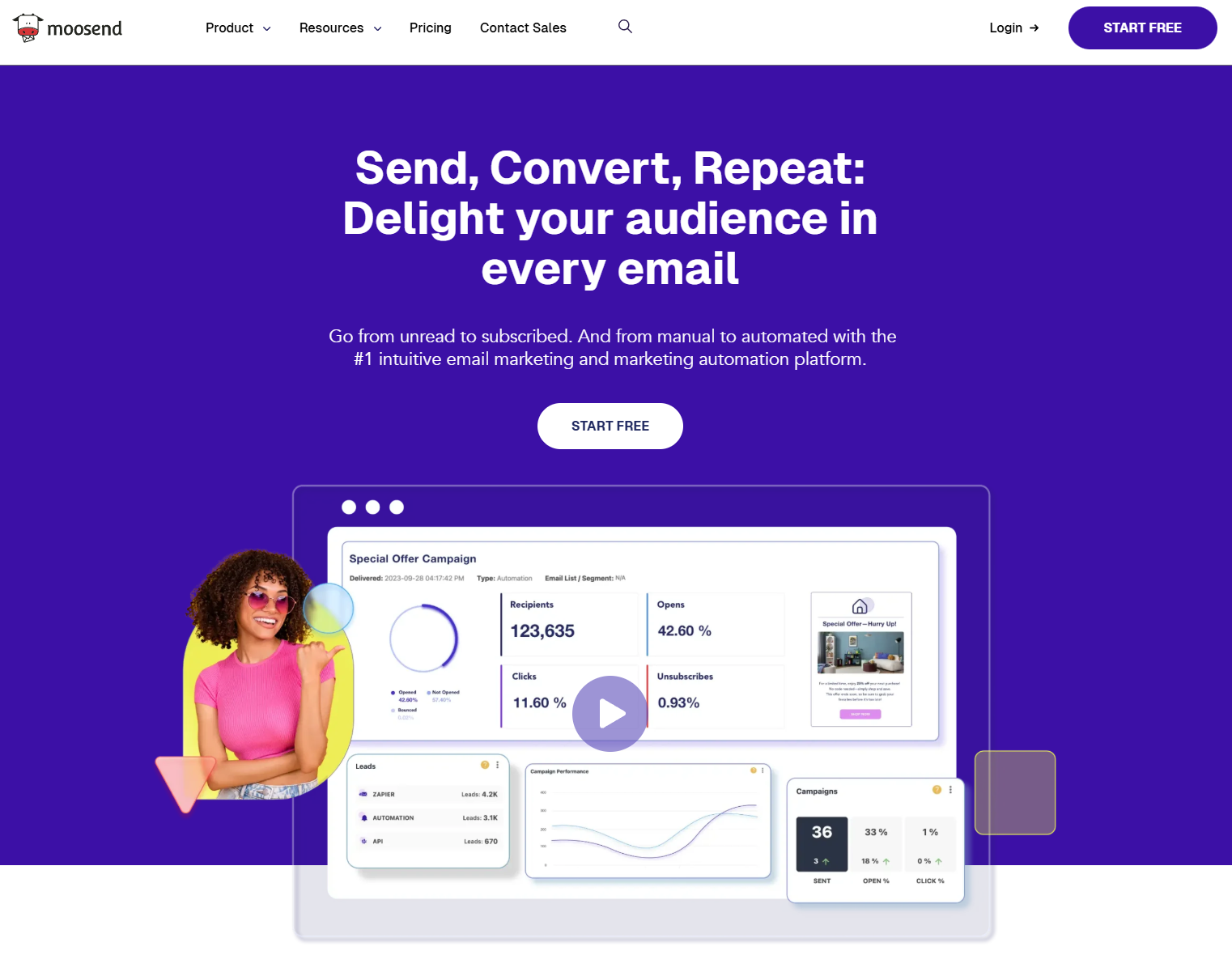
Moosend is a versatile email marketing and automation software that agencies can use to design and deliver engaging emails.
It’s a user-friendly solution ideal for beginners who want to craft branded email marketing campaigns that convert casual visitors into engaged clients. But it’s also suited for seasoned marketers due to its range of advanced tools that can cover the needs of large client accounts.
The tool’s modern design makes it easy for agencies to navigate through features, whether it’s to create emails based on each client’s guidelines or help them (and your agency) acquire more leads.
Using the administrative panel, you can add, manage, and switch between client sub-accounts. This helps you ensure that all their campaigns, lists, reports, and billing information stay separate and intact.
Everything on the platform is customizable, so you can match each design with your brand’s colors, fonts, visuals, or logos. Plus, Moosend allows you to use your own custom domain, keeping the platform’s presence under wraps.
Through their intuitive drag-and-drop builder and 130+ responsive newsletter templates, agencies can insert images, timers, videos, and other elements without any HTML knowledge to craft the perfect campaign. The editor also includes a comment mode that lets you leave or reply to feedback on the design.
Moreover, you can create automation workflows, such as welcome and re-engagement campaigns, to send the right message to your audience when they’re most likely to interact.
To refine targeting, Moosend gives you list segmentation tools to break up lists into smaller groups based on certain criteria, such as demographics, location, and behavior. You can also use preference centers, letting subscribers choose the sending frequency and preferred content types.
The platform’s real-time tracking and custom reporting make it easy to monitor essential email metrics, such as opens, clicks, and bounces. On top of that, you can share and export your reports to keep everyone aligned.
Moosend helps you control user permissions with security roles so you can assign access rights based on the team member’s role. Lastly, if you want to be something more than a user, you can join Moosend’s Agency program and earn a 30% recurring commission for each new client you introduce.
Moosend features
- Drag-and-drop editor
- Built-in email newsletter templates
- AI tools for email subject line and copy generation
- List segmentation and growth tools
- Automation builder and workflow recipes
- Transactional email functionality
- Real-time reporting and analytics
- Various integrations
Pros
- Frictionless multi-account management
- Fully customizable and reusable email templates
- No email sending limits for all users
- Excellent deliverability
Cons
- Fewer native integration options compared to some competitors
Moosend pricing
Moosend has a free 30-day trial with unlimited emails and no credit card required to try most of the features. Then, you might opt for a paid plan, starting at $9/month for 500 subscribers, email automation, and access to the SMTP server.
You can get started for free simply by signing up for an account.
2. Campaign Monitor
Pricing: Paid plans start at $12/month, 30-day free trial
Best feature: Lockable email template sections
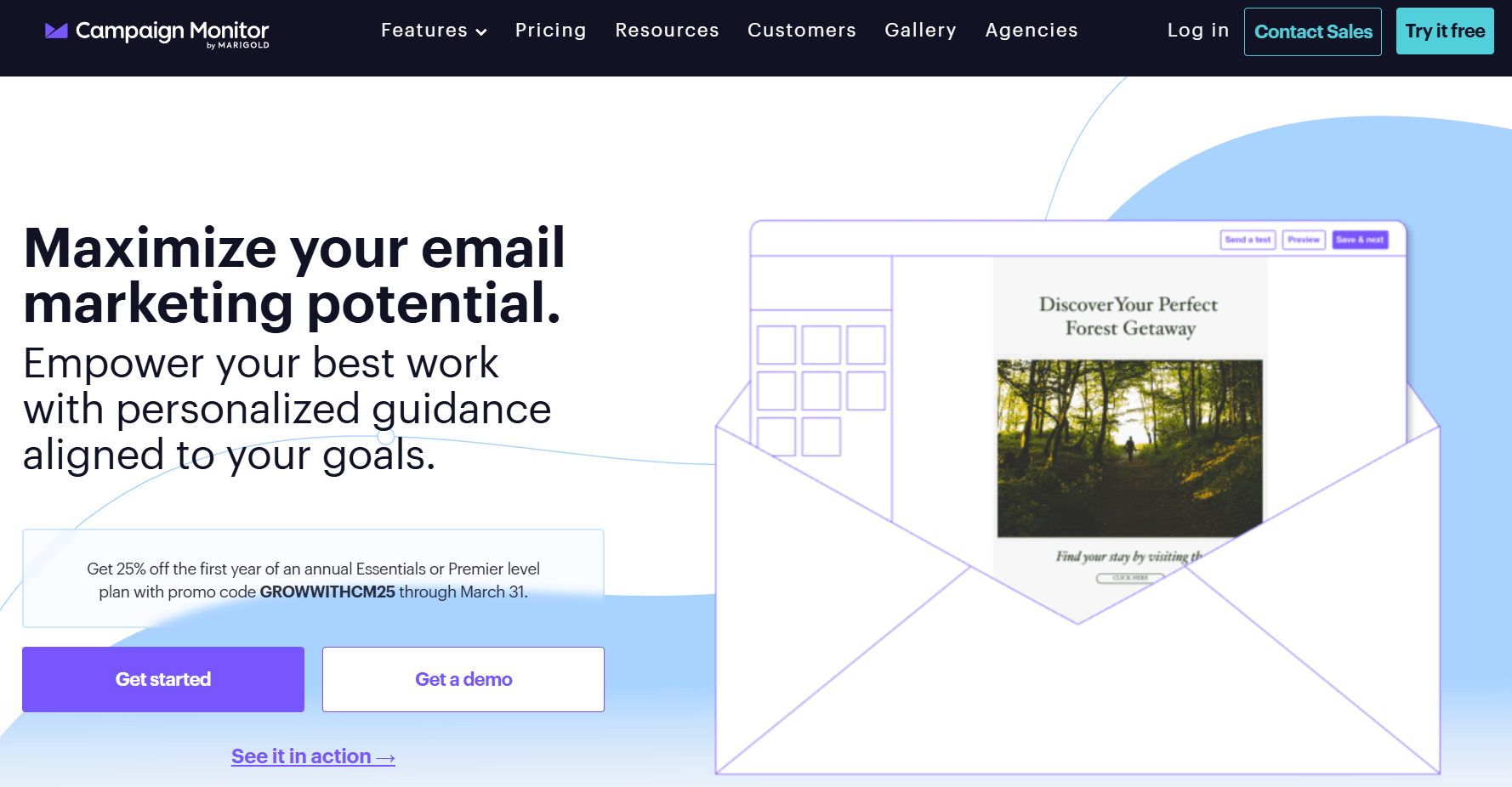
Campaign Monitor is a marketing automation and email tool that connects marketing agencies with their audience. What makes it an effective email marketing solution specifically for agencies is its ability to handle multiple accounts and create converting campaigns from a single dashboard.
The overview dashboard allows you to monitor all client accounts at once through clean campaign and list performance reports. Moreover, you can grant team members and clients view or edit permissions for each email campaign and its analytics, fostering smooth collaboration without disrupting workflow.
What differentiates Campaign Monitor from its competitors is the built-in billing system, which allows agencies to set different rates for each client and charge them in their preferred currency. What’s more, you can replace the software’s branding with your own to offer your clients a seamless experience.
If you don’t want to start from scratch, just pick an existing ready-made template from their vast library and customize it. You can always save a design for future use and lock specific email sections to maintain consistency and avoid unwanted edits.
Depending on your agency’s needs, this platform easily integrates with other tools, such as Shopify, WordPress, or Salesforce. You’ll also get real-time, comprehensive analytics that cover everything from automated journeys to transactional emails, all displayed on a centralized dashboard.
For better results, the AI-powered Email Booster offers personalized optimization suggestions for your campaigns based on your unique objective and email best practices.
Campaign Monitor features
- Drag-and-drop email editor
- Advanced list segmentation
- AI-based campaign optimization suggestions
- Visual automation builder
- Comprehensive reporting
- Integrations with third-party apps
Pros
- Option to use a custom domain
- Spam testing
- Unlimited sends (Essential plan and above)
Cons
- Complex interface
- Email section locking saved for the Premier plan
Campaign Monitor pricing
For 500 contacts and 2,500 emails, the Lite plan starts at $12/month including some core features. If you want unlimited emails and full access to the platform’s AI, you’ll need to choose a higher-tier plan.
You can also use the 30-day free trial to try out basic functionalities.
3. Mailchimp
Pricing: Paid plans start at $13/month, limited free plan
Best feature: Creative Assistant
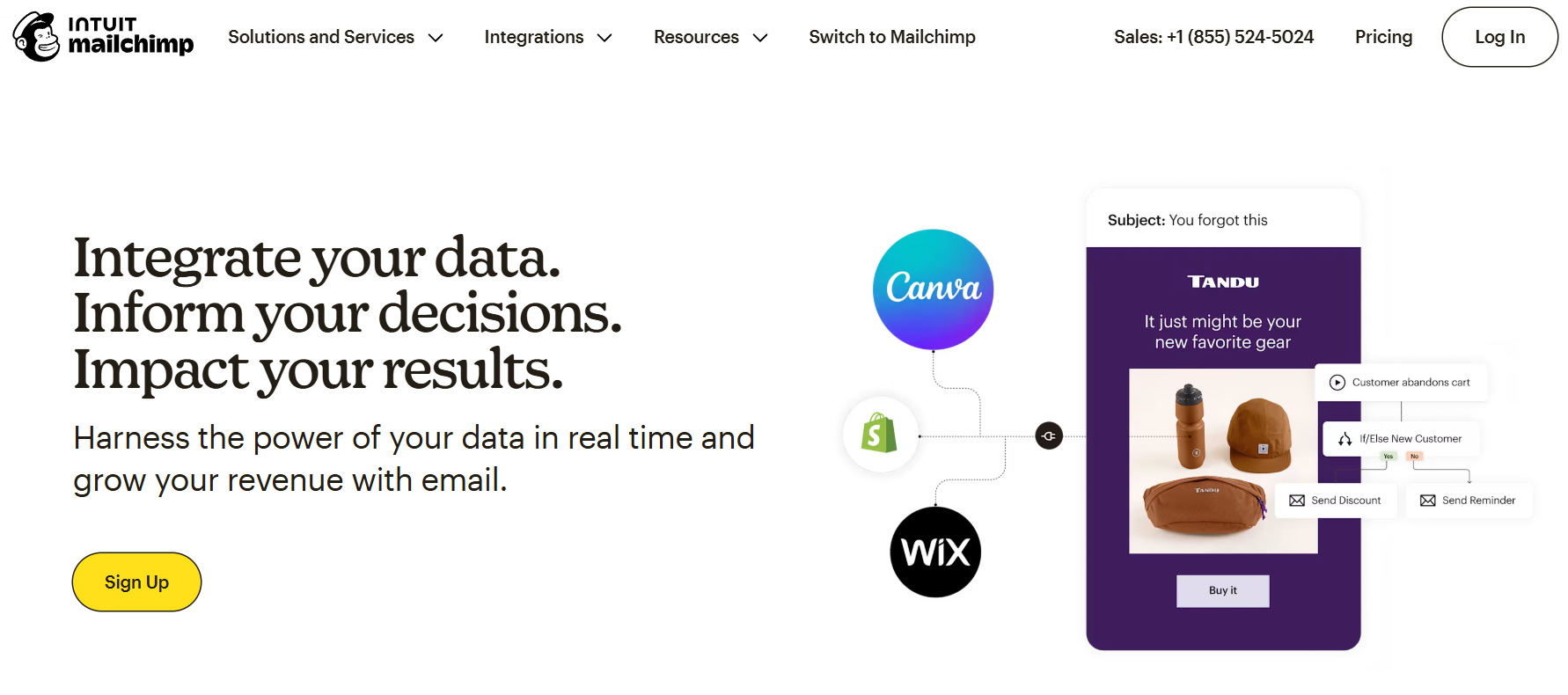
Mailchimp is an email marketing software that invests in automation to help you manage your clients and campaigns, as well as build a positive reputation for your agency.
The platform is both easy to use for beginners and versatile for experienced marketers. Through a flexible email editor paired with professional-looking templates, you can build campaigns that get the desired results. If you prefer to code your own HTML emails, the Legacy builder is the tool for the job.
With Mailchimp & Co, you can earn commissions from helping your clients achieve their goals. Since you become an official Mailchimp partner, you can help your clients faster through 24/7 priority support. You can generate more leads and gain online visibility with a listing in Mailchimp’s Experts Directory.
On top of that, this program gives you access to exclusive training resources to strengthen your expertise. You also get insider perks, as you can have first-access to new features and participate in inspiring community events.
Like Campaign Monitor, Mailchimp lets you connect your account with your client’s account and manage them from a single dashboard. You can easily switch between accounts and give access permissions for different clients and team members.
When it comes to email creation, Mailchimp simplifies the process with its Creative Assistant tool that lets you import branding assets from websites or landing pages and have them ready to use in your campaigns.
This email marketing software for agencies also boasts a visual automation builder for setting up both simple and complex journeys. Lastly, you can integrate SMS into your automations to engage your clients (and theirs) on more touchpoints.
Mailchimp features
- Modern templates
- AI tools for content creation
- Automated customer journeys
- Creative Assistant for on-brand campaigns
- Social media marketing opportunities
- Predictive analytics
Pros
- Sophisticated automation
- Mailchimp app to manage tasks from everywhere
- Helpful resources to streamline operations
Cons
- Affiliate marketing restrictions due to platform policies
- Gets pricey if you want to unlock core functionality
- Charges for double and unsubscribed contacts
Mailchimp pricing
You can sign up for Mailchimp’s free plan, but it comes with limitations, allowing up to 250 contacts and 500 monthly emails. Also, you can access only basic email templates, a restriction that you won’t face with some of its competitors.
If you want to benefit from more advanced features like automation workflows or remove Mailchimp’s branding, you’ll need to pay $13/month.
4. Benchmark Email
Pricing: Paid plans start at $19/month, free plan
Best feature: Contact management
Benchmark Email is an email marketing solution that uses email campaigns, contact management, AI tools, and reporting to help agencies reach their objectives.
It takes care of your marketing, as it provides the assets you need to engage and retain clients. The email builder is straightforward with drag and drop functionality and AI tools, such as Smart Text Enhancements to tweak, summarize, or refine content.
When it comes to contact management, they include custom fields and tags to segment subscribers based on their actions and preferences. You also get real-time engagement feeds and campaign reports to measure campaign performance and make improvements.
As an agency, you can create a master account to manage multiple sub-accounts through a single dashboard. With just a few clicks, the platform lets you share email templates, lists, and images with sub-accounts. Keep in mind that the sub-accounts aren’t charged or have access to the master account’s billing information.
You can also use the platform’s Partner Program to prompt your clients to purchase their own plan. With it, you have the opportunity to resell Benchmark to your clients and receive a 25% ongoing commission for each new plan. Benchmark Email provides marketing resources to promote the program, plus dedicated customer support to ensure both you and your clients succeed.
However, Benchmark has changed its offerings, straying away from an all-in-one approach. Therefore, if advanced automation is a must-have, you’ll find many Benchmark Email alternatives with advanced functionality at an affordable price.
Benchmark Email features
- Drag-and-drop email builder
- Robust contact management
- Straightforward sub-account management
- AI tools to create subject lines, copy, and images
- Activity tracking and campaign reports
Pros
- Option to share assets with sub-accounts
- Built-in email checks detecting errors and accessibility issues
- Free plan with all features (but only one user)
Cons
- Inconsistent deliverability
- Unintuitive interface
Benchmark Email pricing
You can try Benchmark email for free for 2,500 monthly emails and 500 contacts.
Their Pro plan starts at $19/month for 1,000 contacts, 10,000 emails, and one user, but you can add more users for $15/month/user.
5. ActiveCampaign
Pricing: Paid plans start at $19/month, 14-day free trial
Best feature: Multi-step automated workflows
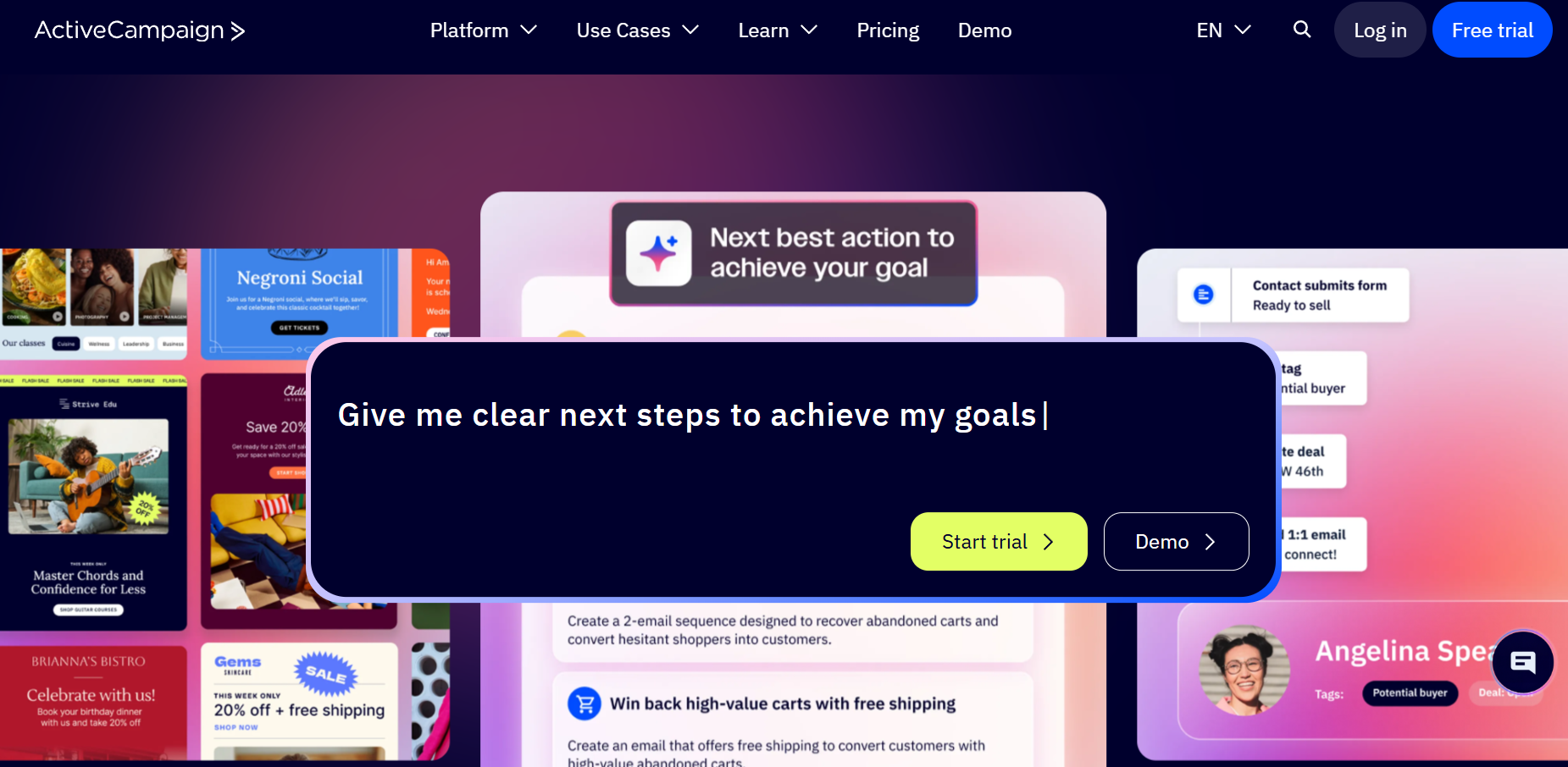
ActiveCampaign is a powerful marketing automation tool that delivers personalized communications to customers when they’re most likely to engage. It’s a solid option for agencies that want to leverage the power of automation to acquire and nurture clients.
Using your Brand Kit and AI, you keep your agency top of mind without adding your logo, colors, and visuals manually every time. For highly-personalized experiences, the platform allows you to leverage dynamic content on emails, SMS, forms, and on-site notifications.
Through their sales CRM platform, agencies can manage client relationships efficiently while identifying the most promising deals. With a huge range of automation recipes and features, you can personalize every journey based on each contact’s behavior, preferences, and stage in the sales funnel.
The platform makes it easy to create permission groups to control which members can access certain tools and settings.
This email tool also offers white-labeling options that let you replace ActiveCampaign’s logo and domain with your own and remove all mentions of the platform. Also, your clients can sign in their account directly from your agency website.
Now, if you choose their partner program (whether that’s an affiliate, reseller, or consultant), you can speed up business growth for you and your clients. As an agency partner, the platform lets you choose between reselling the platform at a discounted price or earn commissions for every client you refer.
As an agency, you’re likely to have other tools you’ll want to connect to ActiveCampaign. Don’t worry since ActiveCampaign integrates with hundreds of top apps like eCommerce platforms and project management apps.
ActiveCampaign features
- Advanced marketing automation
- CRM features
- Email API
- SMS, WhatsApp, and social media marketing
- Landing pages and sign-up forms
- Multivariate testing
Pros
- All-in-one marketing solution
- Large list of integrations and automation recipes
- Great email deliverability
Cons
- Challenging to set up and master
- Full access to white-labeling tools is restricted for the Enterprise plan
ActiveCampaign pricing
For individuals and small businesses, ActiveCampaign offers a Starter plan at $19 per month with email marketing and automation (email only, plus limited actions), as well as some CRM tools.
You can always try their solution for free using the 14-day trial.
Read our ActiveCampaign analysis
6. Klaviyo
Pricing: Paid plans start at $20/month, free plan
Best feature: Built-in CDP
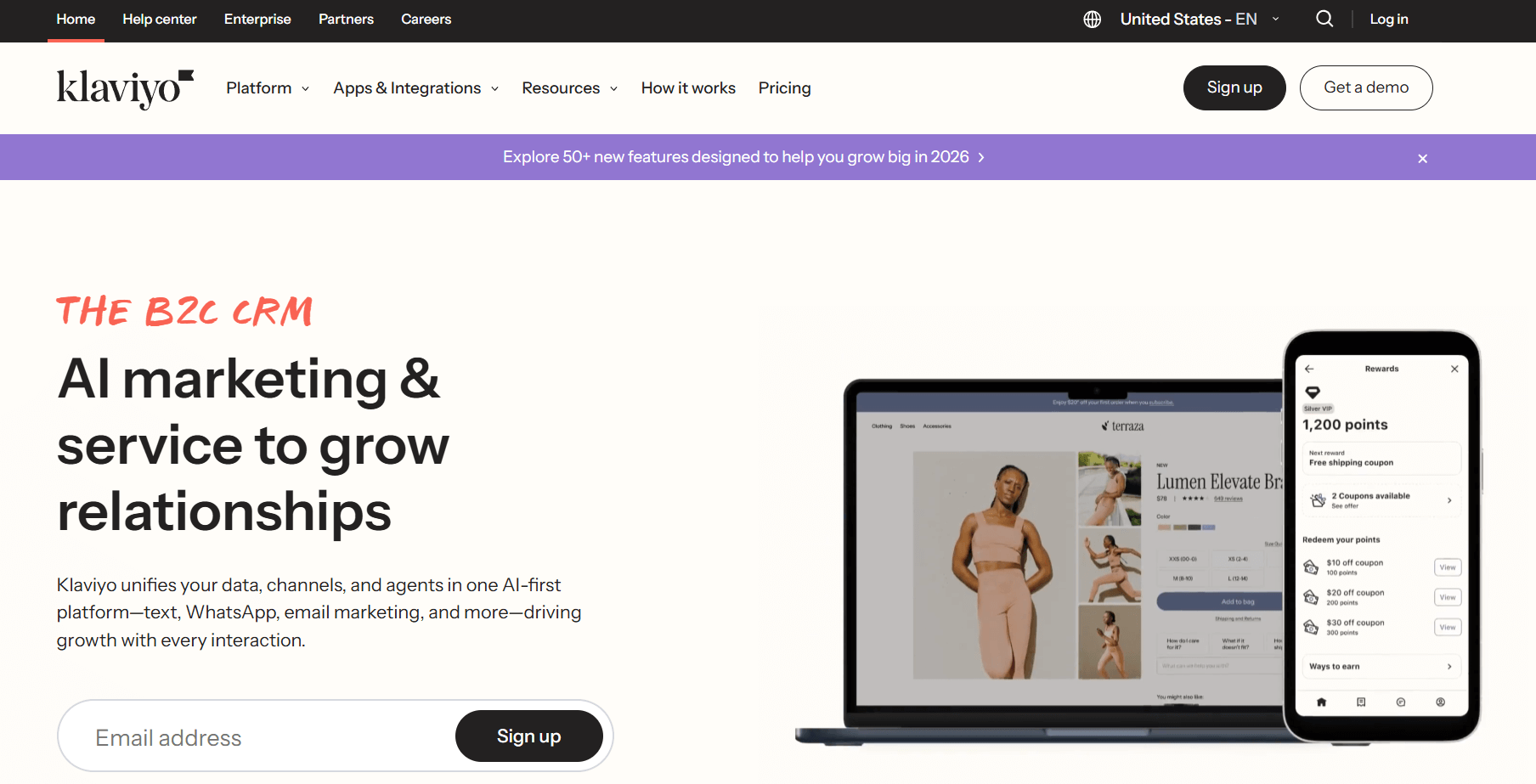
Klaviyo is a marketing automation tool suited for agencies focused on eCommerce, combining powerful automation, advanced analytics, and helpful resources to get the most of its functionality.
Agencies can create high-quality emails that resonate with their clients through an intuitive email builder and professionally designed templates. To keep a consistent brand image across campaigns, you get to save blocks as universal content and reuse them as needed.
Klaviyo’s data platform and automation tools ensure that your content reaches the right audience at the right time. We should also add on the right channel since you can automate email campaigns, SMS and WhatsApp messages, and push notifications.
This email platform for agencies lets you personalize your emails to perfection and streamline workflows using detailed and unified customer profiles. Moreover, its AI-powered analytics predict each customer’s lifetime value, identifying engagement and retention opportunities.
In addition, it uses AI to assist users with subject line creation, personalized product recommendations, send time optimization, and customer service queries.
Klaviyo’s Portfolio is the go-to option to manage several accounts using a unified dashboard. There, you get to monitor performance, track billing, and manage user permissions. Moreover, you can copy campaigns, templates, and segments if you want to use them on a different account.
Like other email service providers, Klaviyo has a profitable partner ecosystem offering access to dedicated trainings and support, co-marketing opportunities, and listings in their partner directory.
Klaviyo features
- Customizable email templates
- Advanced workflows
- Smart Send Time for optimal delivery
- AI and machine learning tools for several purposes
- Social media marketing opportunities
- Wide list of integrations
Pros
- Omnichannel automated campaigns
- Built-in CDP
- Option to save and reuse content blocks
Cons
- Complex pricing structure with many tools (e.g., SMS) charged as add-ons
- Frequent and confusing UI changes according to users
- Slight learning curve
Klaviyo pricing
For those just getting started, Klaviyo’s free plan is a good option including 250 contacts, 500 monthly email sends, and 150 mobile message credits.
If you have more contacts and advanced needs, their email-only service starts at $20/month with 5,000 monthly email sends, AI tools, and predictive analytics.
7. Constant Contact
Pricing: Paid plans start at $12/month, 30-day free trial
Best feature: List-building tools
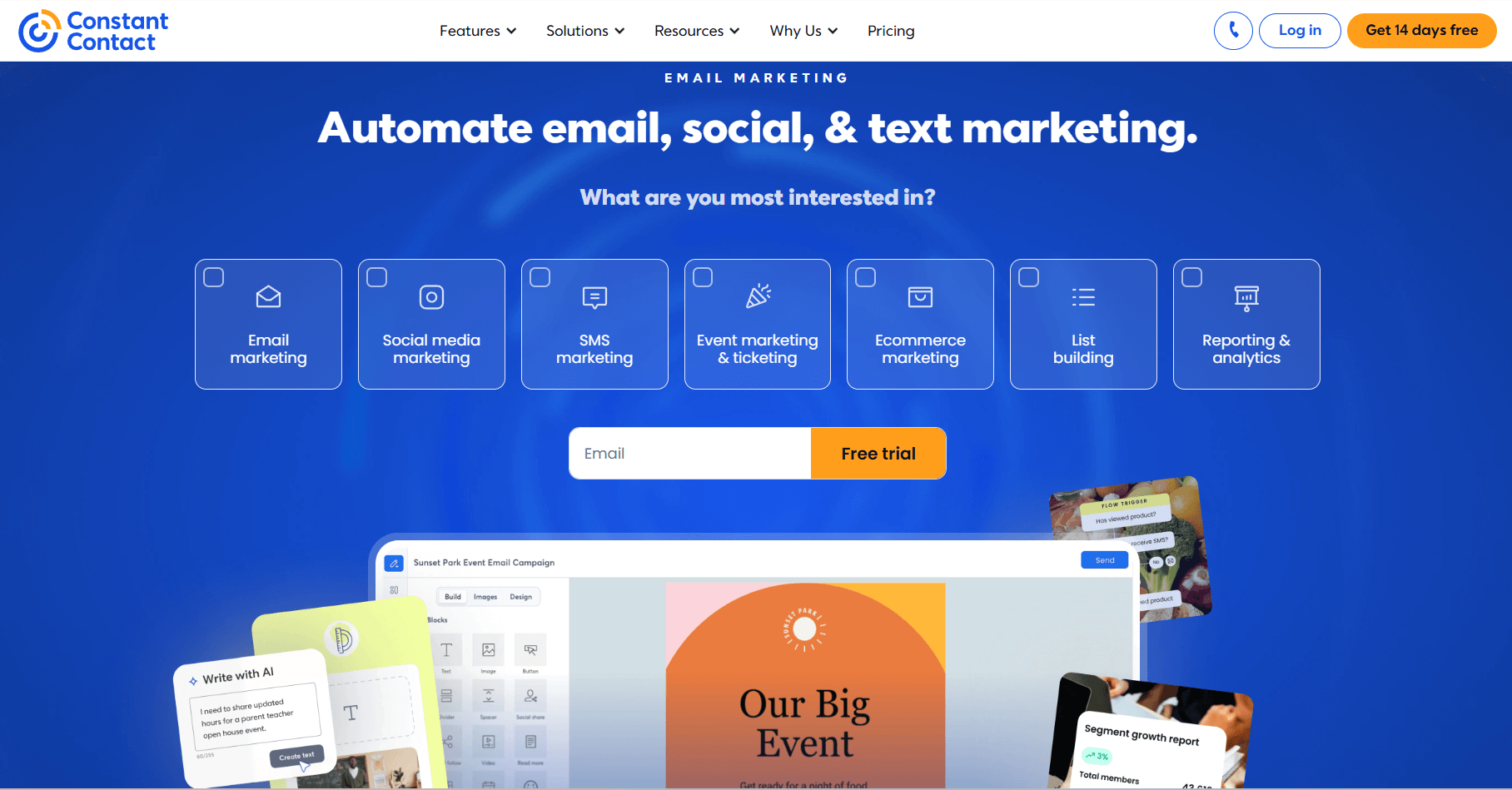
Constant Contact is an email marketing and automation platform that’s beginner-friendly while providing core tools to reach customers across channels. Beyond email, agencies can automate SMS, social media, and event marketing.
To create emails that stand out, you can use their drag-and-drop editor and hundreds of polished templates that you can customize, for example by incorporating RSVP blocks to manage event invites. They’re also mobile-optimized, so your emails look the same no matter the device your clients use.
What’s more, this email marketing software for agencies uses AI to deliver relevant content on email, SMS, landing pages, and social media.
Constant Contact uses automation to help agencies send relevant messages at the right time and create targeted segments based on client behavior. You also have dynamic content blocks that adjust the email content based on who sees the email.
Lastly, Constant Contact’s reporting tools allow you to track engagement in real-time, while its numerous integrations help you connect every aspect of your business.
As an agency, you can easily handle several accounts through Teams. This option enables you to centralize account data in a single dashboard, set user permissions, and even lock templates to avoid errors during campaign creation.
By joining their partner program, you get all the tools to build engaging campaigns, send them, and track their performance. You can earn a $200 bonus for each new customer you refer and an 18% monthly recurring commission for 24 months.
Other perks include priority support for every user, exclusive access to new features, and a listing in their Agency Directory for increased visibility.
Constant Contact features
- Flexible email editor
- Several list-building tools
- Event management and promotion features
- AI-powered content creation
- Social media marketing
- Landing pages and signup forms
Pros
- More than 600 responsive email templates
- Ease of use and intuitive navigation
- Mobile app to manage everything on the go
Cons
- Simple automation capabilities
- Only one custom segment for Lite plan users
Constant Contact pricing
If you want to try Constant Contact’s features, you can do so for free through the 30-day trial.
When you’re ready to upgrade, you’ll need to pay $12/month, which is cheaper than other alternatives. In this subscription plan, you get 500 contacts, email and social media marketing tools, and limited contact management.
8. HubSpot
Pricing: Paid plans start at $20/month, free plan
Best feature: Lead scoring
HubSpot is a popular CRM solution offering a full suite of sales, marketing, content management, and customer service tools, all under one user-friendly platform.
Its Marketing Hub helps agencies save time and effort with straightforward features to create, send, and optimize email marketing campaigns. Starting with email creation, you get a drag-and-drop builder and an AI-powered Content Assistant that beats writer’s block.
You can build personalized and automated marketing campaigns using a range of insights, such as email and social media interactions. There’s also a builder to create a branded website even with no coding skills.
You can generate more leads through signup forms, landing pages, and paid ads. By using live chat, you engage website visitors with targeted messages to guide them to helpful resources and convert them into qualified leads.
Agencies can benefit from their Solutions Partner Program and get all the support, tools, and resources they need to reach new and existing clients and strengthen their own expertise. Moreover, you gain access to trainings and certifications, a listing in the platform’s Solutions Directory, and a dedicated account manager on the Solutions Partner Package.
For multi-account management, the platform offers options to copy email lists, campaigns, and forms from one account to another. However, you’ll have to be on Marketing Hub Enterprise to do so. When it comes to setting permissions for users, you have several options, such as doing it manually or using a template.
HubSpot features
- Drag-and-drop email builder
- CRM tools
- Marketing automation
- Lead scoring
- Paid ads
- Live chat functionality
Pros
- In-depth analytics
- Free website builder
- Comprehensive suite for marketing, sales, customer service, and more
Cons
- Only paid customers can join the Solutions Partner Program
- Learning curve for advanced features
- Steep price jump between Starter and Professional plans
HubSpot pricing
This platform offers free features to capture and contact new leads, such as marketing, sales, or CMS tools.
For individual and small teams, agencies will pay a $20 monthly fee for the Starter plan, offering 1,000 subscribers, basic email tools, forms, and simple marketing automation.
9. Omnisend
Pricing: Paid plans start at $16/month, free plan
Best feature: Segment recommendations
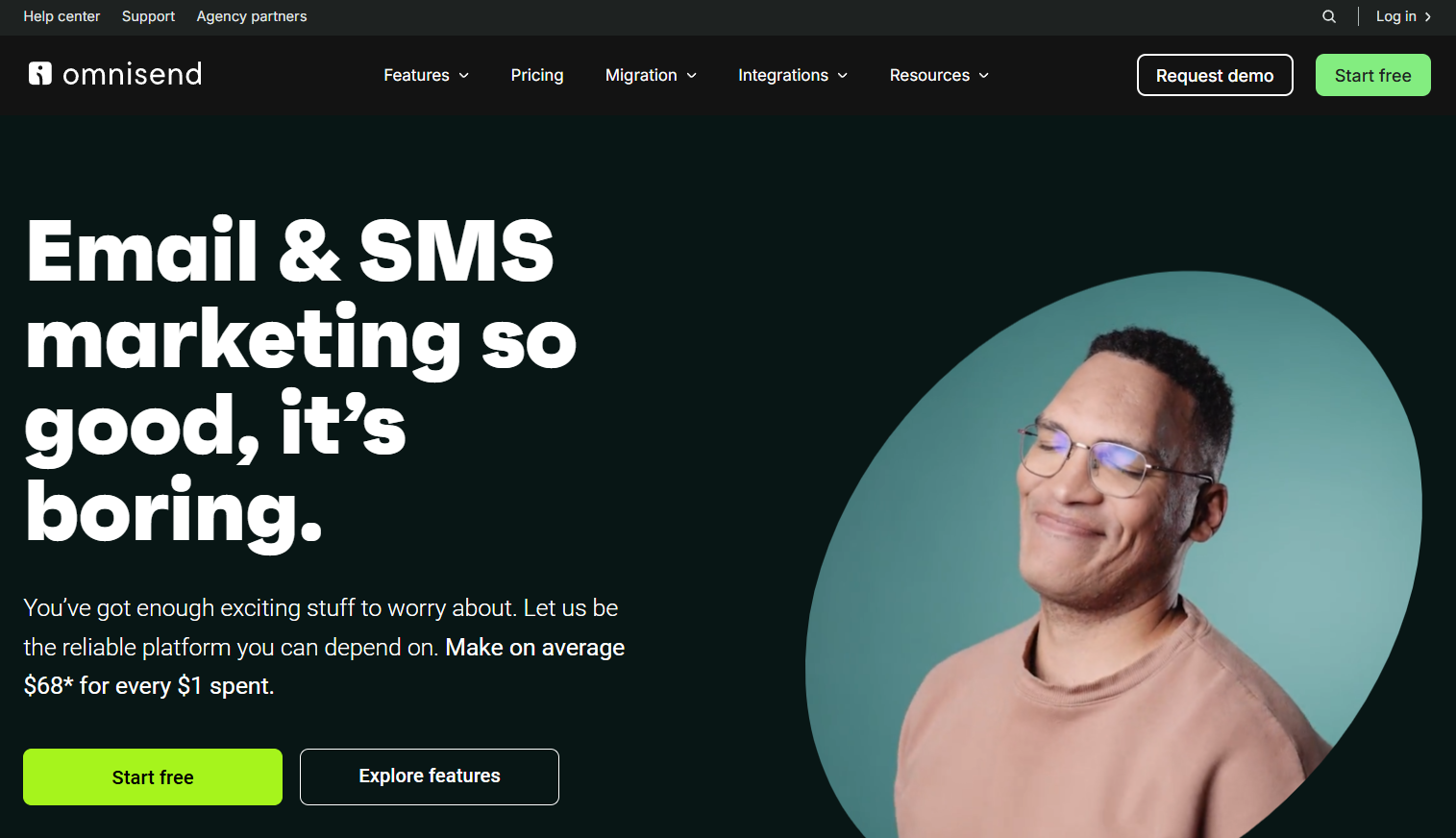
Omnisend is a marketing platform for agencies that need to reach and retain their customers through email, SMS, and push notifications.
You can start by choosing a pre-built template from their vast library of designs and customize it to fit your brand. If you want to save extra time, just turn any custom design into a reusable template.
This email software offers an intuitive drag-and-drop email builder to craft your campaigns. The platform’s AI helps you write engaging email content and pull your logo, fonts, and colors from your site to design branded emails.
Moreover, you can use A/B testing features to create email variations and find the one that converts. Also, if the first email didn’t bring the desired results, the platform’s automated Campaign Booster allows you to send a follow-up email or SMS to increase engagement for non-openers.
Omnisend also comes with powerful automation features like an intuitive automation editor and ready-made, customizable workflows to offer your clients a personalized multichannel experience. Apart from email, you get SMS and push notifications to boost visibility.
When teaming up with Omnisend through their Agency Partner Program, you earn at least a 20% revenue share of each plan for as long as they stick with the platform. Through the partner portal, you can access and manage all client accounts.
The perks don’t end there, though. You also get dedicated training courses, exclusive Beta access to new tools, and an Omnisend partner badge to showcase your expertise.
Omnisend features
- Drag-and-drop email builder
- Built-in automation templates
- AI-powered segment recommendations
- A/B testing
- Web push notifications
- List cleaning tool
Pros
- Omnichannel automation via email, SMS, and push notifications
- 24/7 customer support for all users (including the free plan)
- Detailed campaign reporting
Cons
- No advanced reporting on Free or Standard
- Lacks the design customization options offered by some popular Omnisend alternatives
Omnisend pricing
Their free plan can help agencies reach up to 250 contacts through 500 emails per month, pop-ups, pre-built automations, and A/B testing.
When you upgrade to their Standard plan, which is $16/month, you get 500 contacts, 6,000 monthly emails, and most of the platform’s features (no SMS, though).
10. MailerLite
Pricing: Paid plans start at $10/month, free plan
Best feature: Transactional emails and SMS
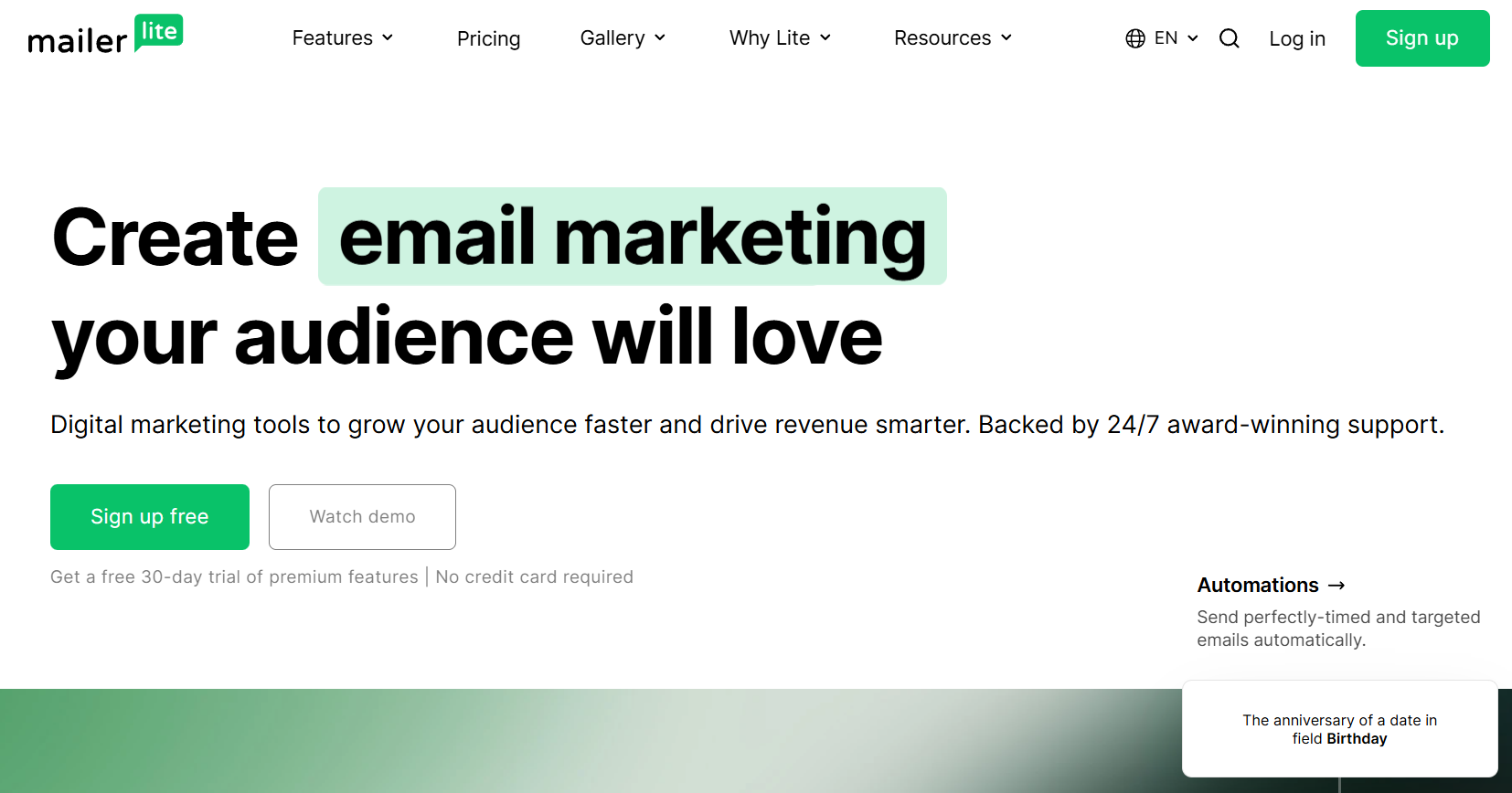
MailerLite is an email marketing tool that helps agencies craft engaging and responsive emails. It has three email editors to choose from to build your campaigns: drag-and-drop, rich-text, or custom HTML.
A unique asset is the image library with over 1 million free graphics, including GIFs, that you can organize and add to your templates. You’ll also find an AI writing assistant to create personalized, error-free emails. There’s also a Smart Sending tool that ensures your campaigns reach subscribers at the optimal time.
What about capturing new audiences? To that end, MailerLite offers landing pages, forms, and pop-ups to help you grow your email lists. The platform also boasts straightforward, easy-to-grasp automation features, including a drag-and-drop builder, ready-made templates, and multi-trigger workflows.
This email software for agencies allows you to have multiple users and accounts for streamlined collaboration and management. You can also control which data is available to each user based on their permission levels.
By teaming up with MailerLite, you join a community of consultants, agencies, and freelancers willing to share their expertise through free trainings and certifications available on MailerLite Academy.
Moreover, you have the option to join their affiliate marketing program and receive a 30% commission for every new plan you bring in. And that’s for as long as they keep using the platform. They’ll also give you a listing in their Upwork directory so your agency gets in front of more people.
MailerLite features
- Flexible newsletter editor
- Transactional emails and SMS
- A/B and multivariate testing
- Paid newsletter subscriptions
- Website builder
- Smart Sending feature to perfect your timing
Pros
- Easy to use
- iPad Subscribe App for in-person lead capturing
- List verification tool to maintain a healthy email list
Cons
- No option to remove the platform’s logo for free
- Separate pricing for transactional messaging
- Lack of sophisticated automation
MailerLite pricing
This solution has a free plan you can use with essential features like an email automation builder and lead generation options for 500 subscribers and 12,000 monthly emails. You can also try premium tools for 14 days.
For advanced functionality, such as dynamic content and unlimited monthly emails, you have to pay $10 a month.
Looking for the Right Email Marketing Software for Agencies?
Selecting the best email software starts with identifying your needs and goals. Then, try to make a list of the features you need to enhance your email marketing campaigns. After that, determine your budget. How much are you willing to spend on this solution?
Of course, there are many other aspects you should consider when selecting your email marketing platform, such as free versions or its deliverability rate. If you’ve found a few tools that seem like a perfect match, start with the free trials or plans to explore their functionality.
Want to give Moosend a try? You can register for free and test all its features to build flawless campaigns based on each client’s unique guidelines and automate your way to successful agency email marketing.
FAQs
Here, you’ll find the answers to common questions about email marketing software for agencies:
1. Why do you need an email marketing platform as an agency?
Email marketing software allows you to acquire new leads for your agency or clients, segment contacts, and deliver tailored messages based on subscriber preferences or behavior. Also, their automation features help agencies ensure timely and efficient messages without adding to your workload. On top of that, most of them offer AI tools to speed up email creation and optimization and real-time email reports to understand which tactics work.
2. How does email marketing software help agencies handle multiple accounts?
Most email marketing solutions for agencies offer multi-account management, so you can easily access and operate accounts for different clients under one roof. For example, you can get centralized dashboards to overview all accounts and user permissions based on each member’s role to minimize mistakes. Also, some platforms, like Moosend, simplify collaboration by allowing you to leave comments to improve the email content.
3. Which is the best email marketing solution for agencies?
The ideal option depends on your goals, budget, and must-have features. Overall, Moosend is a versatile email software for agencies, offering many advanced tools and unlimited emails at a low cost. MailerLite is another tool that stands out due to its beginner-friendly features that cover most needs.
Similar Posts

 Published by



Create, send and optimize your email marketing campaigns