















10 Email List Management Software And Best Practices [2026]
Published By Marilia Dimitriou
October 9, 2020

09/10/20
In email marketing, professionally-designed email templates and persuasive copy are the arrows that deliver your message to your audience. But you can’t hit the target without a strong bow to support your campaign.
With a segmented, clean, and active list, you can target the right people, personalize your message, and generate promising leads. This is why you need effective email list management software to capitalize on email marketing’s impressive ROI.
In this blog post, you’ll find the best contact management tools to build, grow, and manage your list, along with essential list management best practices to do it right.
Divide and deliver
Build, manage, and grow your email list with Moosend’s affordable features.
Start for free1. Moosend
Pricing: Paid plans start at $9/month, 30-day free trial – no credit card required (Sign up here)
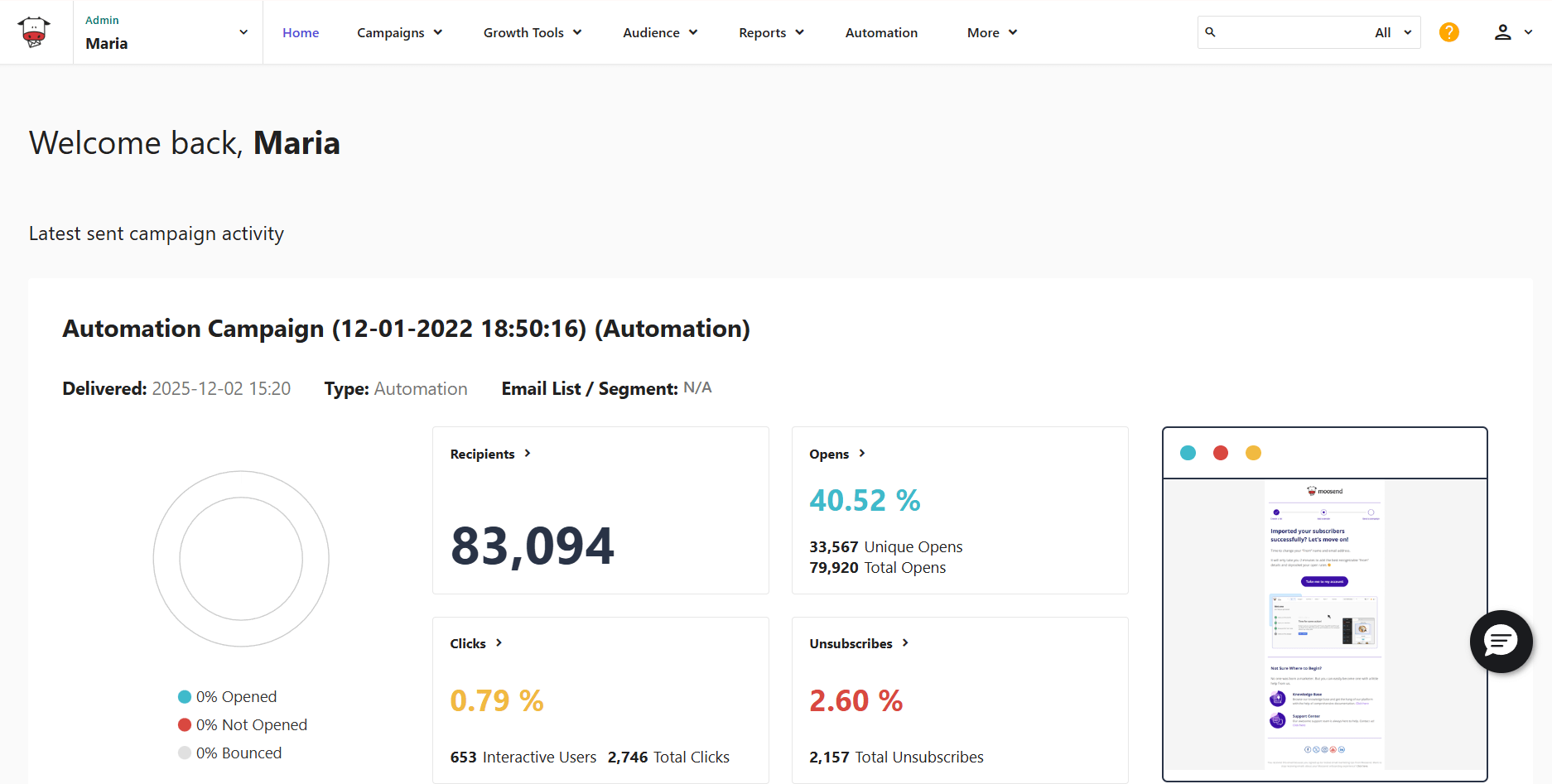
Moosend is a top email marketing platform designed for every business size. With it, both marketing beginners and experienced users can create and automate their email campaigns, but also master email list management.
The platform’s sophisticated list segmentation features allow users to build audience groups based on information collected in the form of custom fields and behavioral data. You can segment contacts based on demographics, purchase behavior, subscription method, and email engagement.
To learn more about your audience, you have the option to set up an email preference center using the dedicated custom field that Moosend provides. This way, subscribers can choose the kind of content they want to receive or the email frequency.
These email segmentation features help you filter your mailing lists and create tailored content for your subscribers.
To take email personalization one step further, the platform offers dynamic content blocks to target your audience. For example, you can use them to display personalized product recommendations that match their preferences.
Regarding email deliverability, Moosend has a sender score of 98% to land your messages in inboxes and avoid the spam folder. The 80+ integrations with third-party apps like email verification tools and CRMs will also contribute to efficient product management.
Pros
- Seamless list management with custom fields, labels, and automation triggers
- Pre-made segmentation templates to save time
- AI-powered Audience Discovery that turns real-time interactions into segments
- Automatically updated segments
- Several list import options, including through Salesforce and Google Contacts
- Drag-and-drop email builder and ready-made templates
- Lead generation with landing pages and forms, plus ready-made templates
- Straightforward automation with visual builder and customizable recipes
- Real-time reports that you can share and download
Cons
- No free plan
- Limited signup form customization
Pricing
Moosend’s pricing starts at $9/month (billed monthly), offering you access to segmentation and personalization features, lead generation, plus unlimited emails. You can test Moosend’s list management capabilities for 30 days by signing up for a free trial.
Overall, the platform will help you manage your lists, create and automate your campaigns, personalize your audience’s experience, and refine your strategy with in-depth analytics.
2. HubSpot
Pricing: Paid plans start at $20/month, free plan
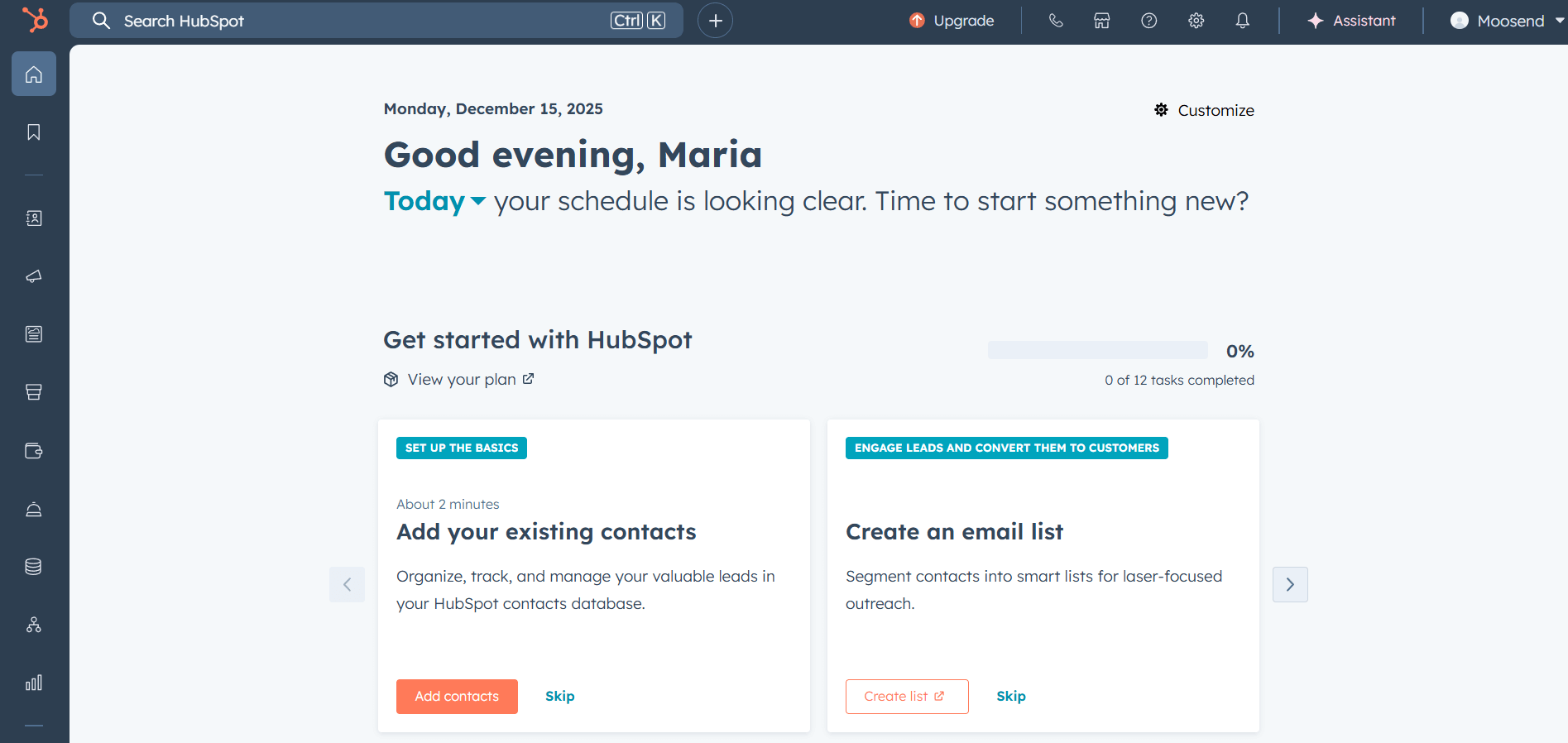
HubSpot is an all-in-one marketing suite that combines must-have email features with a professional CRM system, allowing businesses to connect with their audiences and centralize their data.
With HubSpot, you can send targeted emails to subscribers at different lifecycle stages, or target them based on additional contact information gathered. For example, you have options to filter subscribers based on their activity, demographics, and preferences.
Moreover, the email list management software provides two-way data sync between different apps, so you won’t need to worry about your contacts being up-to-date. When it comes to data sources, you can use information from your website, CRM, emails, etc.
Growing your list with HubSpot is an easy process since marketers get opportunities to collect more leads using the platform’s landing page and form builders.
The platform also offers A/B testing capabilities and rich analytics that help you make informed decisions about your email marketing campaigns.
Pros
- Multitude of segmentation criteria ranging from contact information to preferred channels
- Segments that update automatically
- AI assistant that generates audience groups based on your descriptions
- Data sync feature to easily add contacts using your existing apps
- Segment-focused performance reports
- Lead capturing tools
- Multi-channel targeting
- Lead scoring that helps you prioritize your leads (available on the Professional plan or higher)
Cons
- Time-consuming setup
- Steep cost for paid plan users
Pricing
Hubspot’s Marketing Hub has a version with free email marketing, content, and sales tools (though limited). To unlock more features and email sends, pricing starts at $20/month with the Starter plan. Still, essential features like A/B testing are saved for the higher-tiers.
Overall, HubSpot is a great solution for businesses looking to cover their email list management needs with one comprehensive platform. It’s noteworthy though that the system has a substantial learning curve, so you may also want to look into user-friendly HubSpot alternatives.
3. Constant Contact
Pricing: Paid plans start at $12/month, 14-day free trial
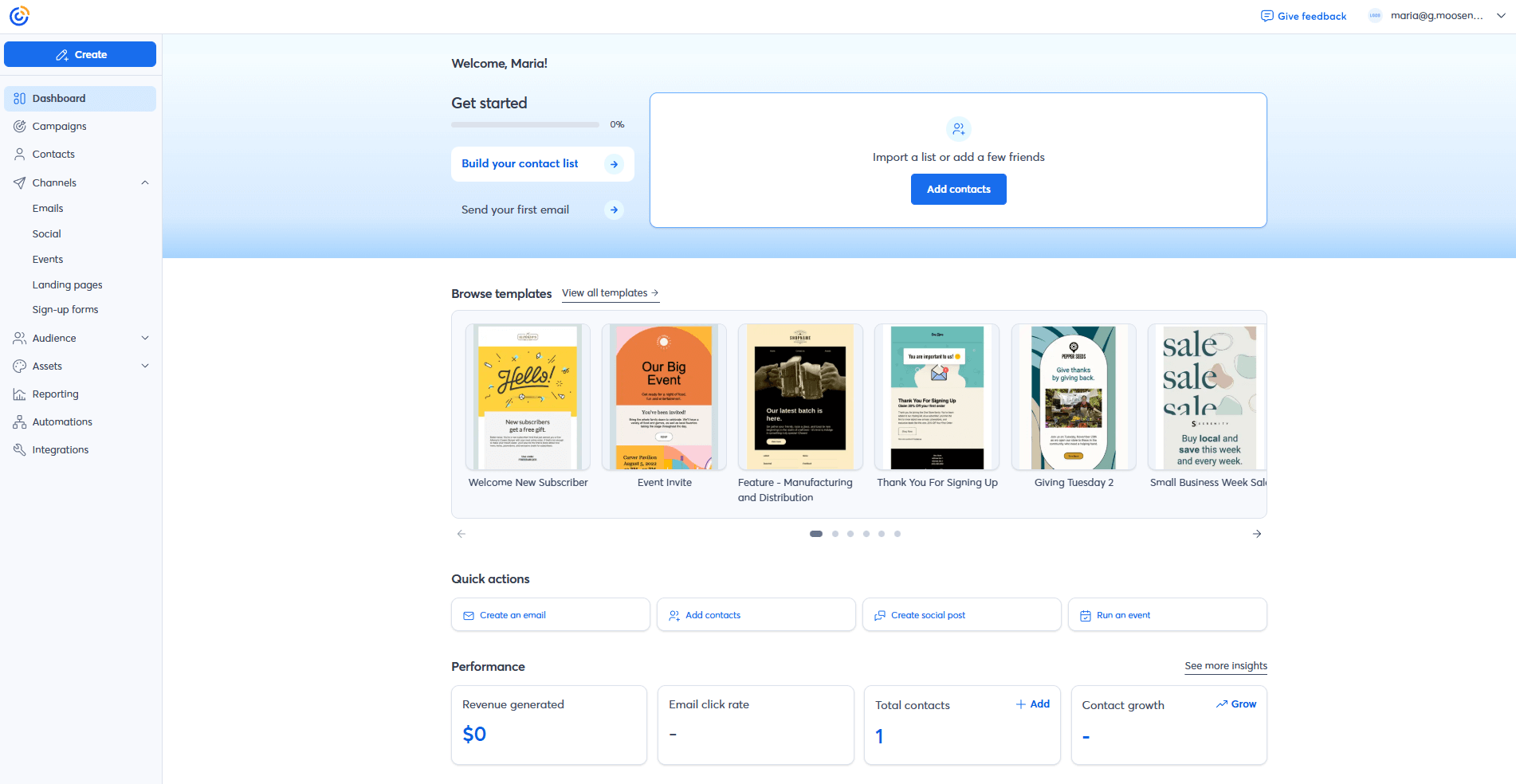
Constant Contact is among the best email marketing tools to create email newsletters. But what about email list management? The platform offers useful segmentation features to grow and organize your email contacts.
It’s also known for its simplicity, which is why even marketing beginners can easily set things up. Using the clean interface, you have the option to create custom fields and tags.
Adding subscribers is a straightforward process. You may do so manually, upload a file, or sync with apps like Salesforce or Zoho.
What’s more, the email list builder lets you take advantage of segmentation by using data like the subscriber’s demographics, as well as email, SMS, and website interactions.
But where Constant Contact stands out is its dedicated Audience Growth Center, providing users with multiple tools to expand their email lists. More specifically, you can leverage landing pages, social media, and ads. Plus, a unique option to collect leads in-person through a QR code.
Pros
- Clean interface and user-friendly features
- Conditional content to show or hide elements based on each subscriber’s unique characteristics
- Multi-channel list growth opportunities (e.g., email, SMS, social media)
- Standalone Lead Magnet tool to capture leads via email, social, print cards, or events
- Lead scoring functionality
- Event management tools
- Integrations with CRMs, eCommerce platforms, customer support platforms, and more
- Dedicated app to handle tasks on the go
Cons
- Some features are gated behind more expensive plans (like A/B testing and advanced segmentation)
- Lack of sophisticated automation options
Pricing
Constant Contact’s paid plans start at $12/month for 500 contacts and some basic features. You can also try out the platform for 14 days through the free trial.
Overall, Constant Contact offers some basic list management features to keep your list organized. While it’s great for small businesses, if you have a larger list, you’ll need to consider some of the best Constant Contact alternatives instead.
4. EmailListVerify
Pricing: Paid plans start at $16/month; Pay-as-you-go plans start at $5/month for 1,000 credits
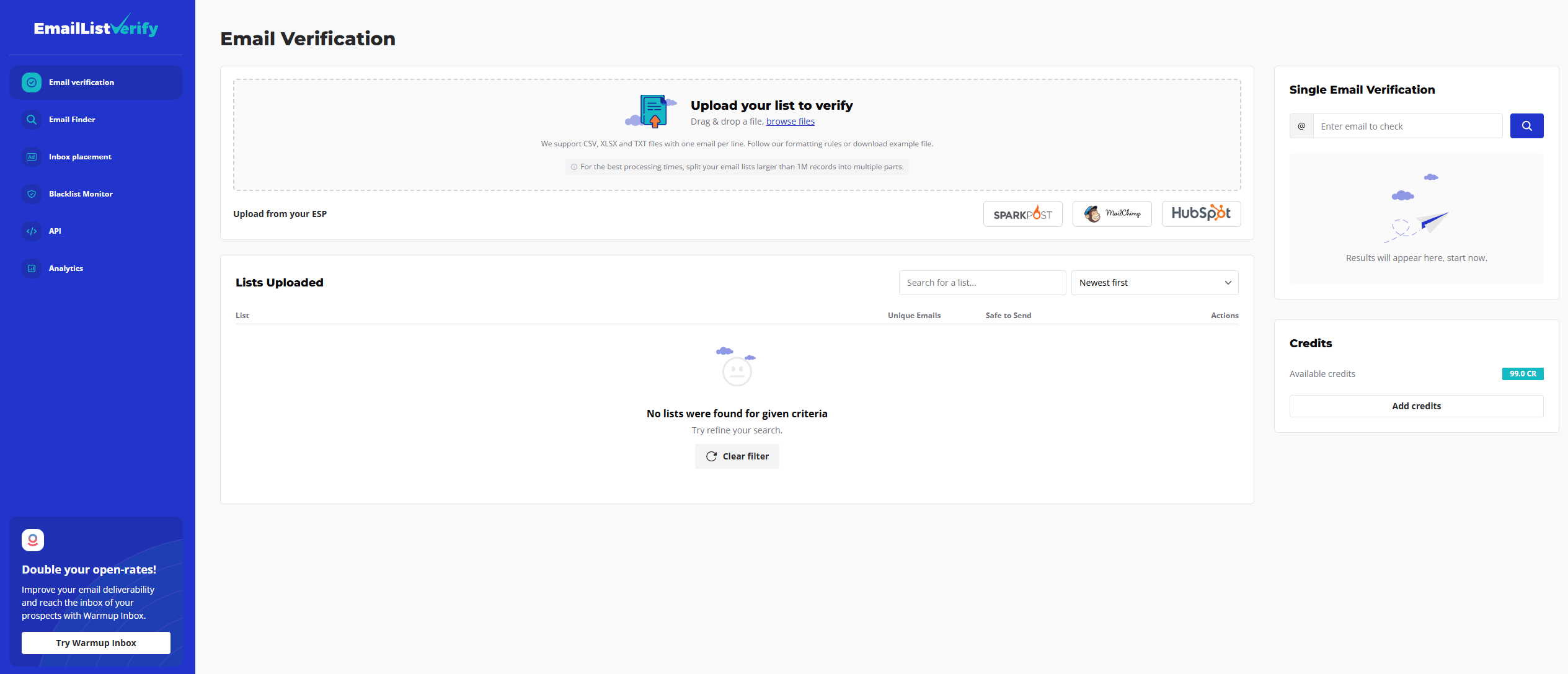
EmailListVerify is a powerful email verification tool for keeping your email lists clean, accurate, and fully deliverable. It helps marketers identify and remove invalid addresses, spam traps, disposable or catch-all emails, duplicates, and syntax errors.
This way, your campaigns reach real contacts, ensuring higher engagement rates and a good sender reputation. What’s more, you save money and effort from delivering emails to disqualified leads.
You can clean up your existing lists in bulk by uploading CSV or Excel files directly to the platform. Alternatively, all it takes is connecting the platform with your ESP to sync and verify your contacts.
For ongoing list management, EmailListVerify also offers a real-time API that checks new subscribers as they sign up, preventing risky or invalid addresses from entering your database in the first place.
The tool integrates with popular email marketing platforms, allowing you to continue running campaigns without workflow interruptions. It also provides detailed reports highlighting issues in your list, so you know exactly what you need to improve.
Pros
- Email finder to discover valid email addresses using the domain or name
- Blacklist monitoring
- Inbox placement testing
- Email authentication record generators
- Free tools, such as an email validator and a DMARC tester
- Real-time API
- Integrations with popular email marketing platforms
- Flexible pricing offering both monthly subscriptions and pay-as-you-go plans
Cons
- Limited native integrations (only 11)
- Basic reporting compared to other deliverability-focused tools
Pricing
EmailListverify’s monthly subscriptions start at $16 and offer up to 5K credits. For occasional needs, you can use the pay-as-you-go plans starting at $5 for 1K credits. You can also get up to 100 email verifications for free.
Overall, EmailListVerify helps reduce bounce rates and increase overall deliverability. Its ease of use and integration capabilities make it a solid option for marketers serious about email list management.
However, it’s not the right option if you want to combine list management with email creation and sending since it doesn’t offer that kind of functionality.
5. Warmup Inbox
Pricing: Prices start at $19/month per inbox; a 7-day free trial is available
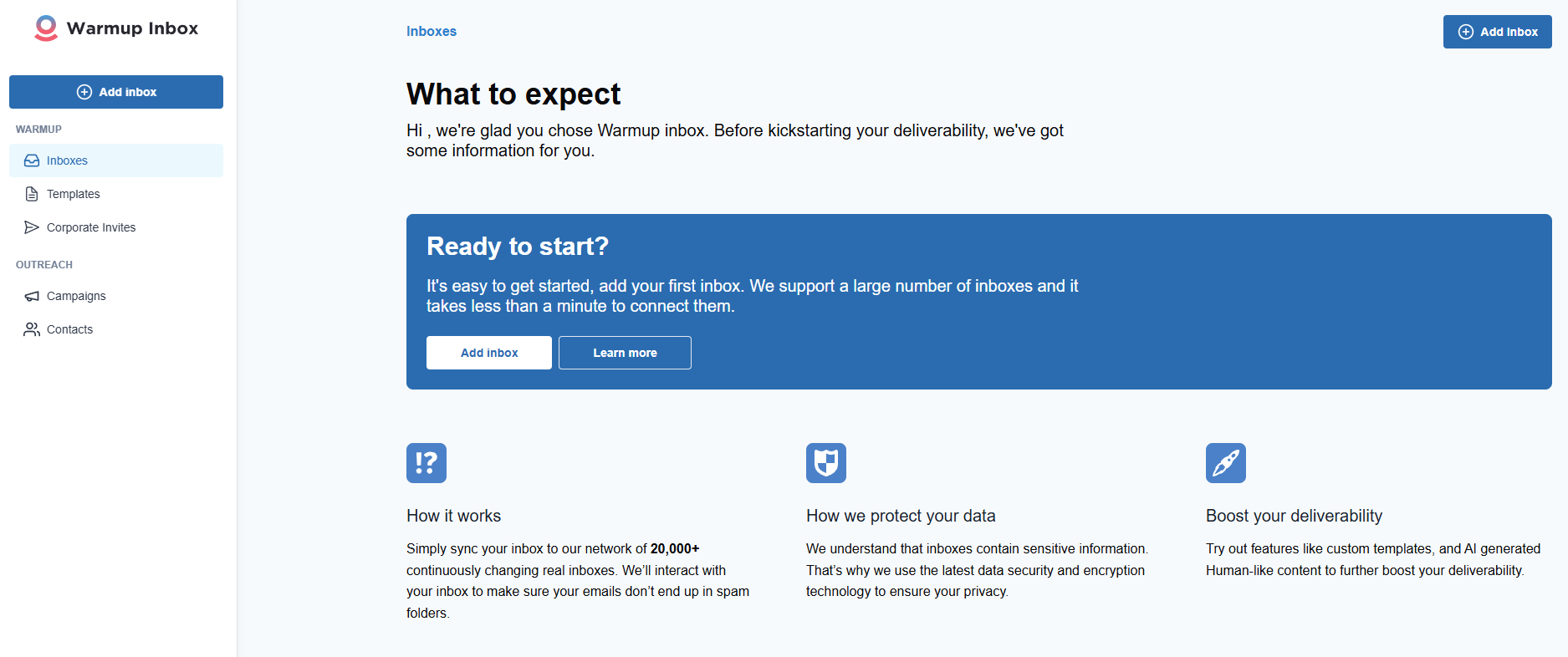
Warmup Inbox is a specialized tool designed to improve your email deliverability by gradually “warming up” your inboxes and building your sender reputation. It connects your email account to a network of trusted addresses that automatically open, reply to, and interact with your emails.
This helps signal to ISPs that your messages are legitimate and increases the chances of reaching the inbox rather than the spam folder.
The platform works in the background, sending emails on a controlled schedule and adjusting the volume based on your account’s period of activity.
You can set up multiple inboxes, track progress, and see detailed reports of your sender reputation. This reduces manual effort and ensures consistent results over time.
Warmup Inbox allows you to import your contact lists from a CSV file and verify them using EmailListVerify. Then, you’ll be able to use variables to personalize the content of your cold email sequences and schedule delivery based on time zone and the subscriber’s preferred days.
Warmup Inbox integrates easily with popular email providers and verification tools, making it simple to connect your accounts and start warming them without interrupting your existing email workflow or risking your list hygiene.
Pros
- Intuitive email list uploading and management
- Option to adjust email sending time using parameters like the contact’s preferred days
- Free tools like an AI-powered subject line tester that also provides optimization suggestions
- Reputation Score monitoring and improvement recommendations
- Variety of cold email templates for streamlined outreach
- AI Email Writer to create professional emails in minutes
- Comprehensive resource center, including a Knowledge Hub and eBooks
Cons
- Clunky interface based on user reviews
- Unfavorable pricing structure if you manage several inboxes
Pricing
Warmup Inbox charges per inbox, so for a single inbox and 75 daily emails you’ll have to pay $19. There’s also a 7-day free trial to check the tool’s features.
Overall, Warmup Inbox is ideal for anyone sending cold outreach or high-volume campaigns. By gradually building your sender reputation, the tool helps ensure higher engagement. However, the platform might get costly if you need to manage multiple inboxes.
6. Paperform
Pricing: Paid plans start at $29/month, free plan
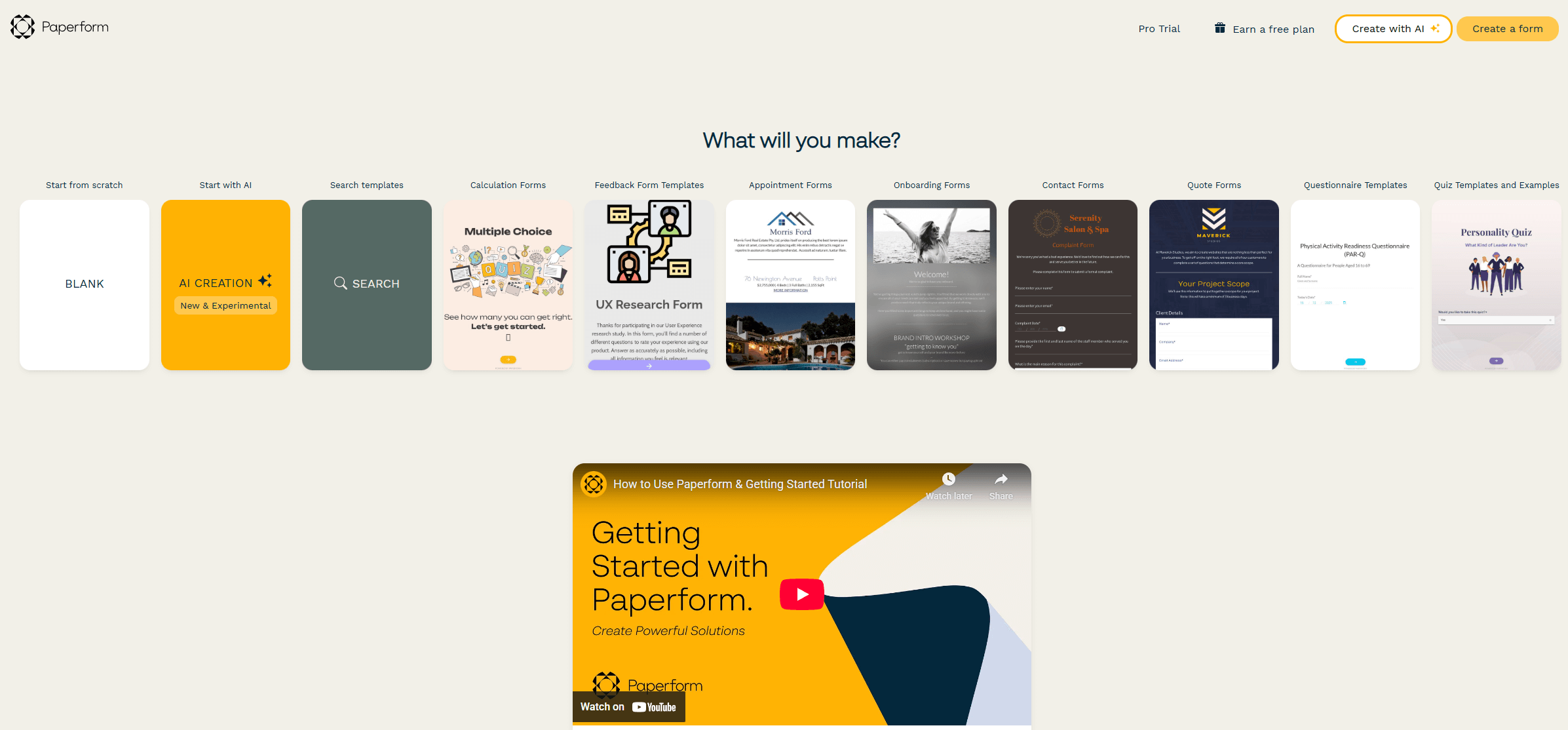
Paperform is a great contact list management tool that enables you to create landing pages and newsletter signup forms to grow your list. The tool has a variety of beautiful readily-designed templates to capture your leads’ email addresses.
More specifically, you can customize your forms by adding images and videos to make them more attractive or adjusting the questions. If you are more tech-savvy, the tool also lets you edit the form in HTML and CSS.
With Paperform, you can set logic rules to define when questions, pages, or other elements will be displayed to your visitors. Also, the platform simplifies embedding forms, sharing them on social media or email, and analyzing the results.
Pros
- Variety of form templates for different use cases and industries
- Conditional visibility logic in questions
- Integrations with email marketing, CRM, and project management platforms
- AI tool to easily create forms based on simple prompts
- Options to organize forms in folders and share them with team members
- Ease of use with clean interface
- Responsive customer support
Cons
- Limited template customization in the cheapest plan
- Expensive option if you want to access more features
Pricing
The platform’s pricing plans start at $29/month (billed montly) for unlimited forms and integrations. You can try any plan for 7 days, while there’s also a free plan with restrictions.
As one of the best online form builders in the market, Paperform offers various integrations with popular apps to make list building a lot easier. While the tool will help you create a range of form types, it still lacks more advanced customization options.
7. Bouncer
Pricing:Paid plans start at $8 for pay-as-you-go accounts (or $6 for a monthly subscription), 100 credits for free
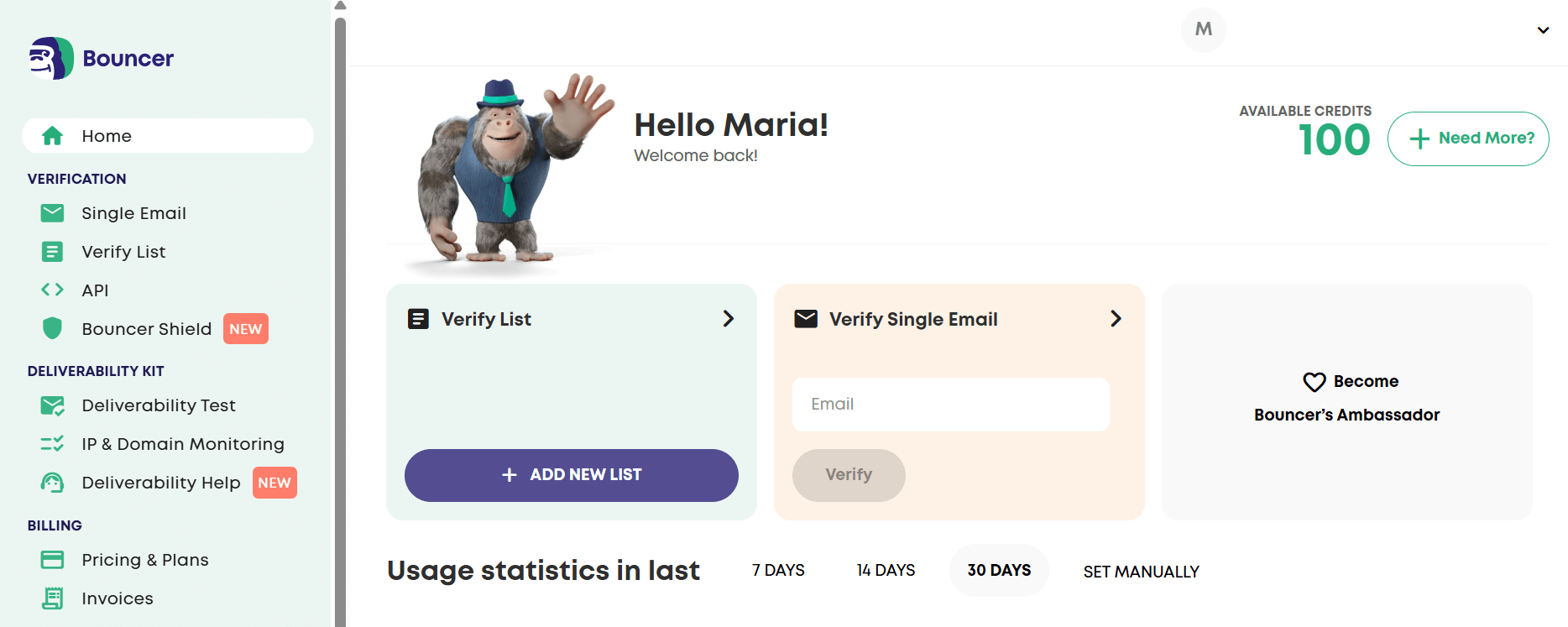
Bouncer is an email verification tool designed to help you maintain high deliverability through a clean email list, no matter how large your database is. To save time, the platform also offers bulk email list verification and cleaning.
More specifically, Bouncer helps you detect and remove invalid, risky, or duplicate email addresses. This means you’ll only reach real inboxes, which, in turn, improves your overall sender reputation.
One of Bouncer’s core features is its advanced and quick email verification with real-time API support and helpful documentation. You also get Bouncer Shield, a tool that identifies malicious, invalid, or fraudulent emails upon signup.
Beyond basic verification, Bouncer also provides email toxicity checks. With them, you keep your list free of circulated or breached emails, potential spam traps, and email addresses owned by complainers or litigators.
Pros
- Real-time email verification
- Deliverability Kit to ensure inbox placement and test email authentication setup
- Free email checker for up to 5 verifications
- User-friendly interface
- GDPR and privacy regulation compliance to keep contact data secure
- Integrations with several email marketing platforms, including Moosend and Constant Contact
- Detailed engagement analytics, such as unsubscribes and bounces
- Option to book a free email deliverability consultation
Cons
- Occasional verification issues
- Costly compared to similar platforms
Pricing
Bouncer offers both monthly subscriptions and pay-as-you-go options. For 1,000 email addresses, in the fist case you’ll pay $6, or $8 if you choose pay-as-you-go.
Overall, Bouncer is a reliable and user-friendly solution that fits seamlessly into your opt-in workflow, helping you maintain a clean and compliant email list and maximize the success of your email marketing efforts.
8. Mailchimp
Pricing: Paid plans start at $13/month, limited free plan
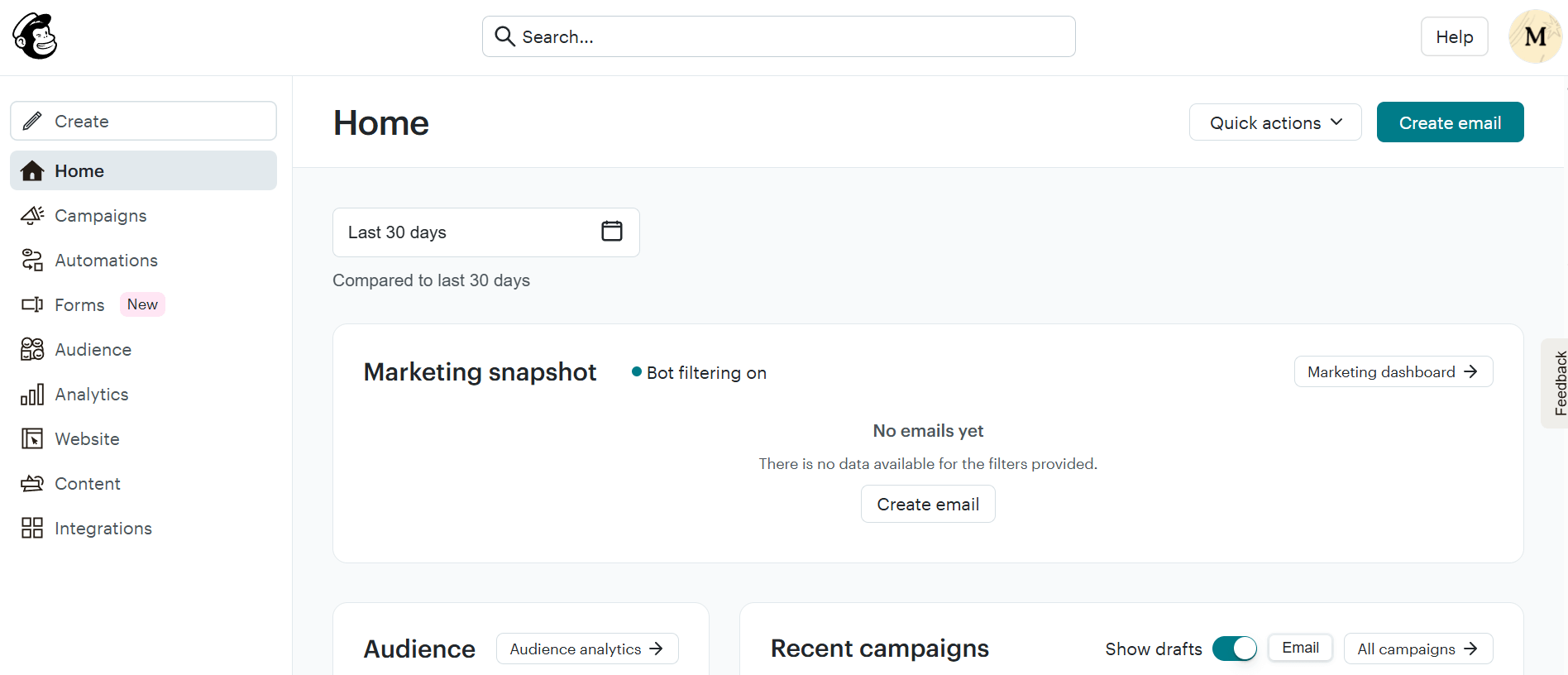
Mailchimp is another popular email marketing software famous for its modern design, email campaign types, and detailed analytics. While most of the platform’s tools are easy to use, its email marketing automation features might be difficult to master.
When it comes to email list management, Mailchimp offers great segmentation options that lets you group and organize subscribers using different criteria.
Among them, you have behavioral data, demographics, and preferences. To give you a hand, the email service also has some pre-built segments you can instantly use.
Mailchimp also lets you tag your email contacts, let them adjust their communication with your brand through preference centers, and identify your most qualified leads.
What’s more, the platform gives you access to insights to track list growth and subscriber engagement so you can deliver more personalized emails and drive conversions.
Pros
- Advanced segmentation using tags, behavior, and preferences
- Predictive insights to segment recipients based on buying intent
- Lead generation tools, such as popup forms
- Personalized product recommendations
- Survey creation to better understand and target your audience
- Lead scoring to evaluate contacts based on their engagement
- Integrations with eCommerce, social media, and event marketing platforms
Cons
- Unfavorable pricing that charges users for duplicate and unsubscribed contacts
- Confusing navigation and a few hard-to-grasp tools (e.g., form and landing page builders)
Pricing
Mailchimp’s pricing starts at $13/month, offering access to basic segmentation and reporting. With the free plan, you can send up to 500 emails but keep in mind that it’s pretty restrictive in terms of features.
The tool’s popularity and advanced tools make it a great email list management solution. Nevertheless, you should know that Mailchimp’s lists are siloed. Therefore, collective management isn’t possible, something that popular Mailchimp alternatives offer.
9. ActiveCampaign
Pricing: Paid plans start at $19/month, 14-day free trial
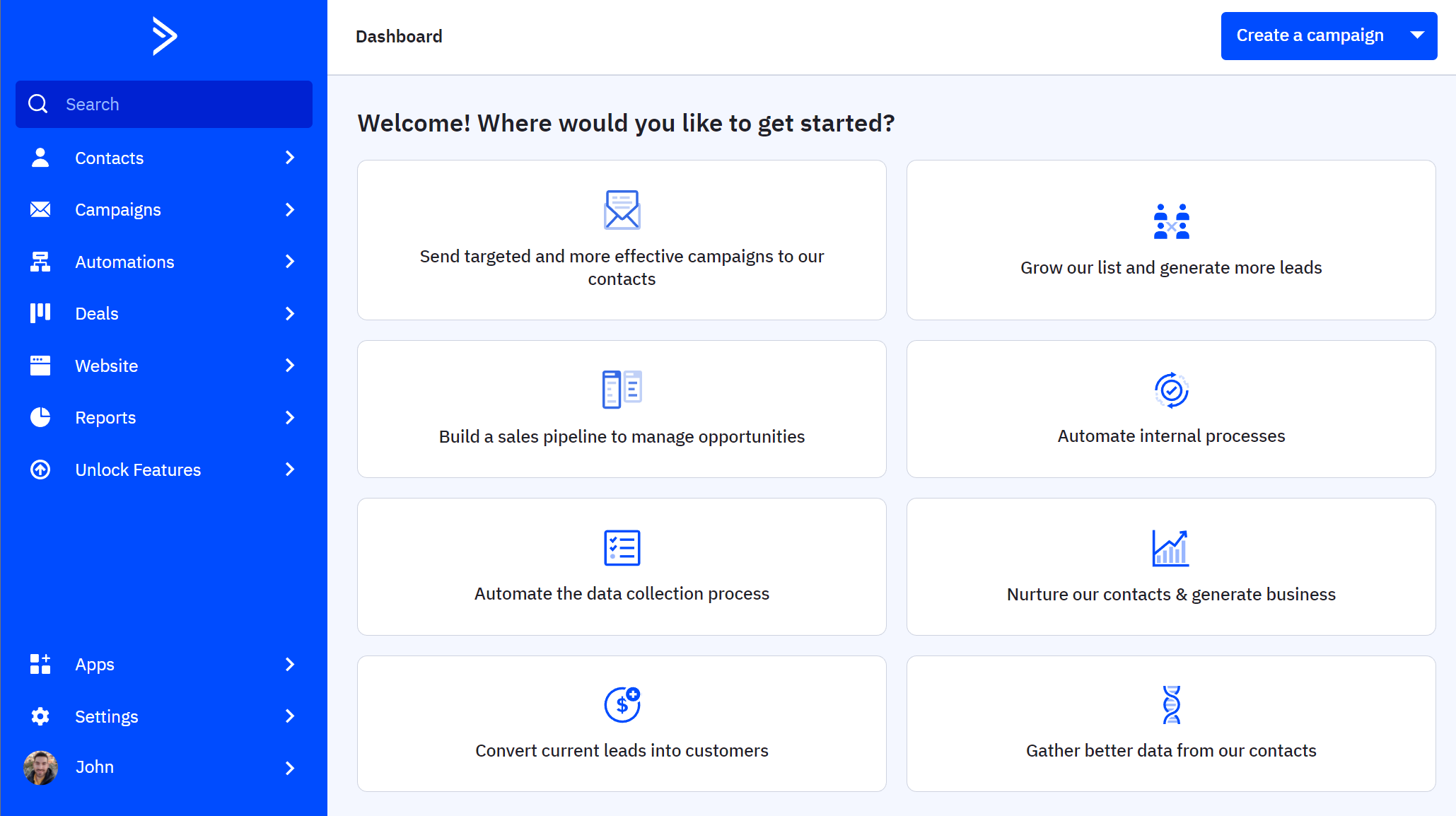
ActiveCampaign is a robust email automation software that helps you increase the effectiveness of your digital marketing efforts and get the hang of list management. Nevertheless, the powerful features and complexity might be a little overwhelming for beginners.
When it comes to managing your lists, ActiveCampaign lets you use custom fields and tags to segment your audience and personalize your messages. Moreover, the service allows you to add tags automatically whenever your visitors take action on your website.
Regarding the data you can leverage to group your contacts, you have options ranging from email engagement and purchase history to interactions with your sales team and quiz responses.
Compared to Mailchimp’s somewhat poor deliverability, ActiveCampaign has a very good score that lands your emails in the inbox of popular email providers.
Pros
- Flexible CRM to optimize audience management
- AI-powered segment suggestions
- Lead scoring system to qualify leads based on their interactions
- List growth tools, such as landing pages and forms
- Multi-channel marketing options
- Wide selection of ready-made automation recipes
- Integration with hundreds of apps, including CMS and event management tools
Cons
- Expensive with a high starting price
- Less intuitive interface compared to other tools in our list
Pricing
Paid plans start at $19/month (billed monthly) with limited segmentation and automation actions. If you want to test the waters, you can use the platform’s 14-days free trial.
Overall, ActiveCampaign will help you automate your list management efforts. Nevertheless, it might take a bit of extra effort to get used to the advanced features, and you’ll need a paid plan to test its full potential as the trial is short.
10. Brevo (formerly Sendinblue)
Pricing: Paid plans start at $9/month, limited free plan
 Brevo is among the free email marketing services you can use to create email campaigns and manage email lists in a breeze.
Moreover, this solution lets you group email subscribers based on their demographics, location, and interactions across various channels (e.g., email, SMS, online store). Also, advanced users can easily automate their list maintenance through dedicated workflows.
This tool also helps users prioritize good list hygiene by filtering out unengaged subscribers. Besides that, you have the ability to blocklist subscribers from one channel (like web push campaigns) while keeping them subscribed to another (like email).
To import contacts, you have the option to use a file, copy-paste, or connect Brevo with your existing tools. Growing your list is equally easy since the platform offers signup form and landing page builders. After creating them, you can share them via email or social media.
When it comes to deliverability, Brevo has a good sender score in general, although some users mention that occasionally their campaigns land in spam.
Pros
- Built-in CRM to centralize customer data across channels
- Effective list management through tags, custom fields, and automation triggers
- List growth opportunities
- Dynamic content functionality using a range of parameters to personalize email content
- Multi-channel automation to target your audience through email, SMS, and WhatsApp
- Sending time optimization based on each recipient’s engagement data
- Integration with CMS systems, eCommerce platforms, payment services, and more
Cons
- Lack of email template variety and customization options
- Glitches during campaign creation
Pricing
Brevo’s pricing starts at $9/month, including email and SMS but lacking automation and advanced email reporting. To get started, you can try some basic features with the platform’s free plan.
Overall, Brevo is a great email list organization solution to keep your lists organized. The limitations in free and lower-tier plans might be a bummer, though.
Essential Email List Management Best Practices
Contact list management is possible with an effective tool. Nevertheless, without the right practices, it will be difficult to build your email list and make the most out of your email communications.
To give you a hand, we collected the essential email list management best practices to put your tools and time into good use.
1. Segment your target audience
Dividing your new subscribers into groups with similar interests will help you target them better and increase your revenue. But how can you begin segmenting your audience?
First of all, market segmentation has four broad types: demographic, psychographic, behavioral, and geographic. More specifically, demographic, psychographic, and geographic segmentation let you divide your target audience based on characteristics like their age, gender, education level, values, or location.
Behavioral segmentation, on the other hand, is a bit more complicated and relies on behavioral patterns like:
- engagement (opens, clicks, etc.)
- customer journey stage
- subscribing or unsubscribing from a list
- browsing and purchasing behavior
For example, here’s how OluKai leverages eCommerce customer segmentation, specifically the subscriber’s browsing activity, to bring them back to their website:

Whether it’s a personalized welcome email or a re-engagement campaign, audience data will help you create engaging emails with personalized subject lines to make a strong first impression and compelling email content to win your audience over.
2. Leverage contact tags
While segmentation allows you to group subscribers into manageable bits, sometimes you’ll need to go more in-depth to target them more effectively. To do that, you can use contact tags or, in other words, an extra bit of information.
Contact tags may take various forms. You can assign an “opened webinar” or “downloaded eBook” tag to segment users based on their actions. By using them, you’re able to track where subscribers are in their customer journey and find the perfect promotions and content to convert them.
Moosend, for instance, allows you to assign custom fields to personalize your campaigns and email subject lines.
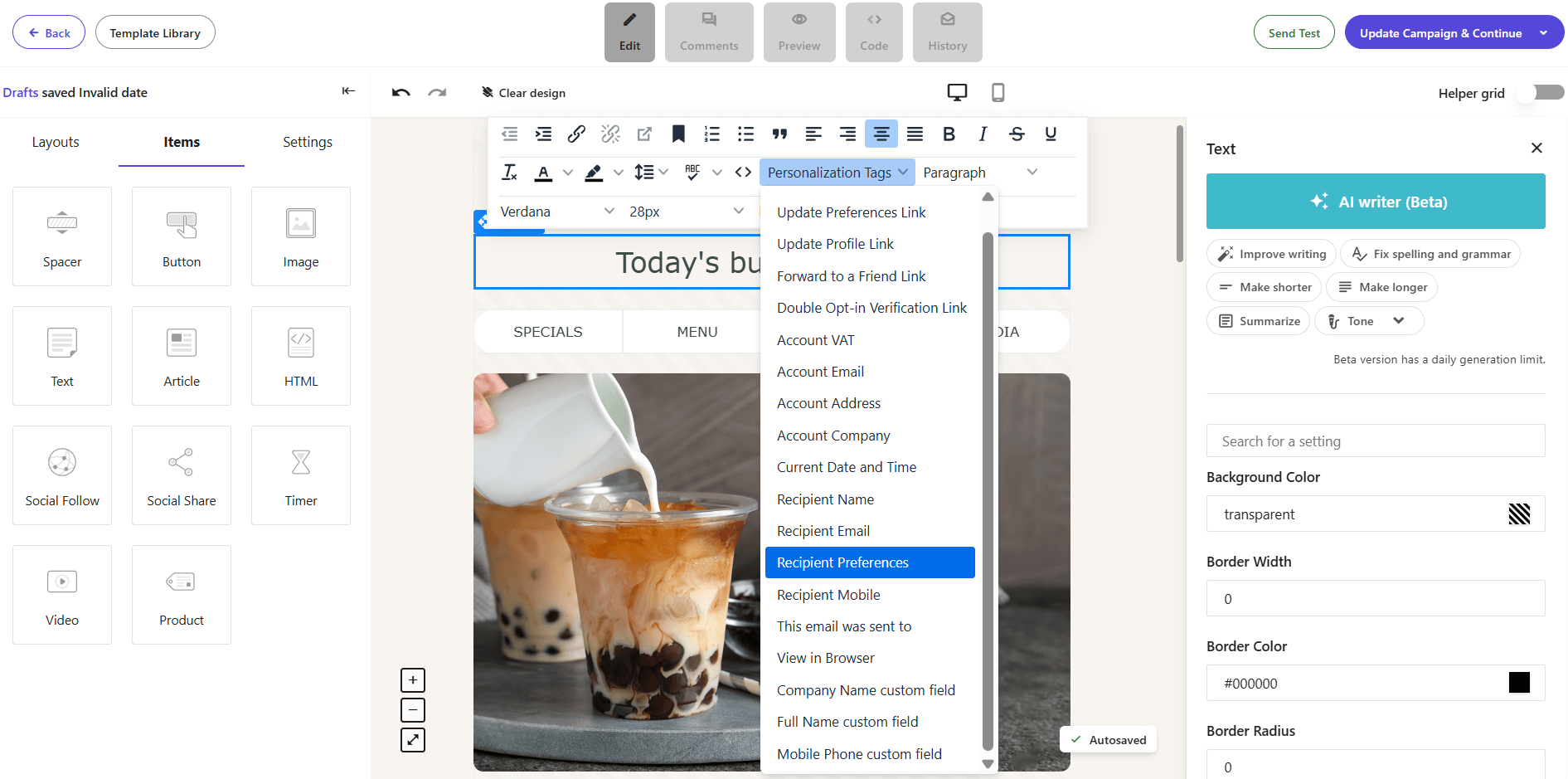
Leveraging tags also helps you create dynamic campaigns. This means that a single campaign’s content will change based on each recipient’s preferences and other information you’ve collected about them.
Contact tags are essential to deliver emails that feel unique to every subscriber. Platforms like Moosend and Active Campaign give you access to these valuable tools so you can effortlessly create more focused and engaging campaigns.
Want to test how the contact tag system works? Try Moosend’s segmentation features to ace your list management at a low price.
3. Filter your email subscribers
Whether you have a small or large list, it’s essential to know how your email subscribers interact with your campaigns over time. Filtering your contacts based on their engagement is key to understanding what different segments need and how to best deliver it to them.
Some of the most important metrics you should consider are open rates, click-throughs, bounces, unsubscribes and conversions.
In a nutshell, filtering your audience based on such metrics helps you:
- better understand your recipients and their needs
- add more personalization elements
- prioritize your most qualified subscribers
- create targeted re-engagement campaigns for inactive contacts
With filtering in place, you’ll be able to target subscribers based on their behaviors. It also comes in handy when you create new workflows like abandoned cart emails to deliver the right message, at the right time, to the right person.
4. Maintain list hygiene
List hygiene is the alpha and the omega of email list management. Keeping your lists clean helps you land your messages in your subscribers’ inboxes. Besides that, regular list cleaning boosts your sender reputation and provides you with information about your subscribers.
To always keep your list clean, make sure to use the following list hygiene techniques:
- Set up a double opt-in process to prevent bots or invalid addresses from entering your list
- Remove duplicate contacts and invalid email addresses
- Delete soft bounce and hard bounce emails
- Include a clear unsubscribe link so recipients can easily opt out
- Identify inactive subscribers and target them with re-engagement emails
- Use an email list cleaning tool
5. Let subscribers choose their preferences
For a clean email list, you should also involve your audience. Simply put, let them choose their email preferences. Although expanding your list as fast as possible makes total sense, you should always ensure you have your subscribers’ permission to deliver specific emails.
Adding a preference center in your forms and landing pages is the safest option to do that. But you can always ask them to do that later through an email preference center. That way, they’ll get control over which campaign types they want to receive and/or how often.
With this email practice, you won’t risk losing their trust and harming your deliverability.
Once you have the data at your disposal, make sure you deliver only what they asked for. For example, sending promotional campaigns to subscribers who opted for a weekly email newsletter will probably lead to an unsubscribe or, worse, a spam complaint.
Asking subscribers to adjust their email preferences isn’t only a matter of trust and inbox placement. It also plays an integral part in collecting valuable audience insights to enhance your list management efforts.
6. Re-engage inactive subscribers
Inactive subscribers aren’t a lost cause. But re-engaging them requires powerful email copy and CTAs to persuade them to interact with you again.
Monitoring your subscribers’ behavior will give you all the data you need to identify inactive subscribers. And when you do, it’s time to target them with a re-engagement campaign that will remind them why they signed up in the first place.
To make your re-engagement campaigns work, make sure to:
- Be clear about the purpose of your email
- Let them know what’s new
- Use actionable but not pushy language
- Offer them a small incentive
- Remove subscribers who still don’t engage
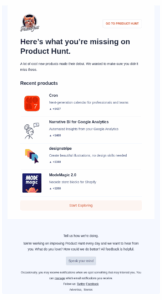
Here’s how Product Hunt informs disengaged subscribers about new products, inviting them to explore the brand’s offers through a prominent CTA:
7. Don’t buy email lists
What’s probably the most important rule to proper email list management? That would be buying email lists.
Every marketer knows how much effort it takes to build an email list. So, when someone tells you: “hey, I’ve got a list you can buy to save time,” the offer might look irresistible.
However, buying a email list is one of the biggest mistakes you can make. Ready-made lists will do you more harm than good as they might contain invalid email addresses and spam traps.
More importantly, these purchased contacts will probably know nothing of your brand or care about your offers. Even if you make it to their inboxes, the chances of engaging them are close to zero. And while a large email list is a common business objective, what matters most is a clean and engaged list.
So, ensure to populate your lists with people who confirmed their subscription through double opt-in. That way, you won’t spend time and money trying to reach people who won’t bring back conversions and revenue.
Email List Management Achieved
To sum everything up, having solid email list management software plays an integral part in effective subscriber segmentation and list growth.
Platforms like Moosend and ZeroBounce are perfect for keeping everything organized and, most importantly, verified. So, if you want to see how email management works, you can give our platform a try. Just register for a Moosend account and start managing your subscribers and personalizing your approach.
And keep in mind that your tools alone can’t help you achieve great, consistent results. So, make sure to read through the essential contact list management best practices shared and make email list management second nature.
Similar Posts

 Published by


Create, send and optimize your email marketing campaigns