














10 Best Email Marketing Software For Restaurants [2026]
Published By Maria Fintanidou
February 16, 2026

16/02/26
Running a restaurant is demanding. Between managing suppliers, coordinating employees, and attracting new customers, you also have to keep regulars coming back.
That’s why email marketing becomes a must-have tool: it helps you stand out and build genuine, one-on-one relationships with prospects and customers.
With the right email solution, you can group them based on past orders or dining preferences, send personalized menu suggestions, and set up automated emails, like order confirmations or event promotions. This way, the email system handles the heavy lifting so the work is done for you.
To help you find the perfect tool, we tested the best email marketing software for restaurants on the market. This guide compares these platforms in depth so you can select the one that will turn your restaurant emails into a steady source of revenue.
Disclaimer: The information below is accurate as of January 2026.
What to Look For in an Email Marketing Platform for Restaurants
There are dozens of email solutions with different pricing, features, and usability promising to give your reservations, orders, and offers a boost.
But what makes a true difference when searching for the ideal email marketing platform for restaurant email marketing?
Here are the key characteristics and tools to look for to ensure engagement, sales, and long-term connections:
- Usability: An email solution with intuitive dashboards, easy-to-grasp features, and a short learning curve helps you keep things organized and effective without adding to your workload.
- Pre-designed email templates: You’ll want access to mobile-responsive and customizable templates with polished design. These give you a starting point for creating the perfect campaign even if you have no design experience or coding skills.
- Drag-and-drop editor: With such a tool, everyone in your team can build a converting email. They’ll just need to rearrange and add content blocks to create a campaign that matches the vibe of your restaurant, coffee shop, or bakery.
- Contact management and segmentation: Restaurant email marketing success depends on reaching each subscriber with tailored content and promotions. For that, you’ll need custom fields, preference centers, and dynamic segments to group diners based on criteria like their dietary preferences or stage in the customer lifecycle.
- Automation features: To save time and keep your customers engaged with highly relevant messages, you should look for robust yet straightforward automation. Think visual automation builders, trigger variety, and ready-made workflows like welcome campaigns, reservation reminders, and loyalty emails.
- AI features: Effective restaurant email marketing software must include AI-powered tools to help you create compelling copy and visuals for your emails and other assets like your signup forms. Also, the right platform should rely on AI technology to build detailed segments, perfect your timing, and send personalized recommendations.
- Email analytics: Success doesn’t come overnight. This is why your preferred tool should offer clean reporting dashboards to easily monitor key email metrics, such as clicks and conversions, to optimize your approach accordingly.
- Integrations: Picking an email solution that seamlessly integrates with your restaurant tech stack is key to keeping everything organized. You’ll need to sync your ESP with reservation platforms, CRM tools, and POS systems to combine customer data and send better campaigns.
Restaurant Email Marketing Software: Comparison Table (Features & Pricing)
| Pricing | Free Plan/Trial | Best Feature | |
| Moosend | $9/month | 30-day free trial | Advanced list segmentation |
| Constant Contact | $12/month | 14-day trial | Event marketing management |
| HubSpot | $20/month | Yes | Integrated CRM |
| ActiveCampaign | $19/month | 14-day trial | Multichannel automation |
| Mailchimp | $13/month | Yes (limited) | Ready-made customer journeys |
| Brevo | $9/month | Yes | Multichannel marketing tools |
| Omnisend | $19/month | Yes | Customer lifecycle map |
| GetResponse | $16/month | Yes (very limited) | Conversion funnel builder |
| MailerLite | $10/month | Yes | Paid subscriptions |
| Square Marketing | $49/month | Yes | Payment processing |
Best Email Marketing Software for Restaurants by Use Case
- Moosend – Best overall email marketing platform for restaurants
- Constant Contact – Best for easy-to-implement list management
- HubSpot – Best for AI-powered content optimization
- ActiveCampaign – Best for sophisticated automation
- Mailchimp – Best for lead generation
- Brevo – Best for SMS marketing
- Omnisend – Best for flexible segmentation
- GetResponse – Best for content monetization
- MailerLite – Best for offline lead capturing
- Square Marketing – Best for seamless POS integration
1. Moosend
Pricing: Paid plans start at $9/month, 30-day free trial (Sign up here)
Best feature: Advanced list segmentation
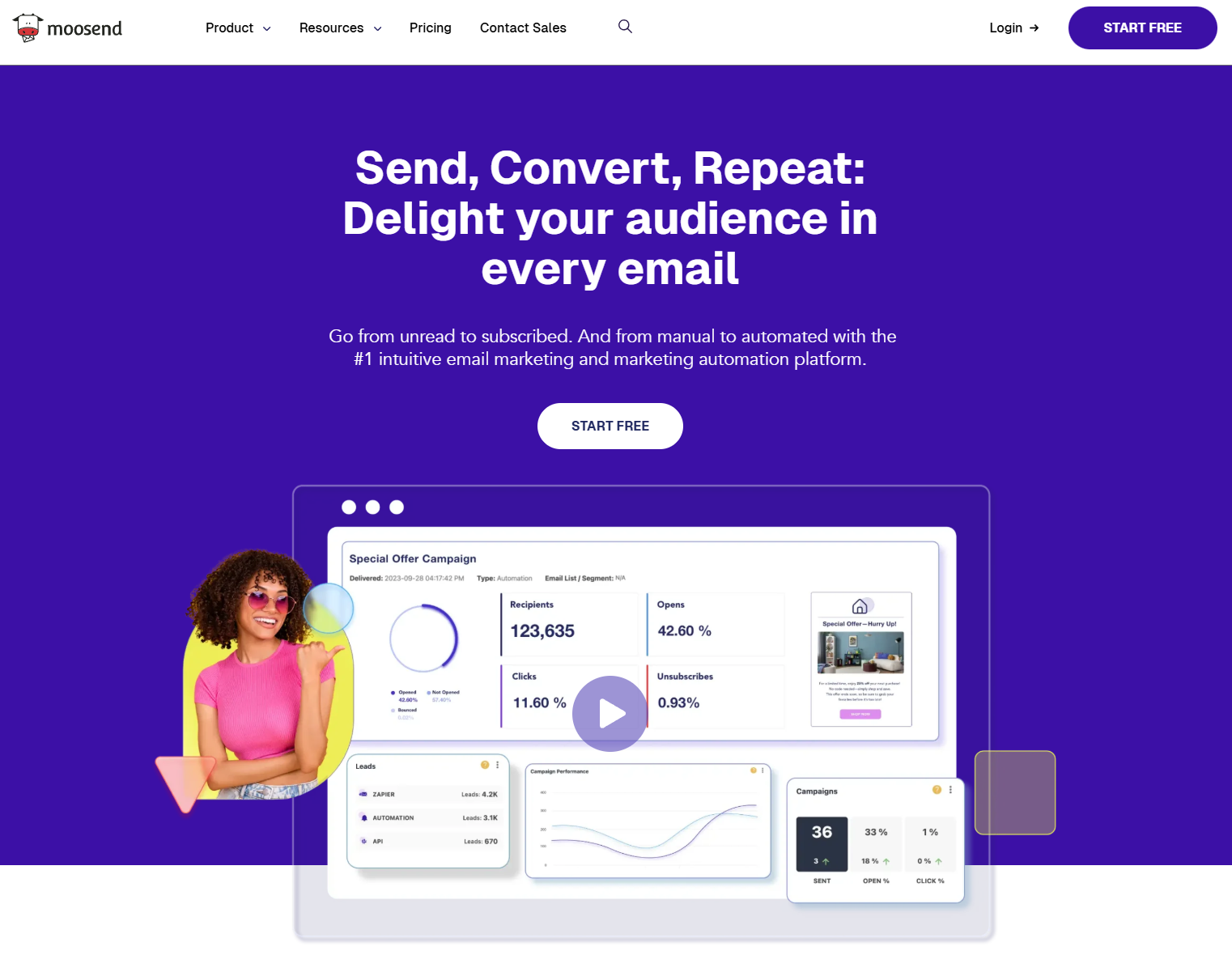
Moosend is a top email marketing solution for restaurant businesses that want to build engaging emails from day one without going through long onboarding periods or learning how to code.
This email service invests in simplicity, offering a clean, user-friendly interface and powerful features. It starts with an intuitive email builder with drag-and-drop functionality that lets you design and schedule professional-looking campaigns in a few clicks.
To speed up the process, you get access to 130+ pre-built email templates, including some designed specifically for restaurants, that you can fully customize. For example, you can change the colors and fonts and add your logo to stay on-brand. You may also incorporate beautiful images of monthly specials or countdown timers to draw attention to a time-sensitive deal.
Moosend also offers sophisticated list segmentation so you can group your customers based on their dining/ordering frequency (new vs repeat) or visiting habits (weekend regulars vs casual visitors). To get your offers in front of more people, choose a ready-made landing page or signup form template and customize it to your liking.
To improve your targeting efforts, you can use tags and custom fields to organize contacts. Consider building email preference centers, so they choose what kind of content and offers they want to receive and how often. Moreover, Moosend offers several integrations with CRMs, event management platforms, lead generation tools, and more for a unified approach.
This email marketing software lets you set up simpler or multi-step automated workflows through an easy-to-use automation builder. You can deliver campaigns like delivery updates, seasonal menu launches, or post-visit feedback requests. The best part is you don’t have to start from scratch since Moosend offers various built-in recipes to customize using various triggers and if/then/else logic.
Finally, you have in-depth email reporting to effectively track subscriber engagement and campaign performance and optimize where needed. Apart from the standard metrics like opens, clicks, conversions, and deliverability, the platform offers heatmaps to help you identify the most engaging email sections.
Pros
- Advanced features at a reasonable cost
- Beginner-friendly interface and features
- Excellent email deliverability up to 98%
- Unlimited emails on every plan (including the free trial)
Cons
- No free version
- Limited signup form variety
Best Features
- Intuitive email builder
- Responsive, customizable email templates
- Powerful segmentation
- AI features for content generation, audience segmentation, and personalized recommendations
- Signup forms and landing pages
- Transactional emails
- Easy to set up automation, plus ready-made workflows
- Real-time email analytics and custom reporting options
Pricing
Moosend’s paid plans start at $9/month for 500 subscribers, key features, and unlimited emails. If your restaurant operates on a seasonal basis or you don’t have regular campaign needs, you can also leverage Moosend’s Pay-as-you-go option.
You can get started by signing up for Moosend’s 30-day free trial.
2. Constant Contact
Pricing: Paid plans start at $12/month, 14-day free trial
Best feature: Event management and promotion tools
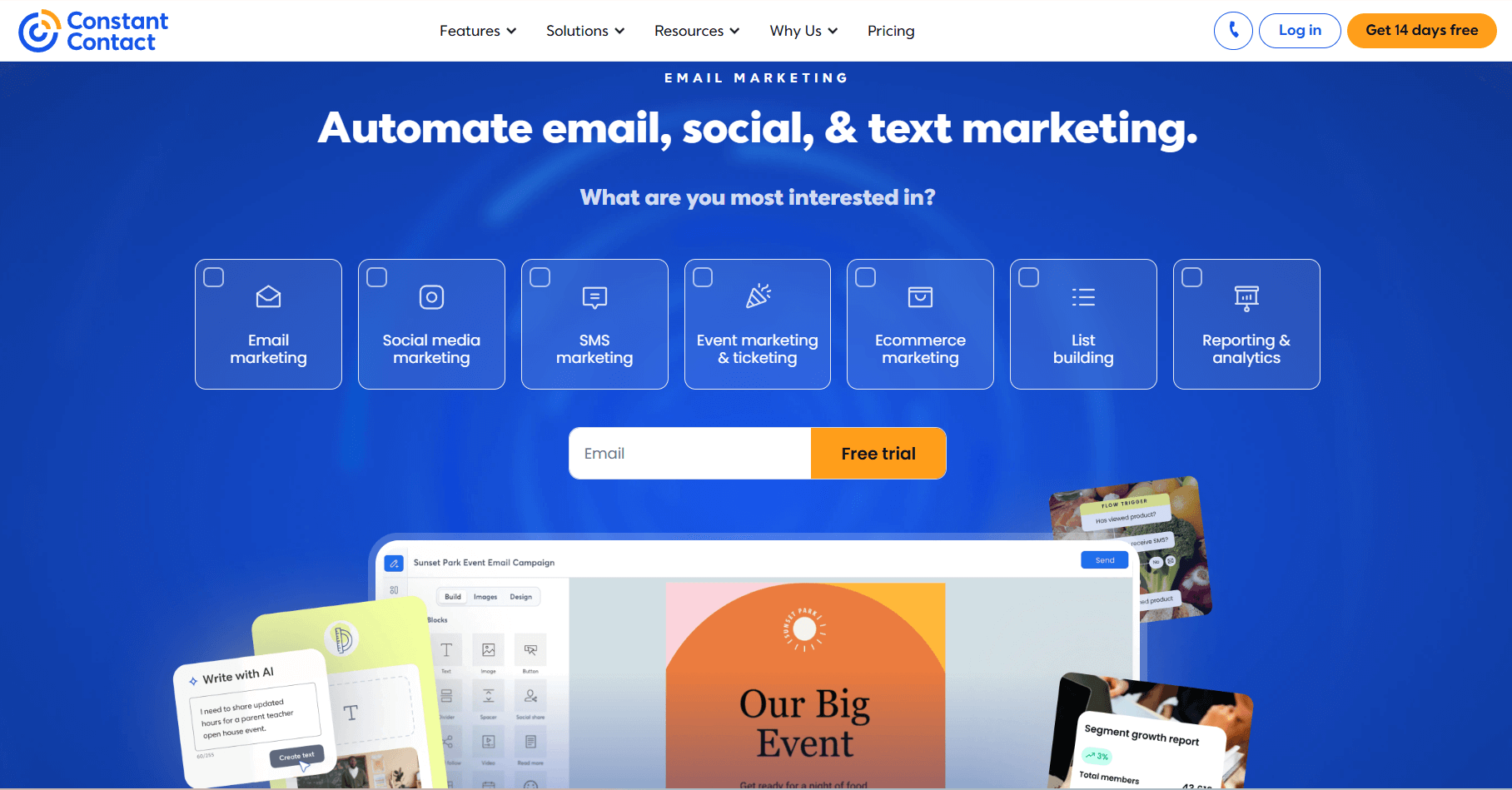
Constant Contact is an ideal option for restaurants looking for easy-to-implement features and reliable infrastructure. It comes with a drag-and-drop email editor that simplifies crafting and sending professional restaurant emails in minutes.
This email marketing software for restaurants stands out due to its simple interface and an extensive email template library with 600+ designs. To perfect the layout, you have the option to add, edit, or copy elements like feedback or RSVP blocks. The platform lets you save your unique BrandKit with your logo, colors, and fonts, and use it for consistent branding across your campaigns.
Another strong point of Constant Contact is its straightforward list management, allowing you to filter contacts based on parameters like their purchase history or event attendance. For lead generation, use the Lead Magnet feature to create survey-based signup forms and share them on your website and social media, or even via table-side QR codes to capture in-restaurant guests.
This email solution for restaurants also offers basic automation capabilities if you have simple needs. You can also combine email with SMS to send reservation reminders to reduce no-shows, or similar automated messages based on your unique goals.
But where this email marketing service really shines is its event marketing functionality. You can promote events like special menu tastings or guest chef dinners through email, SMS, and social media. On top of that, you get all the tools to manage payments, monitor performance, and follow up with attendees, all through one platform.
Pros
- Simple setup
- Excellent email deliverability
- Responsive live phone and chat customer support on all paid plans (plus dedicated priority support on Premium)
Cons
- Some advanced features (e.g., automation) are destined for high-tier plans
- No dedicated transactional email API
Best Features
- Variety of clear, professional-looking email templates
- Sophisticated list segmentation
- Lead Magnet feature to catch guests where they are
- Event marketing tools
- Social media advertising options
- Simple automation workflows
- Impressive integration list
Pricing
Constant Contact’s pricing starts at $12/month, letting you access some of the software’s tools, such as email templates, contact management, and AI copywriting. For more, such as advanced segmentation or subject line A/B testing, you’ll have to pick a higher tier plan. You can always test the waters through the 14-day free trial available.
Read our Constant Contact review
3. HubSpot
Pricing: Paid plans start at $20/month, free plan
Best feature: Built-in CRM
HubSpot is an email service popular for its full marketing suite, offering a range of features for businesses to manage their operations. This is why it’s a good option for restaurant groups and larger businesses that want to keep their marketing efforts organized without requiring multiple tools.
You’ll find the email marketing capabilities included in the platform’s Marketing Hub, starting with a flexible drag-and-drop email builder to move around content blocks. You may also design and add your own visuals directly within the editor using the Canva integration.
The AI-powered writer speeds up email copywriting, whether it’s brainstorming ideas for a seasonal menu promotion or implementing a different tone, like an empathetic message for a last-minute service disruption.
For contact management, HubSpot’s CRM allows restaurant owners and marketers to track every interaction, such as spending habits, while keeping all insights gathered under one roof. This ensures guest profiles stay up to date and your team can easily access key information from sources like your POS and online ordering platform.
Its free version, although limited, makes it an appealing solution for any restaurant business on a budget. However, some of the features offered are hard to set up. So, if you don’t want to spend too much time and effort to learn how everything works, opt for a simpler HubSpot alternative.
Pros
- Free CRM with marketing, sales, and customer service features
- Advanced omni-channel marketing automation
- Ease of navigation and use
Cons
- Gets expensive quickly as your list grows
- Limited email template variety
Best Features
- User-friendly email editor
- AI writing tool to create and refine email content
- Granular list segmentation based on a wide range of contact properties
- Sophisticated workflows with split logic
- Lead scoring to prioritize your VIP and regular guests
- Landing page builder and form editor
Pricing
HubSpot’s paid plans start at $20/month for up to 1,000 subscribers, email templates, forms, but limited reporting. If you want to get started with some basic email tools, you can sign up for the free version before committing to a paid subscription.
4. ActiveCampaign
Pricing: Paid plans start at $19/month, 14-day free trial
Best feature: Multi-channel automated campaigns
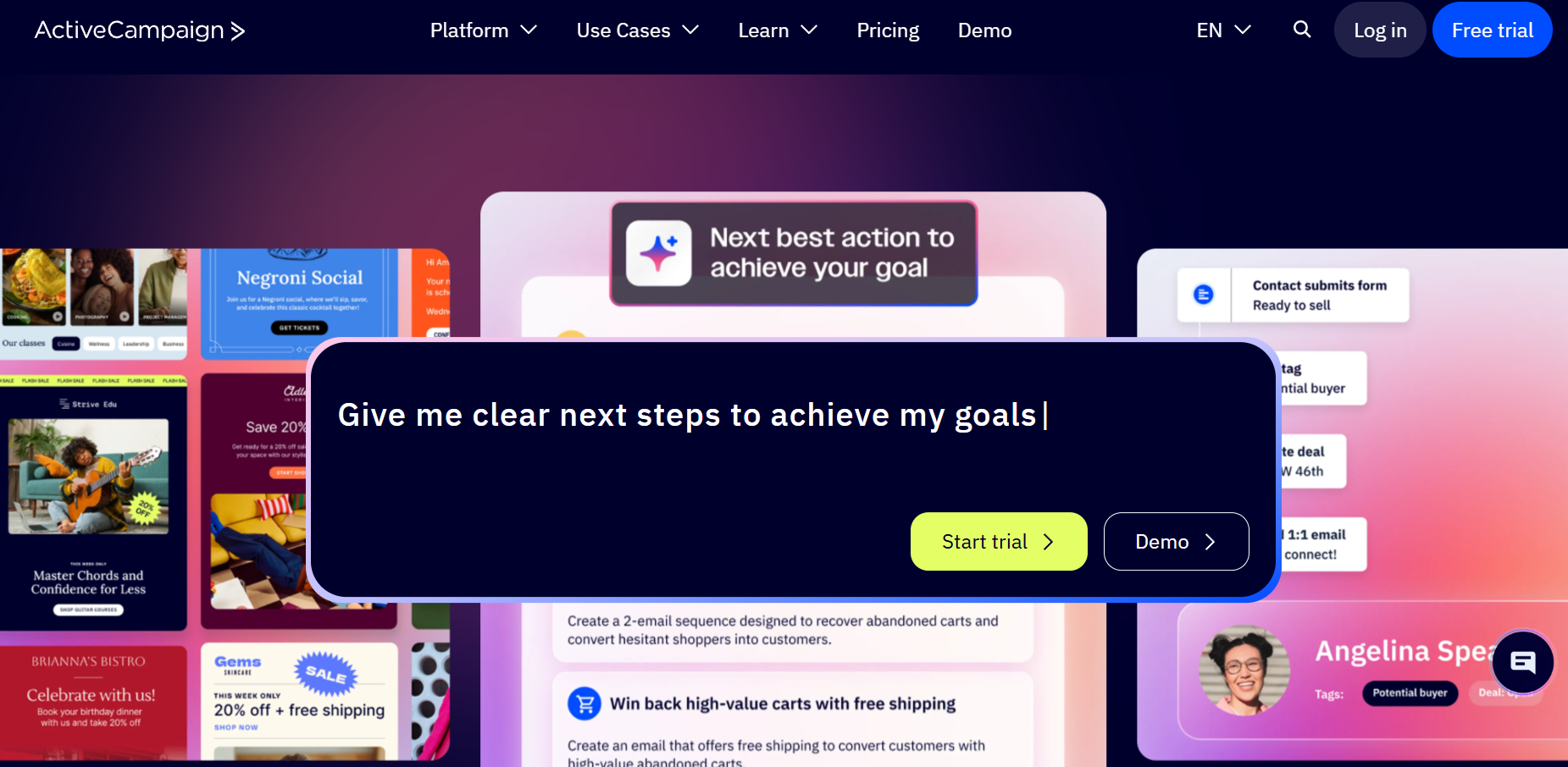
ActiveCampaign is another robust email marketing software for restaurants, relying heavily on automation to help you attract, engage, and retain prospective and existing guests.
Its built-in CRM offers you a wealth of customer data to effortlessly coordinate your sales and marketing efforts. Using valuable insights like dining preferences or booking history, you can segment your contacts and create personalized experiences from email to table.
To grow your email list, ActiveCampaign’s builders help you craft converting landing pages and forms, including questionnaires and lead magnets. There are also ready-made templates if you don’t want to start from scratch.
Thanks to the platform’s automation template variety, you can find a pre-made recipe for almost every occasion: guest re-engagement, change requests, or event registration confirmations.
Moreover, the service’s advanced automation lets you combine email with SMS in your workflows to improve message visibility. For example, you could use them together to notify subscribers of last-minute cancellations due to weather changes.
Overall, Active Campaign comes with powerful features, but some of them are locked behind higher tiers. So, if you’re on a budget, you might want to look for an affordable ActiveCampaign alternative that doesn’t fall behind in functionality.
Pros
- More than 1,000 pre-built workflow templates
- Cross-channel marketing opportunities with email, social media, SMS, and WhatsApp campaigns
- Built-in CRM
Cons
- Overly complex features for businesses with simpler needs
- Limited free trial
Best Features
- User-friendly email builder
- Powerful segmentation, including AI-driven segment recommendations
- Multi-step, behavior-triggered sequences
- Transactional emails
- Predictive sending optimization
- Hundreds of integrations with CRMs, sales automation tools, loyalty platforms, etc.
Pricing
ActiveCampaign’s pricing starts at $19/month with some email and marketing automation features, but only limited segmentation and no landing pages. If you want to check the tool’s features, you can do so through the 14-day free trial.
Read our ActiveCampaign analysis
5. Mailchimp
Pricing: Paid plans start at $13/month, free plan
Best feature: Pre-made automated customer journeys
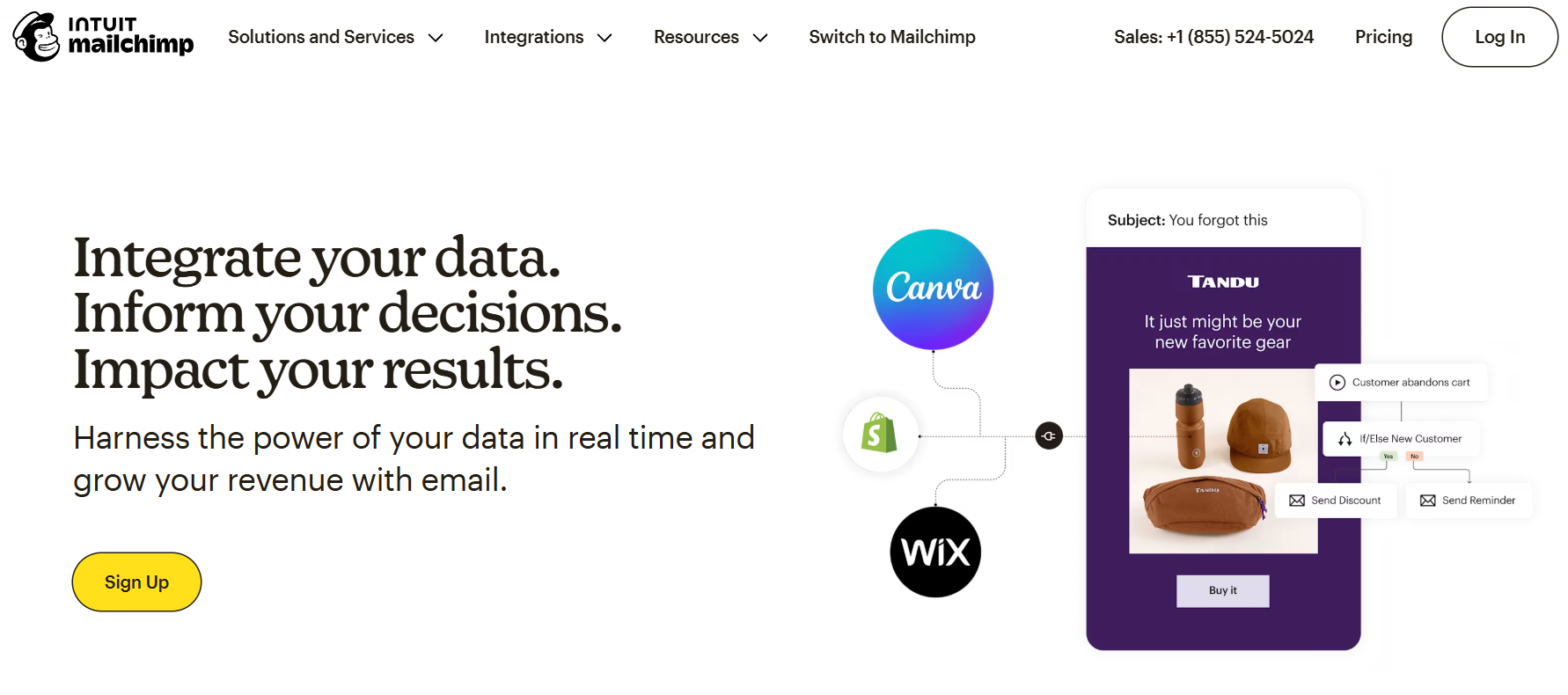
Next on our list comes Mailchimp, an email marketing automation platform known for its user-friendly tools. It’s a good option for restaurants that need to launch professional email campaigns without putting too much time and effort.
To get started, you can choose between the New and the Legacy builder. The first lets you drag and drop content blocks like images, products, and surveys into your design. You also have the choice to pull in elements through third-platform apps using the App content block in the editor.
With the Legacy builder, on the other hand, you can create an email template using code or add an RSS feed to your campaign.
For flawless emails, Mailchimp offers a handy Content Optimizer that checks your email content for errors in merge tags, links, spelling, and grammar while providing optimization options. Keep in mind, though, that you’ll need to sign up for a high tier plan to access this tool.
This email software for restaurants is also popular for its sleek email template design. In the templates offered, you’ll find event invitations, announcements, and thank-you emails. If you prefer to code your own template, the Legacy builder is the way to go.
But perhaps the most standout feature is its ready-made customer journeys to automate the entire flow, from welcoming first-time visitors to re-engaging lapsed diners with informative content. You can also combine email with social media and SMS within the same workflow to expand your reach.
Pros
- Comprehensive feature set
- In-depth reporting
- Several integrations with POS systems, payment platforms, and more
Cons
- Advanced tools saved for expensive plans
- Transactional email functionality available only as an add-on
Best Features
- User-friendly email designer
- Modern readily-designed email templates
- Lead generation tools like signup forms, landing pages, and retargeting ads
- Advanced list management, including a built-in CRM
- Omni-channel automated journeys
- Multivariate testing
Pricing
Mailchimp’s paid plans start at $13/month with the Essentials plan, giving you access to essential features like emails, lead capturing, and audience management but limited reporting and automation.
The platform also offers a free version but it’s rather limited and allows for only 250 contacts. If you need more, you’d better choose a cost-effective Mailchimp alternative that offers advanced tools even in the cheapest plans.
6. Brevo
Pricing: Paid plans start at $9/month, free plan
Best feature: Multichannel marketing tools
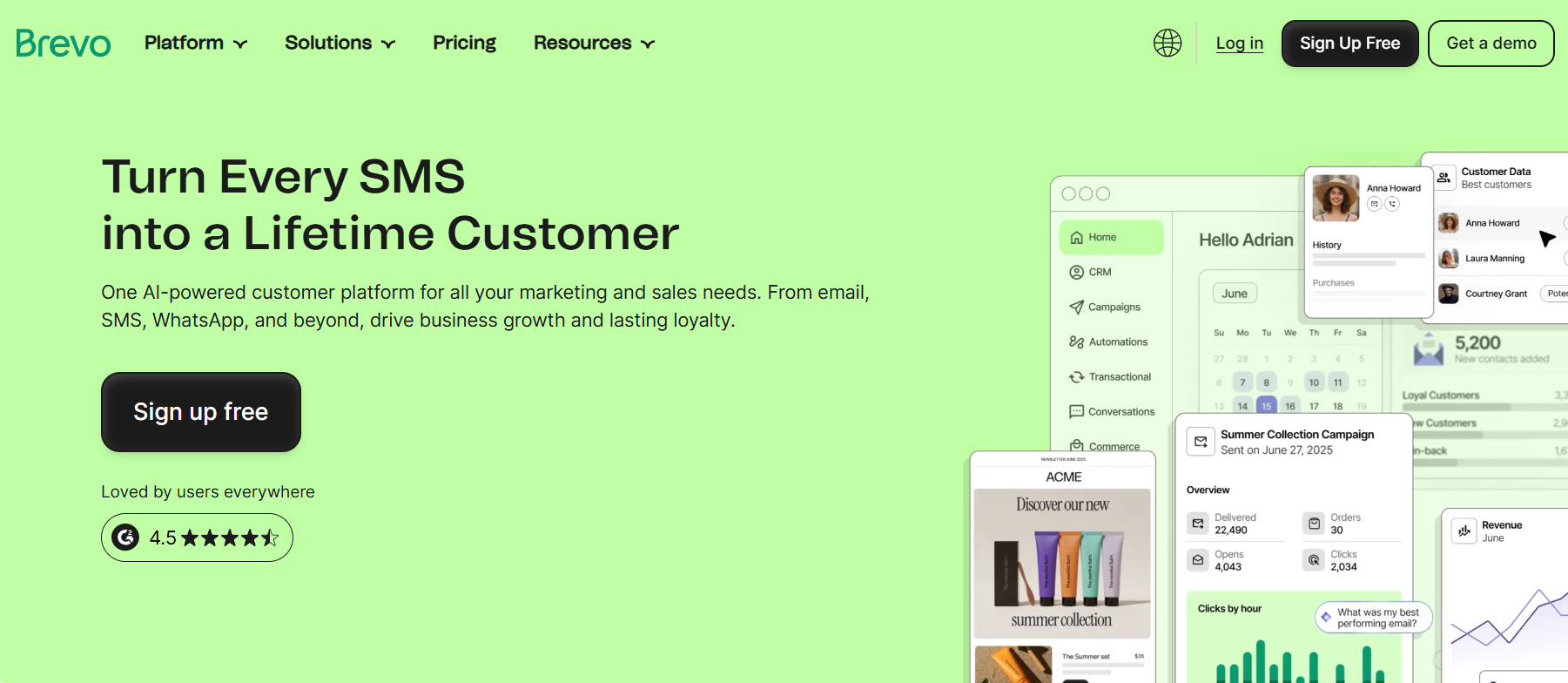
Brevo is an email marketing solution that combines affordability with beginner-friendly features. It provides users with a complete marketing toolkit with email, SMS, push notifications, and chat. On top of that, you can use the platform to send transactional emails like reservation reminders or delivery updates.
To start building beautiful restaurant emails, just use the drag-and-drop email editor and any of the pre-built, customizable templates. You can choose between order confirmations, menu announcements, and feedback requests, among others.
Brevo’s segmentation allows you to group subscribers based on preferences like favorite locations (for chain restaurants) and engagement like interactions with previous promotions. Plus, you gain access to a CRM so you can easily sync and manage customer data using a single platform.
When it comes to automation, you can build effective workflows for welcome messages, birthday campaigns, and abandoned cart reminders across channels. The software’s thorough reporting, including pre-built dashboards and heatmaps, will help you analyze and improve your restaurant campaign performance.
Overall, Brevo is an ideal option for small restaurants that want unified email, SMS, and WhatsApp campaigns at a reasonable price. However, its inconsistent deliverability and limited email template variety has led some users to switch to Brevo competitors.
Pros
- Beginner-friendly features
- Multichannel campaigns
- No contact limit on paid plans
Cons
- Small selection of email templates
- Fluctuating email deliverability
Best Features
- Drag-and-drop email editor
- Omni-channel targeting across email, SMS, WhatsApp, and push notifications
- CRM system
- Subscription forms and paid ads
- AI features for segmentation, copy generation, and send time optimization
- Transactional emails
Pricing
Brevo’s Starter plan costs $9/month with email, SMS, and retargeting ads. You can use the platform’s free plan but it limits you to 300 daily emails and basic reporting. Also, Brevo charges based on email sends since you get unlimited contacts on all paid plans (but up to 2,000 for multichannel automation in Starter).
7. Omnisend
Pricing: Paid plans start at $16/month, free plan
Best feature: Customer Lifecycle Map
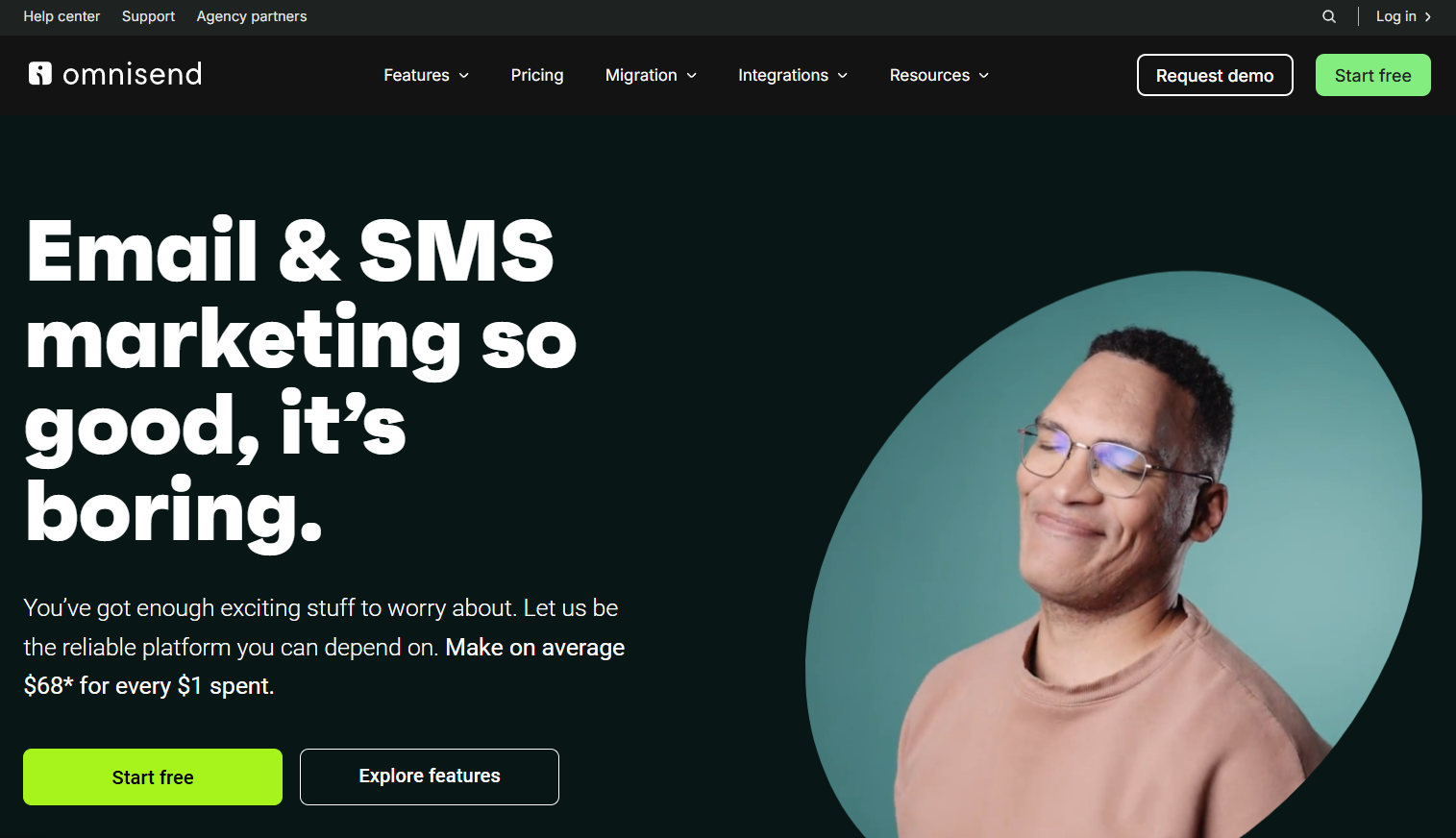
Omnisend is an all-in-one marketing automation service built mostly for eCommerce and multichannel campaigns. It’s a perfect fit for restaurants offering online ordering, pickup, or delivery, as well as subscription-based businesses like meal prep services.
The email builder is simple to use with drag and drop functionality and elements like videos, product blocks, or gift boxes. Also, you can use the ready-made email templates to create converting campaigns for any occasion. Alternatively, the platform’s AI tools will generate a branded template for you once you import and save your brand assets.
Speaking of AI in emails, you can also rely on this solution to come up with fresh content ideas or shorten, simplify, and tweak existing copy to improve it. On top of that, Omnisend’s AI helps you create precise segments in minutes based on simple prompts.
You can take segmentation one step further with the platform’s Customer Lifecycle Map feature that builds groups automatically using parameters like order frequency and value. Then, it offers recommendations on how to engage and retain each group.
This restaurant email software also comes with powerful automation to target guests with personalized emails, text messages, and push notifications. You can also easily track campaign performance across these channels through a unified dashboard.
Pros
- Generous free plan
- Extensive resource center with webinars, ebooks, and live trainings
- 24/7 email and live chat customer support on all plans
Cons
- Challenging learning curve
- Gets pricey, especially if you want to use SMS
Best Features
- Advanced eCommerce features
- Over 250 pre-designed email templates
- Omni-channel automation (email, SMS, push notifications)
- Signup forms, popups, and landing pages to attract new customers
- List cleaning tool
- Detailed insights, including web tracking and comparative reporting
Pricing
Omnisend’s pricing starts at $16/month with 500 subscribers, segmentation, and sophisticated automation. You can test the platform’s features through the free plan. However, keep in mind that SMS marketing has different pricing and may increase the overall cost.
8. GetResponse
Pricing: Paid plans start at $19/month, 14-day free trial
Best feature: Conversion funnel builder
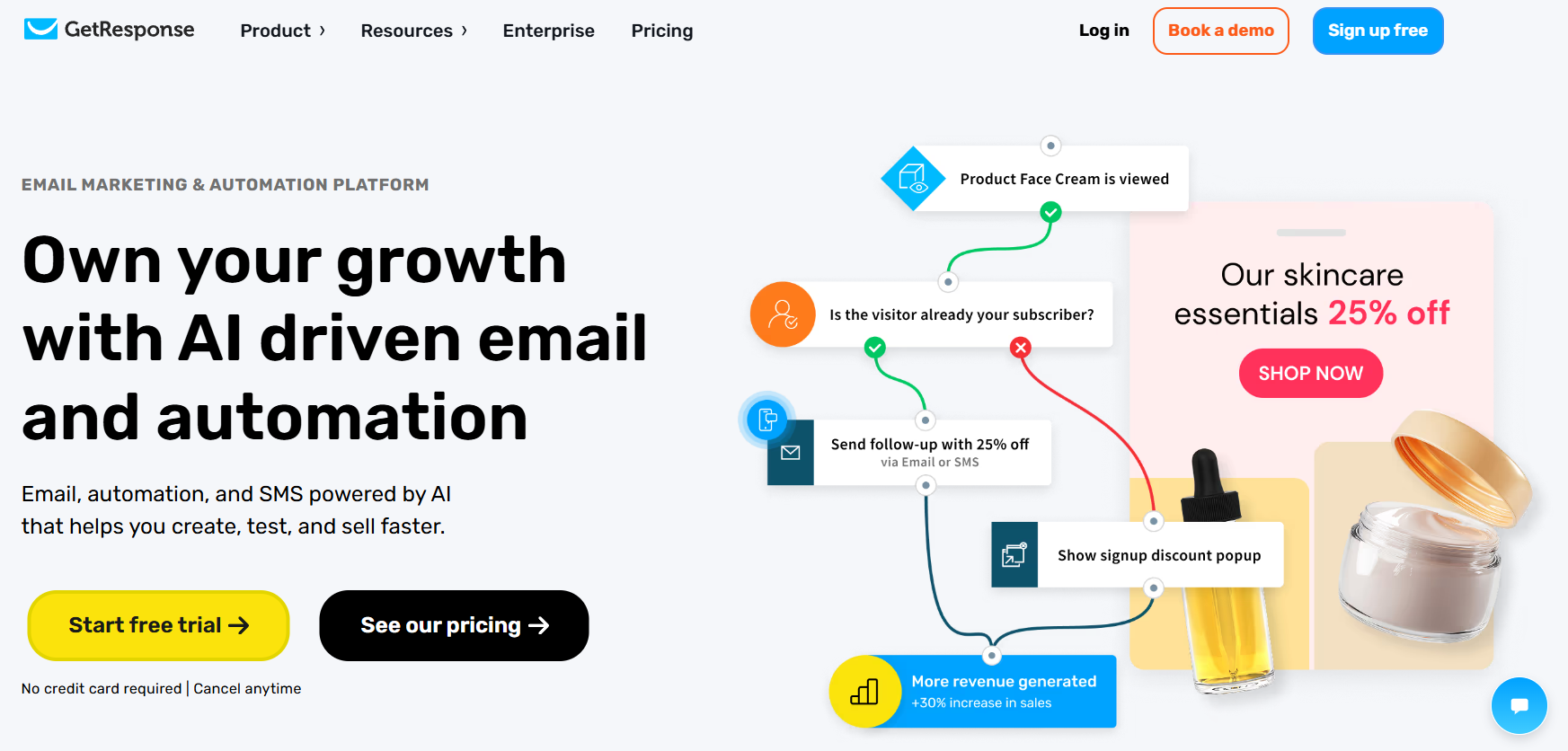
Another option on our list is GetResponse, a flexible email automation platform with robust marketing tools to guide guests from the first interaction to repeat visits or orders.
Regarding email marketing, you have a drag-and-drop email creator that lets you build visually appealing campaigns in a few clicks. You can either select a responsive email template from the dedicated library or craft a custom one if you’re comfortable with HTML. There’s also a photo editor to easily design beautiful graphics without leaving the email creator.
GetResponse’s powerful Conversion Funnel creator helps you build ready-made customer journeys, from landing pages and signup forms to automated follow-up emails and paid subscriptions. That way, you can effortlessly turn visitors into loyal customers on a single platform.
To grow your email list, you have options like landing pages, retargeting ads, and signup forms. Then, segment your contacts based on their behavior and preferences and use automation to target them with relevant promotions.
This email marketing service even allows you to create and manage webinars, in-person events, and online courses to educate your audience with cooking classes or barista training. The same goes if you’re a solo creator who wants to monetize their expertise with courses or paid newsletters.
However, the pricing structure isn’t that favorable for small restaurants or creators. In this case, you should consider a more cost-effective alternative to GetResponse.
Pros
- Full marketing suite with email, SMS, push notifications, and event management
- Excellent customer support based on reviews
- Unlimited emails on paid plans
Cons
- Overwhelming for beginners
- Key features like A/B testing are locked behind higher tiers
Best Features
- Drag-and-drop email creator
- Sales funnels
- Autoresponders and ready-made customizable templates
- Personalized menu recommendations
- SMS marketing
- Paid subscription options
Pricing
GetResponse’s pricing starts at $19/month with unlimited emails and basic automation but no A/B testing. If you want to test the platform, you can sign up for the 14-day free trial. There’s also a very limited free trial for up to 500 contacts and basic lead generation.
9. MailerLite
Pricing: Paid plans start at $10/month, free plan
Best feature: Paid subscriptions and digital product selling
MailerLite is a reliable email marketing service for restaurant businesses that prioritize simplicity and usability. For professional emails, you can use a flexible drag-and-drop newsletter builder and more than 70 content blocks (e.g., eCommerce blocks, RSS, or surveys to customize the layout.
To save time, the platform equips you with ready-made email templates for various use cases. You also have the AI Writing Assistant and Subject Line Generator to create compelling email content hassle-free.
Regarding list management, you can use custom fields or tags based on customer behavior. There’s also the option of leveraging automation to organize your contacts.
The platform’s automation isn’t limited to that since you have access to a visual workflow editor and built-in recipes. For example, you can send a special discount on your diner’s birthday or ask them to fill in a post-delivery survey. However, the tool’s automation isn’t designed for overly complex workflows, so make sure to check out MailerLite alternatives if you have more sophisticated needs.
What’s really handy with this email software is that it provides users with newsletter monetization, such as selling an ebook with signature recipe collections. Lastly, MailerLite’s iPad app takes lead capturing one step further, allowing you to collect contacts at your restaurant or industry-based events.
Pros
- Minimal learning curve
- Decent feature set in the free version
- Multilingual 24/7 customer support (for paid plans)
Cons
- Lack of advanced automation
- Basic reporting
Best Features
- Beginner-friendly email designer
- Forms and landing pages, plus an app to capture contacts in-person
- Email verifier for healthy email lists
- Straightforward, multi-trigger automations
- Transactional email and SMS functionality (separate pricing)
- Website builder
Pricing
MailerLite’s pricing starts at $10/month for up to 500 subscribers, unlimited emails, and digital product selling. The free plan gives you 500 subscribers and basic features like emails, signup forms, and the website builder.
Also, keep in mind that live chat support is saved for the highest tier, while free users get no support after the first 14 days. This could turn into a big bummer, especially if you’re a solo restaurateur with minimum marketing experience.
10. Square Marketing
Pricing: Paid plans start at $49/month, free plan
Best feature: Payment processing
Square Marketing is a robust marketing automation platform designed for small restaurants that already use the Square ecosystem for payment processing. This email marketing software for restaurants is easy-to-use, offering simple, must-have tools to send timely updates and offers through email and SMS.
To create them, Square Marketing provides users with ready-made templates for different campaign goals, such as rewarding loyal customers. They’re customizable, too, so you can easily match them to your branding.
When it comes to automation, you get pre-built campaigns for email and SMS to welcome new subscribers, bring back cart abandoners, re-engage lapsed customers, and more.
Square Customer Directory, the platform’s built-in CRM helps restaurant owners keep track of all customer transactions and sync data across channels and locations. These insights allow you to create customer profiles and segments that you’ll later use to send tailored promotions, feedback requests, or birthday deals.
Pros
- Ease of use
- Integration with all Square tools and third-party platforms
- Direct insights from POS systems (e.g, order value)
Cons
- Limited design customization options
- Small template library
Best Features
- Pre-built, customizable templates
- AI tool for content generation
- Automated email and SMS campaigns
- Integrated CRM
- Integrations with eCommerce platforms, shipping apps, and menu management systems
Pricing
Square Marketing pricing starts at $49/month per location, plus additional processing fees for each transaction. It includes email, SMS, and staff management tools. There’s a free version but you can’t use email or SMS, and you’ll have to upgrade to a paid plan once you receive a payment.
How We Selected The Tools
All of the tools in this list have been tested by our team to provide an unbiased description of its features and capabilities.
We spent hours setting up new accounts and trying each software to provide an accurate experience and show users exactly what they will come across when they sign up. Find more information about our software selection methodology on how we choose tools to feature on the Moosend Blog.
Ready to Find the Right Restaurant Email Marketing Software?
Email marketing offers you a direct line of communication with prospective and loyal guests.
The right email marketing platform will allow you to build professionally-looking campaigns, segment your customers based on their behavior and preferences, and automate communication. Plus, it should be easy to manage and play well with your existing stack.
We’ve shared our top picks for the job and all the details you need to know to narrow down your choices. You can also sign up for a few plans and trials to ensure each platform lives up to your expectations.
Why not give Moosend a go? You can create an account and test every feature at your own pace through the 30-day free trial, no credit card required.
FAQs
Let’s check the answers to some frequently asked questions about restaurant email marketing software:
1. Which is the best email marketing platform for restaurants?
The best email marketing platforms for restaurant owners should be user-friendly while offering a clean interface, high deliverability, and cost-effectiveness. Some of the top choices include Moosend, Constant Contact, and Omnisend.
2. Why do restaurants need email marketing software?
Restaurants need email marketing software to create a direct line of communication with their guests and build long-term relationships. A reliable email solution offers business owners all the tools to create beautiful restaurant newsletters and promotions, as well as automate order confirmations, re-engagement campaigns, or post-visit review requests. It also helps them grow and manage their email list, personalize their messages based on each diner’s patterns and likes, and track performance.
3. Can you use restaurant email marketing software along with your existing tools?
Yes, many email solutions offer a wide list of integrations with third-party apps, including CRMs, POS systems, and online ordering platforms so you can easily streamline your restaurant operations.
4. Do you need coding skills to create a restaurant email marketing campaign?
You can use most tools on our list, even if you’ve never seen a line of code. That’s because they offer tools like intuitive email builders and pre-designed, customizable templates that simplify email creation.
Similar Posts
 Published by
 Published by

Create, send and optimize your email marketing campaigns