















7 Best Ecommerce Platforms to Start Your Online Business in 2026
Published By John Desyllas
August 1, 2022

01/08/22
Online shopping has seen a tremendous rise in recent years with more and more businesses searching for the best eCommerce platforms.
With the right tools, businesses can start selling their products online, accept payments, track their inventory and handle shipping, all from the same platform.
But here’s where it gets tricky: with the wide range of eCommerce platforms, how can you select the right one for your online store?
To guide your decision, we’ve selected the top eCommerce solutions to build your website based on their ideal use cases.
Want to turn visitors into loyal customers?
Get eCommerce automation flows from $9/month.
Start freeWhat is an eCommerce Platform?
An eCommerce platform is software that allows businesses to build and manage an online store. It lets you sell products or services online, handling everything from product listings and shopping carts to payment processing and order delivery.
These platforms provide online businesses with features like inventory management, customer accounts, SEO optimization, and third-party app integrations.
Some are all-in-one solutions that include hosting and built-in marketing tools, while others offer more customization options for users with technical skills.
The right platform for you depends on your business model, technical expertise, and growth plans. Whether you’re launching a small boutique or scaling a global brand, the right eCommerce solution helps you simplify operations and deliver a seamless customer experience.
How to Choose the Best eCommerce Platform
There are several key features and aspects that a great eCommerce platform should have.
Here’s what you need to consider before selecting one:
- Ease of use: Users should be able to create a modern and responsive online store without needing advanced coding skills. A great eCommerce platform comes with straightforward dashboards, an intuitive interface, and a setup wizard that walks you through the process of creating your online store.
- Design tools: Effective design options help you build a professional and compelling eCommerce website. Look for ready-made templates, customizable themes, and display tools (tabs, accordions). AI design functionality can also save time.
- Customer support: Efficient and responsive support is essential. Ideally, you’ll want 24/5 assistance, with live chat and phone support, while platforms that offer email support get extra points.
- Integrations: Your eCommerce software should play well with other tools, like payment processors, CRM, email marketing tools, and more. Integrations can be built-in, available through a plugin marketplace, or connected via Zapier.
- Security features: Look for platforms that provide SSL certificates, support multi-factor authentication, and perform regular security updates to protect your customers’ sensitive data.
- Reputation: Check review sites like G2 and Capterra to see what other users say. High ratings and positive feedback are signs of a reliable platform with steady performance.
How Much Does an eCommerce Website Builder Cost?
The pricing of eCommerce software is a little more complicated compared to other solutions. Generally, you should expect four kinds of fees attached to an eCommerce website builder:
- Monthly fee: This is the standard fee of the platform. Pricing plans of most eCommerce services on this list start around $35-$40/month when billed monthly, depending on the features offered.
- Payment gateway fees: You pay these fees to process a credit card charge. The typical fee is around 2.9% plus $0.30, although it can go lower depending on the plan and volume. Some platforms have their own payment processors, while others rely on Stripe, PayPal, and similar services.
- Transaction fees: These are additional percentage-based fees charged on top of any gateway fees. Some eCommerce platforms offer 0% transaction fees on certain plans, meaning there’s no extra charge. Other services charge a 1% or 2% transaction fee if you don’t use their native payment gateway.
- Hosting fees: Open-source builders such as WooCommerce or PrestaShop may require separate hosting, which can range from $5 to $50/month or more, depending on traffic needs.
Best eCommerce Platforms: Quick Comparison
If you’re pressed for time or you want to get a quick overview of the best eCommerce platforms, check out our comparison table:
| Pricing | Free Trial | Payment Gateway Fees | |
| Shopify | $39/month | 3-day | 2.9% + 30¢ USD online |
| BigCommerce | $39/month | 15-day | Depends on payment gateway and plan |
| Wix | $17/month (billed yearly) | 14-day (money-back guarantee) | Depends on payment gateway |
| WooCommerce | Free | – | Depends on payment gateway |
| Squarespace | $25/month | 14-day | Depends on payment gateway |
| Adobe Commerce (Magento) | N/A | Demo | Depends on payment gateway |
| PrestaShop | Free & Paid plans | – | Depends on payment gateway |
Top eCommerce Website Builders by Use Case
- Shopify – Best for effortless eCommerce store building
- BigCommerce – Best for large businesses
- Wix – Best for small businesses with limited inventory
- WooCommerce – Best for turning a WordPress website into an online store
- Squarespace – Best for creating attractive websites
- Adobe Commerce – Best for multi-channel commerce
- PrestaShop – Best for business owners with technical knowledge
1. Shopify
Best eCommerce platform for effortless eCommerce store building

Shopify is one of the most popular eCommerce platforms, with tremendous growth over the last 15 years. Setting up the platform is as easy as it gets, and the onboarding wizard guides you through all the steps.
What makes Shopify appealing to so many users is the user-friendly website builder with drag-and-drop functionality that doesn’t require any sort of technical knowledge. So, it’s a great option for small businesses or marketers with no coding skills wanting to get their online store up and running quickly.
You’ll also find 24 free pre-made themes and hundreds of premium, exceptionally designed ones with prices starting from $100. Most of these themes are fully customizable, so you can effortlessly make changes where you see fit.
On top of that, you get Shopify Magic, a helpful tool that guides you through several tasks, ranging from writing engaging product descriptions to building customer segments.
Another great aspect of Shopify is store management. You can analyze customer profiles, set up a dropshipping store, manage returns and refunds, fulfill orders directly from Amazon, and track your performance.
But what about inventory management? You get advanced, real-time inventory tracking across channels and locations. Plus, you can track inventory for product variations like multiple sizes and colors, while you have the option to upload multiple images.
Another characteristic that makes Shopify stands out is its extended app store. So everything you may ever need is there: social media and marketing tools, sales reporting, product recommendation apps, and more.
Regarding payments, Shopify can truly handle all of your business. Shopify POS is particularly helpful, allowing brick-and-mortar stores (even the ones selling in markets and pop-ups) to accept payments in-store and manage operations through the mobile app.
Shopify Pros
- Extremely easy to use
- International and multi-channel selling using social media, online search, and popular marketplaces
- Secure hosting
- Built-in AI generator that handles various tasks, such as product image and description generation
- Dropshipping options
- Integrated marketing solutions, such as eCommerce email marketing
- Real-time sales and order analytics
- Stellar customer support
Shopify Cons
- High cost for add-ons and transaction fees (if you’re not using Shopify Payments)
- Some features are locked behind additional apps
- Advanced customization requires some coding experience according to reviews
Pricing
To start building your eCommerce website with Shopify, you can use the 3-day free trial (no credit card required), and then pay $1/month for the first three months. After that, paid plans start at $31.5 with access to templates and themes.
2. BigCommerce
Best eCommerce platform for large businesses
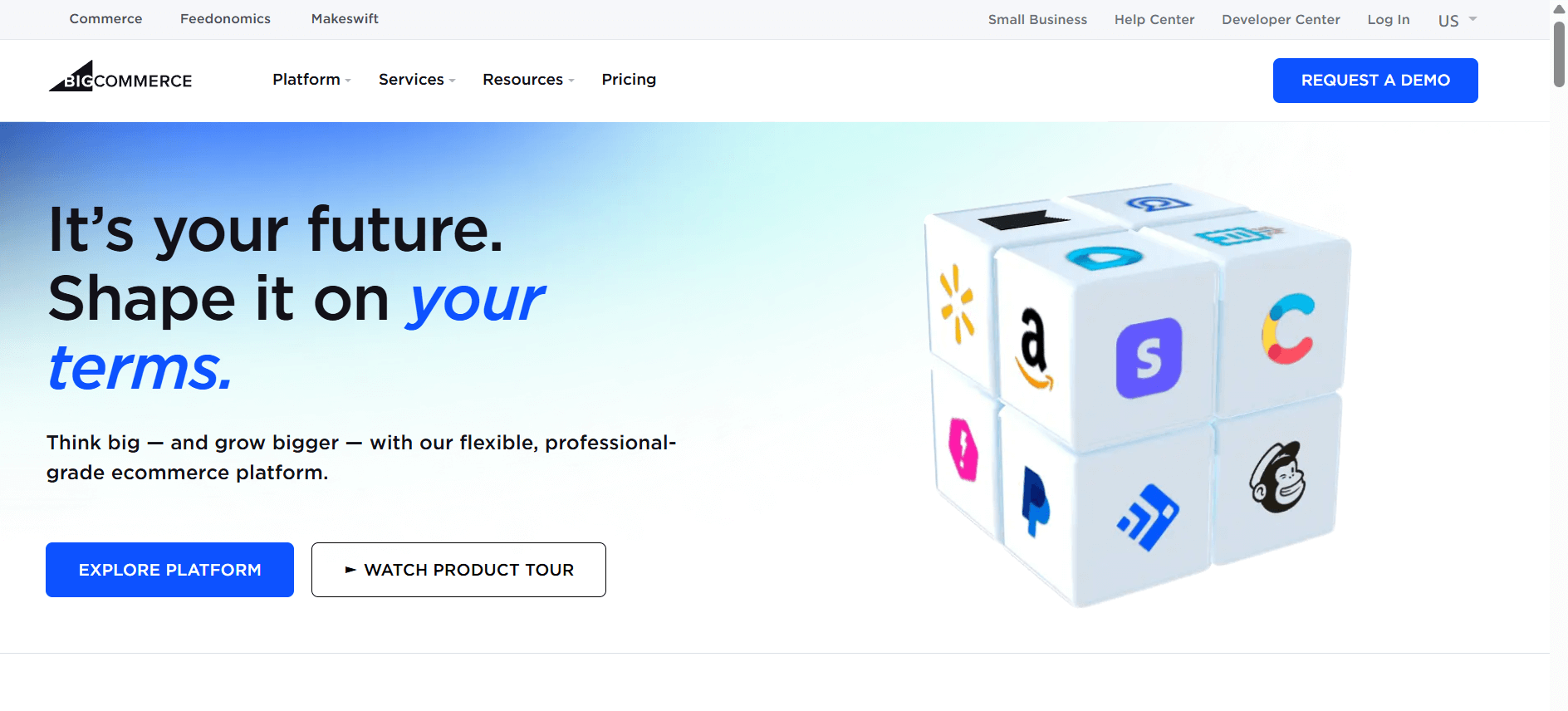
BigCommerce is another robust eCommerce platform, ideal for large brands or businesses with high-volume inventories. It’s also among the best Shopify alternatives out there.
BigCommerce offers a powerful, no-code (or low-code) website builder that allows you to customize the tiniest detail of your online shop to make it fit your vision. And you can launch it with just one click.
The platform provides you with 12 free themes and a wide range of paid ones starting from $100 up to $450. While they are great and fully customizable, their cost is rather high. Even though the platform is aimed at people with limited design skills, it lets you tweak the HTML and CSS in case you’re tech-savvy.
It offers a fully-fledged eCommerce CMS solution so you can add and manage products, process orders, or even create a blog to promote your business with a single tool.
With BigCommerce, you can easily purchase and register your domain name through the platform. Another notable eCommerce feature is the ability to sync your inventory with marketplaces like Facebook, Amazon, and eBay.
To accept payments, BigCommerce integrates with more than 130 online providers such as PayPal, Stripe, and Amazon. Alternatively, store owners can set up their eCommerce websites to receive payments via bank transfer or check.
Overall, BigCommerce lets you make fully detailed listings on the back end, while on the front end, customers enjoy increased control to find exactly what they’re looking for. This makes the platform a great solution for large enterprises that expect to grow rapidly while prioritizing performance.
BigCommerce Pros
- Out-of-the-box SEO tools
- Variety of payment options with no transaction fees
- Automatic, two-way inventory syncing
- Multi-currency selling to expand your reach to international audiences
- API for cart and checkout customization, subscription app creation, payments, and more
- Excellent cross-channel selling, including options like multiple storefront management and social commerce
- Fully hosted platform
- Import and export features to update products in bulk
BigCommerce Cons
- Each paid plan comes with a yearly revenue limit
- Premium templates are expensive
- Cart abandonment not available in the lower-tier
Pricing
You can start using BigCommerce completely free for 15 days without providing your credit card. Paid pricing starts at $39/month with the Standard plan for unlimited users and products but up to $50K revenue.
3. Wix
Best eCommerce platform for small businesses with limited inventory
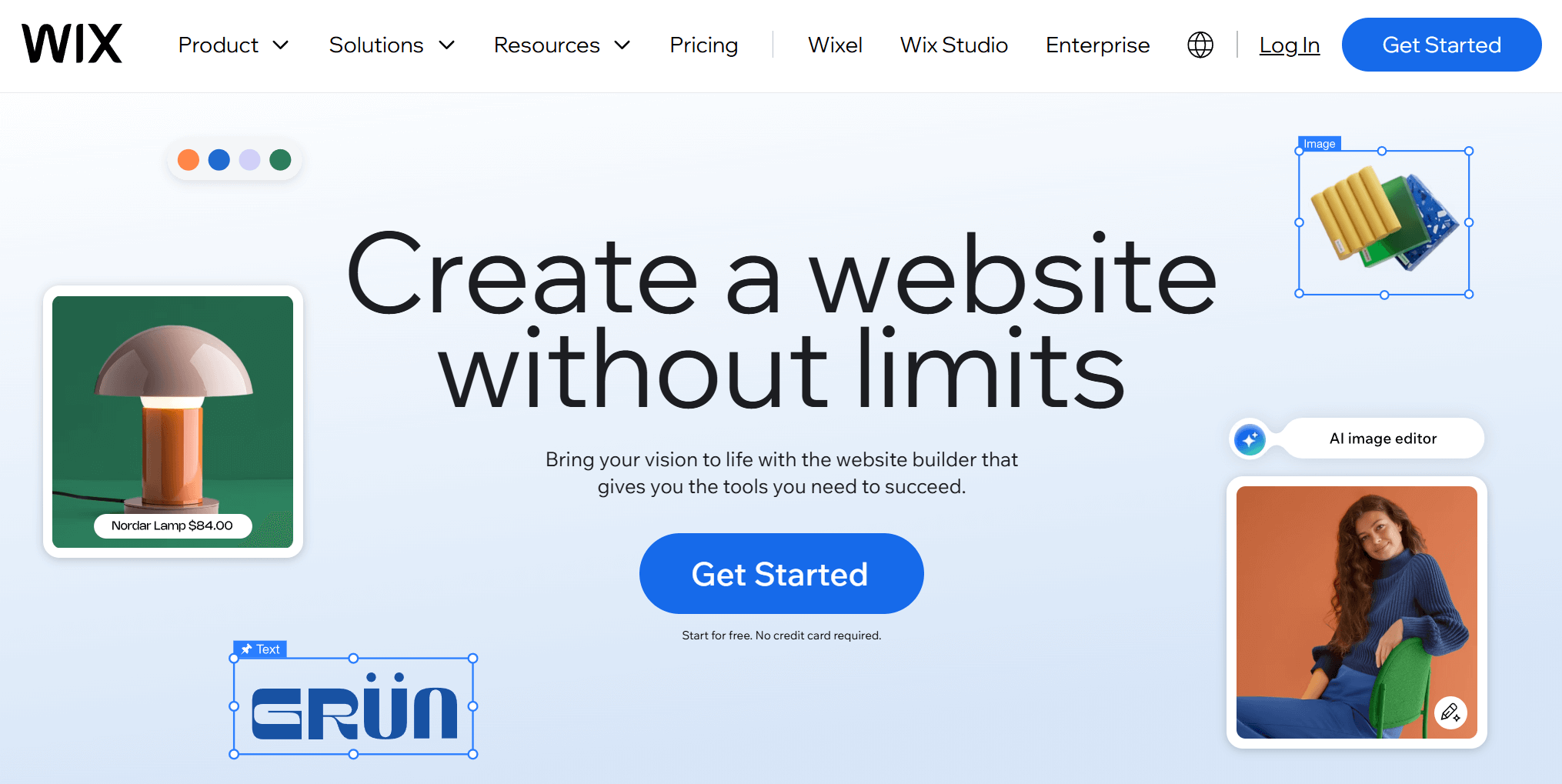
Wix is a modern eCommerce website builder that gives you the ability to create a complete website with eCommerce capabilities. It’s a good option for smaller businesses and new entrepreneurs looking for a robust yet easy-to-use website builder with eCommerce functionality.
More specifically, Wix has some very powerful tools such as order tracking, abandoned cart recovery, dropshipping, print-on-demand, and automated sales tax.
This eCommerce site builder equips you with 2000+ designer-made templates to build your website, many of which are free. As an alternative, you can let Wix’s AI builder create a custom site for you after answering a few questions and optimizing it with relevant prompts.
You should know, though, that while you can build your website with the free plan, you’ll need a paid subscription to use its eCommerce features. Also, the absence of low stock alerts could cause unnecessary trouble down the line. But you can resolve this through the integration with a dedicated app called Low Stock Alerts.
Speaking of integrations, this eCommerce website creator has a nice third-party app and extensions marketplace. There, you can find shipping coordinators, accounting services, social commerce integrations, and many more.
Overall, Wix is an eCommerce platform that gives business owners complete freedom to create and manage their entire online presence without hassle.
Note: Weebly and Squarespace are similar to Wix.
Wix Pros
- Variety of free themes
- Unlimited bandwidth on all eCommerce plans
- Extremely beginner-friendly
- CRM options to integrate into your site and manage everything from there
- AI tools for content, images, and SEO metatags
- Tools to grow your eCommerce audience (e.g., social media ads)
- Automatic tax calculation for several locations
Wix Cons
- No option to switch to another template without starting from scratch
- Limited storage space (depending on the plan)
- Lack of advanced automation functionality
- Poor customer support based on reviews
If you want to try out the platform’s functionality, sign up for any of the paid plans using the 14-day trial and receive a full refund if you decide the service wasn’t what you expected. Wix’s pricing starts at $17/month (yearly subscription) with basic features and up to 2 GB storage space.
4. WooCommerce
Best eCommerce platform for existing WordPress websites
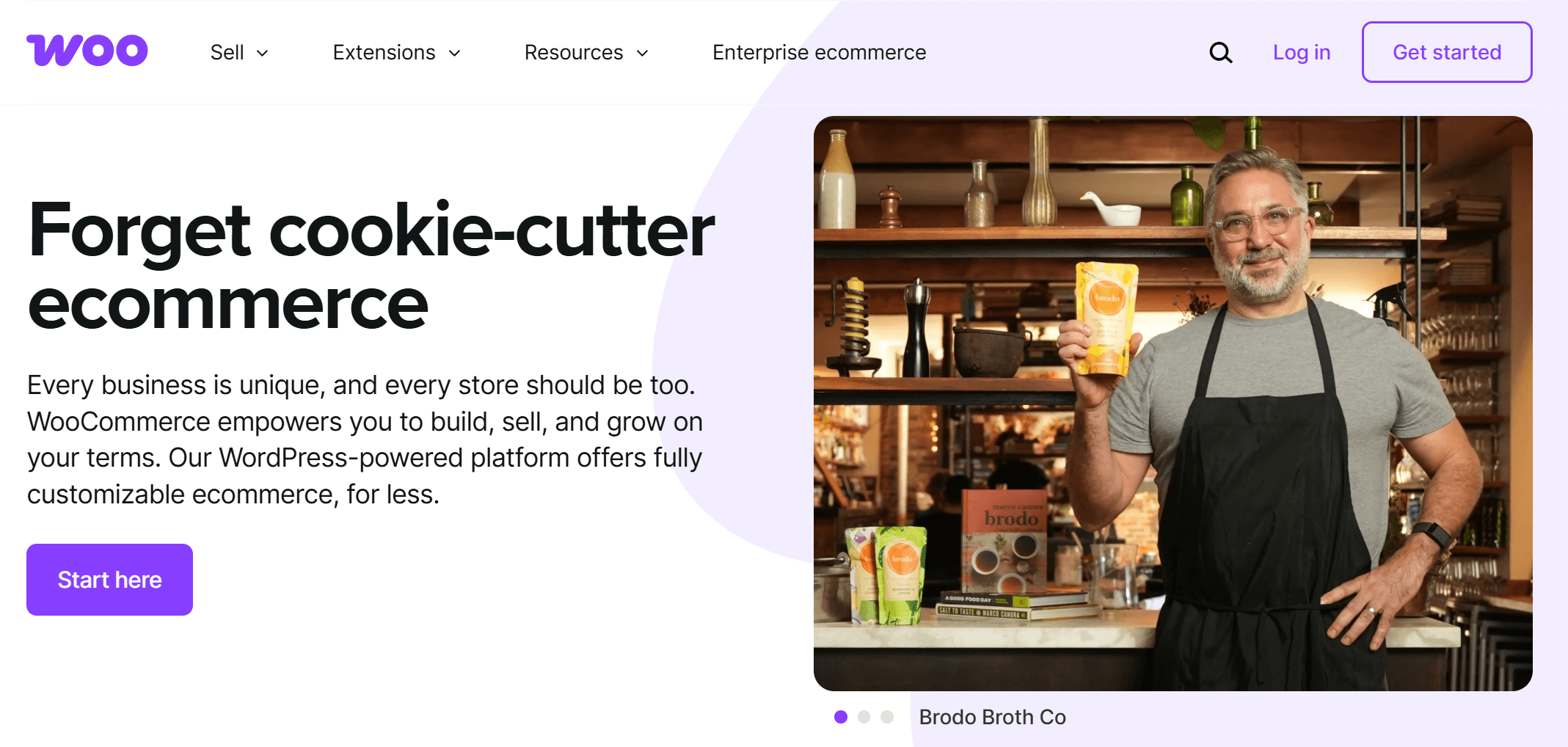
WooCommerce is an open-source eCommerce platform and a dedicated WordPress plugin. This means that you need to have an active WordPress website to use the platform.
Unsurprisingly, WooCommerce is a reputable eCommerce solution with an astonishing 40.32% market share across all eCommerce solutions according to Datanyze. This makes it the most used platform for online stores.
In terms of design, WooCommerce comes prepacked with Storefront, which is the free standard theme. You can customize the buy button, embed products on any page with shortcodes, and split products into categories.
Your online store can have unlimited products and product images, while you also use blocks like fan favorites and best sellers.
WooCommerce allows you to sell both physical and digital products. You can manage orders, create coupons, and integrate different payment gateways (instead of WooPayments), all from the same dashboard.
When it comes to themes, WooCommerce offers 3 free ready-made designs and more than 100 paid ones, ranging from $45 to $95.
Regarding its installation on your website, it’s fairly easy to do. Just follow the steps of the onboarding process and then select the WooCommerce plugin using the WordPress Admin. Then, the Setup Wizard will guide you through the initial steps to get your store up and running.
What might be a problem with WooCommerce is scalability. Users report that the more plugins you add and the more customers you acquire, the more your store slows down. The cause might also be due to the weight of themes and plugins.
Finally, you’ll need to deal with web hosting, which might get pricey if you choose high-quality options.
Overall, WooCommerce is primarily for businesses who already have their own WordPress site and want to start selling products or services.
In case you’ve decided to go with this platform, here’s a detailed WooCommerce tutorial you can follow.
WooCommerce Pros
- Free to use and highly customizable
- User-friendly and quick setup
- Best eCommerce platform for SEO with dedicated add-ons
- Supports in-person contactless payments through the mobile app
- Payment processing in more than 135 currencies
- Multi-channel selling using social media and search engines
- Active developer and expert community for support
- Impressive integration list with more than 1,200 extensions
WooCommerce Cons
- Security issues due to the platform’s open-source nature
- Only for active WordPress web pages
- Main features are free, but adding key extensions increases costs
- Lack of full PCI compliance
Pricing
WooCommerce is a free eCommerce platform for standard features and self-hosting on a WordPress website. However, there are additional fees if you want more extensions and a hosted domain.
Bonus Tip
A great way to increase your WooCommerce store presence and revenue is by using email marketing and email automation. Although, WooCommerce offers basic email marketing functionalities, but using a dedicated email service provider like Moosend will make a difference.
Moosend integrates natively with WooCommerce allowing you to set up amazing automation workflows such as cart abandonment emails, re-engagement campaigns, and upsell/cross-sell emails.
You can start email marketing through the 30-day free trial and send unlimited emails to 1,000 subscribers without entering a credit card.
5. Squarespace
Best eCommerce platform for sleek and high-quality website templates

Squarespace is a popular and user-friendly website builder that lets you create an aesthetically-pleasing online store to sell your products and offerings. It boasts excellent drag-and-drop functionality, and you can have your shop set up in minutes.
Basically, the platform emphasizes designing memorable websites that go beyond a “shopping cart focused” approach. For this reason, you get more than 190 pre-made templates to use as a starting point.
While you won’t get the advanced features that other eCommerce-focused platforms offer, Squarespace’s Custom Merch is a great solution for print-on-demand businesses or businesses looking to add eCommerce functionality to their existing website.
As with other eCommerce platforms, there are no restrictions on the number of products your store can have.
Squarespace lets you accept online payments using integrations with Paypal, Stripe, Klarna, and more, while you can handle in-store payments via Squarespace’s app. Also, the list of integrations with third-party apps feels somewhat limited.
Overall, Squarespace is a solid choice for businesses looking to create beautiful websites with simple eCommerce capabilities.
Squarespace Pros
- Fully-customizable and modern store templates
- AI-powered Blueprint Builder to create a unique website in a few clicks
- Subscription selling options for creators to make money online through their content
- Unlimited bandwidth
- Built-in SEO features to increase organic traffic
- Tailored marketing copy generation using AI technology and simple prompts
- Fully hosted
- Free tools, such as the Logo Maker and Domain Name Generator
- No transaction fees on Commerce plans
Squarespace Cons
- Limited payment processors
- Free custom domains are available only for annual subscriptions
- Expensive if you want to avoid transaction fees
Pricing
If you want to use Squarespace, their 14-day trial is a good option to get started. If you opt for an annual subscription, you get a free custom domain (regardless of the plan). Pricing starts at $25/month with access to templates, Squarespace AI, and analytics.
6. Adobe Commerce (formerly Magento)
Best eCommerce platform for multi-channel commerce
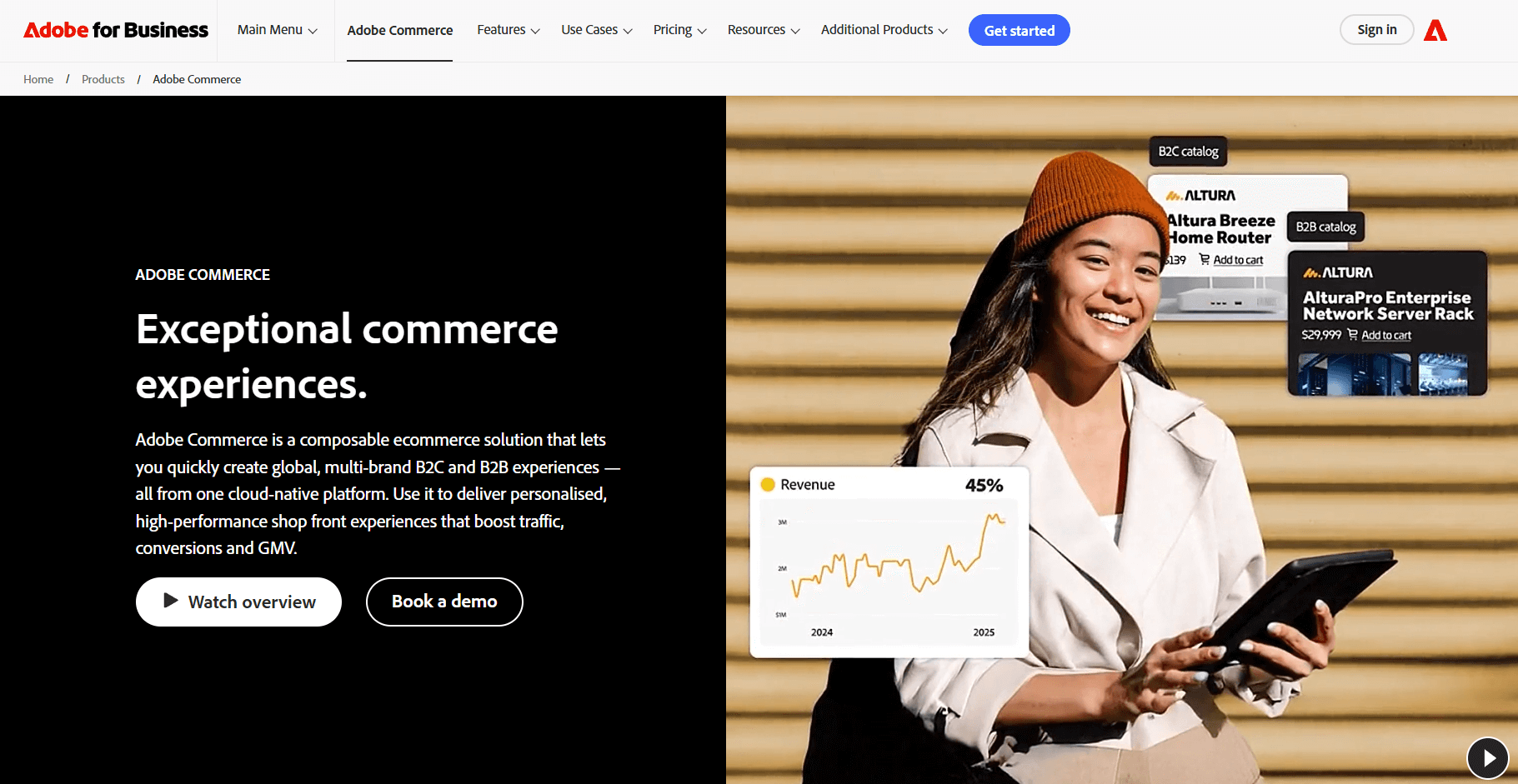
Adobe Commerce is a robust eCommerce platform that helps B2B and B2C businesses build a scalable eCommerce store that’s optimized for easy checkouts. Its drag-and-drop tools help you create compelling content and give your customers a unique shopping experience.
This cloud-hosted platform handles both digital and physical products and provides you with real-time inventory data to run your business smoothly and efficiently.
To take it one step further, Adobe launched Commerce Optimizer, a tool that helps retailers improve the storefront experience for their customers while keeping their existing solution’s backend system.
It comes with AI capabilities to generate branded visuals and compare content and layout variations through A/B testing.
The platform excels in order management. If your business has multiple stores, sites, or warehouses, Adobe Commerce allows you to create a seamless experience.
Through the Magento Marketplace, you can achieve the ultimate customization of your eCommerce website. For example, you can choose responsive themes, add global currencies and languages, and connect with your favorite CRM and marketing tools.
Overall, Adobe Commerce is a solution aimed at brands that know their needs and expect to grow big in the future.
However, you’ll need to do some “manual” work to keep up with the latest security patches and version updates due to its cloud-based nature. Also, it requires some level of technical expertise, so it’s probably not the ideal choice for beginners.
Adobe Commerce Pros
- Highly customizable and scalable
- Visual drag-and-drop editor
- End-to-end platform
- AI-based generation to create engaging visuals and product descriptions
- Fast and efficient management of large product catalogs
- Hundreds of free and paid extensions and themes to optimize your online store
- Drop-in software development kit with ready-to-use tools (for developers)
Adobe Commerce Cons
- Pricing not publicly available
- Requires developer skills
- Learning curve based on user reviews
Pricing
Adobe Commerce doesn’t show pricing details on their website. Businesses get custom pricing depending on their needs, revenue, and business model.
7. PrestaShop
Best eCommerce platform for business owners with technical knowledge
PrestaShop is an open-source eCommerce platform that’s completely free to use. You still have to pay for hosting, domain name, and advanced features, but it’s affordable to get started. This one of the reasons why 250,000 merchants around the globe trust it for their business.
With PrestaShop, you can create products and assort them into categories and sub-categories. You also get access to advanced inventory management to keep your online store efficient.
In terms of customization, you can add various payment methods (including bank transfer and installment payments) and shipping options. On top of that, you have the option to assign shipping carriers based on geographical delivery zones and implement SSL certification to enhance security.
Setting up your product pages is as easy as it gets. You can even configure your store’s search engine and optimize your ranking through the SEO Expert module.
And to make things a bit more interesting, PrestaShop offers a set of features that allow you to market your online store on autopilot.
From generating AI-powered product descriptions to promoting your products and boosting customer loyalty through email and marketing automation, you’ll be one step ahead of your competition.
To sum up, PrestaShop is a good solution for small to medium enterprises that aren’t looking for a sophisticated solution. If you have limited technical knowledge, PrestaShop might not be the best solution for you unless you outsource it.
PrestaShop Pros
- Free and open source
- Extended template library for all industries and budgets
- Intuitive interface
- Prestashop Hosting to ensure security
- International selling
- Option to set up click and collect, ideal for local businesses
- 5,000+ PrestaShop modules (e.g., for shipping and order management)
- More than 600 experts to help you set up, customize, and manage your store
PrestaShop Cons
- Expanding your store’s functionality with modules may get pricey
- Installation and configuration require technical knowledge
- Performance issues for stores using several extensions
Pricing
Prestashop’s Classic version is free to use offering options like international selling and unlimited products. Paid plans start at approximately 24 € (excluding VAT) for businesses looking for a more comprehensive solution.
How We Selected The Tools
All of the tools in this list have been tested by our team to provide an unbiased description of its features and capabilities.
We spent hours setting up new accounts and trying each software to provide an accurate experience and show users exactly what they will come across when they sign up. Find more information about our software selection methodology on how we choose tools to feature on the Moosend Blog.
Choosing the Best eCommerce Platform
There’s no such thing as a “perfect” eCommerce platform. The right choice always depends on your budget, expertise, and overall marketing objectives.
The best course of action is to narrow down your options to 2-3 tools and test the waters through the free trial (where provided).
Before making the final choice, make sure you consider parameters like scalability, customer support, and seamless integration with your existing stack to run your store operations smoothly.
And if the winning eCommerce platform doesn’t cover all your marketing needs, you can sign up for a Moosend account to easily connect with existing customers and expanding your reach to new ones through targeted, personalized emails.
FAQs
Here you’ll find short answers to common eCommerce platforms questions.
1. What types of eCommerce platforms are there available?
You can find self-hosted and hosted such as WooCommerce and PrestaShop that give users more control but require some kind of technical knowledge. On the other hand, hosted eCommerce platforms like Shopify and BigCommerce handle security and updates for you, making them a better choice for beginners.
2. How much does an eCommerce platform typically costs?
You can find completely free eCommerce solutions like PrestaShop. Paid options range from $17 to $39/month but some platforms might get expensive if you add transaction fees, development costs, or multiple integrations.
3. What other tools do you need to create a better shopping experience for your customers?
Most eCommerce platforms integrate with third-party tools so you can extend your store’s functionality and improve the overall experience. Some of the most essential options include inventory and order management systems, CRM systems, email marketing software, and analytics tools.
Similar Posts

 Published by

 Published by


Create, send and optimize your email marketing campaigns