














18 Powerful Marketing Tools for Small Businesses In 2026
Published By John Desyllas
January 28, 2026

28/01/26
Running a small business often means handling sales, operations, and marketing all at once. While consistent marketing is essential for growth, limited time and budget constraints, as well as complex marketing tools, can make automation seem like a “nice-to-have” rather than a priority.
That’s exactly why today’s best marketing tools for small businesses focus on simplicity, affordability, and real impact. From email marketing automation to CRM workflows and app integrations, these tools help small teams work smarter, stay visible, and grow without needing a full marketing department.
In this blog post, we’ll break down why small businesses need marketing automation, address common concerns, and highlight the best marketing tools by use case.
Simple setup. Powerful automation. Transparent pricing.
Automate your marketing from $9/month.
Try MoosendSmall Business Marketing Tools: Overview
| Pricing | Free Plan | Best Feature | |
| Moosend | $9/month | 30-day trial | Easy-to-implement automation with numerous triggers |
| Constant Contact | $12/month | 14-day trial | Event marketing automation tools |
| Mailchimp | $13/month | ✔️ | Intuitive customer journey builder |
| SimpleTexting | $29/month | 14-day trial | Two-way SMS messaging with compliance tools |
| Textmagic | $0.049 per outbound SMS | 30-day trial | Pay-as-you-go transactional SMS delivery |
| Zoho CRM | $20/month | 15-day trial | Customizable sales workflows |
| Less Annoying CRM | $15/month | 30-day trial | Simple with zero feature gating |
| HubSpot | $20/month | ✔️ | Free CRM with scalable growth tools |
| Semrush | $139.95/month | 7-day trial | In-depth competitor and keyword research |
| Surfer | $99/month | ❌ | Real-time SEO guidance |
| Content Harmony | $50/month | $10 trial (no expiration) | Search-intent–based content planning briefs |
| Hootsuite | $149/month | 30-day trial | Multi-platform social scheduling and monitoring |
| Buffer | $6/month | ✔️ | Content planning and scheduling |
| CoSchedule | $29/month | ✔️ | Marketing calendar that links social posts to campaigns |
| Trello | $6/month | ✔️ | Visual, flexible boards adaptable to any workflow |
| Asana | $6/month | ✔️ | Clear task sequencing with visual timelines |
| Google Analytics | Free | – | Detailed reporting environment |
| Kissmetrics | $50/month | 14-day trial | User-level behavior and funnel tracking |
Why Small Businesses Need Marketing Automation
For many small business owners, marketing automation still sounds like something built for large teams with big budgets. In reality, it solves a much more basic problem: there’s never enough time to do marketing consistently while running a business.
Without automation, marketing often becomes reactive. Emails are sent late (or not at all), follow-ups are missed, leads go cold, and customer communication depends on someone remembering to do it. Automation removes that manual work by handling routine tasks in the background, so important steps happen on time even when you’re focused elsewhere.
Beyond email, automation helps small businesses stay organized across channels. CRM tools track leads and prompt timely follow-ups, SMS tools deliver time-sensitive updates, and social tools make it easier to plan content in advance instead of posting last-minute. Together, these tools turn marketing into a repeatable system rather than a growing to-do list.
In a nutshell, automation helps small businesses stay visible, respond faster, and nurture customers consistently, without adding more work or complexity. While cost savings matter, the real value is replacing manual effort with systems that prevent missed opportunities and support steady growth.
Email Marketing Automation Software
Email marketing automation tools help small teams connect with their target audience without manual effort by automating campaigns like welcome emails, follow-ups, promotions, and customer journeys. Instead of sending one-off newsletters, businesses can build scalable email sequences that save time and drive revenue.
Moosend
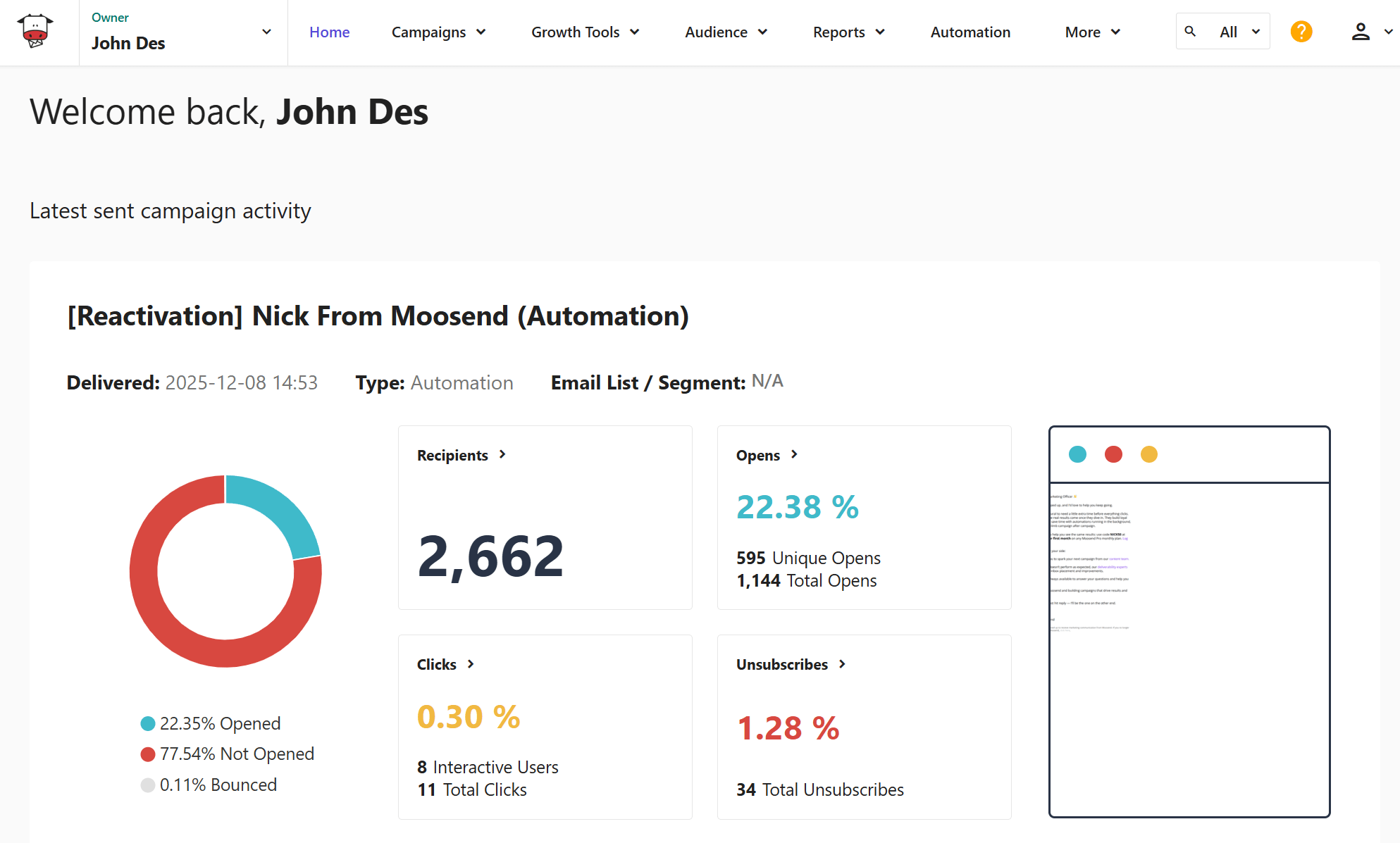
Moosend is an email marketing automation platform built with small businesses in mind. It helps teams automate essential email campaigns without requiring technical skills or a steep learning curve. You can automatically welcome new subscribers, recover abandoned carts, re-engage inactive contacts, and send timely follow-ups based on user behavior. The workflow builder also includes ready-made automation recipes, letting you kick-start your strategy.
The platform can also handle the creation and automation of transactional emails, such as order confirmations, account updates, and payment notifications. This ensures customers receive time-sensitive communication without manual effort.
Small businesses can benefit from Moosend’s unlimited email campaigns on all plans, even on the free tier. With no limits on email sending, you can test numerous things to discover what works for your audience and deliver consistent communication through your automations.
The platform also includes beginner-friendly segmentation options, so that your messages stay relevant. Finally, you get rich, real-time analytics to track performance and improve your efforts over time.
Pros
- Easy-to-use drag-and-drop email and automation builders
- Pre-built automation templates for common small business use cases
- Affordable and transparent pricing (with unlimited emails)
- Great landing page builder
Cons
- No built-in SMS marketing
- Forms could be more customizable
Pricing: Starts at $9/month, offering all core features and unlimited email campaigns. Also, it has a 30-day free trial for 1,000 contacts and lets you try most features.
Constant Contact
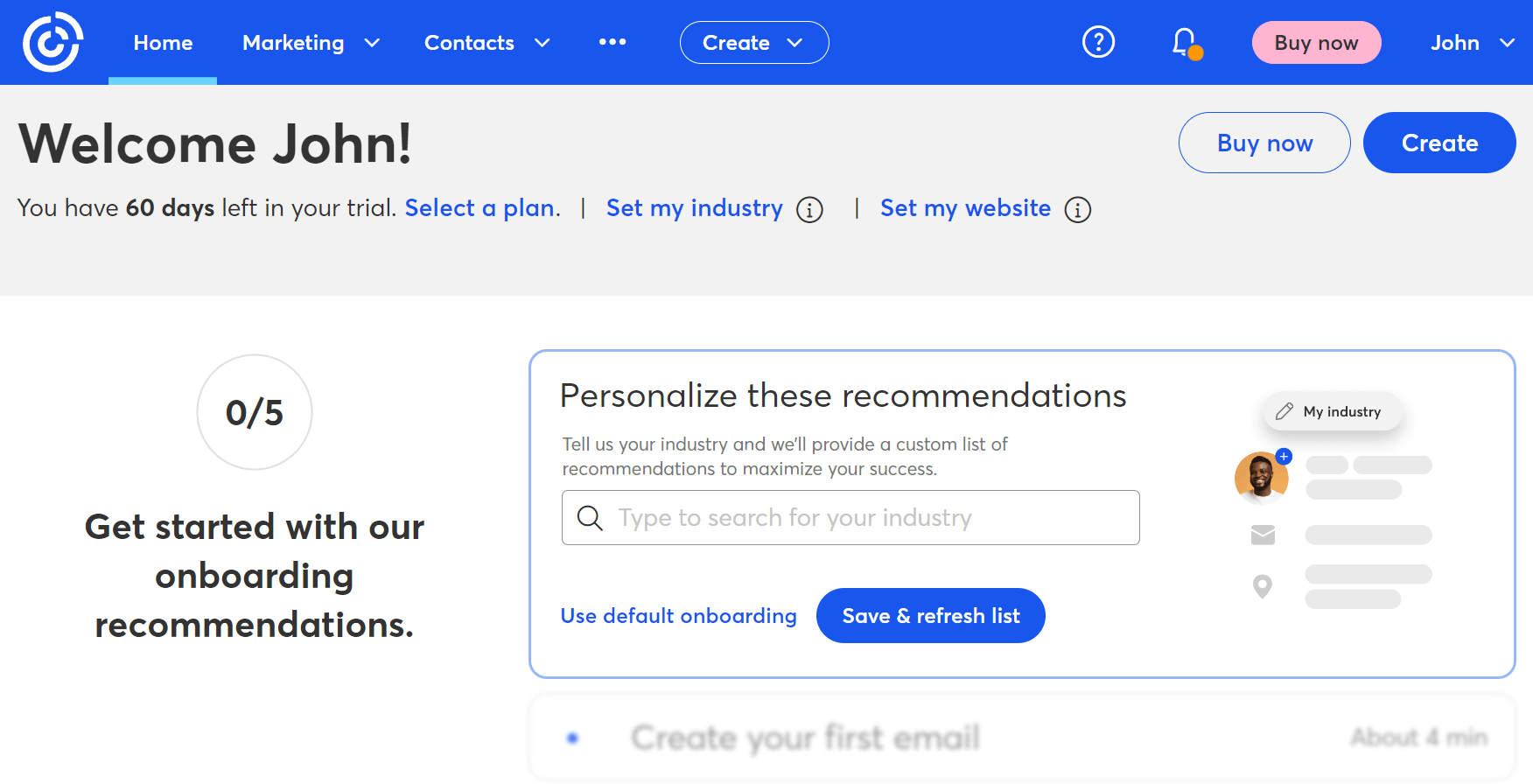
Constant Contact is an email marketing platform designed specifically to support the needs of small business owners, especially those looking for an all-in-one marketing solution. The workflow builder comes with several automation recipes for essential journeys, while you can also create more complex, custom paths.
One standout capability is its built-in event management functionality, which allows businesses to create events, manage registrations, and send automated reminders directly through email. Constant Contact also includes social media marketing tools, making it easy to schedule posts, run ads, and promote campaigns across social platforms from the same dashboard.
Another valuable feature for small businesses is Lead Magnet, which helps you create gated content like guides, checklists, or discounts, to capture new subscribers. Combined with automation and reporting, this makes Constant Contact a strong option for businesses focused on list growth and community engagement.
Pros
- All-in-one marketing solution
- Built-in event management and social media tools
- Lead Magnet feature for easy list building
- AI Writing assistant
Cons
- Some templates are not as modern
- May get expensive to access more advanced features
Pricing: Starts at $12/month for 500 contacts. A 30-day trial is available to try the marketing tools for free.
Mailchimp
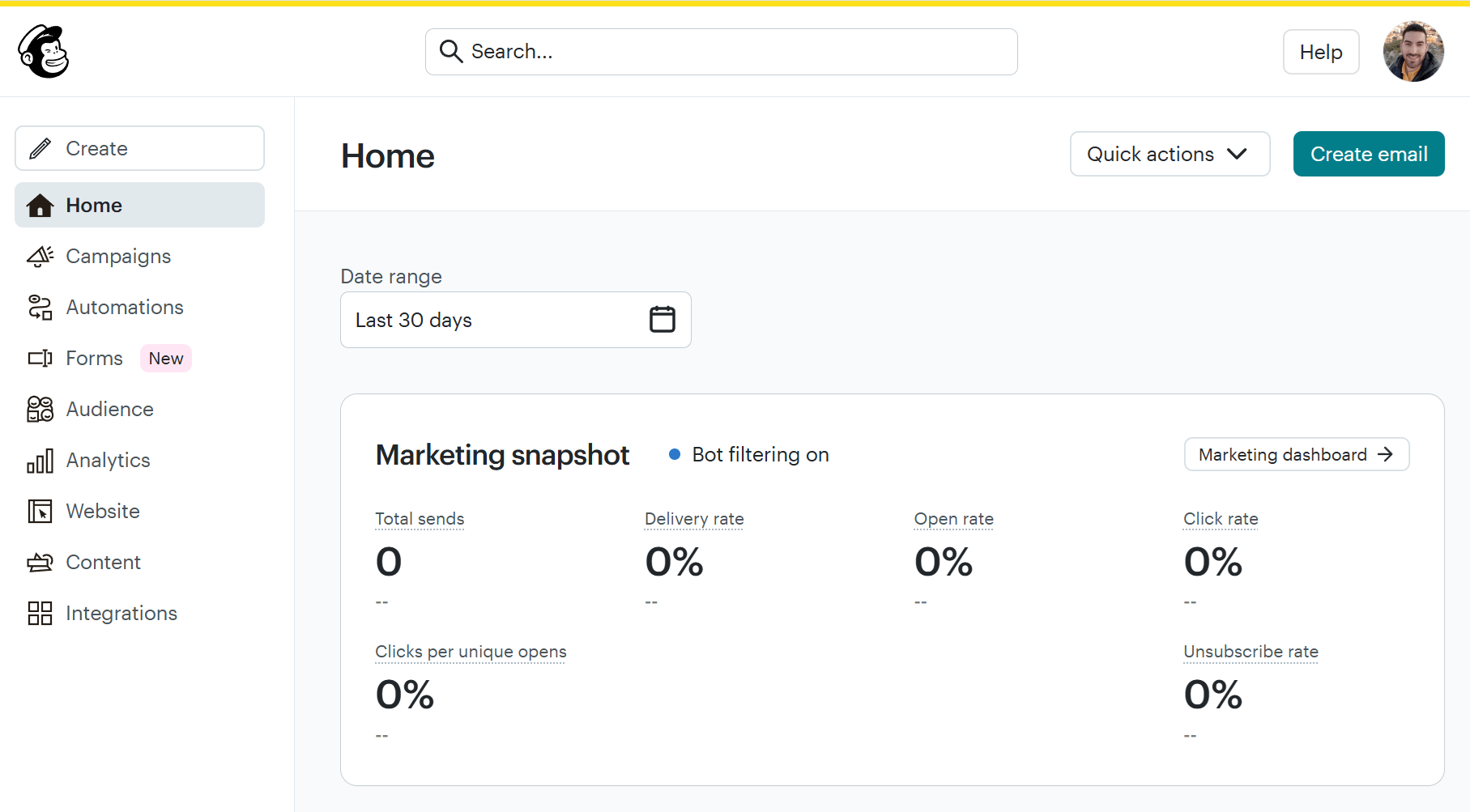
Mailchimp is a well-known email marketing tool offering a broad set of marketing features beyond email. Small businesses can get started quickly thanks to its guided setup. You get an intuitive campaign builder, pre-built templates, and a BrandKit tool that can quickly generate stylish, on-brand graphics and layouts for your marketing campaigns.
Mailchimp also offers robust automation, letting you set welcome, product recommendation, and re-engagement emails on autopilot. What’s more, it includes signup forms, landing pages and ads, which can appeal to businesses looking for an all-in-one marketing platform. However, as your email list scales, pricing becomes more expensive.
Pros
- Easy onboarding and user-friendly interface
- Robust automation for email and SMS
- Large integration ecosystem
Cons
- Limited free plan (used to be more generous)
- Automation and segmentation can feel restrictive at lower tiers
- You pay for duplicate contacts and unsubscribes
Pricing: Starts at $13/month with essential email features for 500 contacts. The free plan allows up to 250 contacts and 500 monthly emails.
SMS Marketing Tools
With SMS marketing tools, you can reach customers instantly with time-sensitive, high-visibility messages. This channel is ideal for promotions, appointment reminders, order updates, and urgent announcements.
The right SMS marketing software for small businesses focuses on ease of use, compliance, and automation without requiring a complex setup.
SimpleTexting
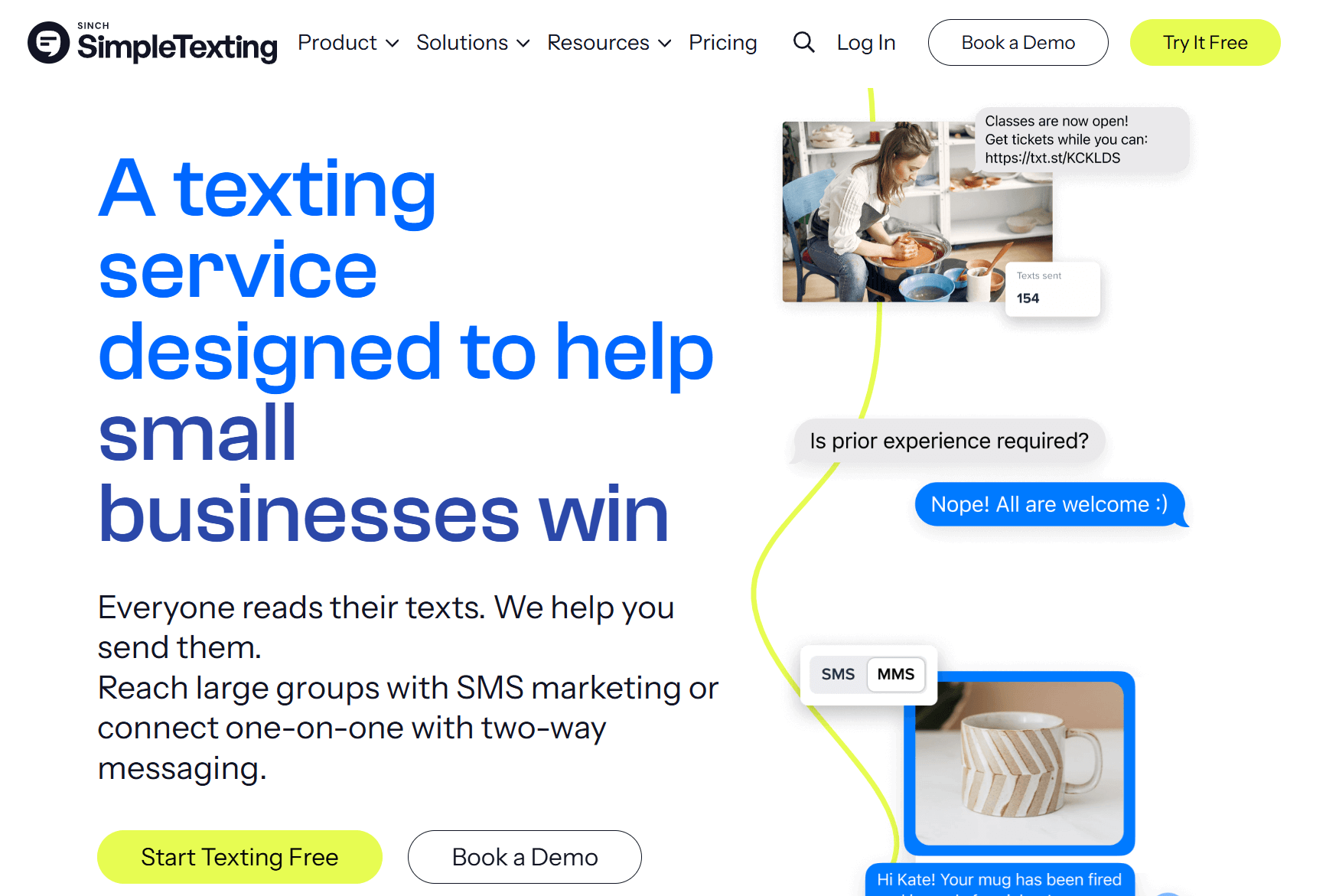
SimpleTexting is an SMS marketing platform for businesses that want to launch text campaigns quickly and stay compliant without complexity. It solves the challenge of real-time customer communication by making it easy to send bulk texts, set up automated messages, and manage two-way conversations from a single dashboard.
For small businesses, SimpleTexting is especially useful for promotions, reminders, and announcements that need immediate attention. Features like scheduled texts, autoresponders, and keyword-based opt-ins help businesses grow their SMS list and automate responses. Built-in compliance tools also support opt-out management, reducing the risk of regulatory issues.
Pros
- Easy to set up and use
- Supports two-way messaging and autoresponders
- Strong compliance and opt-in management
Cons
- Limited segmentation options
- Less suitable for complex, multi-step SMS journeys
Pricing: Starts at $29/month for 500 credits (text messages) and a toll-free number. There’s also a 14-day trial available.
Textmagic
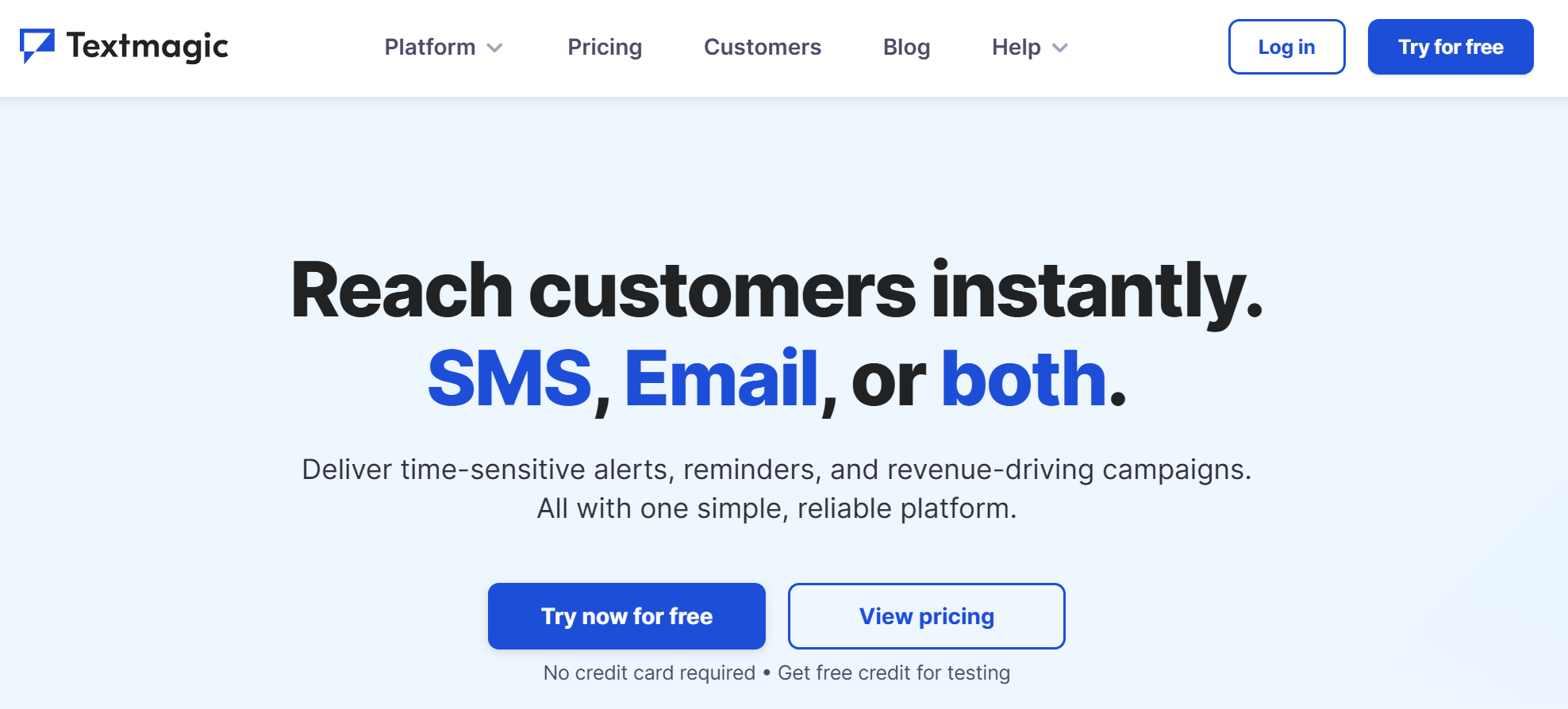
Textmagic is a business communication service that lets you reach potential customers via SMS, email, or both. The straightforward interface and pay-as-you-go pricing make it a great solution for businesses looking to avoid long-term contracts.
This tool is particularly suited for transactional messages, alerts, and customer notifications. You can also automate essential SMS workflows such as appointment reminders, order updates, and internal alerts. Thanks to its global coverage, you can deliver bulk text messages to 200+ countries. On top of that, you also get handy features like message scheduling, SMS templates, and automatic opt-out management.
Pros
- Transparent, pay-as-you-go pricing with no contracts
- Strong for transactional and notification-based SMS
- Supports international messaging
Cons
- No visual workflow builder for automated SMS sequences
- Fewer tools for SMS list growth beyond manual opt-ins
Pricing: $0.049 per outbound SMS. You can also test the tool through its 30-day free trial.
CRM Tools
With CRM tools, small businesses can manage customer relationships more efficiently by organizing contacts, tracking interactions, and automating follow-ups. Instead of relying on spreadsheets, CRM automation ensures no lead, deal, or customer conversation falls through the cracks.
Zoho CRM
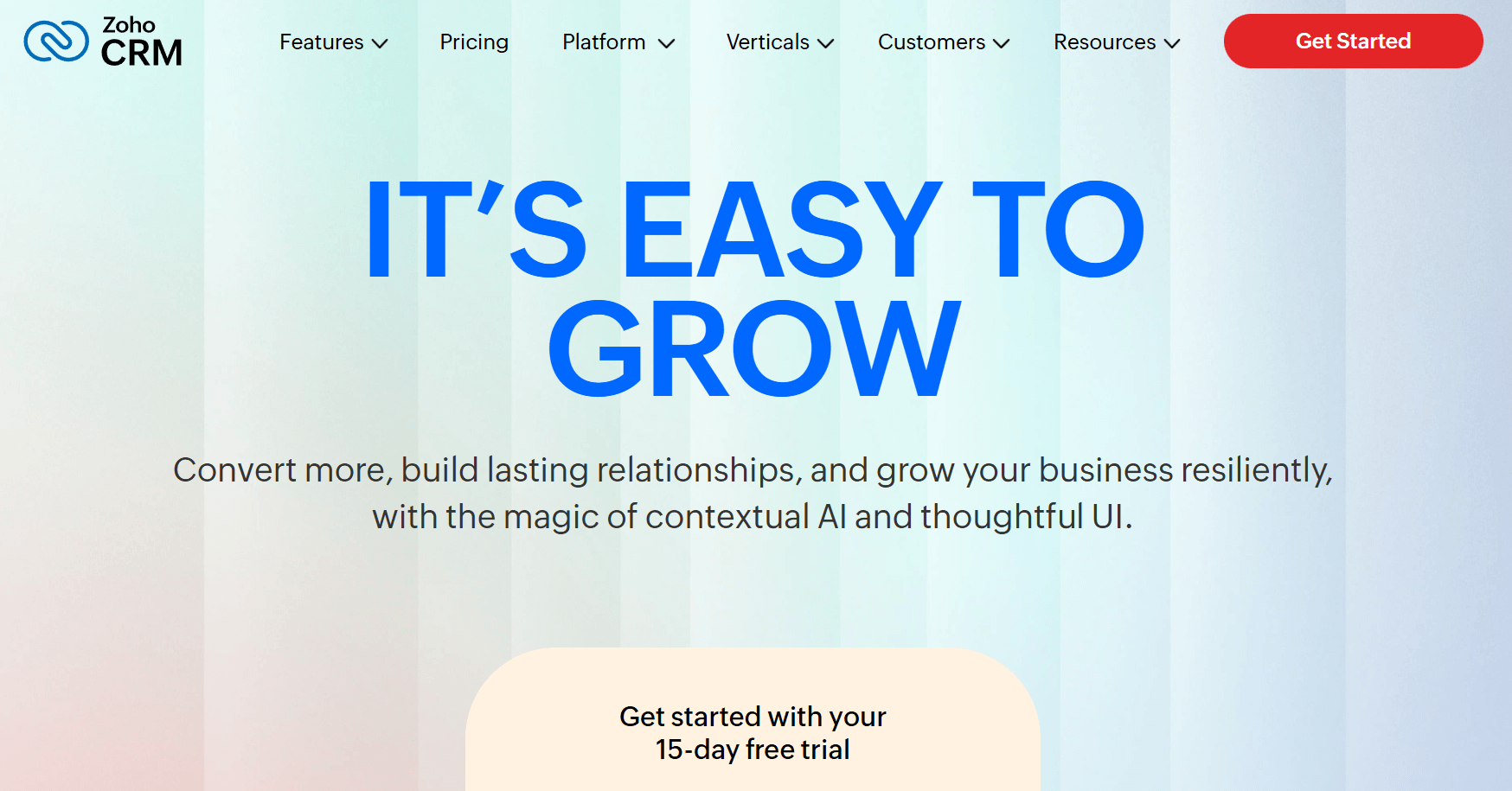
Zoho CRM is a flexible CRM platform that helps small businesses automate sales processes, manage leads, and track customer activity across multiple channels. It’s a great tool if you want structured pipelines, rule-based automation, and room to scale over time.
With Zoho CRM, you can eliminate manual follow-ups and automate lead assignment, task creation, email notifications, and deal updates, ensuring sales processes move forward consistently. Thanks to the broader ecosystem of Zoho apps, businesses can also expand into marketing, support, and analytics as needed.
Pros
- Strong sales automation and pipeline management
- Highly customizable workflows and rules
- Scales well as business needs grow
Cons
- Interface can feel complex for very small teams
- Setup requires time to configure effectively
Pricing: Starts at $20/user/month. There is a 15-day trial of the paid plans and a free edition supporting up to 3 users and essential features like leads, documents, and mobile apps.
Less Annoying CRM
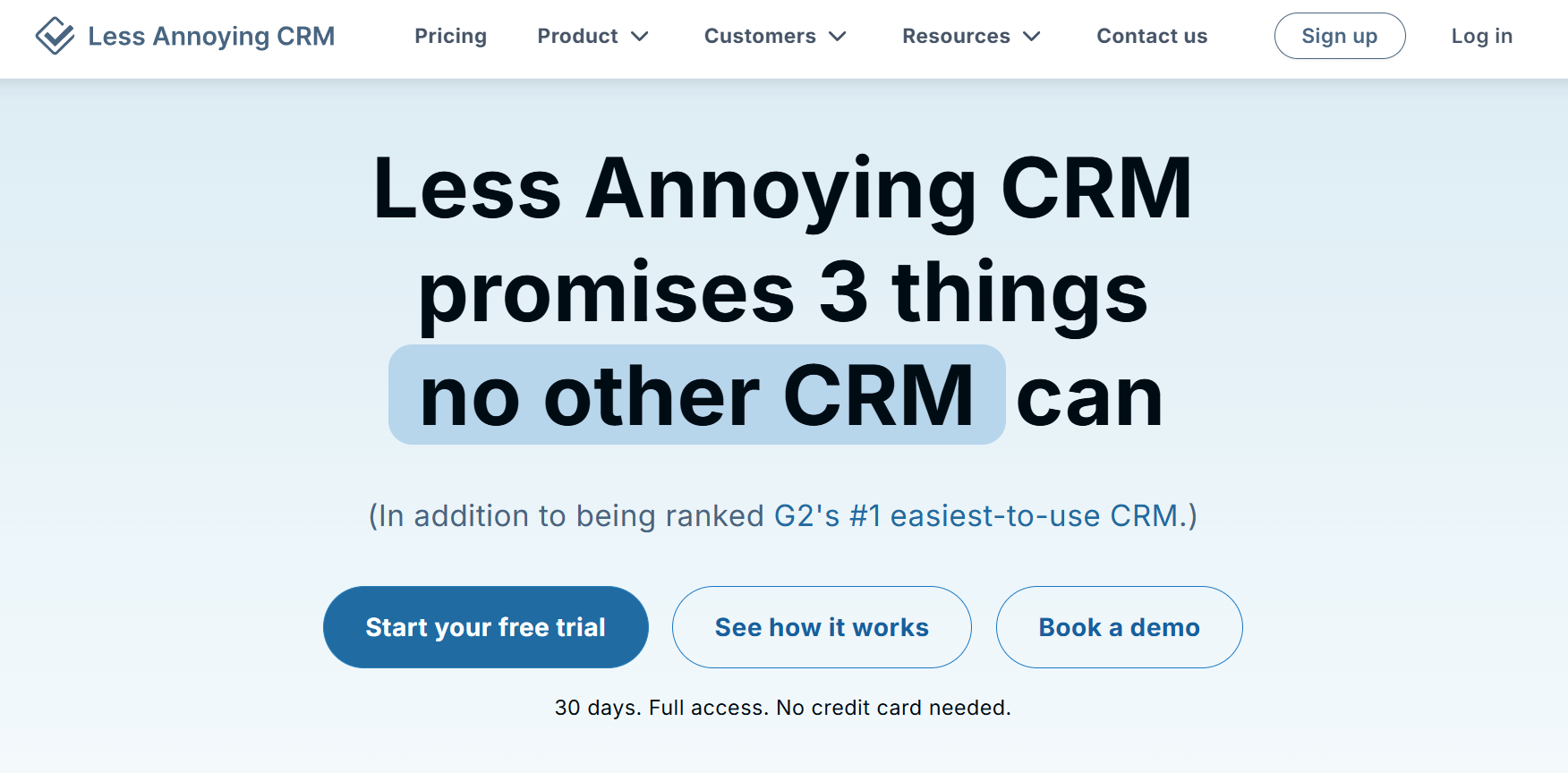
Less Annoying CRM is designed specifically for small businesses that want a simple way to manage contacts and follow-ups. As the name suggests, its main goal is to remove unnecessary effort from CRM software.
The platform helps you stay organized by keeping contact information, notes, and tasks in one place. While automation is intentionally minimal, features like reminders and task tracking ensure important follow-ups aren’t missed. This makes it a good fit for solo founders or very small teams that value clarity over advanced automation. Another benefit for small businesses is the responsive customer support that consists of experienced agents.
Pros
- Extremely easy to use and quick to set up
- Flat pricing with no feature tiers
- Responsive customer support with experienced agents
Cons
- Limited automation capabilities
- Not designed for complex sales pipelines
Pricing: Starts at $15/user/month with unlimited contacts and pipelines. You can also try the tool through its 30-day trial.
HubSpot
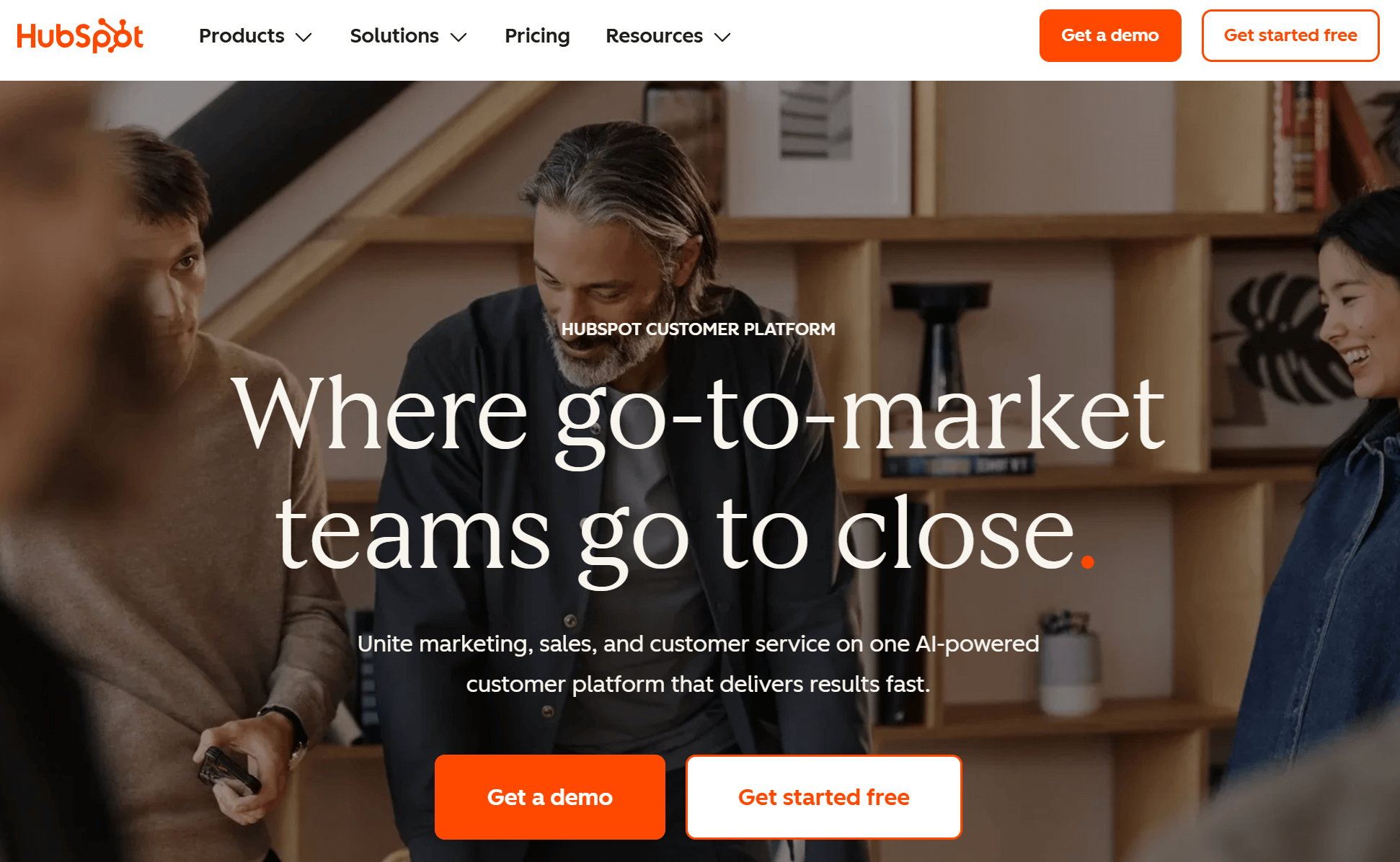
HubSpot is a popular inbound marketing platform that offers a generous free plan including its CRM. Specifically, the platform combines contact management, sales tracking, and basic automation in one system. It’s often chosen by small businesses looking for a CRM that’s easy to start with and integrates tightly with marketing and customer support tools.
With HubSpot, you can effortlessly tailor email campaigns to each contact’s individual needs based on CRM data. You also get if/then logic for your automated journeys. Additionally, the segmentation options are easy to implement even for beginners. Overall, small businesses will be able to centralize customer data and automate simple workflows such as task creation, deal updates, and follow-up reminders. And even though HubSpot’s vast functionality may “deter” beginners, its free plan makes it a great choice for small businesses.
Pros
- Free CRM with generous core features
- Strong integration with marketing and support tools
- Clean interface and easy onboarding
Cons
- For serious automation, you need a paid plan
- It gets expensive to access its full functionality
Pricing: Starts at $20/month. HubSpot’s free plan lets you access the CRM, store up to a million contacts, and send 2,000 emails/month.
Search Engine Optimization (SEO) Tools
SEO tools can be hugely beneficial for small businesses as they can help improve your online visibility without relying solely on paid ads.
From keyword research and content optimization to competitor analysis and technical checks, the right SEO software makes search growth more structured and measurable. Plus, you don’t have to be an SEO expert to see results.
Semrush
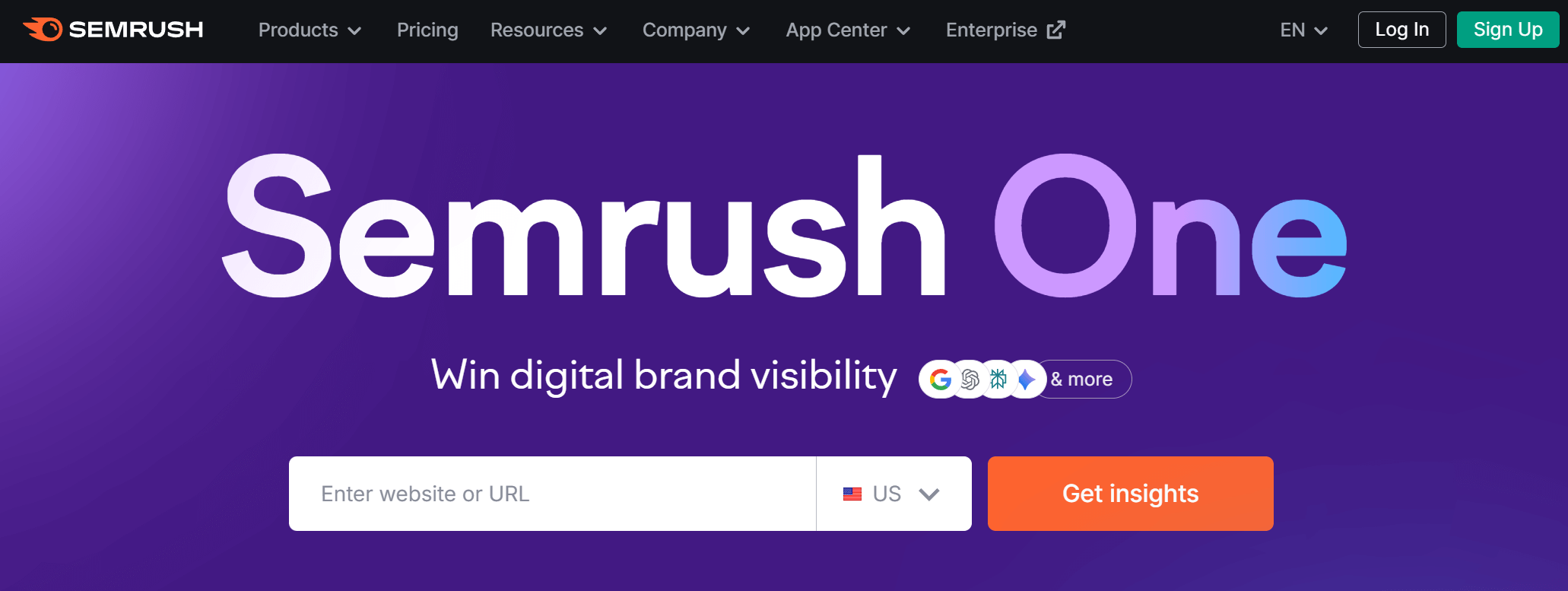
Semrush is an all-in-one SEO and digital marketing platform that helps small businesses research keywords, analyze competitors, and track search performance. It provides a broad view of your SEO efforts from a single tool.
This marketing automation tool helps identify growth opportunities by showing which keywords competitors rank for, where content gaps exist, and how a site performs technically. Features like site audits, rank tracking, and backlink analysis make it easier to prioritize SEO tasks instead of working blindly.
Pros
- Comprehensive keyword and competitor research
- Built-in site audits and rank tracking
- Useful beyond SEO (content, ads, social insights, AI search)
Cons
- Can feel overwhelming for complete beginners
- Higher-tier plans are needed for advanced features
- Expensive if you are on a tight budget
Pricing: Semrush ONE (SEO + AI search) starts at $199/month, while traditional SEO plans at $139.95/mo. There’s also a 7-day free trial available.
Surfer
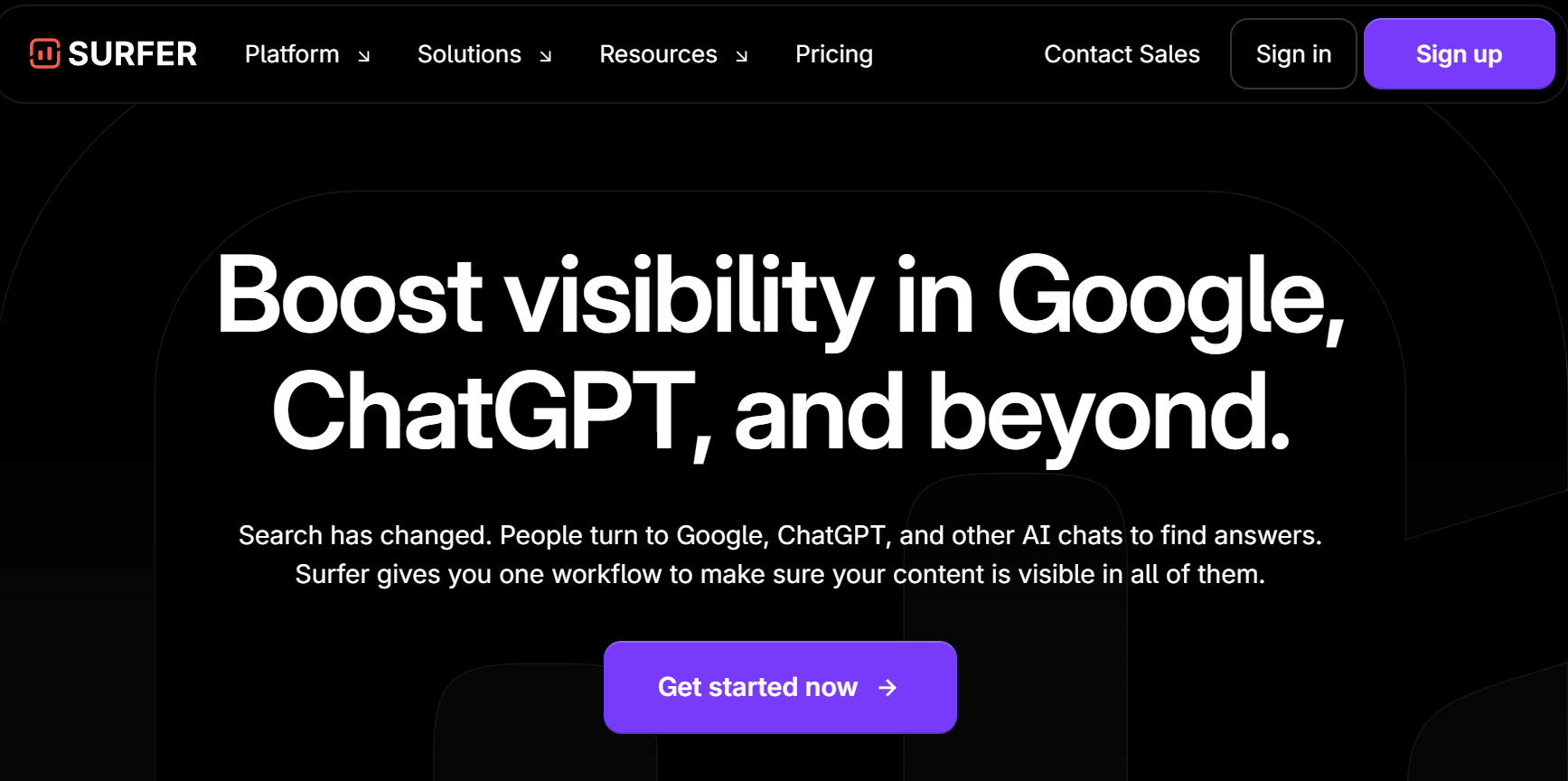
Surfer is a content-focused SEO tool that can help you optimize pages for search engines while writing. It solves one of the biggest SEO challenges: knowing what to include in a piece of content to rank competitively.
For small teams, Surfer is especially useful during content creation. Its Content Editor provides real-time recommendations based on top-ranking pages, including keyword usage, structure, and content length. This helps businesses create SEO-friendly blog posts and landing pages without deep technical knowledge or guesswork.
Surfer can also help you adapt to how search is evolving. Instead of focusing only on exact keywords, it looks at topic coverage and relevance, making it easier to create content that matches what search engines and AI-powered results are actually trying to show users.
Pros
- Clear, actionable on-page optimization guidelines
- Easy to use alongside content writing workflows
- Strong for content-driven SEO strategies
Cons
- Limited technical SEO capabilities
- Best value when paired with another SEO research tool
Pricing: Starts at $99/month, which is ideal for individuals and small teams. No free plan or trial.
Content Harmony
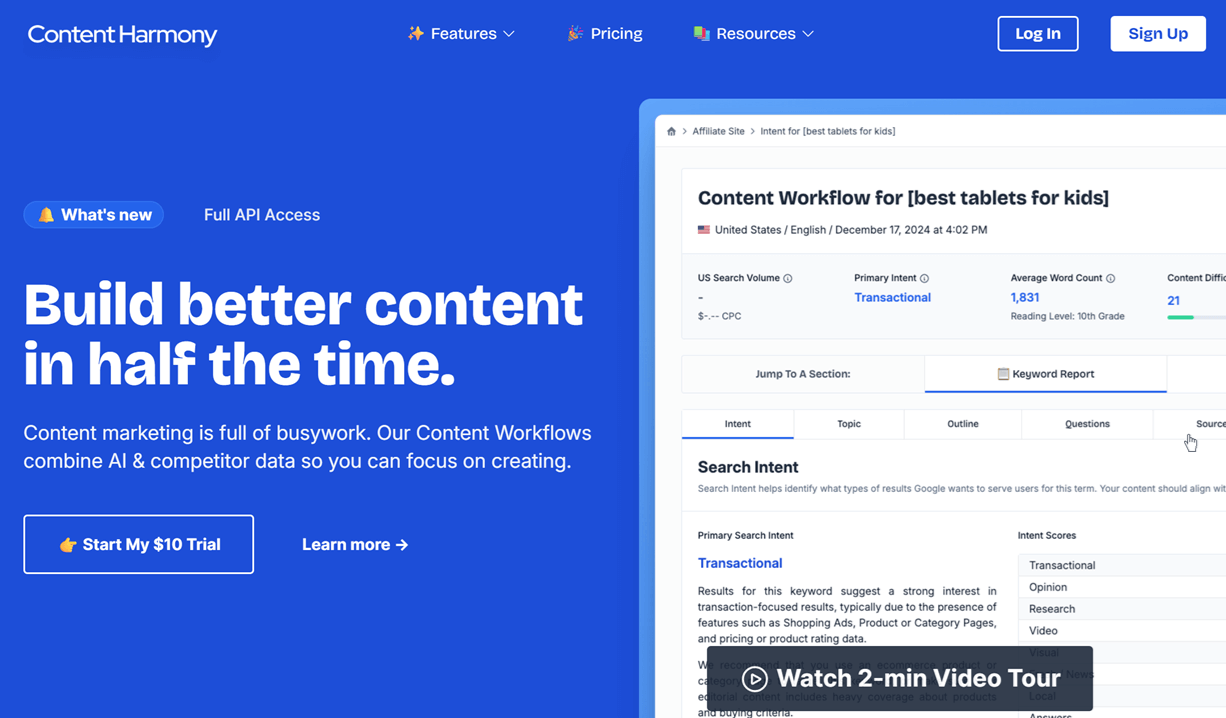
Content Harmony is another SEO and content research tool designed to bring structure to the content planning process.
The platform automates research by generating detailed content briefs based on keyword data, competitor analysis, and real search results. These briefs highlight key topics to cover, relevant questions to answer, and supporting terms to include, helping writers build well-structured, search-focused content from the start. This makes it easier to plan blog posts, guides, and landing pages with confidence, without spending hours on manual research.
Pros
- Excellent for content planning and SEO research
- Helps align content with search intent and SERP expectations
Cons
- Limited integrations
Pricing: Starts at $50/month. There’s also a $10 trial available (no expiration), providing 10 Content Workflow credits.
Social Media Marketing Tools
Social media plays a different role than email or CRM. It’s where visibility, brand voice, and day-to-day engagement happen.
For many businesses, the challenge isn’t just scheduling posts, but finding time to plan content, stay consistent, and understand what actually performs. Social media marketing tools help streamline content creation, publishing, and performance tracking, without turning social into another full-time job.
Hootsuite
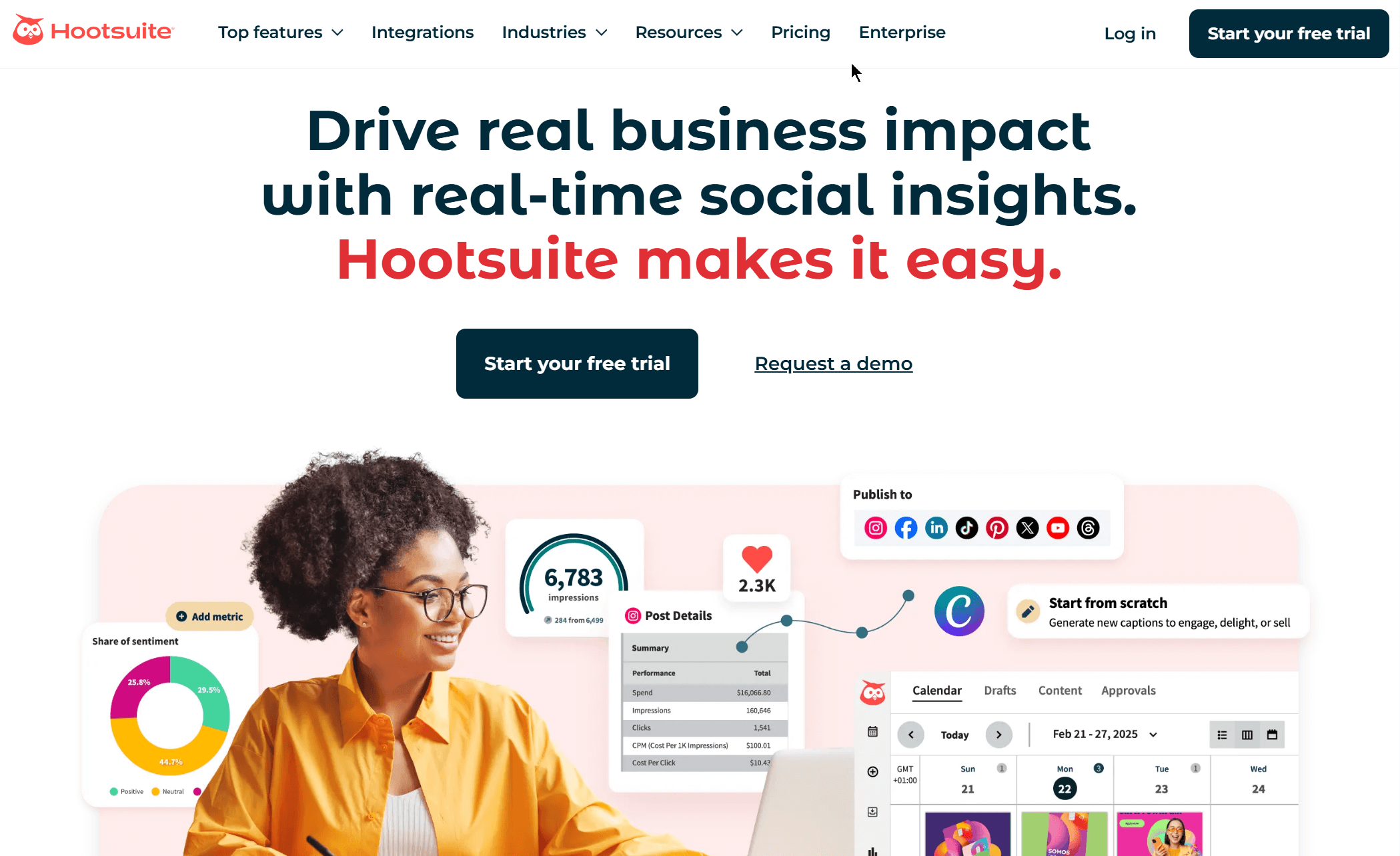
Hootsuite is a social media management platform that helps businesses plan, publish, and monitor content across multiple social media platforms from one dashboard. It’s particularly useful for maintaining a consistent posting schedule without jumping between platforms.
Key features include post scheduling, content calendars, basic analytics, and social listening tools that allow you to monitor brand mentions and conversations. Hootsuite also supports team collaboration, making it easier to review and approve content before it goes live.
Pros
- Supports multiple social media channels in one place
- Built-in content calendar and scheduling
- Social listening and monitoring features
- Native integration with Canva
Cons
- Advanced analytics require higher-tier plans
- Expensive platform for very small teams
Pricing: Starts at $149/month. There is also a 30-day free trial.
Buffer
Buffer focuses on simplicity and content publishing, making it a popular choice for businesses that want a clean, distraction-free way to manage social media posts. Its interface is built around planning and scheduling content quickly, without overwhelming users with advanced options.
Alongside scheduling, Buffer offers basic analytics to track engagement and post performance. It also includes tools for content planning and idea organization, which helps teams stay consistent even when posting frequency varies.
Pros
- Clean interface for content planning
- Free plan available for basic scheduling
Cons
- Limited analytics and reporting depth
- Fewer engagement and monitoring features
Pricing: Starts at $6/month. A free plan is also available.
CoSchedule
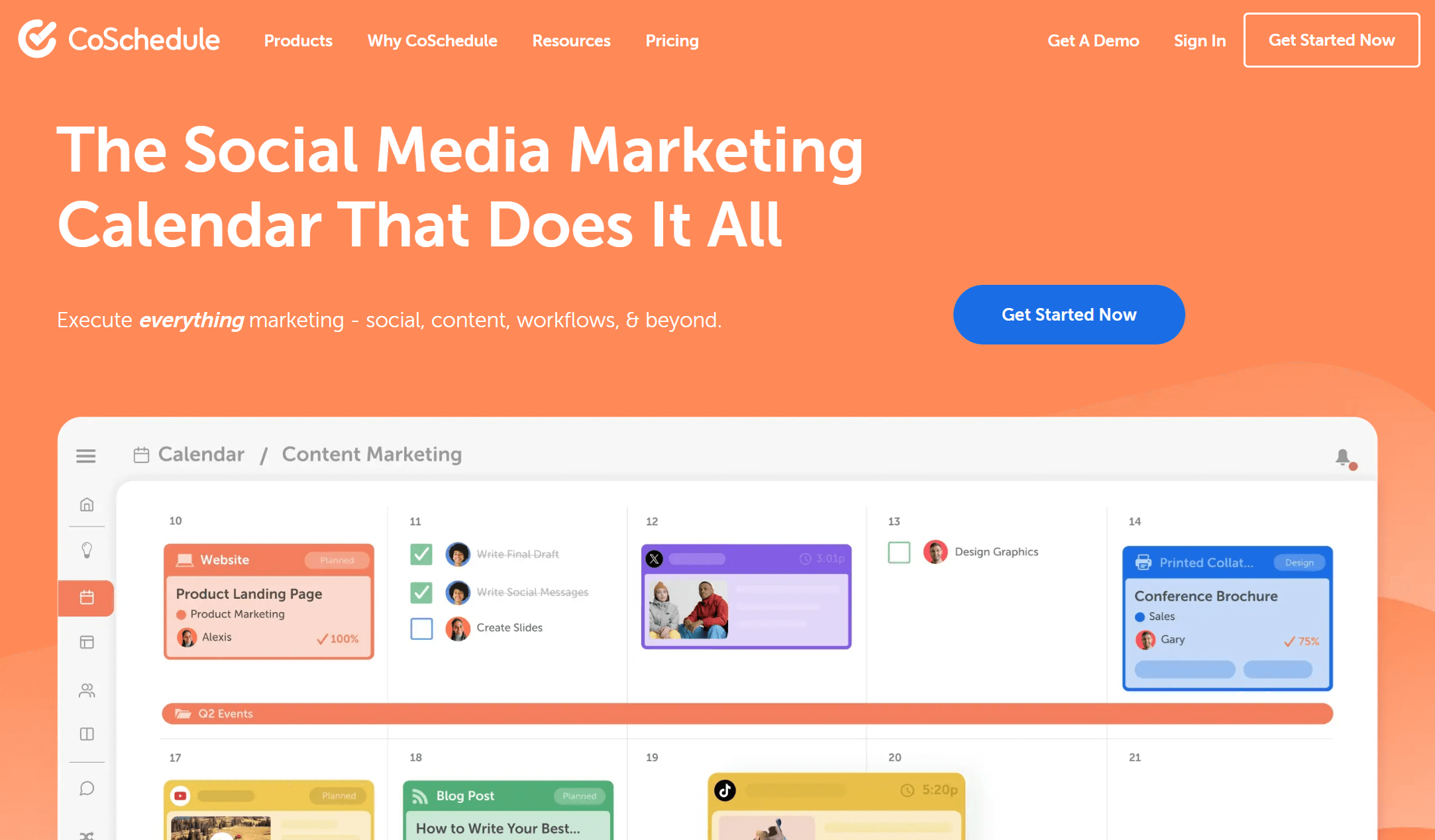
CoSchedule is a marketing calendar and content planning platform that helps teams organize social media alongside blog posts, campaigns, and other marketing activities. Rather than focusing only on posting, it brings structure and visibility to the entire content schedule.
CoSchedule allows users to plan, schedule, and reschedule social posts in relation to broader campaigns, making it easier to see how social fits into the bigger picture. It also supports collaboration and approval workflows, which help reduce last-minute changes and missed deadlines.
Pros
- Marketing calendar that connects social with other channels
- Helpful collaboration and approval features
- Affordable pricing plans
Cons
- Less emphasis on social listening or engagement tools
- Best suited for planning rather than real-time interaction
Pricing: Starts at $29/month. There is also a free calendar for users looking for basic social publishing.
Project Management Tools
Project management software helps keep marketing work moving without relying on long email threads or scattered notes. For growing businesses, they bring visibility to tasks, deadlines, and responsibilities, making it easier to plan campaigns, coordinate work, and follow progress across teams. Using timesheet software alongside project management tools can further improve tracking of employee hours and resource allocation, ensuring more accurate reporting and productivity insights.
Trello
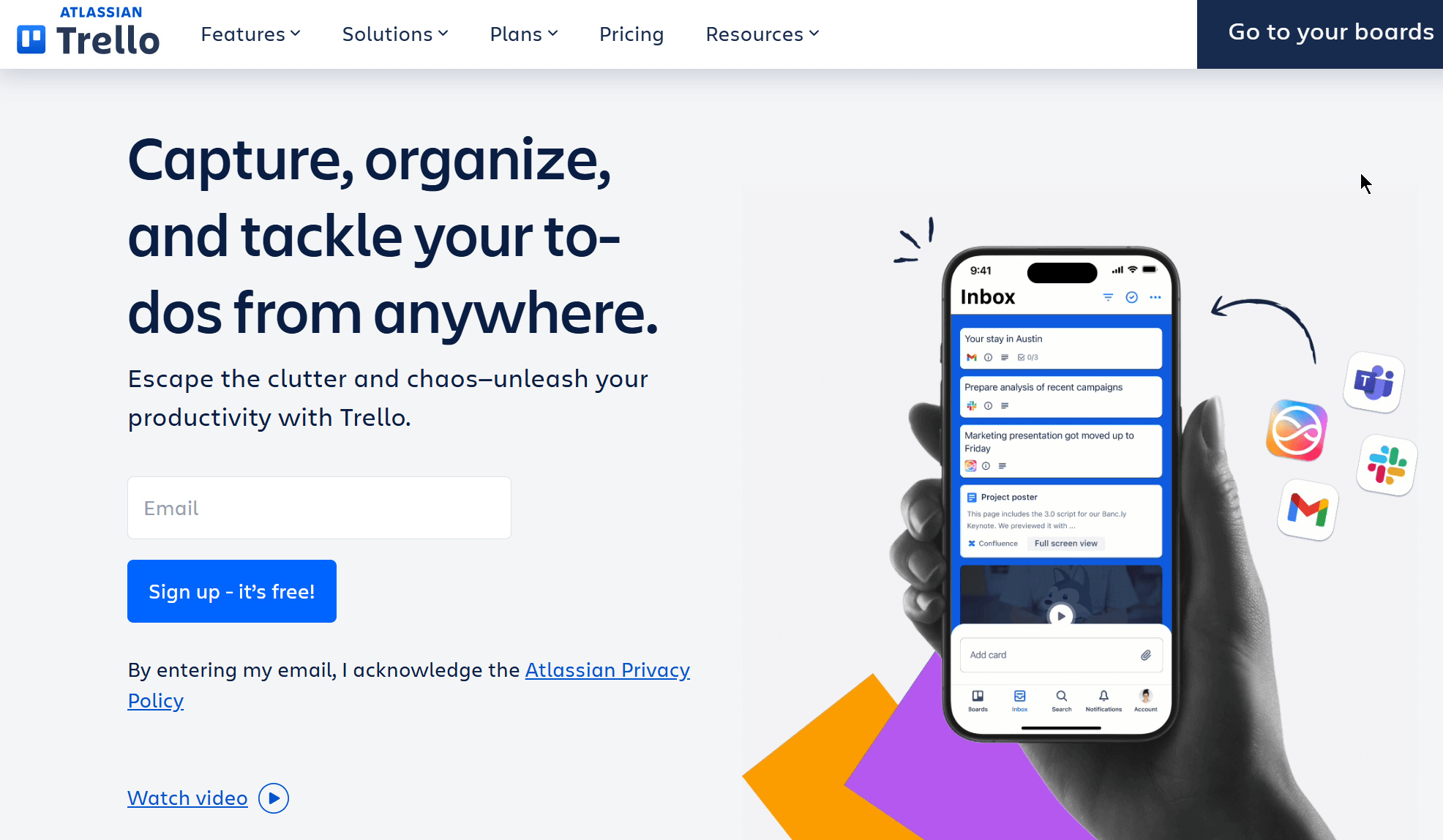
Trello is a visual project management tool built around boards, lists, and cards. It’s especially useful for organizing marketing tasks, content calendars, and campaign checklists in a way that’s easy to understand at a glance.
Teams can create boards for different projects, move tasks through stages, and add due dates, checklists, and attachments to each card. Trello’s flexibility makes it a popular choice for managing editorial calendars, social media planning, and lightweight project tracking.
Pros
- Very intuitive visual interface
- Flexible boards that adapt to different workflows
- Generous free plan
Cons
- Limited reporting and timeline views
- It can become cluttered when handling complex projects
Pricing: Starts at $6/month (monthly billing). There’s a free plan for up to 10 collaborators per Workspace.
Asana
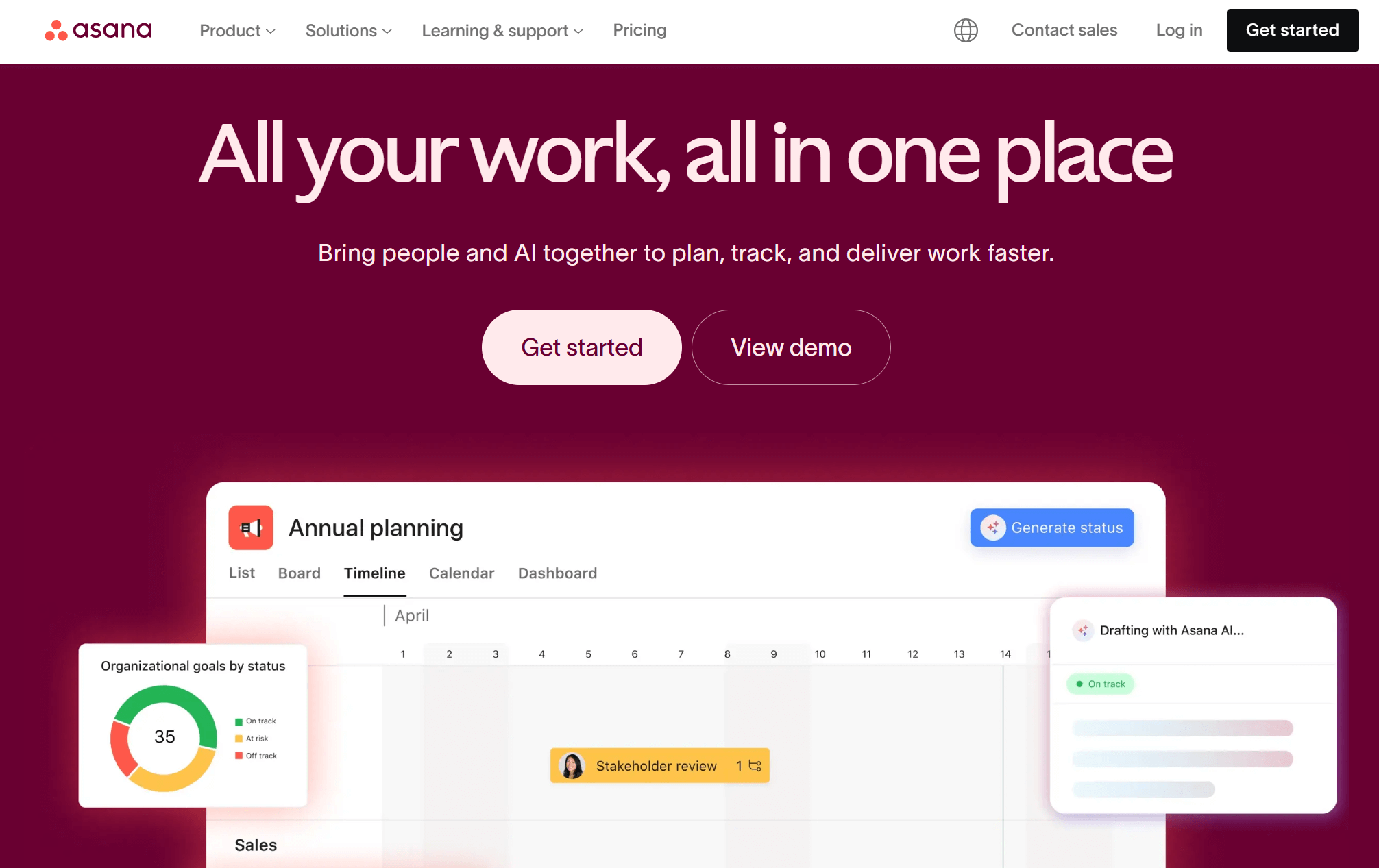
Asana is a structured project management platform designed to help teams plan, track, and manage work across multiple projects. It’s suitable for coordinating ongoing marketing efforts with clear ownership and deadlines.
Asana supports task dependencies, timelines, and multiple project views, allowing teams to see how work connects and where bottlenecks may appear. Features like task assignments, progress tracking, and goal setting make it easier to manage larger campaigns and recurring initiatives.
Pros
- Strong task organization and dependency tracking
- Multiple views (list, board, timeline)
- Useful for coordinating larger or ongoing projects
Cons
- More setup is required compared to simpler tools
- It can feel overwhelming at first
Pricing: Starts at $6/month. There is also a free plan, ideal for managing your projects without upfront investment.
Analytics Tools
Analytics tools help businesses understand what’s working, what’s not, and where to focus next.
Instead of guessing, these platforms turn website and marketing activity into insights you can act on, whether that’s improving a page, refining a campaign, or reallocating budget. The tools below cover both traffic-level insights and deeper customer behavior analysis.
Google Analytics
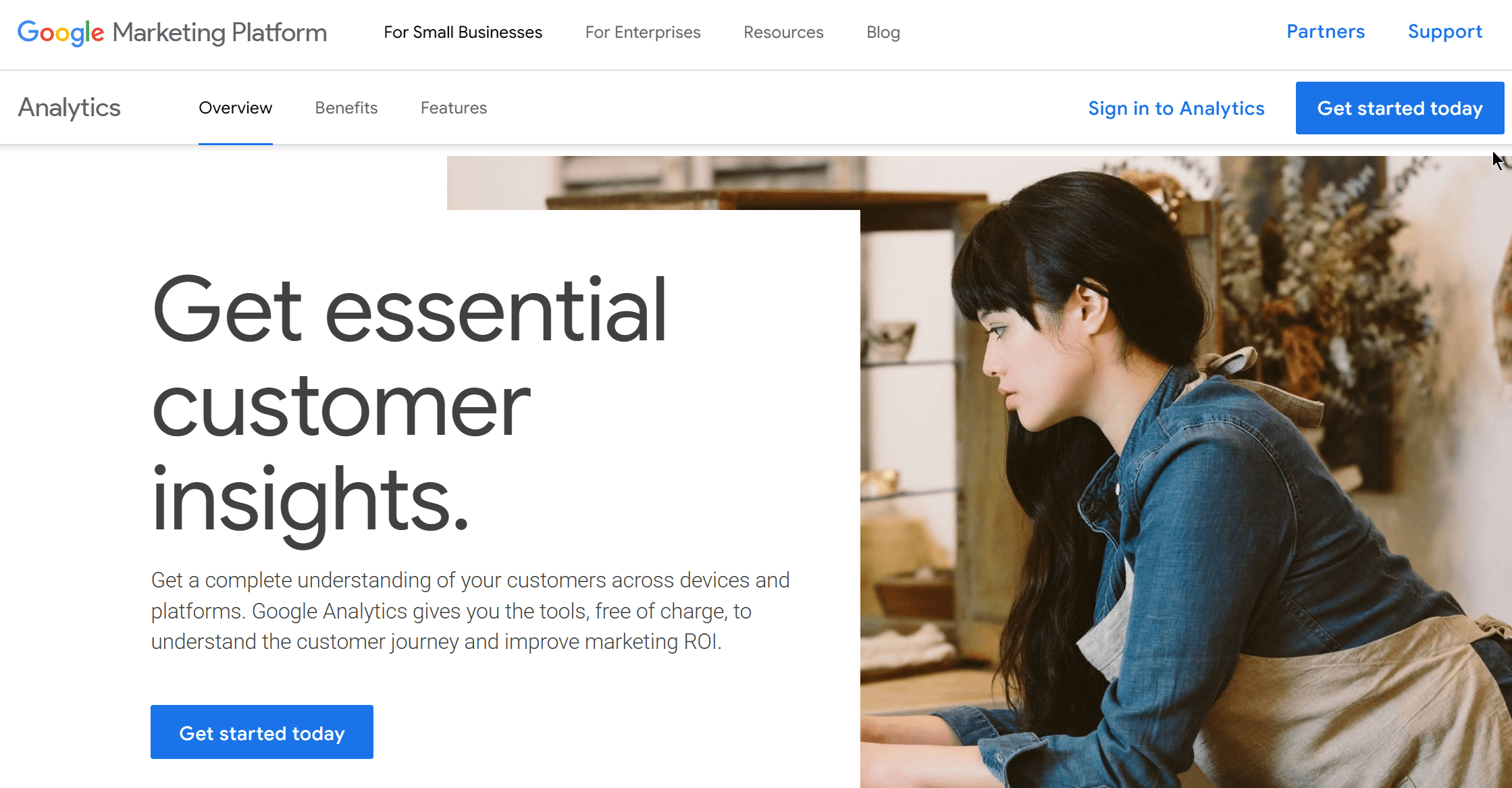
Google Analytics is a widely used web analytics tool that helps track how visitors find and interact with a website. It provides visibility into traffic sources, user behavior, and conversions, making it a foundational tool for measuring marketing performance.
It incorporates features like event tracking, funnel analysis, and audience segmentation, which help identify which channels drive results and where users drop off. The newer GA4 version also focuses on event-based tracking, offering greater flexibility in measuring interactions across devices and platforms.
Pros
- Free to use with robust core features
- Detailed traffic, behavior, and conversion insights
- Integration with Google Ads and other tools
Cons
- Steep learning curve, especially with GA4
- Interface and reporting can feel complex
Pricing: Free to use.
Kissmetrics
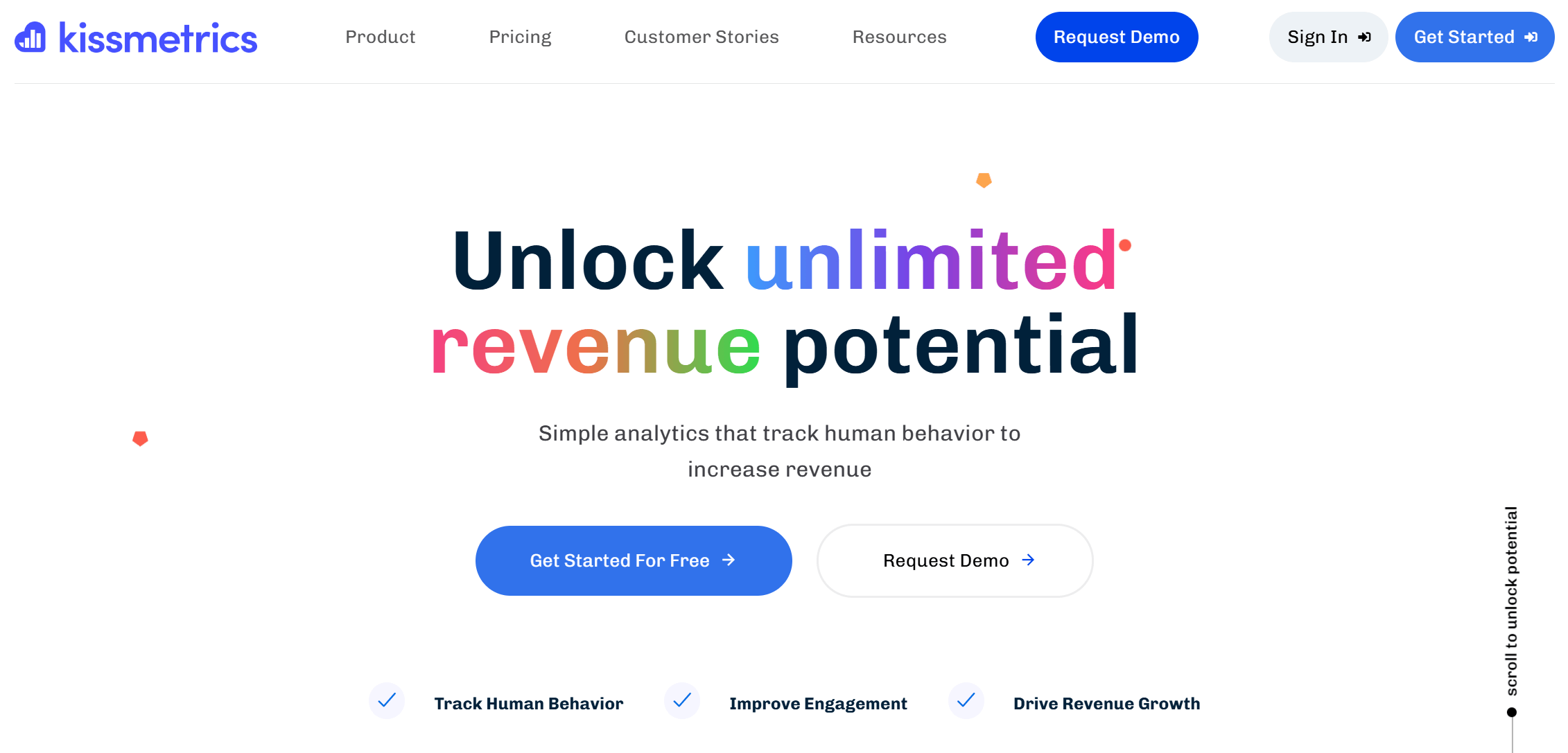
Kissmetrics is a behavior analytics platform focused on tracking individual users across sessions and touchpoints. Instead of looking only at pageviews or sessions, it helps understand how people move through a product, website, or funnel over time.
The tool is handy for analyzing customer journeys, retention, and conversion paths. By tying actions to specific users, Kissmetrics helps identify what leads to long-term engagement or drop-off, making it easier to optimize customer experiences based on real behavior patterns.
Pros
- Strong user-level and funnel analysis
- Useful for understanding retention and lifecycle behavior
Cons
- Requires setup and planning to get meaningful data
- Higher cost compared to basic analytics tools
Pricing: Starts at $25.99/month. You can also leverage the 14-day free trial.
Picking the Right Marketing Tool for Your Small Business
Finding the best marketing tools for small businesses comes down to choosing solutions that support growth without spending hours on setup. From email marketing and CRM platforms to SEO, social media, project management, and analytics tools, the right mix helps you stay organized, reach the right audience, and make data-driven decisions.
Instead of trying to use everything at once, start by identifying your most significant marketing gaps, whether that’s lead generation, content visibility, customer engagement, or performance tracking.
The tools covered in this guide are built to scale with your needs, making them practical options for small businesses looking to grow sustainably.
FAQs
Here are some common questions we’ve been getting from our readers.
1. Do small businesses really need marketing automation tools?
Yes, marketing automation tools help small businesses stay consistent even with limited time and resources. Automation handles repetitive tasks such as email follow-ups, lead tracking, and reminders, allowing businesses to focus on operations and customer relationships rather than manual marketing work.
2. Are there free marketing tools for small businesses?
Yes, many marketing tools offer free plans or trials suitable for small businesses. Free versions of email marketing tools, CRM systems, analytics platforms, and social media schedulers can cover basic needs. As your business grows, paid plans unlock more advanced features, higher limits, and better reporting.
3. Can small businesses compete with larger companies using marketing tools?
Yes. The right marketing tools allow small businesses to compete more effectively by working smarter, not harder. Automation, analytics, and content tools help level the playing field by improving efficiency, targeting the right audience, and making better data-driven decisions without large teams or budgets.
4. How do I choose the right marketing tools for my small business?
Start by identifying your biggest marketing challenge, such as lead generation, visibility, customer engagement, or organization. Choose tools that solve that specific problem first. It’s usually more effective to build a small, focused marketing stack than to use many tools with overlapping features.
Similar Posts

 Published by
 Published by

Create, send and optimize your email marketing campaigns!