










12 Best MailerLite Alternatives For 2026 [March Update]
Published By Marilia Dimitriou
August 9, 2024

09/08/24
MailerLite is a popular option for beginners and users who don’t want to break the bank. However, if you want more advanced capabilities to scale your business, it may be time to consider a few MailerLite alternatives.
Today, we’ll focus on some of the best competitors you can choose to make your business thrive. From more advanced marketing automation options to additional functionality, here are the top options to keep in mind.
Disclaimer: The information below is accurate as of March 2026.
Ditch extra costs with code MAKETHEMOOVE
Get 25% off for 3 months and enjoy advanced features.
Switch to MoosendWhy You Should Consider a MailerLite Competitor
MailerLite offers a decent service, but it has a few limitations. Here is what makes most users switch from it:
- Lack of some advanced features: You don’t get advanced deliverability testing, deep funnel analytics, or customizable reports.
- No templates on the free plan: Free-plan users must create their email campaigns and landing pages from scratch, as templates are available only on paid plans. The only exception is the limited automation templates option.
- No automation triggers on the Free and Growing Business plans: While you get an email automation builder and limited automation templates, multiple automation triggers are only part of the Advanced plan.
- Lengthy approval process: To ensure high email deliverability, MailerLite has a rigorous approval process that prevents users from starting right away. It can take up to 24 hours.
- Less flexible subscriber management: You get fewer flexible options for complex, behavior-driven segmentation compared to advanced platforms.
Alternatives to MailerLite by Use Case
Before we take a thorough look at them, here are each tool’s best use cases:
- Moosend – Best for advanced and easy-to-set-up automation workflows
- Constant Contact – Best for event management and RSVPs
- Hostinger Reach – Best for AI-powered email creation
- ActiveCampaign – Best for pre-made automated journeys
- Brevo – Best for multi-channel marketing
- Mailchimp – Best for extensive A/B testing
- SendGrid -Best for sending transactional campaigns
- Zoho Campaigns – Best for creating interactive emails
- Mailjet – Best for real-time collaboration
- Omnisend – Best for omnichannel options
- Kit – Best for creators
- Mailgun – Best for developers
Best MailerLite Alternatives: Comparison Table
As mentioned above, there are areas where MailerLite falls short. So, if you’re looking for more sophisticated features or better usability, here are your best MailerLite competitors compared:
| Price/Month | Free Plan/Trial | Unique Feature | |
| MailerLite | $10/month | Yes | Beginner-friendly email editor |
| Moosend | $9/month | 30-day free trial | Easy-to-use visual workflow builder |
| Constant Contact | $12/month | 30-day trial | Event invitations management |
| Hostinger Reach | $5.99/month | 1-year free trial | AI-powered tool |
| ActiveCampaign | $19/month | 14-day trial | Advanced marketing automation |
| Brevo | $9/month | Yes | Email testing features |
| Mailchimp | $13/month | Yes (very limited) | Powerful reporting capabilities |
| SendGrid | $15/month | Yes | Easy-to-use API |
| Zoho Campaigns | $4/month | Yes | Email scheduling tool |
| Mailjet | $17/month | Yes | Multi-user collaboration |
| Omnisend | $16/month | Yes | Email and SMS campaigns |
| Kit | $39/month | Yes | Creator network |
| Mailgun | $15/month | Yes | Powerful API for developers |
Now let’s see more details about these email marketing services.
1. Moosend
Pricing: Paid plans start at $9/month, 30-day Free trial (Sign up here)
Best for: Small Businesses, eCommerce, Bloggers, SaaS, Startups
Unique feature: Easy-to-use visual workflow builder
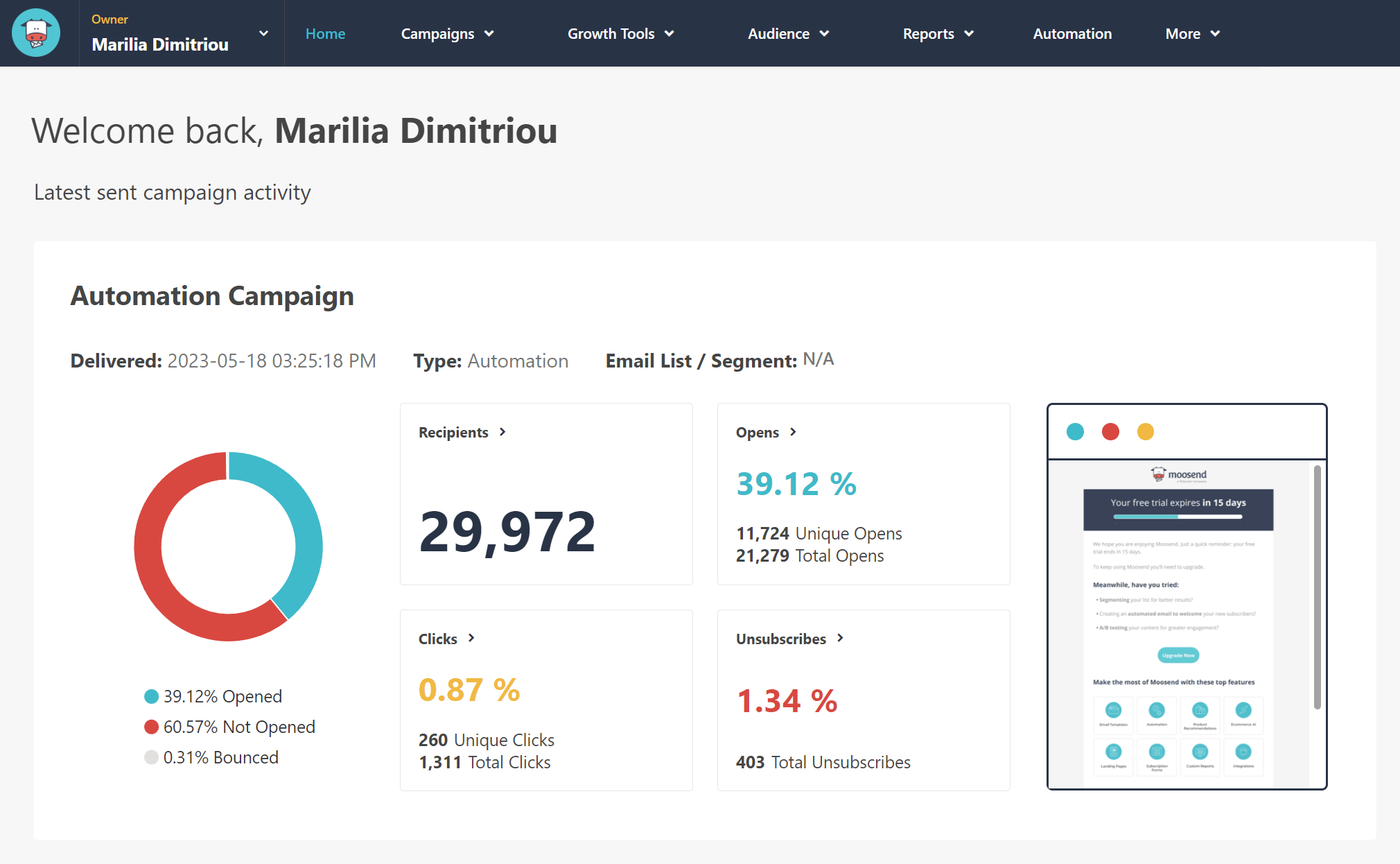
Moosend is a great MailerLite alternative that remains affordable while offering more advanced features and functionality.
The email editor offers a range of content blocks to craft beautiful, high-converting email campaigns. If you want to save time, you can also grab one of the ready-made email templates and customize them on the spot.
Moosend also offers an easy-to-use workflow editor to set up your automated sequences, including welcome, cart abandonment, and re-engagement series. Compared to MailerLite, this email marketing software offers pre-made recipes you can use as blueprints for your workflows.
To help you increase your subscriber base, the tool offers an easy-to-use form editor and a landing page builder with numerous templates. When you capture your new leads, you can use the advanced segmentation options to deliver more targeted content to your email list.
If you want to optimize your strategy, you can benefit from the custom reporting and analytics to create a personalized dashboard to monitor campaign performance. Lastly, Moosend offers better email deliverability than MailerLite, with a 98% sending score.
Moosend Features
- Intuitive drag-and-drop editor with built-in AI Writer
- Professional newsletter templates
- Signup forms and landing pages
- Marketing automation builder
- Audience management tool
- Powerful custom reporting and analytics
- Integrations with CRM, eCommerce platforms, etc.
Pros
- Advanced marketing automation (wide range of triggers)
- Affordable pricing plans
- High email deliverability
Cons
- No website builder
- Form builder lacks customization options
Further reading: For more on the platform, see Forbes’ full Moosend review.
Pricing
Moosend’s pricing starts at $9/month for up to 500 subscribers, including unlimited emails, advanced automation, landing pages and forms, custom reports, and access to the SMTP server. The Moosend+ plan allows you to select the enterprise-level features you need and add them to your plan.
If you want to try the tool, you can sign up for a free account and see why it’s a great alternative to MailerLite.
2. Constant Contact
Pricing: Paid plans start at $12/month, 30-day free trial
Best for: Educators, Event organizers, Small businesses
Unique feature: Event invitation management
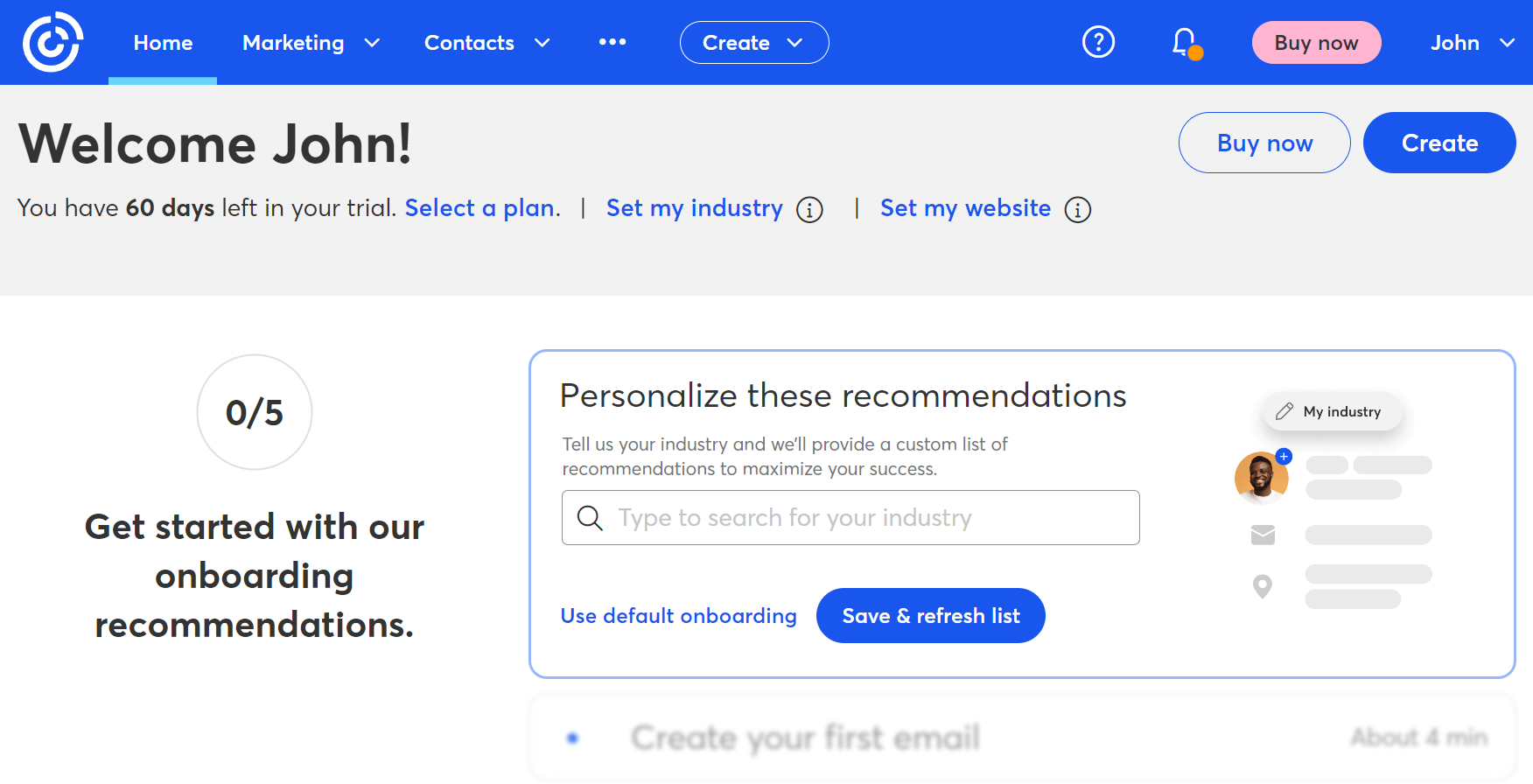
This MailerLite competitor is ideal for marketers who want to create emails and enhance their digital marketing efforts through online events.
Starting with the email builder, you can use the tool to craft email campaigns from scratch or use one of Constant Contact’s email newsletter templates.
Marketing automation is also available, letting you set up automated sequences for your audience. Nevertheless, they may not be as flexible as other Constant Contact competitors. However, A/B testing is only for email subject lines.
Furthermore, you can use the email software’s list management features to create subscriber segments to improve engagement. This will allow you to craft more relevant content for your potential customers.
Lastly, Constant Contact offers reporting and analytics features to let you monitor your performance and compare your campaigns.
Constant Contact Features
- Drag-and-drop email builder
- Event management tool
- Autoresponders
- Pop-ups for lead generation
- Multiple customer support channels
- Integrations through API
Pros
- Simple service with niche features
- Social media scheduling
Cons
- Email templates look outdated
- Autoresponders are very basic
Further reading: For more info, see our detailed Constant Contact review.
Pricing
You can try Constant Contact by signing up for the 30-day free trial. After the trial period, you will need to select a paid plan, starting at $12/month for 500 contacts.
3. Hostinger Reach
Pricing: Paid plans start at $5.99/month, free 1-year trial
Best for: Small businesses, creators, solopreneurs
Unique feature: AI-powered email creation with seamless Hostinger integration
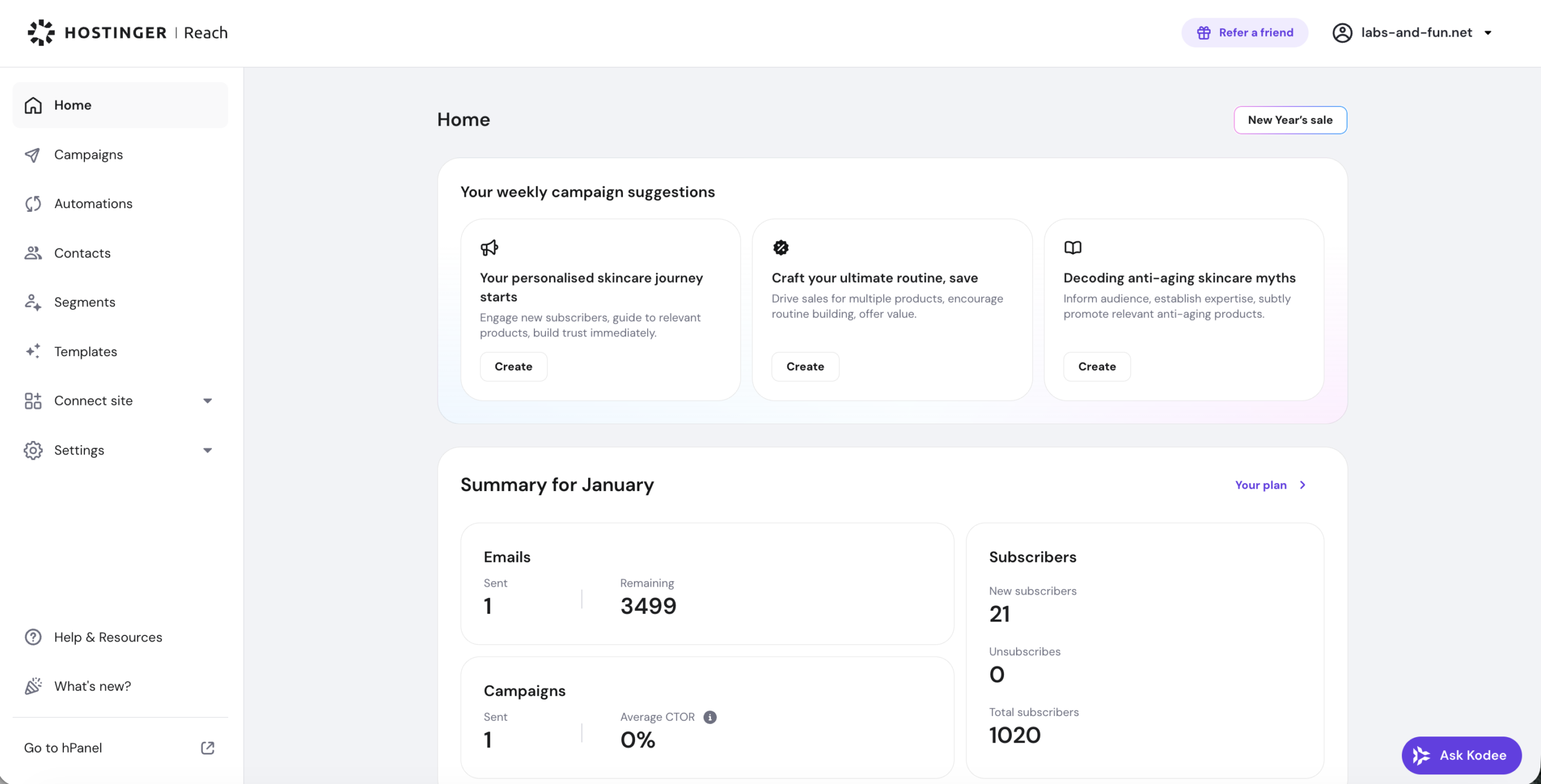
If MailerLite’s drag-and-drop builder still feels like work, give Hostinger Reach a try. This MailerLite alternative generates complete emails from prompts. Just type your goal, like “welcome email for new subscribers,” and Reach creates a ready-to-send, mobile-friendly email with the right layout, tone, and structure.
Furthermore, if your domain is hosted in Hostinger, you can enable email deliverability with a single click. Your audience stays automatically organized, since contacts sync seamlessly from Hostinger Website Builder or WordPress. When it’s time to create campaigns, just set your brand pillars (colors, style, and key messages), and Reach’s AI-powered tool will create perfectly on-brand email templates. You can also schedule emails, personalize messages, set up welcome email automations, and segment your audience.
Hostinger Reach focuses on accessibility. So, if you want a clean, beginner-friendly experience backed by smart AI tools, it’s a great fit. However, if you need very advanced integrations or multi-channel messaging, you may want to explore other options.
Hostinger Reach Features
- AI-powered template creator with chat and edit modes
- On-brand customization
- Suggested subject lines and email quality checker
- Built-in integrations with hPanel, Hostinger Website Builder, WordPress, including Elementor and WooCommerce
- Smart user segmentation with AI
Pros
- Fast AI generation for full email content and layout
- Clear, beginner-friendly interface
- Strong deliverability with automatic authentication
- Free plan for new users
Cons
- Limited advanced automation
- No A/B testing
- Not many third-party integrations
Pricing
Hostinger Reach offers a free plan for the first year, which includes up to 200 emails/month for 100 subscribers. Paid plans start at $5.99/month and cover 3,500 email sends and 500 subscribers. All plans include a set of AI messages, with top-ups available. You can start small and upgrade as your audience grows.
4. ActiveCampaign
Pricing: Paid plans start at $19/month, 14-day free trial
Best for: eCommerce, SaaS, Experienced marketers
Unique feature: Advanced marketing automation
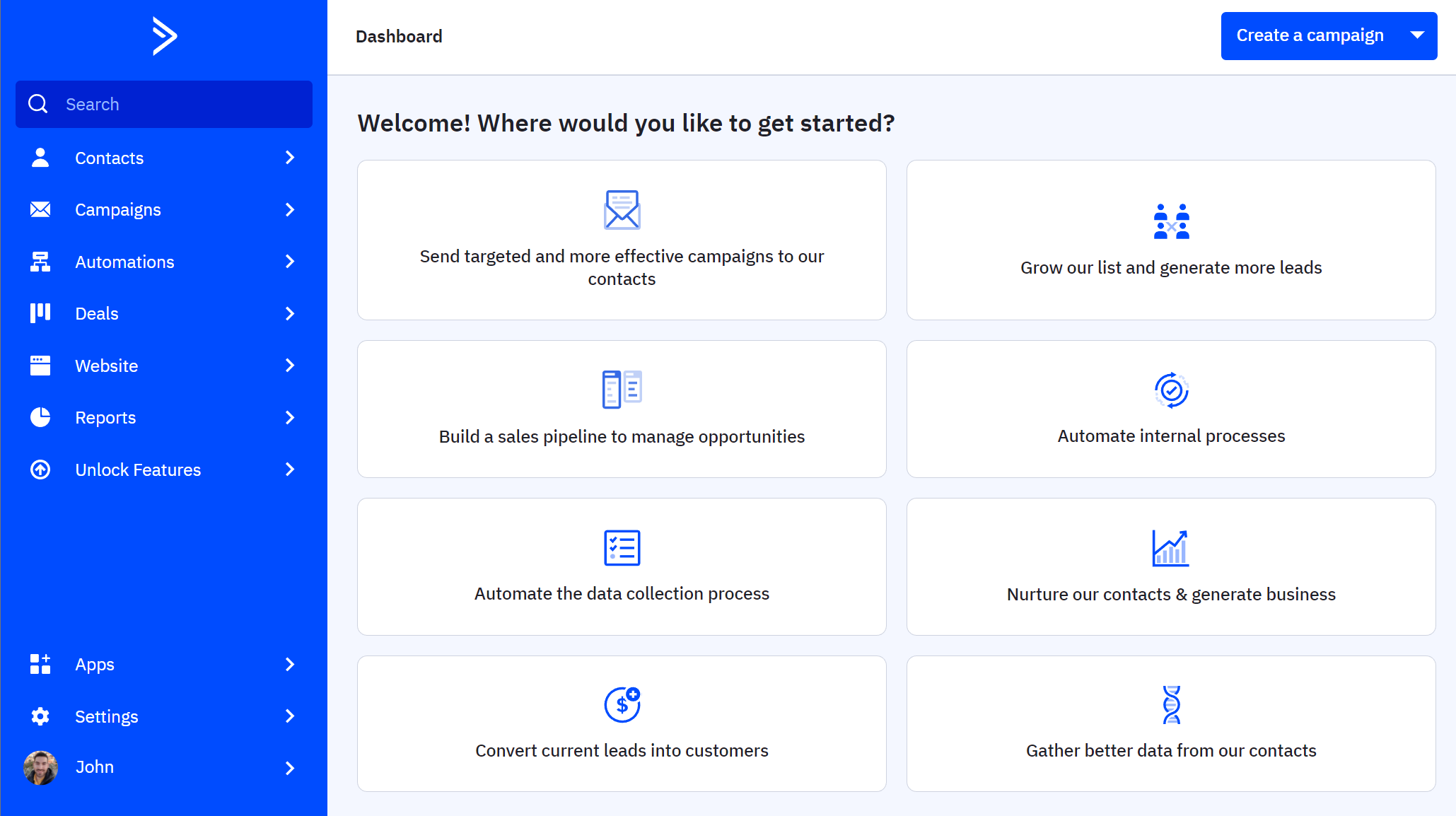
If you want a plethora of pre-built automation journeys for your business, then ActiveCampaign may be the right alternative for you. This competitor is great for users who want to craft sophisticated sequences. Keep in mind, though, that if you are a beginner, you may find it quite difficult to learn and use.
When it comes to email creation, the builder is fast and easy, giving you numerous content block options. Also, you can benefit from the “campaign changes history” option to see what other users have done to your template.
Apart from that, you can use the platform’s list management tools to keep your contacts organized. You can also use the email testing features to preview how your campaigns look, but they are more basic.
ActiveCampaign can be a high-maintenance email marketing automation platform. If you want something more advanced but as beginner-friendly as MailerLite, you should consider one of the top ActiveCampaign alternatives.
ActiveCampaign Features
- User-friendly interface
- Advanced marketing automation features
- Autoresponders
- Email list management
- HTML campaigns
- Integration with Salesforce, Shopify, etc.
Pros
- Vast library of pre-made automation recipes
- Automations Map to visualize how your automations interact with each other
Cons
- Has a learning curve
- Expensive email marketing solution (but with powerful functionality)
Further reading: For more details about this MailerLite alternative, check our thorough ActiveCampaign review.
Pricing
ActiveCampaign isn’t a free email marketing solution, but it offers a 14-day free trial you can use to test it. When the free period ends, you need to upgrade to a paid plan, starting at $19/month for 1,000 contacts (Starter plan). For landing pages, site tracking, and Generative AI, you need the Plus plan.
Note: ActiveCampaign’s $15/month pricing refers to Starter plans paid annually. The month-to-month price is $19.
5. Brevo
Pricing: Paid plans start at $9/month, free plan
Best for: Publishers, Agencies, eCommerce
Unique feature: Email testing features
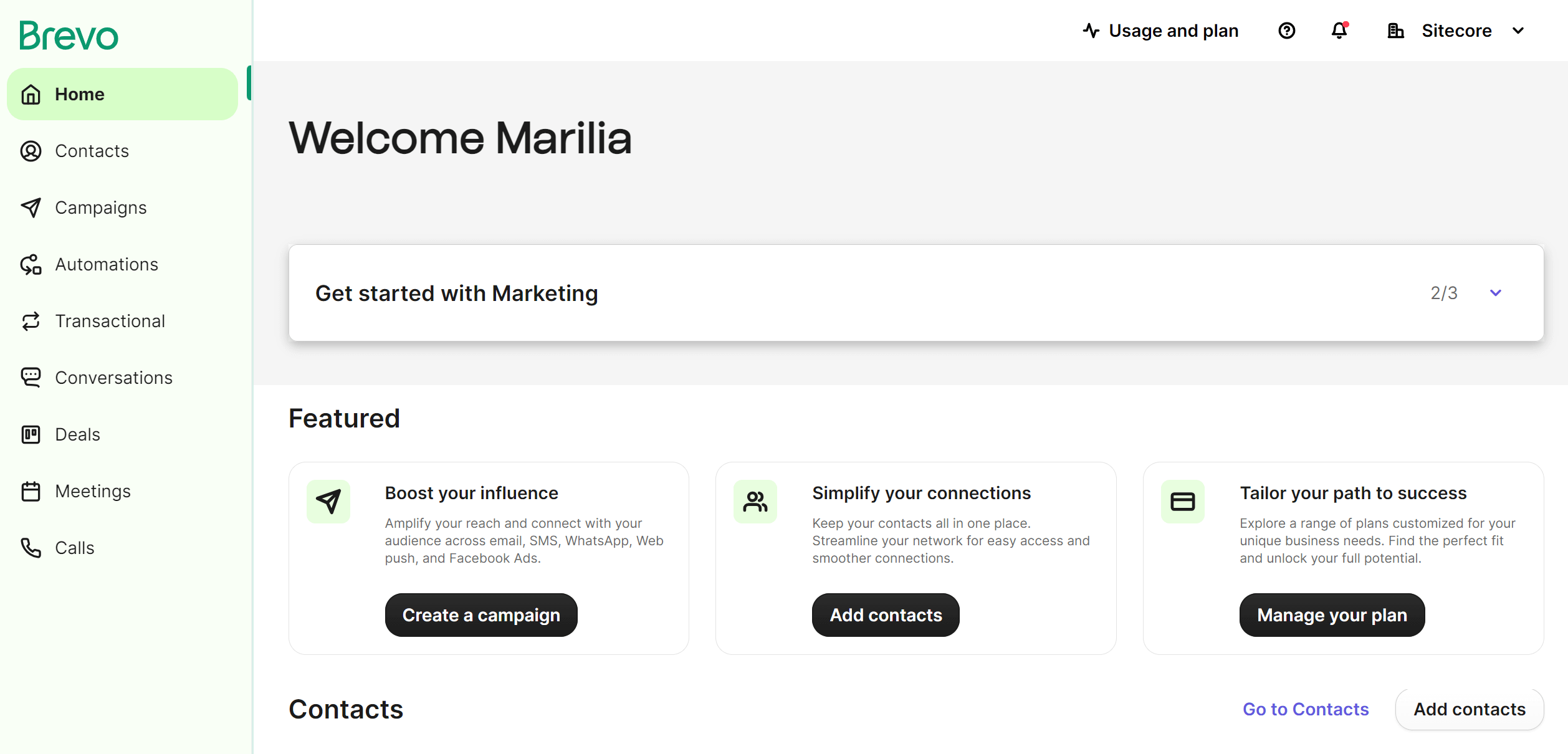
Brevo is a MailerLite alternative that equips you with both email marketing and SMS marketing tools to help you ace your engagement strategy. If you want to combine these two channels, this email marketing service lets you personalize your messages to convert your audience more effectively.
Brevo’s email editor is easy to use, although there have been instances where the builder has been a little slow. Nevertheless, it lets you craft various email marketing messages, like newsletters, transactional campaigns, and autoresponders.
Regarding marketing automation, the workflow editor is flexible and robust, allowing you to create numerous sequences, including welcome, abandoned cart, and re-engagement series. You can use behavioral data, like your subscribers’ website or email engagement, to craft specific workflows for them. This way, you will have a better chance of converting them.
Brevo Features
- Email drip campaigns
- SMS marketing & WhatsApp campaigns
- Social media ads
- CRM tool
- Advanced reporting and analytics
Pros
- Solid automation
- Sales CRM functionality
Cons
- Costs extra to remove Brevo branding ($12/month)
- Questionable email deliverability
Further reading: For the full breakdown, check out our in-depth Brevo review.
Pricing
Brevo gives you a limited free plan to test its email marketing offering (300 emails per day). To lift the daily sending limit, you can choose a paid subscription plan starting at $9/month (500 contacts, 5,000 emails).
If you want something more affordable, check out our list of the best Brevo alternatives.
6. Mailchimp
Pricing: Paid plans start at $13/month, limited free plan
Best for: Agencies, Publishers, eCommerce
Unique feature: Powerful reporting capabilities
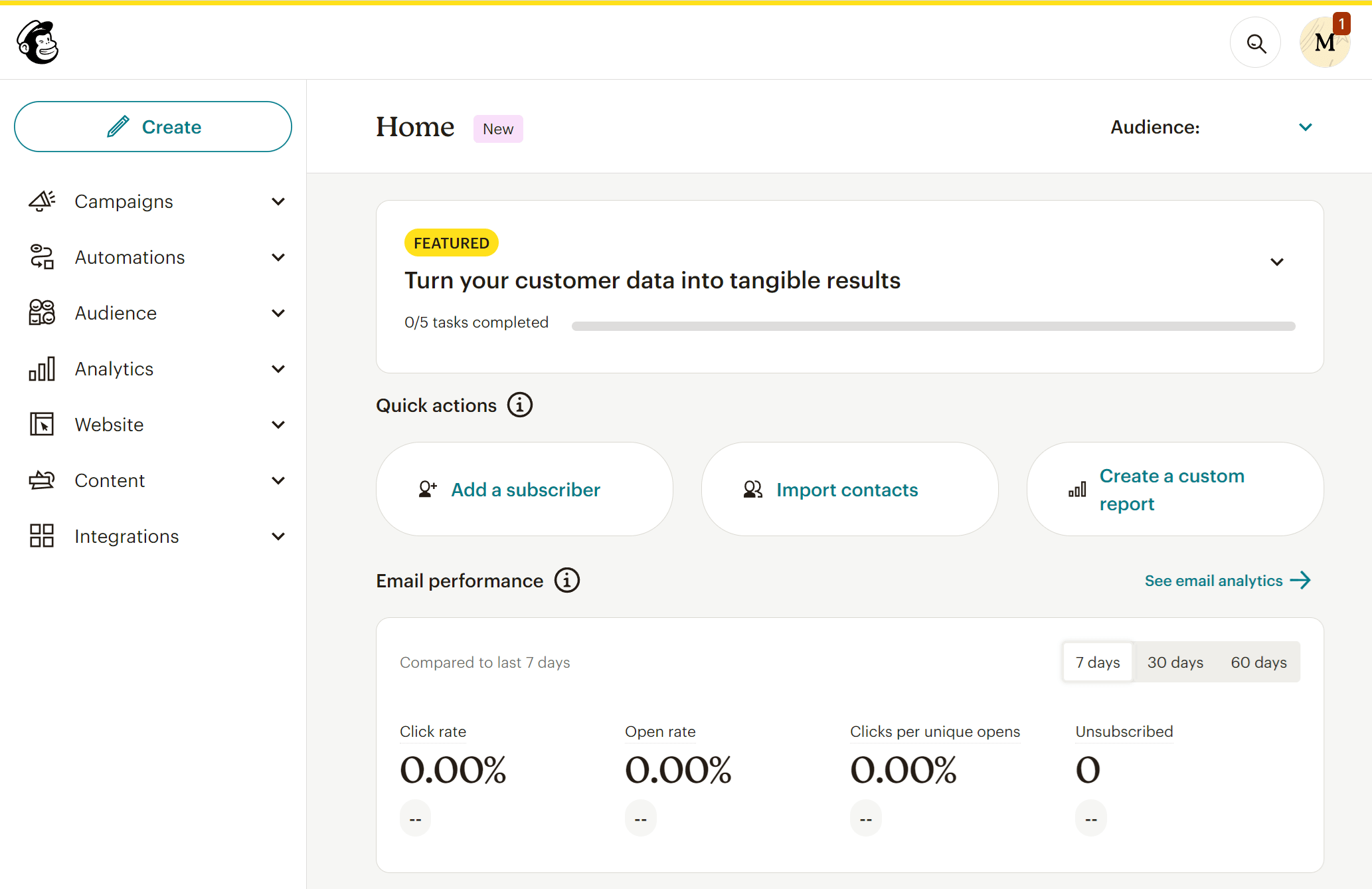
Next on the list of best MailerLite alternatives is Mailchimp. This email service is popular for its fast email marketing campaign builder and the various email types you can craft, including postcards.
More on email creation, Mailchimp’s editor lets you add numerous content blocks to create beautiful email campaigns for your target audience. Furthermore, you can use elements such as videos and social buttons to make them stand out.
When it comes to email marketing automation, the features are pretty solid, offering advanced multi-step workflows to amplify the customer journey as seamlessly as possible. Nevertheless, the email marketing platform doesn’t have a visual workflow builder, unlike other Mailchimp alternatives on our list.
Last but not least, the powerful reporting and analytics features will enable you to monitor everything, including geo-tracking, click-mapping, and social media tracking.
Mailchimp Features
- Fast email campaign editor
- Multi-step automated workflows
- Campaign push notifications
- Landing page builder
- Integrations with apps like Salesforce and Shopify
Pros
- Powerful email editor (with Creative Assistant)
- Comprehensive reporting features (ability to track social media activity)
Cons
- Charges for duplicate contacts
- Complicated subscriber management
Further reading: Check out our in-depth Mailchimp review for the full breakdown.
Pricing
Mailchimp offers a free plan, but it’s limited to 500 emails/month (250 contacts). For more, pricing starts at $13/month for 500 contacts and 5K monthly sends with the Essentials plan.
To remove Mailchimp branding and get access to branded templates, custom reporting, and dynamic content, you’ll need a Standard plan starting at $20/month (500 contacts/6K monthly email sends).
7. SendGrid
Pricing: Paid plans start at $15/month, free plan
Best for: SaaS, Marketers, Advertisers
Unique feature: Easy-to-use API
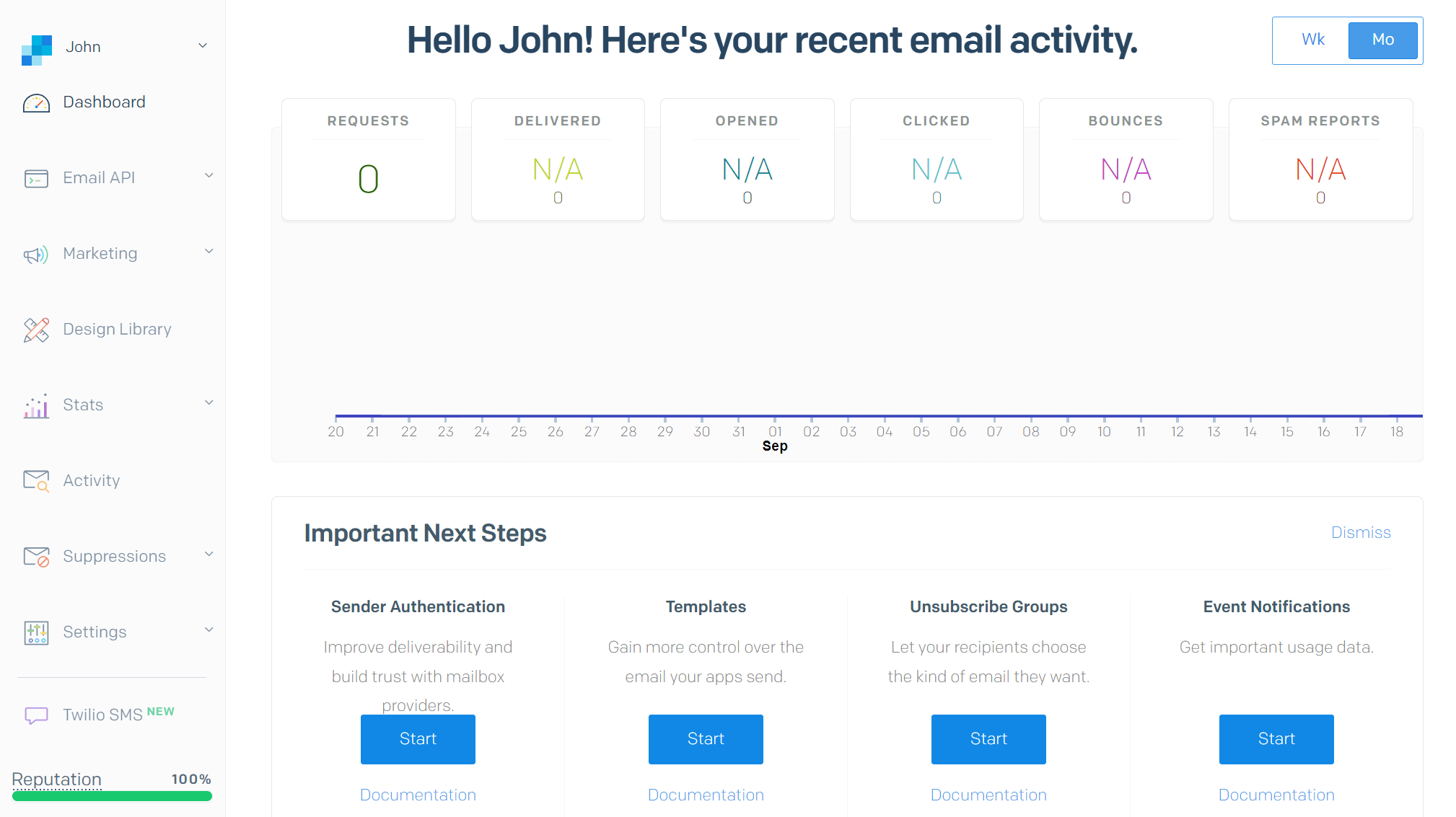
SendGrid by Twilio is a strong competitor to MailerLite and a mass email service provider that helps you meet your bulk email needs.
To create your email newsletters, you have access to an email builder that is both distraction-free and easy to use. You can edit your HTML code and see the changes on the spot instead of previewing the campaign on a separate tab.
SendGrid can also power up your eCommerce business through transactional email campaigns. Just use the SMTP server, and you are ready to go. You can also set up automated series for your audience and integrate the tool with numerous third-party apps to streamline your process.
Lastly, SendGrid’s API will let you create a customized email program for your subscribers, helping you achieve the best inbox placement and email deliverability.
SendGrid Features
- Email design and code editor
- Powerful Email API
- Email list segmentation
- Newsletter signup forms
- A/B testing and insights
Pros
- Extensive list of integrations
- Great email deliverability
Cons
- No automation on the Basic plan
- Slow customer support (also not 24/7)
Pricing
SendGrid’s free plan gives you access to basic features, letting you store 100 contacts and send 6,000 emails/month. Pricing starts at $15/month, giving you access to more features, but no marketing automation.
8. Zoho Campaigns
Pricing: Paid plans start at $4/month, free plan
Best for: SMBs, Bloggers
Unique feature: Email scheduling tool
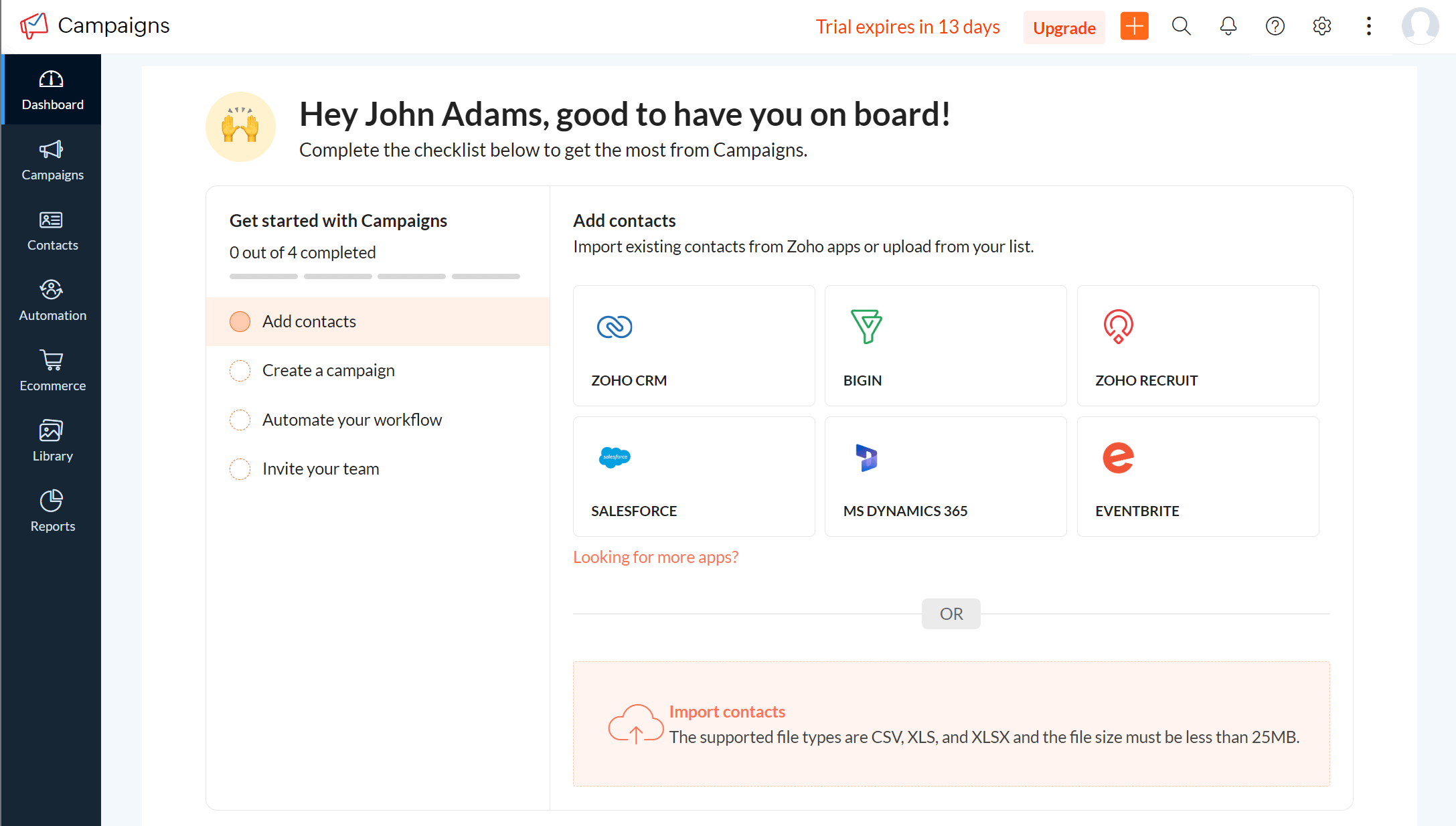
Zoho Campaigns is an email marketing platform with a rich set of features and advanced capabilities to boost your email marketing efforts. You can use the drag-and-drop email editor to craft your messages and benefit from the responsive newsletter templates to save valuable time.
What’s more, this competitor lets you create and schedule email sequences through its autoresponder feature. This way, you will manage to reach the right people with the right content. Real-time analytics are also available to track key email metrics, including open and click-through rates.
Lastly, you can benefit from Zoho’s integrations with other Zoho products, like the CRM, Creator, and Docs, and third-party applications, including social media platforms, WordPress, and cloud storage services.
Zoho Campaigns Features
- Pre-made newsletter templates
- Dynamic content
- Scheduled email sending
- Social statistics
- Link tracking
Pros
- Unlimited emails
- Time zone sending
Cons
- Difficult setup (it takes time)
- Many template designs look outdated
Pricing
Zoho Campaigns has a free plan offering 6,000 monthly emails for 2,000 email subscribers. For more, you can get one of the two paid plans, starting at $4 and $6/month, respectively, for 500 contacts.
9. Mailjet
Pricing: Paid plans start at $17/month, free plan
Best for: Online marketers, SaaS
Unique feature: Multi-user collaboration
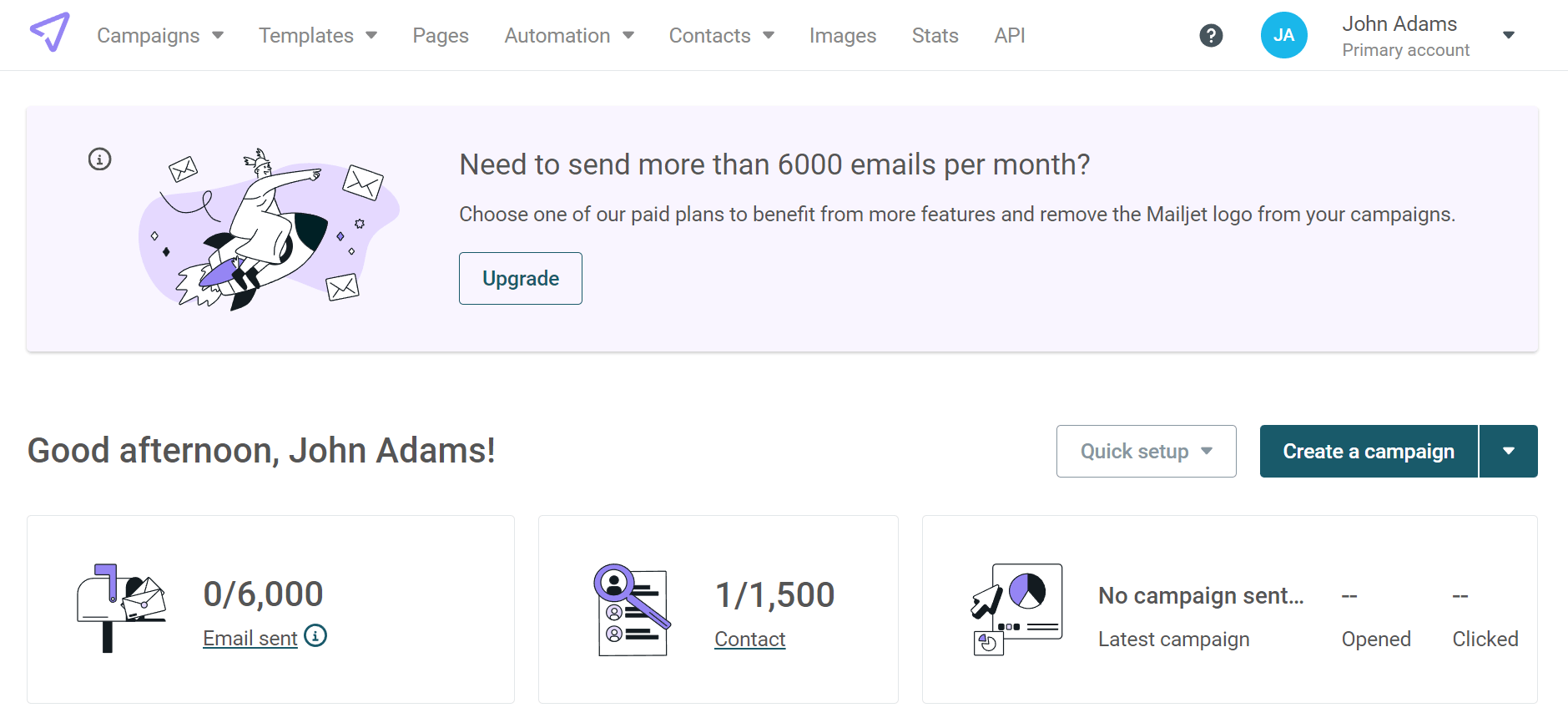
Mailjet is an alternative to MailerLite, well-suited for online marketers and SaaS companies. This email marketing platform combines email and SMS to help you boost engagement and conversions across multiple channels.
Mailjet’s email marketing campaign builder is very easy to use, giving you several templates to get started. If you like collaborating with various team members, you can also benefit from the service’s multi-user collaboration feature to simultaneously edit and comment on your design.
For lead generation, Mailjet offers a Subscription Widget that lets you create pop-ups to grow your email list. You can either use the form editor or edit the HTML code directly.
Mailjet Features
- Real-time email template collaboration
- Responsive newsletter templates
- SMS marketing options
- Integrations with CRM and eCommerce apps
Pros
- Unlimited contacts (ideal for large lists)
- Email address validation tool
Cons
- Basic segmentation (compared to MailerLite)
- Limited automation conditions
Pricing
Mailjet offers a free plan with 6,000 email sends per month. However, there’s a daily limit of 200 emails. If you want more, you’ll need a paid subscription. The Essential plan starts at $17/month with 15,000 sends.
10. Omnisend
Pricing: Paid plans start at $16/month, free plan
Best for: eCommerce brands, direct-to-consumer stores
Unique feature: Omnichannel automation with email, SMS, and web push built specifically for online stores

Omnisend is designed to go beyond newsletter campaigns and right into selling products with advanced eCommerce workflows. Instead of stitching things together manually, you get automations that naturally match how people browse, abandon carts, and purchase.
Where Omnisend really pulls ahead of MailerLite is cross-channel messaging. You can run email, SMS, and web push inside the same automation, so your marketing actions don’t rely on email alone. And because it’s eCommerce-native, creating promos is faster. You can drop products into emails and automation workflows using bespoke tools like the Product Picker, use AI-powered lifecycle-based segments, and build forms designed for store growth.
While Omnisend is a strong MailerLite alternative for newsletter campaigns, its template selection is limited. Nevertheless, if you want ready-to-use revenue flows, deeper eCommerce automation, and multi-channel touchpoints, Omnisend is a great option.
Omnisend Features
- Omnichannel automations, including email, SMS, and web push
- Pre-built automation library with all core eCommerce flows
- Product Picker feature for both email campaigns and automation workflows
- A/B testing for popups, email campaigns, and automation workflows
- Segmentation based on shopping behavior and engagement
- Advanced reporting
Pros
- Sophisticated segmentation and targeting
- SMS marketing
- Free plan that covers advanced features
Cons
- Can get pricey as your list grows
- Less ideal if you don’t need SMS/push or don’t run an online store
- Integrations are strongest in eCommerce ecosystems
Pricing
Omnisend offers a Free plan with access to core and advanced features, but has limitations (e.g., up to 500 monthly email and SMS sends). Paid plans start at $16/month, with higher tiers unlocking unlimited sending volume and scaling perks.
11. Kit
Pricing: Paid plans start at $39/month, free plan
Best for: Creators, content-led businesses, bloggers
Unique feature: Creator network

Kit is built for creators who want to grow a loyal audience through newsletters, automate nurture sequences, and monetize their content through subscriptions or digital product sales.
Where Kit tends to stand out is in subscriber organization and automation workflows. It relies heavily on tags and segments, enabling you to personalize sends by interest.
This is ideal for content upgrades and multiple lead magnets. You also get a visual automation builder for welcome sequences, launches, and evergreen funnels.
Kit is also strong if you want built-in ways to monetize your list. It supports options such as paid newsletters and digital product sales. Its unique Creator Network option allows creators to recommend (and get recommendations from) similar creators, thus increasing audience-building efforts.
Kit Features
- Dedicated digital product sales feature (Kit Commerce)
- Newsletter referral system
- Unsubscribe page builder
- Newsletter feed and mini website creation
Pros
- Wide variety of integrations
- Subscriber tagging system for flexible subscriber management
Cons
- Basic email newsletter templates
- Can get pricey quite fast
Further Reading: For a full breakdown of Kit’s features and an in-depth analysis of its pros and cons, read our Kit Review.
Pricing
Kit’s Newsletter plan is free for up to 10,000 subscribers, but it comes with limitations, such as fewer automation capabilities. Paid plans scale with list size and start at $39/month for 1,000 subscribers for the Creator plan, while the Pro plan starts at $79/month for 1,000 subscribers.
12. Mailgun
Pricing: Paid plans start at $15/month, free plan
Best for: Developers, product-led businesses sending transactional email
Unique feature: Developer-first email API and SMTP with deep logs

If MailerLite is your go-to for newsletters and simple automations, Mailgun is the MailerLite alternative you choose when password resets, OTPs, invoices, shipping updates, and account notifications are part of your daily email sends.
Mailgun is powered by an API and SMTP, rather than a marketing-first campaign experience. Its control and diagnostics features stand out, providing detailed email logs for troubleshooting, visibility into delivery events, and tools that support deliverability hygiene. That’s a significant upgrade if your pain point is ensuring critical emails consistently reach the inbox.
That said, Mailgun isn’t trying to replace MailerLite’s campaign workflow. Review feedback consistently highlights strong API and integration reliability, but notes a learning curve and a more technical, developer-oriented setup. Some reviews also mention occasional complaints about support or pricing, depending on the plan.
Mailgun Features
- Email API and SMTP relay for transactional sending
- Detailed email logs and tracking events
- Deliverability monitoring and performance insights
- Email Validation API
- Integrations and developer documentation for implementation
Pros
- High deliverability for transactional and system-critical emails
- Robust, developer-friendly API with granular event tracking
Cons
- Not beginner-friendly with a more developer-oriented technical setup
- Limited native marketing features (e.g., no drag-and-drop campaigns or advanced automations) make it less than ideal for marketing-led teams
Pricing
Mailgun offers a free plan that includes 100 emails/day for testing, with paid packages starting at $15/month for 10,000 email sends/month and additional capabilities like no daily email limit.
How We Selected The Tools
All of the tools in this list have been tested by our team to provide an unbiased description of its features and capabilities.
We spent hours setting up new accounts and trying each software to provide an accurate experience and show users exactly what they will come across when they sign up. Find more information about our software selection methodology on how we choose tools to feature on the Moosend Blog.
Additional Resources
If you’re looking for resources to make an informed decision, check out the following posts:
The Best MailerLite Alternatives You Need
While MailerLite is a great choice for beginners and users who want a fast solution, it may not be the best ally for scaling.
If you need more advanced tools and functionality while maintaining user-friendliness and cost-effectiveness, you can choose one of the options above. The market also offers numerous email marketing platforms, including AWeber, GetResponse, and HubSpot.
Frequently Asked Questions (FAQs)
Below are frequently asked questions and their answers regarding MailerLite alternatives.
1. What to look for in MailerLite alternatives?
Key features to look for in a MailerLite alternative include advanced email automation, robust segmentation, dynamic content capabilities, eCommerce functionality, and comprehensive reporting and analytics.
2. Which MailerLite alternatives have better automation capabilities?
If you’re tired of MailerLite’s limited automation features, you should definitely consider Moosend, ActiveCampaign, Mailchimp, and Brevo. These services offer exceptional automation features that can truly take your digital marketing strategy to the next level.
Similar Posts

 Published by


 Published by